00191025-01.pdf - 第457页
9 Maintenance SIPLACE 80S /F/G User’s Manual 9.8 Camera Systems and Coplanarity Laser Module Edition 07/97 from Software Version SR.010.xx 9 - 98 9.8.4.2 Cleaning the Glass ● Switch th e machin e off at the m ain switch.…
SIPLACE 80S/F/G User’s Manual 9 Maintenance
Edition 07/97 from Software Version SR.010.xx 9.8 Camera Systems and Coplanarity Laser Module
9 - 97
Key to
Fig. 9.8.1
1 Detail Y 3 Section X-X
2 Glass holder 4 Surfaces to be cleaned
∆
!
glass plate
5 Viewing IC illumination head
Sequence of work in
Fig. 9.8.1
A Clean these surfaces on all sides (applies to IC camera only) and only if the glass disk is dirty.
B Unscrew and remove the hexagon socket screws.
C Pull the glass holder diagonally downwards and away.
D Clean this area.
9.8.4 Coplanarity Laser Module (SIPLACE 80F)
9.8.4.1 Safety Instructions
DANGER
∆
!
∆
!
∆
!
The coplanarity laser module when without safety
devices corresponds to laser class 3B: the laser
works in a wavelength and power range which is
dangerous for eyes and skin.
Only when the safety features have not been mod-
ified does the module correspond to laser class 1
and can be operated without endangering others.
For this reason do not modify or tamper with the
safety devices.
NOTE
Safety devices for operating the laser module in laser class 1:
The safety plug in the laser module will prevent the laser being operated outside the machine.
When one of the safety hoods is opened the operating voltage will be interrupted and the operating voltage
LED will go out at the laser module.
This safety feature will remain in force even when the key-operated switch has been operated (unlocked).
DANGER
∆
!
∆
!
∆
!
Switch off the automatic placement machine at the main switch and disconnect from the power supply before
carrying out maintenance work.
K
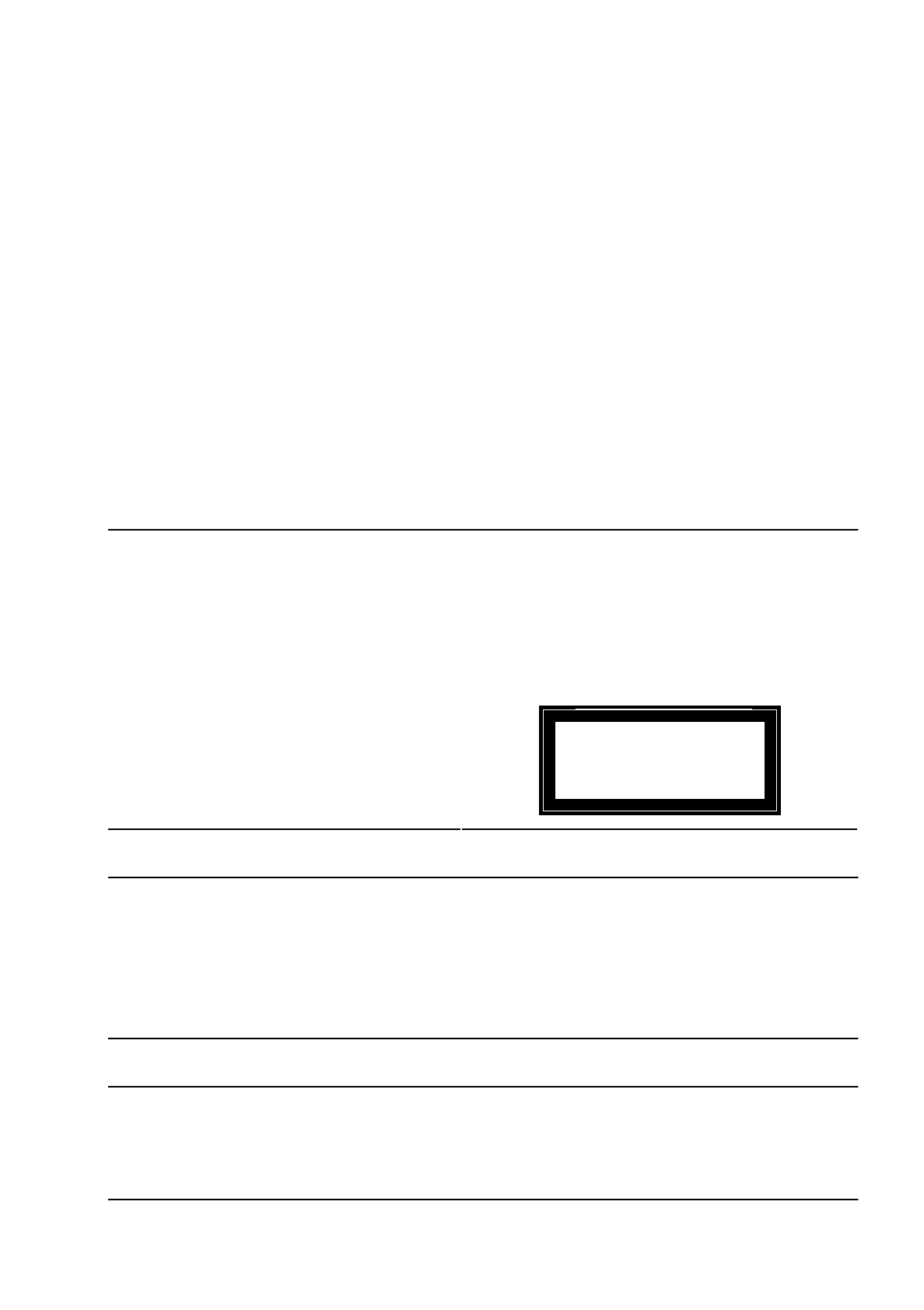
INVISIBLE LASER RADIATION
DO NOT EXPOSE TO BEAM
LASER CLASS 3 B
2.4 MW MAX., 750 NM;
AS PER IEC 825-1(1993)
K
9 Maintenance SIPLACE 80S/F/G User’s Manual
9.8 Camera Systems and Coplanarity Laser Module Edition 07/97 from Software Version SR.010.xx
9 - 98
9.8.4.2 Cleaning the Glass
●
Switch the machine off at the main switch. Open the sliding safety doors.
●
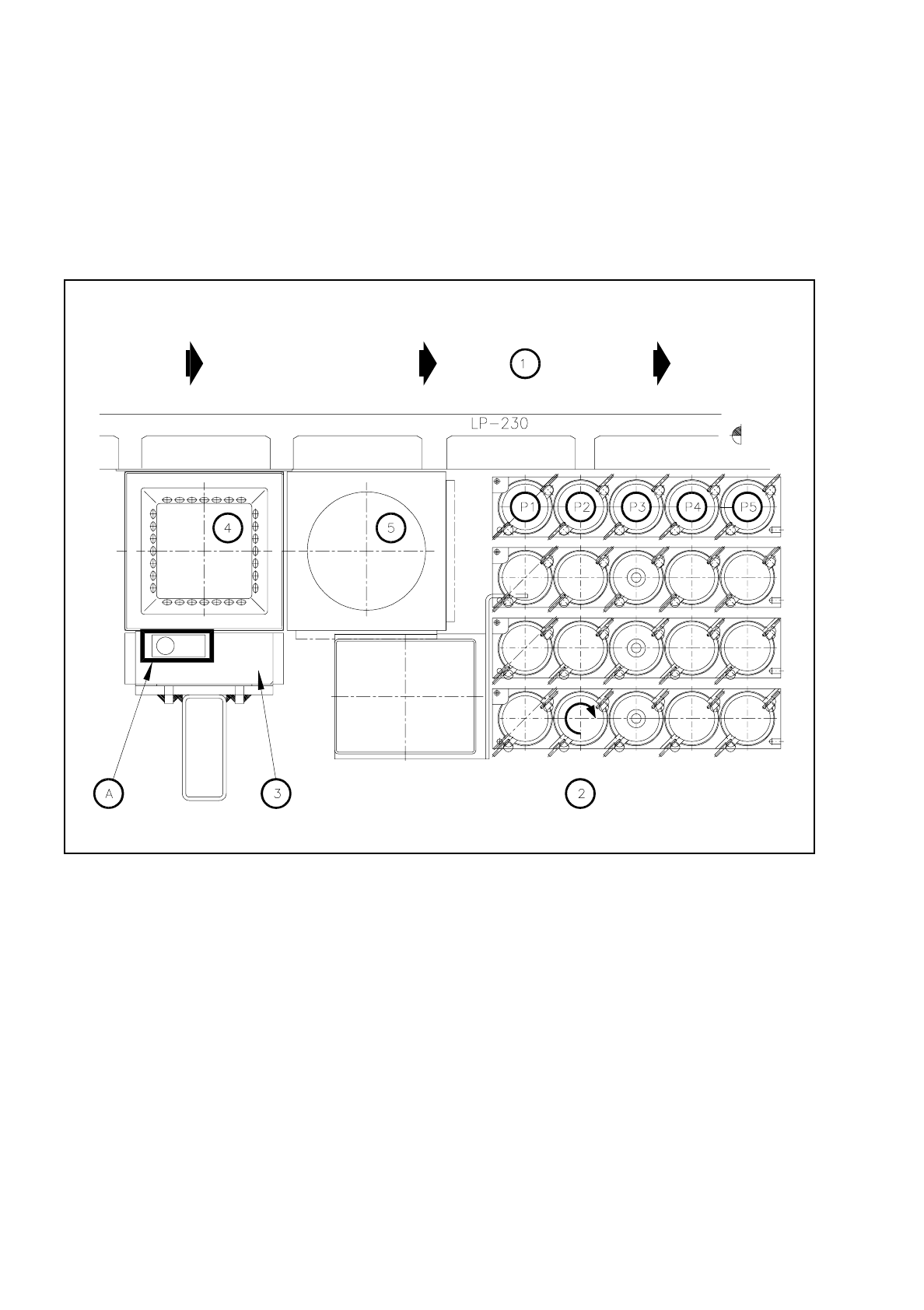
Clean the glass disk of the coplanarity laser module (see Fig. 9.8.2) with a clean and dry lens cloth.
●
Close the safety hoods and switch the machine on at the main switch.
Fig. 9.8.2 Cleaning the glass disk of the coplanarity laser module
Key to Fig. 9.8.2
1 Direction of PCB transport
2 Nozzle changer
3 Coplanarity laser module
4IC camera
5FC camera
Sequence of work in Fig. 9.8.2
A Clean the glass surface with a lens cloth.

SIPLACE 80S/F/G User’s Manual 9 Maintenance
Edition 07/97 from Software Version SR.010.xx 9.9 Adhesive Application Heads 1, 2 and 3
9 - 99
9.9 Adhesive Application Heads 1, 2 and 3
9.9.1 Overview
–
3 adhesive application heads are installed in the SIPLACE 80 G2 machine on the x gantry axis. The alloca-
tion of numbers 1 to 3 to the adhesive application heads is shown in the following overview.
–
Control of the adhesive heads is realized in each case by an "adhesive head processor board" which is
mounted on the "conversion board small axis adhesive station".
–
The adhesive head 1 possesses in addition a small x-axis, the adhesive head 2 in addition a small y-axis.
These heads operate simultaneously and are positioned relative to adhesive head 3.
–
Adhesive head 3 is mounted permanently on the x gantry axis, and is therefore only positioned by the x
and y gantry axis.
–
The adhesive wiper roll is used among other things for placing adhesive inspection spots which are evalu-
ated by the adhesive station vision camera. If the wiper roll has to be replaced a corresponding message is
displayed on the screen.
DANGER
∆
!
∆
!
∆
!
Never carry out cleaning work with alcohol or synthetic-resin solvent (adhesive nozzles) in the vicinity of fire.
Comply with the safety instructions DANGER and note the treatment of "Protective functions in the Single
functions menu" in Section 9.1.4 from Page 9 - 6.
NOTE
When the machine is switched off the adhesive is no longer heated!
For this reason carry out maintenance work on the adhesive heads either immediately after switching the
machine off, or while changing a cartridge or the adhesive.
The adhesive station nozzles are best cleaned when the adhesive has not yet dried out.
For this reason clean first the adhesive station nozzles for all three metering units and then carry out the
remaining maintenance work on the adhesive application heads.
Contamination with adhesive can only be removed by the careful use of a corresponding solvent (for example,
synthetic-resin solvent) and only from metallic surfaces.
Also, in the entire area of the adhesive application heads do not use compressed air for cleaning work so as to
prevent adhesive spatter or contamination of the guideways.