00191025-01.pdf - 第142页
6 Single Functi ons SIPLACE 80S/F/G User’s Manual 6.1 Introduction: Single Functions Edition 07/97 from Software Version S R.010.xx 6 - 10

SIPLACE 80S/F/G User’s Manual 6 Single Functions
Edition 07/97 from Software Version SR.010.xx 6.1 Introduction: Single Functions
6 - 9
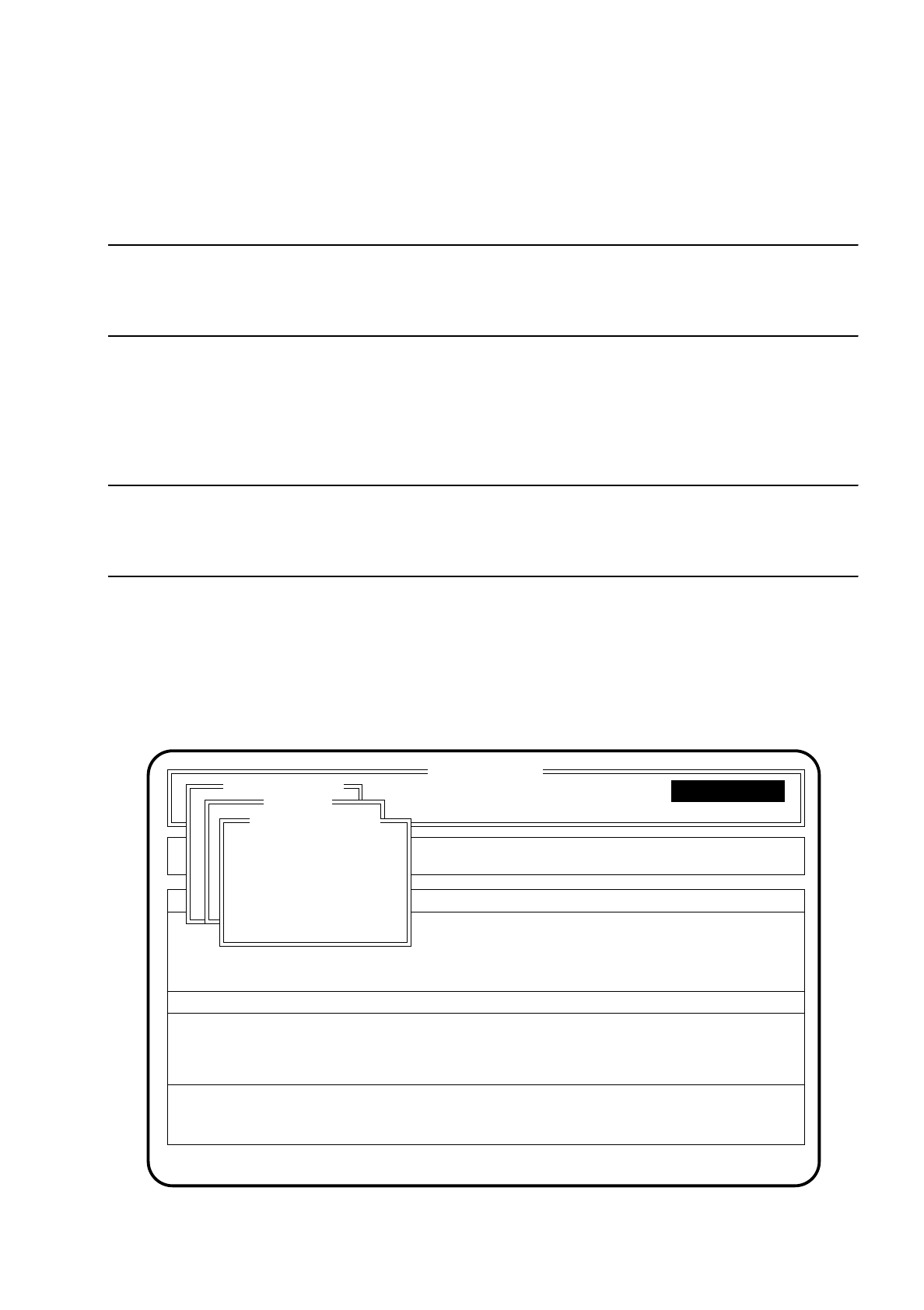
6.1.5.1 Gantry
The functions of this menu item are described in more detail in Section 6.2 "Gantry Functions 80S" or Section
6.5 "Gantry Functions 80 F".
6.1.5.2 Transport
The functions of this menu item are described in more detail in Section 6.4 "Transport Functions 80S" or
Section 6.7 "Transport Functions 80 F".
6.1.5.3 Wafflepack Changer Functions
The functions of this menu item are described in more detail in Section 6.8 "Functions: Wafflepack Changer".
6.1.5.4 Select WPC
The functions of this menu item are described in more detail in Section 5.6.4.3 "Extended Range of Functions
with the SIPLACE 80 F".
6.1.5.5 Table functions
The functions of this menu item are described in more detail in Section 6.9 "Table functions".

6 Single Functions SIPLACE 80S/F/G User’s Manual
6.1 Introduction: Single Functions Edition 07/97 from Software Version SR.010.xx
6 - 10
SIPLACE 80S/F/G User’s Manual 6 Single Functions
Edition 07/97 from Software Version SR.010.xx 6.2 Gantry Functions 80S
6 - 11
6.2 Gantry Functions 80S
NOTE
During traverse functions of the x or y axes the protective cover must be closed and the start button pressed to
initiate the functions. As a fundamental rule the gantries travel only at low speed.
6.2.1 Menu "Gantry functions"
The menus "Gantry functions" for Gantry 1 and Gantry 2 are used for checking the functions which belong to
the gantry.
NOTE
Since the functions and menus are identical for both gantries, all functions are explained using just the
example of gantry 1.
To select the menu "Gantry functions" proceed as follows:
●
Use the
cursor keys
within the menu "Single functions" to select the menu item "Gantry 1".
●
Press the
Return key
. The "Gantry functions" menu is displayed on the screen.
●
Use the
cursor keys
within the menu "Gantry 1" to select the menu item "Gantry functions".
●
Press the
Return key
. The "Gantry 1" menu is displayed on the screen.
Fig. 6.2.1
Portalfunktionen
SI 80 V 10.x
Cluster:
Rüstung :
Display errors
Confirm errors
Machine options
Software options
Vision system
Error
State
Action
:
:
:
Single functions
Transportfkt.
Breitenverstell.
Gantry 1
Star head
CRDL
Star nozzle config
Gantry functions
Go to service pos'n
Go to waiting pos'n
Go to zero pulse
Gantry reference run
Gantry functions
Single functions
Single functions