00191025-01.pdf - 第277页
SIPLACE 80S/F/G User’s Manual 7 Vision Systems Edition 07/97 from S oftware Version SR.010.xx 7.6 Test Co mponent Line engi neer 7 - 85 7.6.3.8 O ption “Refill” If the track is emptied due to pic k-up error then with t h…
7 Vision Systems SIPLACE 80S/F/G User’s Manual
7.6 Test Component Edition 07/97 from Software Version SR.010.xx
7 - 84 Line engineer
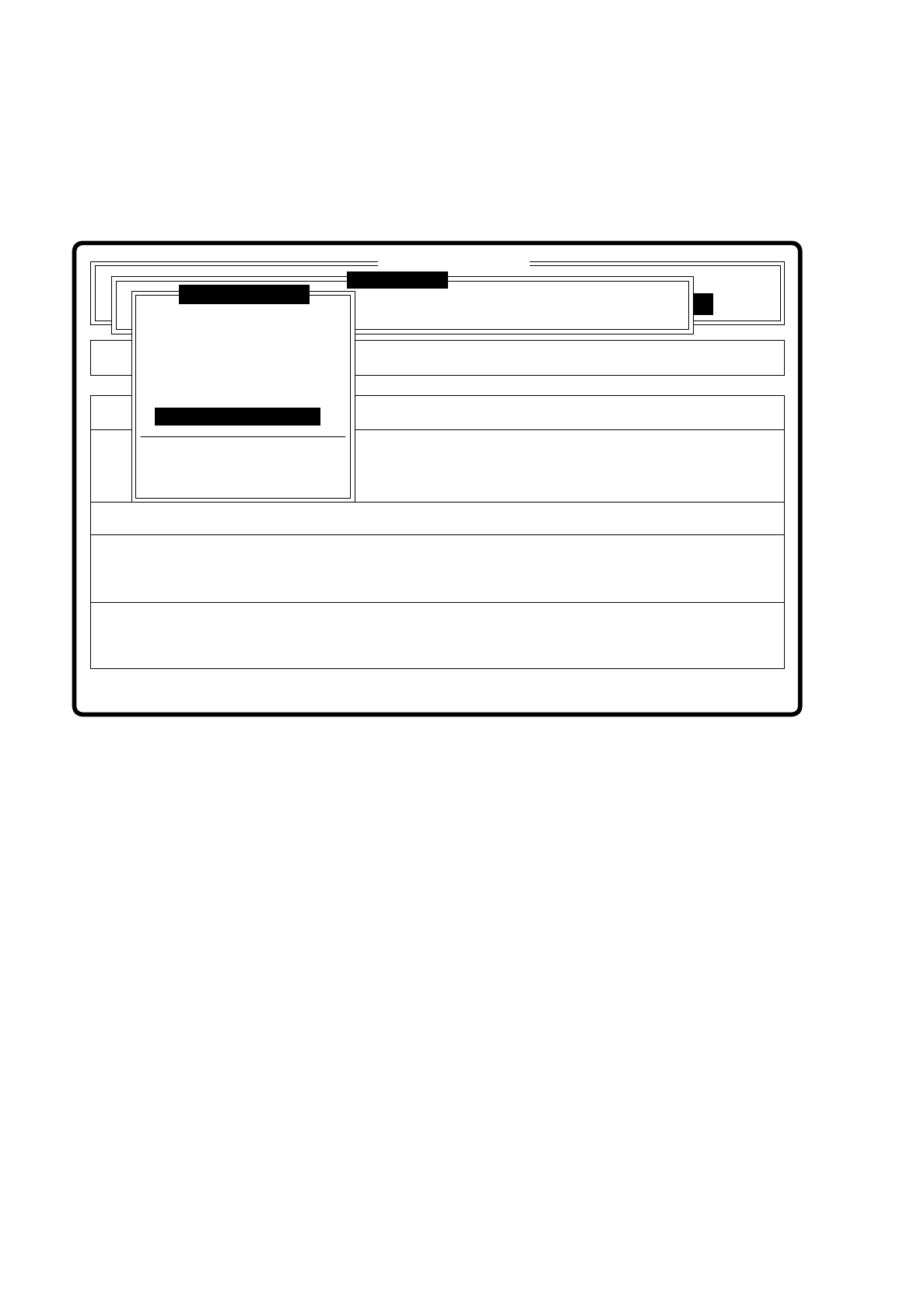
7.6.3.7 Menu “Change measure mode”
After this menu item has been selected the menu “Change measure mode” together with its options for selec-
tion of the measurement modes “Size”, “Row”, “Corner”, “Lead”, “Grid” and “Ball” will be displayed.
Fig. 7.6.14
A description of the menu and its options will be found in Section 7.6.5.
Error
State
Action
Change measure mode
Maschinenoptionen Single functions
Softwareoptionen
:
:
:
BE - Zuführung
Cluster:
SI80 V 10.x
Vision system
Vision system
Vision system
Setup:
Version: 2133
Test component
Enter GF number
Pickup component
Display component
Measure component
Test component
Edit GF data
Change measure mode
Refill
Display errors
Test output
SIPLACE 80S/F/G User’s Manual 7 Vision Systems
Edition 07/97 from Software Version SR.010.xx 7.6 Test Component
Line engineer 7 - 85
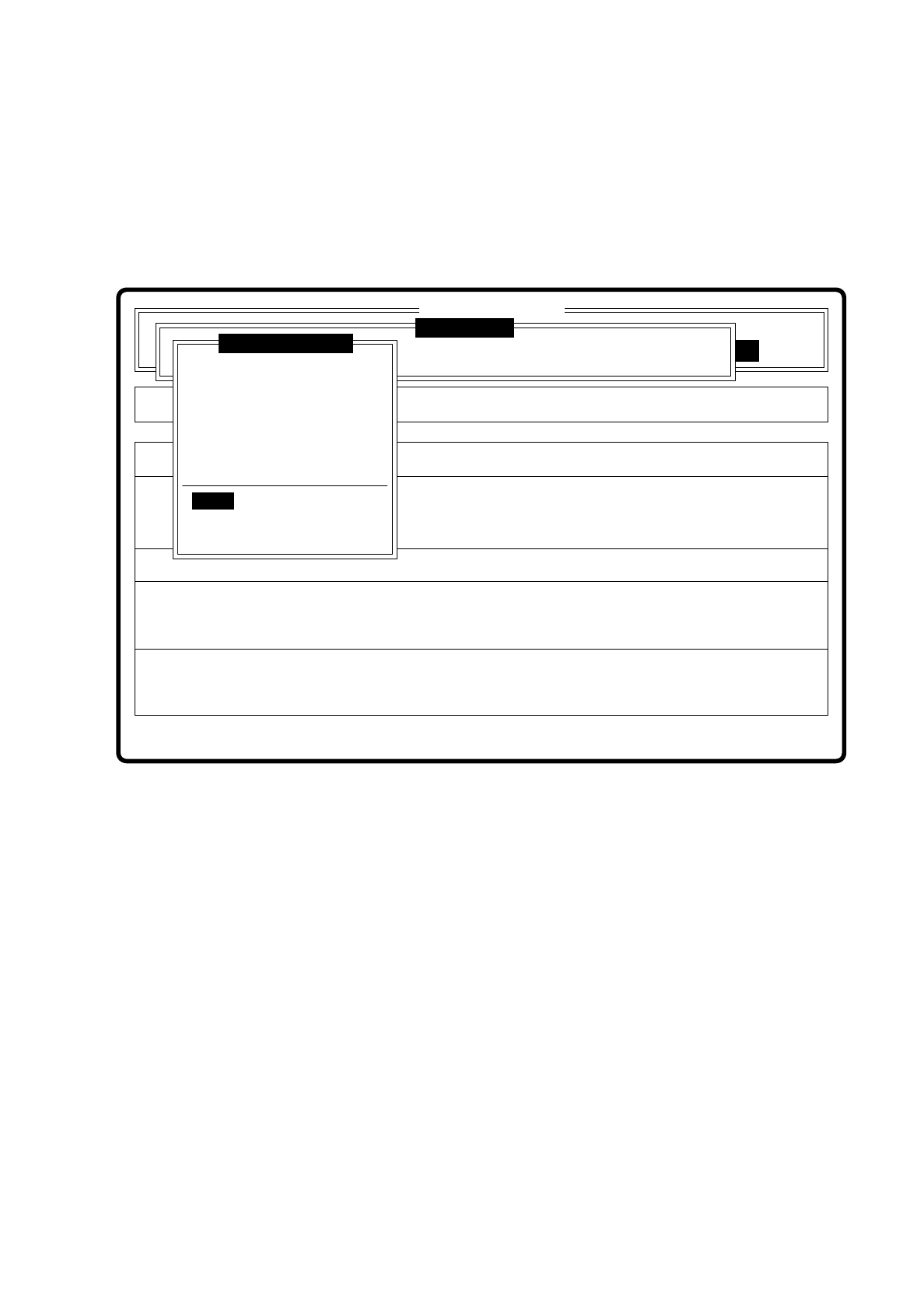
7.6.3.8 Option “Refill”
If the track is emptied due to pick-up error then with this option you can refill the track. When you select it a
dialog window pops up.
Fig. 7.6.15
Error
State
Action
Refill components and set feeders full
Single functions
:
:
:
Cluster:
SI80 V 10.x
Vision system
Vision system
Vision system
Version: 2133
Setup:
Test component
Enter GF number
Pickup component
Display component
Measure component
Test component
Edit GF data
Change measure mode
Refill
Display errors
Test output

7 Vision Systems SIPLACE 80S/F/G User’s Manual
7.6 Test Component Edition 07/97 from Software Version SR.010.xx
7 - 86 Line engineer
7.6.3.9 Menu “Display errors”
Fig. 7.6.16
The menu “Display error” and its options
–
Track error
–
Transport error
–
Machine error
–
General error
pop up when selected.
Key functions
–
With the
cursor keys
↑
and
↓
you can scroll through the display line by line.
–
With the keys
PgUp
and
PgDn
you can move through the display page by page.
–
With the key
Home
you can jump to the beginning of the display, and with the key
End
to the last item in the
display.
–
With the key
ESC
you may quit the menu. The menu which you used to call the menu "Confirm error" is
displayed on the screen.
A description of the menu will be found in Section 5.6 “Display functions” of this user’s manual.
Error
State
Action
Display error list separately according to error types
Rüstung:
Single functions
:
:
:
Cluster:
SI80 V 10.x
Vision system
Vision system
Vision system
Version: 2133
Setup:
Test component
Enter GF number
Pickup component
Display component
Measure component
Test component
Edit GF data
Change measure mode
Refill
Display errors
Test output