00194614-08 Trainingsdoku. SG X-Serie_X4i SW70x (AL2)_EN.pdf - 第331页
TwinHead Settings Description of Boards on the Tw inHead 331 Student Guide SIPLACE X-Serie and X4I SW70x (AL2) Placing t he Componen t (Module 2 Componen t) 9.3.7.1 Placing the Component (Module 2 Component) Settin gs 9.…
TwinHead
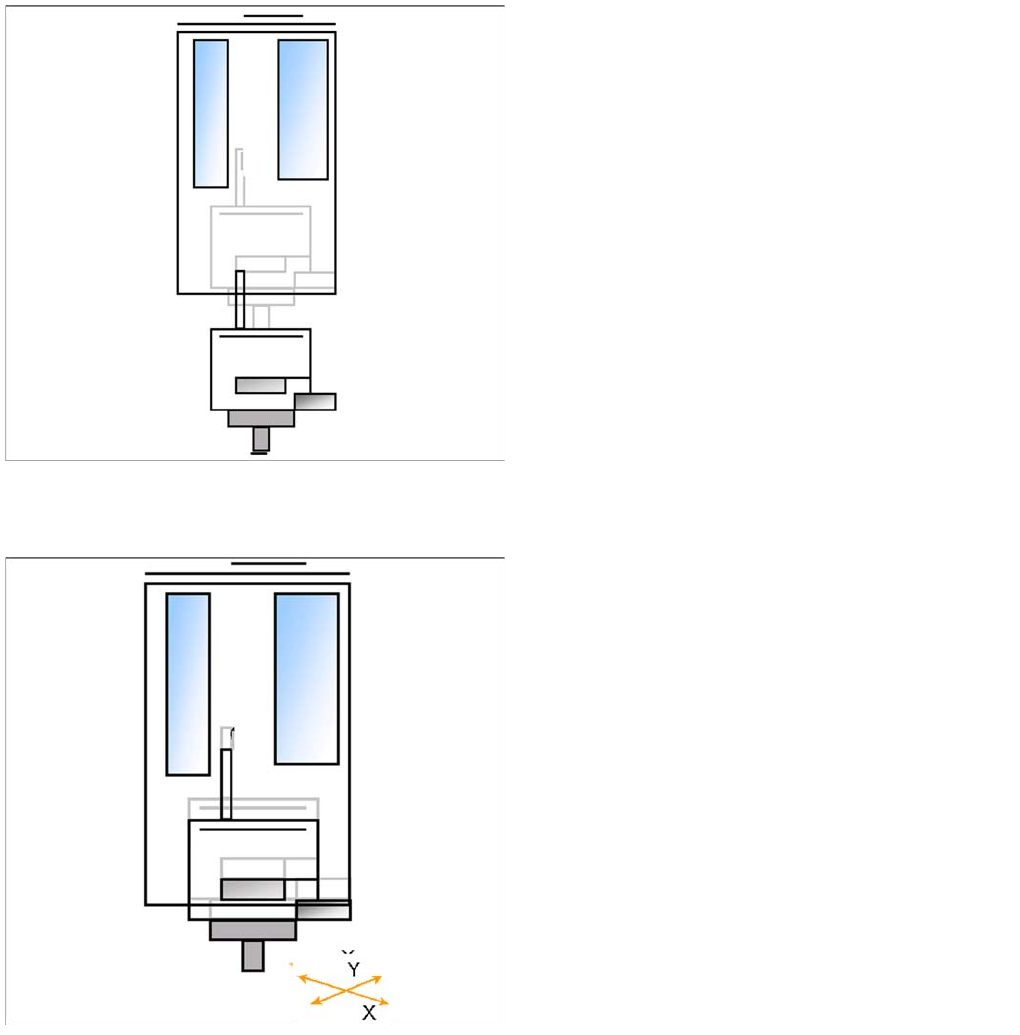
Preparations for Placement (Module 2 Component) TwinHead Pickup and Place Cycle
Student Guide SIPLACE X-Serie and X4I SW70x (AL2) 330
Placement (Module 1 Component)
9.3.6.1 Placement (Module 1 Component)
Preparations for Placement (Module 2 Component)
9.3.7 Preparations for Placement (Module 2 Component)
▪ The Z axis moves downwards in standard mode (2 N
contact force).
▪ The Force increase up to the programmed level after
contact of the component on the PCB.
▪ With this Force signal the End signal is set. The air
blast control is activated too.
▪ At air blast level for placement ..
▪ The next pickup sequence is prepared for module 2.
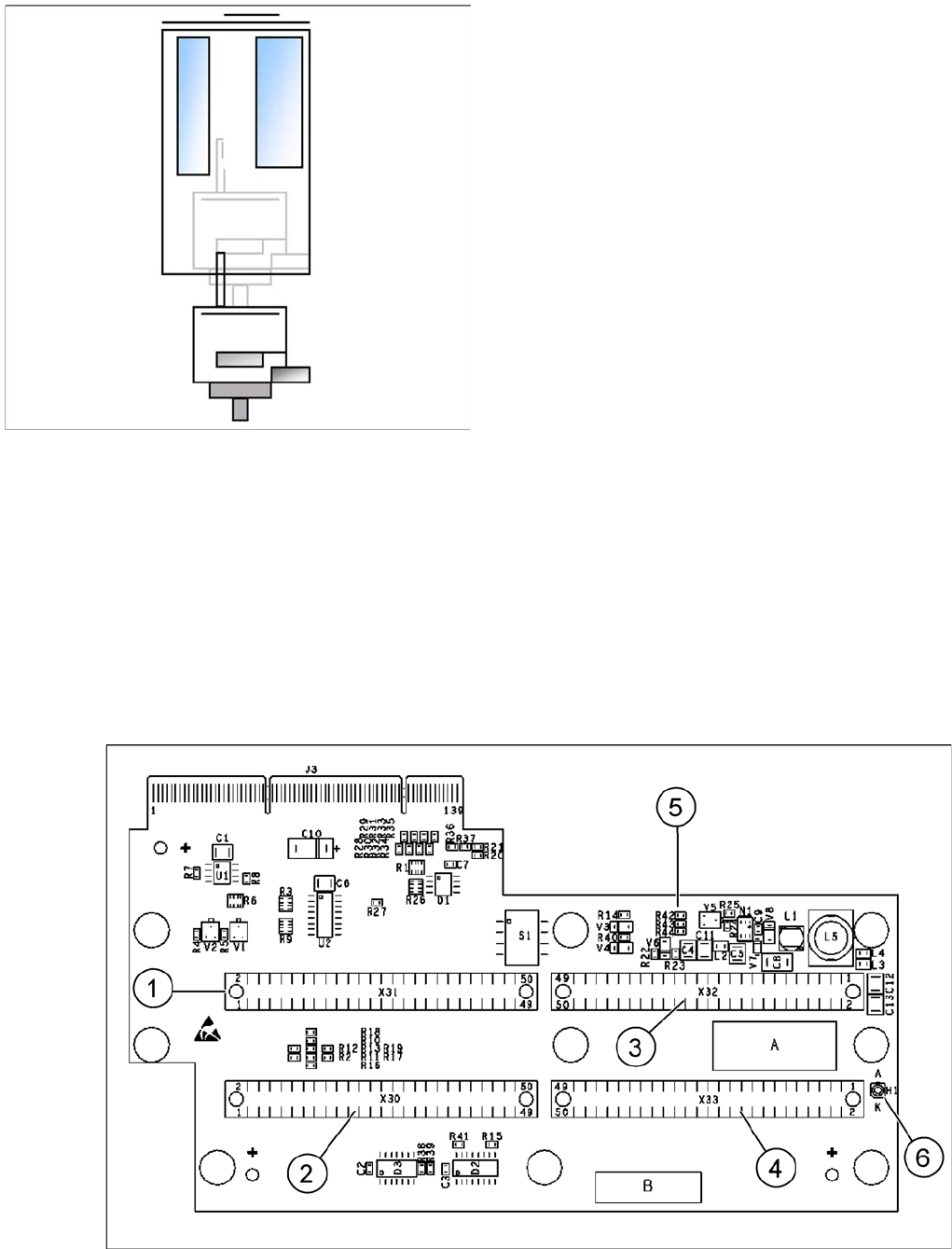
▪ The X/Y gantry axes moves to the actual (corrected)
placement position.
▪ The D-axis rotates by the placement angle correction
value.
TwinHead
Settings Description of Boards on the TwinHead
331 Student Guide SIPLACE X-Serie and X4I SW70x (AL2)
Placing the Component (Module 2 Component)
9.3.7.1 Placing the Component (Module 2 Component)
Settings
9.4 Settings
Descript ion of Boards on t he TwinHe ad
9.4.1 Description of Boards on the TwinHead
All adjustments described in this chapter are head specific and apply here for the TwinHead.
Head Adapter for TwinHead (for X Series with A364)
9.4.1.1 Head Adapter for TwinHead (for X Series with A364)
The head adapter board connects the head interface from the bottom side directly. The main boards of
TwinHead segments 1 and 2 are connected directly via 2 flat ribbon cables, each. This head adapter
must be changed for head modularity, if you use a C&P head.
Head adapter for TwinHead
▪ The Z axis moves downwards in standard mode (2 N
contact force).
▪ The Force increase up to the programmed level after
contact of the component on the PCB.
▪ With this Force signal the End signal is set. The air
blast control is activated too.
▪ At air blast level for placement Z Axis move upwards
with Standard profile.
▪ The next pickup sequence is prepared for module 1.
* Troubleshooting: If the air blast pressure is not reached
during placement, a vacuum check will be performed in
the Z axis up position, to see whether the component has
been placed or not.
TwinHead
Description of Boards on the TwinHead Settings
Student Guide SIPLACE X-Serie and X4I SW70x (AL2) 332
Legend
Head Adapter for TwinHead (SX4 with HCU)
9.4.1.2 Head Adapter for TwinHead (SX4 with HCU)
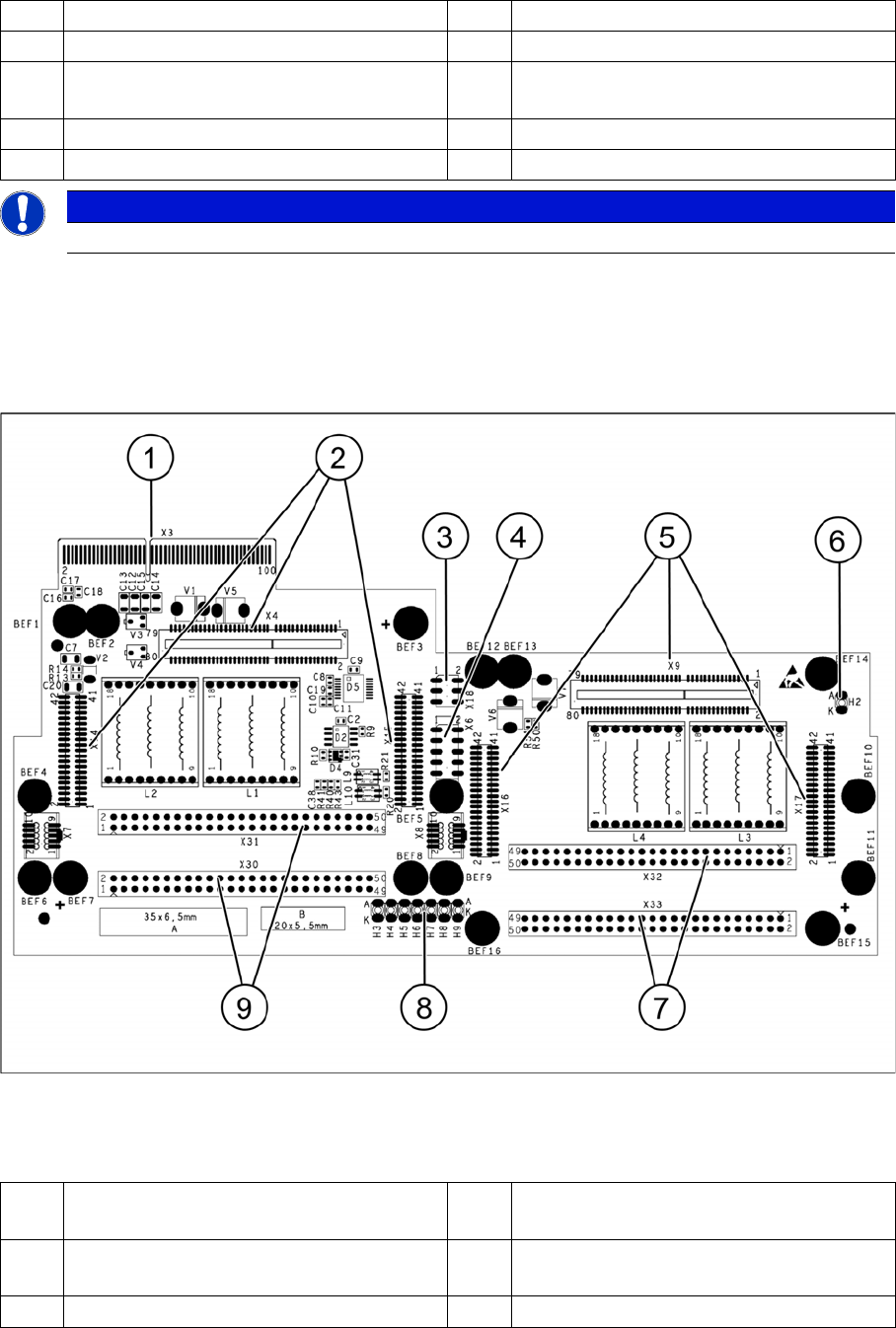
The head adapter board connects the head interface from the bottom side directly. The main boards of
TwinHead segment 1 and 2 are connected directly via 2 flat ribbon cables, each. This head adapter must
be changed for head modularity, if you use a C&P head.
Head adapter for TwinHead
Legend
1 Connector Z axis Twin segment 1 4 Connector Z axis Twin segment 2
2 Connector D axis Twin segment 1 5 DIP Switch (without function)
3 Connector D axis Twin segment 2 6 LED C167 = ON TQM Module on the head
interface C500 --> OK
PP1 Boot CAN processor Twin segment 1 PP2 Boot CAN processor Twin segment 2
PP1 Reset CAN processor Twin segment 1 PP2 Reset CAN processor Twin segment 2
NOTICE
The flat ribbon cable sets are different for TwinHead segment 1 and 2.
1 X3 Connection to the head interface board
C700
6 LED H2
2 X4, X14, X15 Connector for HCU1 7 X32-X33 Flat ribbon connection for
segment 2
3 X18 CAN bus test connector for HCU1/2 8 LED H3-H9