2OM-1064-002.pdf - 第204页
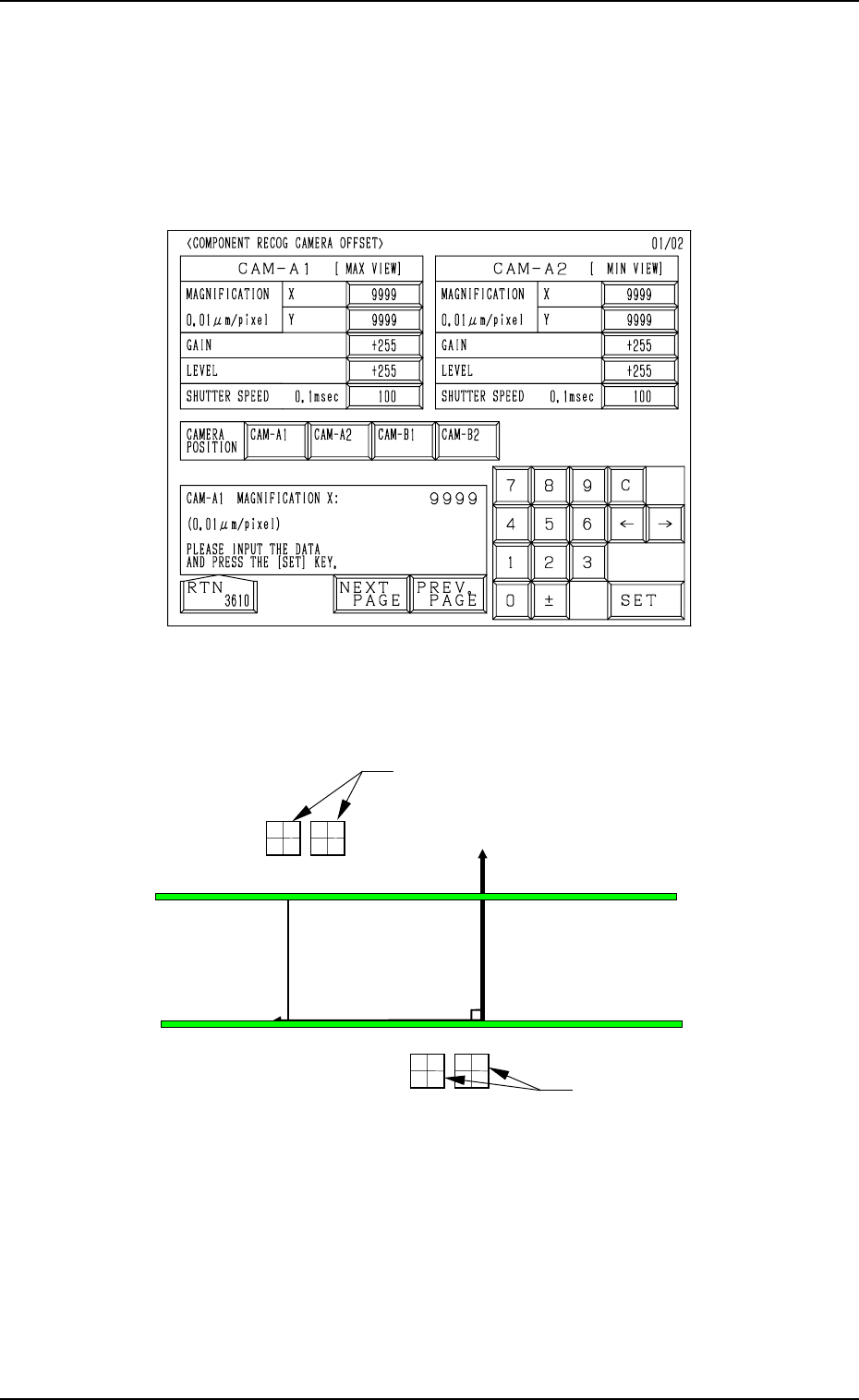
Fig. 5.32 REFERENCE GAIN/LEVEL: Used commonly for each cam- era All parameters are set through the automatic teaching opera- tion. Note: This is just an information display (editing impossible). 9910-001 5-34 Tg0247-PM-P…
7. NOZZLE STOCKER OFFSET Display
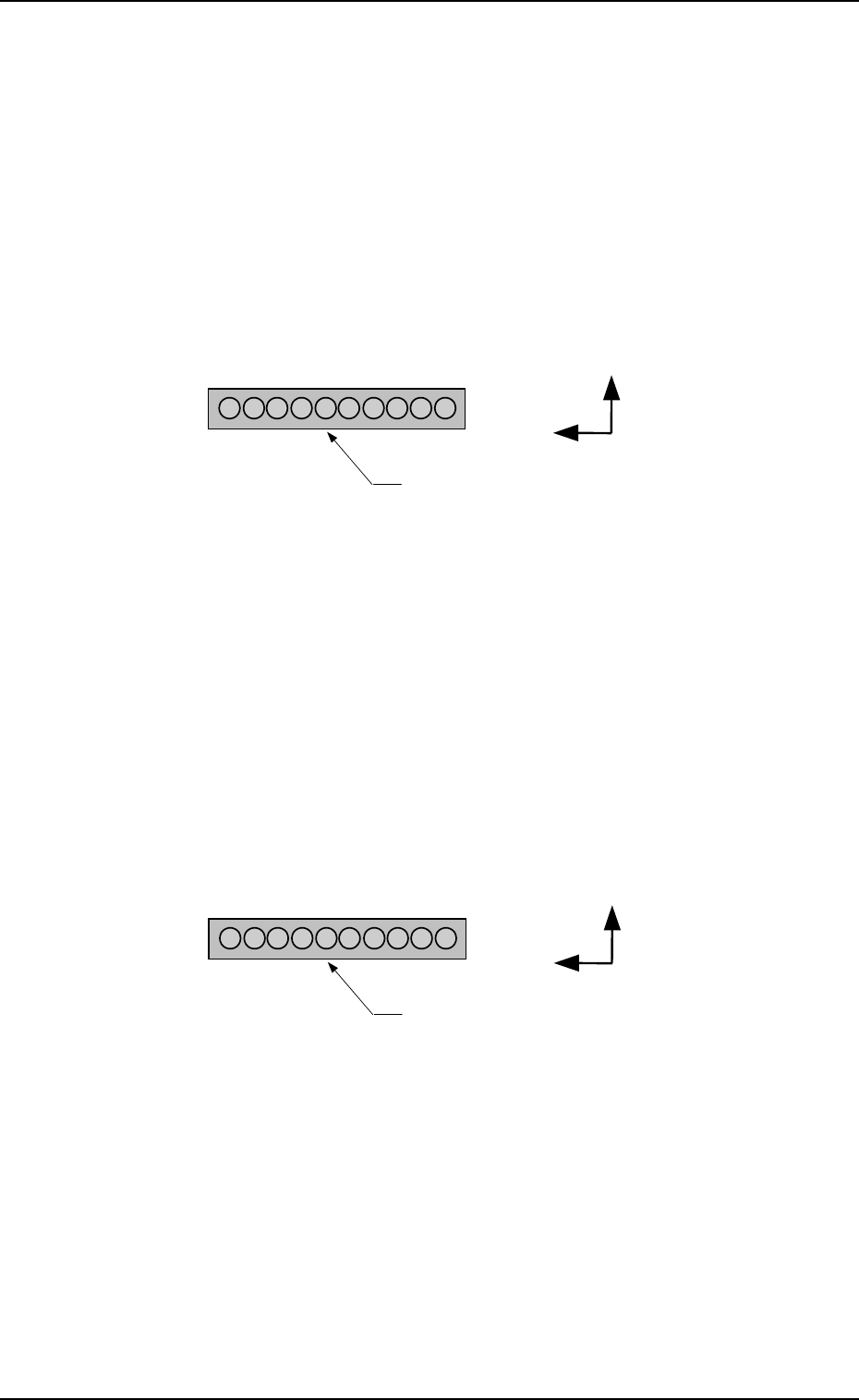
NOZZLE STOCKER [B1] (BEAM-A)
The set offset data is used to adjust the positional deviations based on the
design dimensions representing the nozzle stocker unit position viewed from
the X/Y coordinate system (PL-XY: Origin P0) for P.C.B. positioning.
The values based on the PL-XY coordinate system must be entered in the
data boxes.
Set the values which represent the positional deviations of Nozzle Stocker
B1 based on Beam A for each individual addresses.
X (mm) and Y (mm)
When offset parameters are set with a plus (+) sign, the nozzle change
directions are changed to “X (+)” and “Y (+)” shown in the figure.
9910-001 5-33 Tg0247-PM-PM
1
10
Y(+)
X(+)
Nozzle Stocker B1
1
10
Y(+)
X(+)
Nozzle Stocker B1
NOZZLE STOCKER [B1] (BEAM-B)
The set offset data is used to adjust the positional deviations based on
the design dimensions representing the nozzle stocker unit position
viewed from the X/Y coordinate system (PL-XY: Origin P0) for P.C.B.
positioning.
The values based on the PL-XY coordinate system must be entered in
the data boxes.
Set the values which represent the positional deviations of Nozzle
Stocker B1 based on Beam B for each individual addresses.
X (mm) and Y (mm)
When offset parameters are set with a plus (+) sign, the nozzle change
directions are changed to “X (+)” and “Y (+)” shown in the figure.
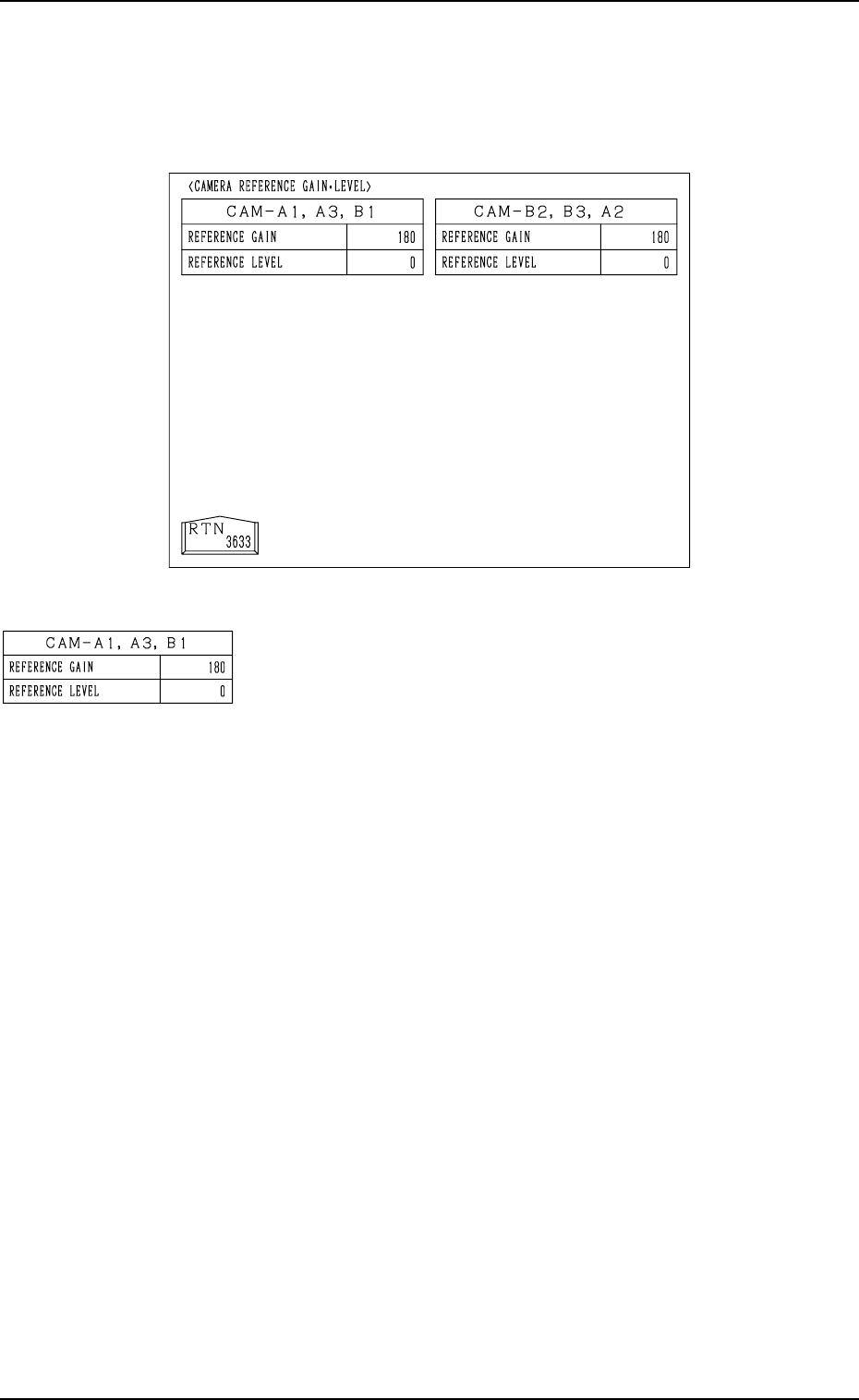
Fig. 5.32
REFERENCE GAIN/LEVEL: Used commonly for each cam-
era
All parameters are set through the automatic teaching opera-
tion.
Note: This is just an information display (editing impossible).
9910-001 5-34 Tg0247-PM-PM
8. CAMERA REFERENCE GAIN · LEVEL Display
8. CAMERA REFERENCE GAIN · LEVEL Display
When the [CAMERA REFERENCE GAIN/LEVEL] key is pressed at the “OFF-
SET DATA” display, the following display appears on the screen.
A
9910-001 5-35 Tg0247-PM-PM
9. COMPONENT RECOG CAMERA OFFSET Display
9. COMPONENT RECOG CAMERA OFFSET Display
When the [COMP. RECOG CAMERA OFFSET] key is pressed at the “OFF-
SET DATA” display, the following display appears on the screen.
Every time the [NEXT PAGE] or the [PREV. PAGE] key is pressed, the next or
the previous page appears, enabling you to set parameters for different cam-
eras.
P. C.B. Positioning
X/Y Coordinates
PL-XY
PL-Y (+)
PL-X (+)
P0
CAM-B1CAM-B2
CAM-A2
CAM-A1
(Front Side of Machine)
Top View
Com
p
onent Reco
g
nition Camera
Com
p
onent Reco
g
nition Camera
Fig. 5.33
• Parameters can be entered for each individual cameras “CAM-A1”, “CAM-
A2”, “CAM-B1”, and “CAM-B2”.
Fig. 5.34