2OM-1064-002.pdf - 第31页
P .E.C. RECOG. TIMING Set one of the following options to specify the timing of P .E.C. recognition implementation. “AFTER PU” “BEFORE PU” It is recommended that “AFTER PU” should be selected in normal cases. [AFTER PU] …
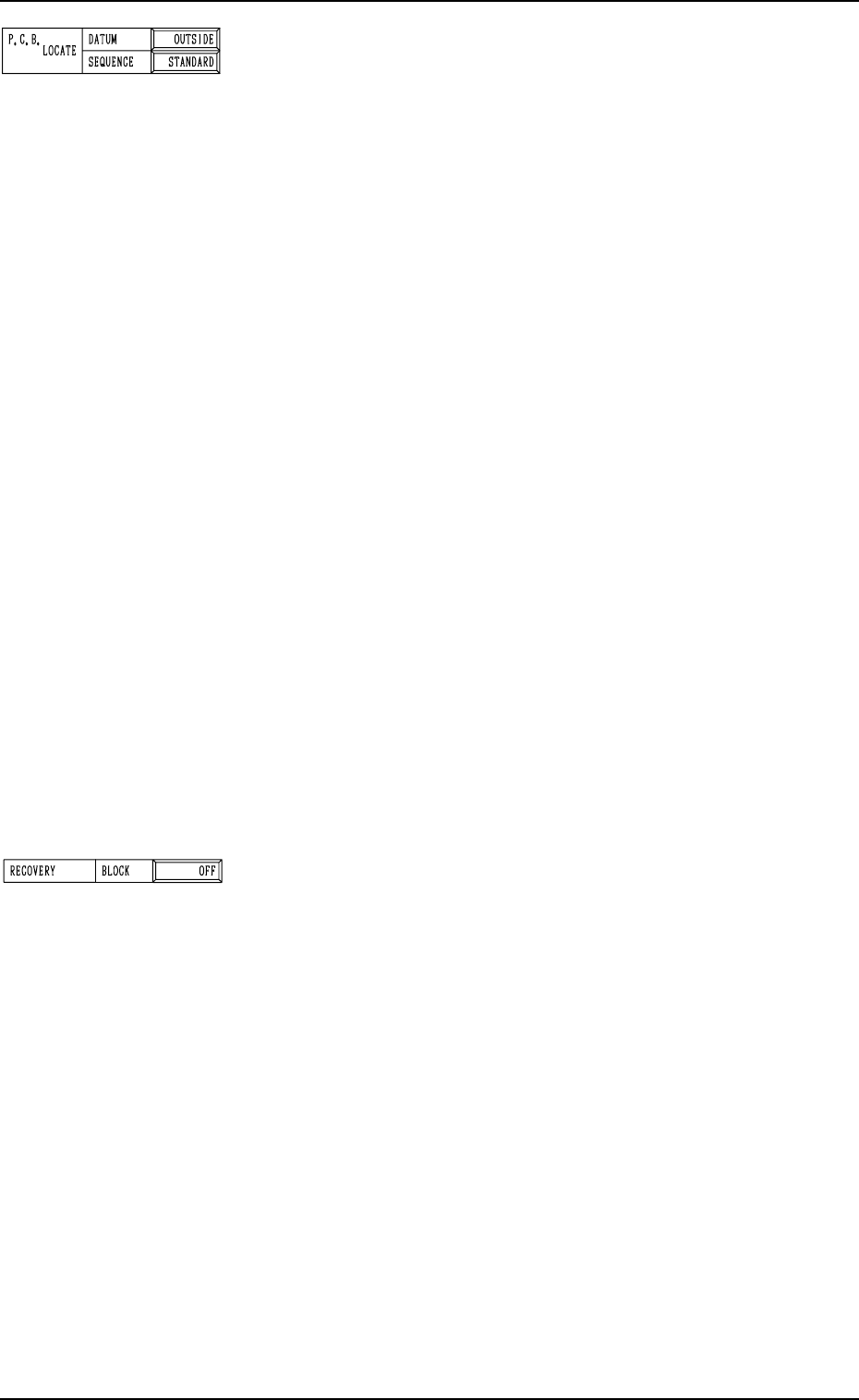
P.C.B. LOCATE
DATUM
“OUTSIDE” or “HOLE” can be set in the data box.
In normal cases, “OUTSIDE” must be set.
When “HOLE” is set, the reference pin for machine position-
ing is automatically aligned with the P.C.B. hole position.
Note: The above positioning method may not work, depend-
ing on the combination of the P.C.B. flow direction and
the positioning reference position and the value set in
the “X” data box of the label “P.C.B. SIZE”.
Please contact us when the "Hole" reference is used.
SEQUENCE
“STANDARD” , “MODE1” or “MODE2” can be set in the
data box.
STANDARD : The P.C.B. positioning is completed after the
clamp plates have moved up, have stopped at
the position where the P.C.B. is lifted by 0.5
mm, the P.C.B. locating side clamp (Y pusher)
has moved forward, and the clamp plates have
moved up.
MODE1 : The P.C.B. positioning is completed when the
clamp plates have moved up completely.
(No Movement of P.C.B. Locating Side
Clamp)
MODE2 : The P.C.B. positioning is completed after the
clamp plates have moved up, have stopped at
the position where the P.C.B. is lifted by 0.5
mm, the P.C.B. locating side clamp (Y pusher)
has moved forward, the Y pusher has moved
backward, the clamp plates have moved up,
and the Y pusher has moved forward.
Third Page
RECOVERY BLOCK
In the case of block-specified operation, components are placed
starting with the smallest block No.
Unless all components in the specified block are placed com-
pletely, component placement operation does not take place
for the subsequent block.
(When a recovery event occurs, component placement opera-
tion does not take place until the recovery is completed.)
Block Nos.: 0 to 9 specified as a control command “C” of “P-
No.” in the pattern program
“OFF” or “ON” can be set in the data box.
OFF : Set this in the data box when the recovery regulation
is not required.
ON : Set this in the data box when the recovery regulation
is required.
Example of Setting
• To place small components on the placed large ones
• To place small components and attach covers to them
• Others
2. Pattern Program
9910-001 2-18 Tg0247-PM-PM
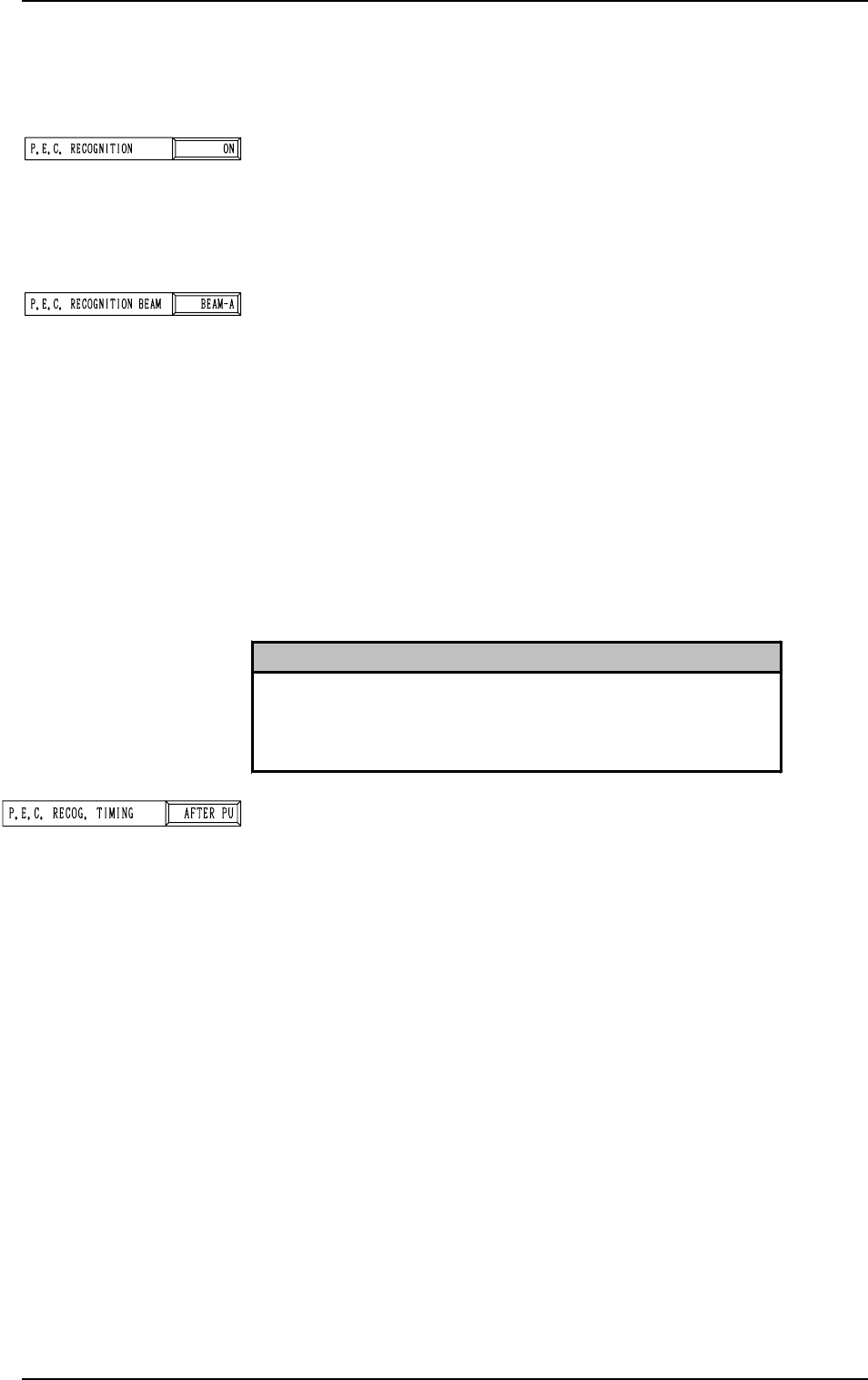
P.E.C. RECOG. TIMING
Set one of the following options to specify the timing of P.E.C.
recognition implementation.
“AFTER PU”
“BEFORE PU”
It is recommended that “AFTER PU” should be selected in
normal cases.
[AFTER PU]
The P.E.C. recognition function is performed after a com-
ponent is picked up.
This parameter should be selected when the following re-
quirements are met at the implementation of the P.E.C. rec-
ognition function.
• The dimensions of the component to be picked up should
be “40 × 40 mm” or less. (Approximate Values)
• The component should not be in the view of the P.E.C.
recognition camera by the pick-up location adjustment
function.
2.3.2 Operation Data (P.E.C. Recognition)
Second Page
P.E.C. RECOGNITION
Set one of the following options to determine whether or not
the P.E.C. recognition function should be used.
“ON”
“OFF”
P.E.C. RECOGNITION BEAM
Set one of the following options to determine which beam
should be used for the global and image recognition functions.
“BEAM-A”
“BEAM-B”
“BOTH-BEAM”
“BEAM-A”: Select this when only Beam A is used to
place the components.
“BEAM-B”: Select this when only Beam B is used to
place the components.
“BOTH-BEAM”: Select this when both Beam A and B are
used to place the components.
2. Pattern Program
0308-002 2-19 Tg0247-PM-PM
Reference
As for the local recognition function, the P.E.C. recognition is
made using the camera on the beam where components are
placed regardless of the parameter set in the data box.
[BEFORE PU]
The P.E.C. recognition function is performed before a com-
ponent is picked up.
This parameter should be selected when the P.E.C. recog-
nition function cannot be performed with a component be-
ing picked up.
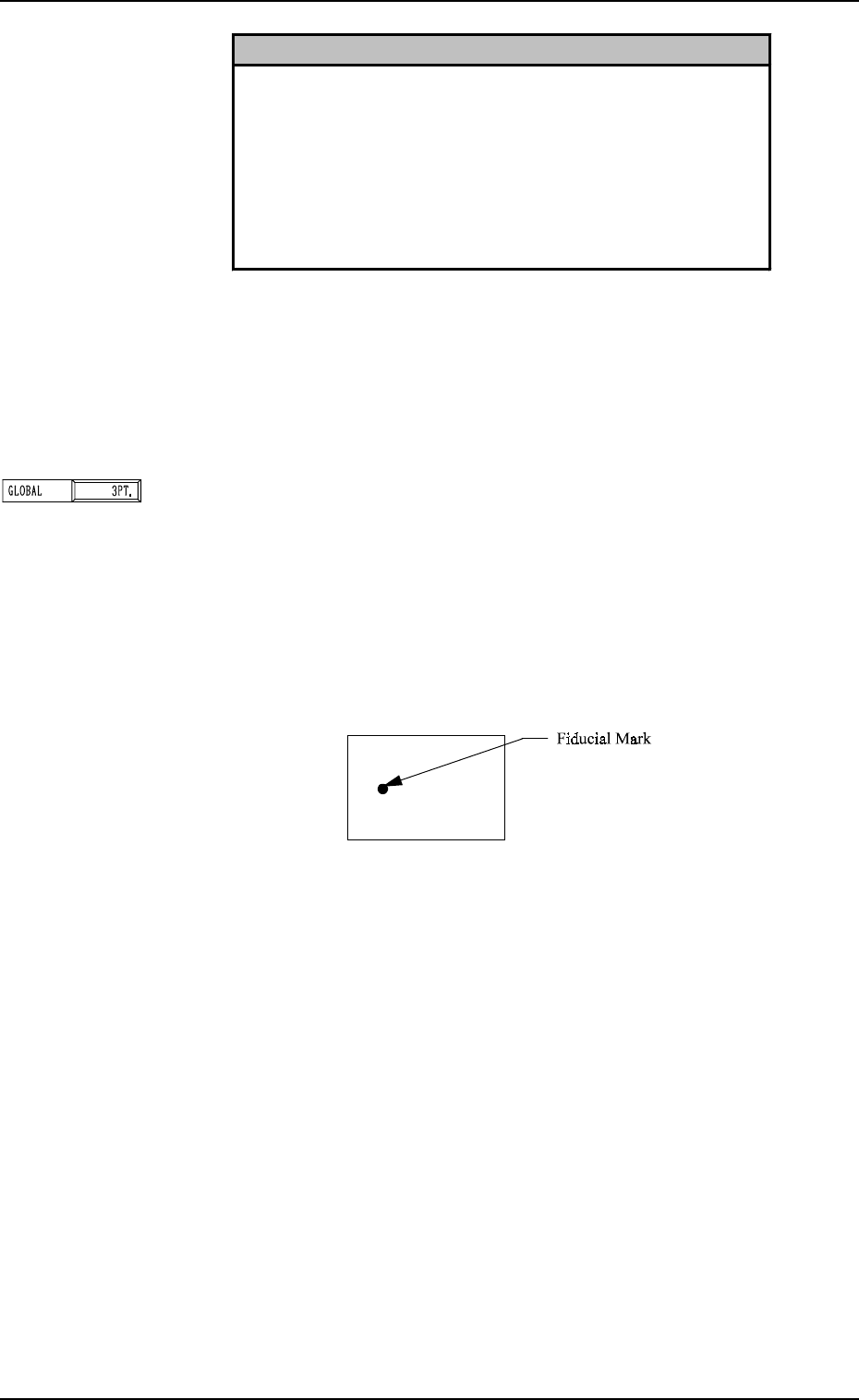
P.E.C. RECOGNITION MODE GLOBAL
Set one of the following options to set the number of recogni-
tion points for the P.E.C. global recognition function.
“OFF”
“1PT.”
“2PT.”
“3PT.”
[1-Point Recognition]
2. Pattern Program
Reference
•
When “AFTER PU” is set in the data box, a component is
picked up and the component recognition is performed on the
component while the P.C.B. is being transferred to the P.C.B.
positioning section.
Since the component is already picked up, it can be placed
soon after the component and P.E.C. recognition functions are
performed. Because the loss time (waiting time) decreases,
there is an effect to shorten the time to finish a P.C.B.
Fig. 2.15
• Only the X and Y elements are corrected. The θ element
(expansion, etc.) is not corrected.
9910-001 2-20 Tg0247-PM-PM