2OM-1064-002.pdf - 第5页
Tg0247-PM-PM This instruction manual consists of six books (V olumes 1 to 5 and COMPONENT LIBRAR Y). Before operating the machine, please read these books carefully to ensure correct operation. • The contents of V olumes…
Tg0247-PM-PM
0004-002 2
Before Use
3. Inquiry
• For detailed information about any transfer, resale, modification of the
machine or the instruction manual, contact our marketing department or
agency.
4. Training
• For training for this machine, contact our marketing department or agency.
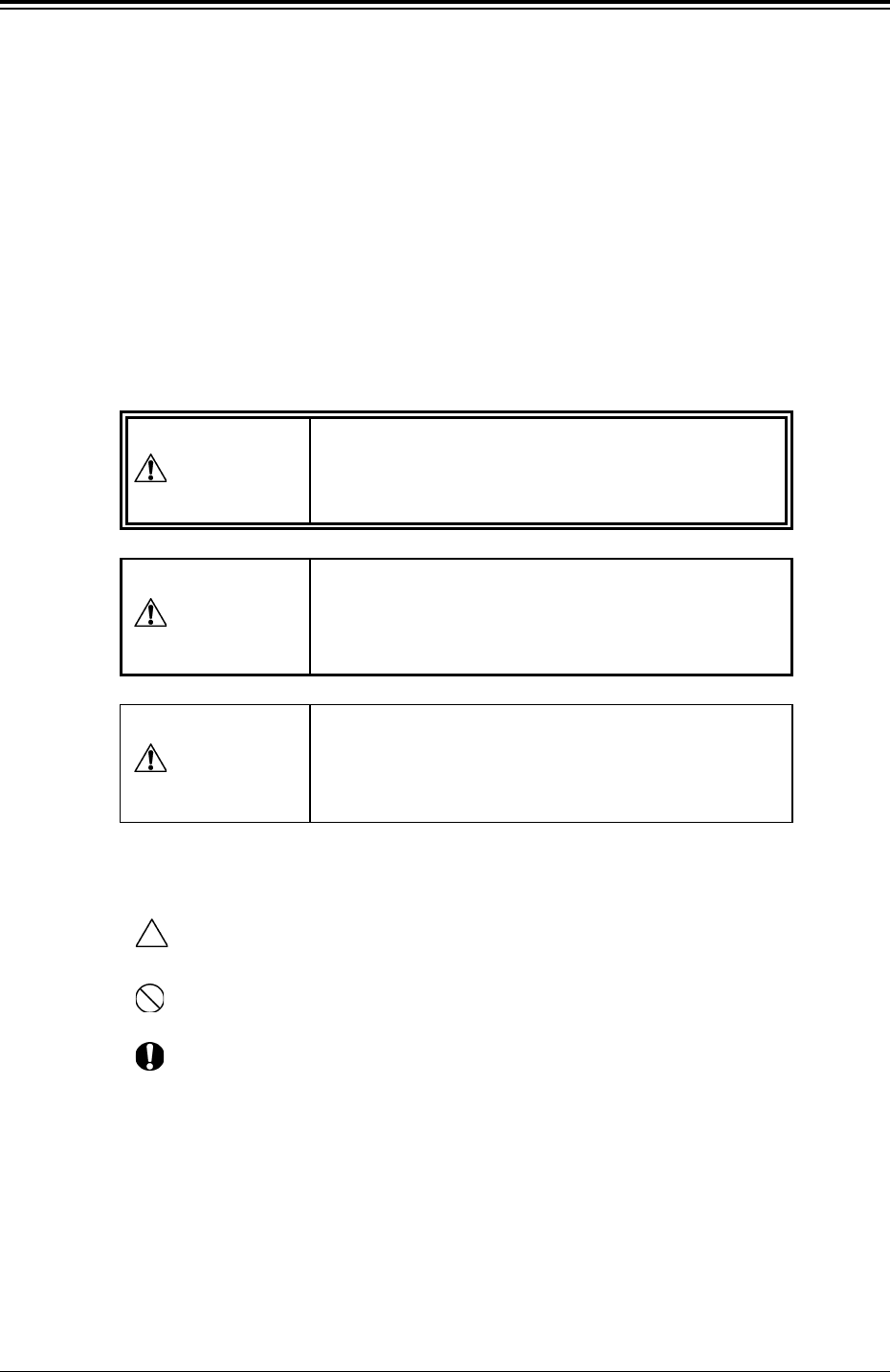
5. About Safety Precaution Labels
• The warning indications are classified into the following three types, accord-
ing to the degree of danger. Please be sure of the precautions in the warning
instructions and take due care for safety.
• Identifying Alert Icons
: This symbol mark represents danger or prompts warning.
: This symbol mark represents prohibited operations.
: This symbol mark represents forced operations or instructions.
6. The contents of this manual are subject to change without prior
notice.
This indicates a potentially hazardous situation
which, if not avoided, may result in injury or physi-
cal damage.
CAUTION
DANGER
This indicates an imminently hazardous situation
which, if not avoided, will result in death or seri-
ous injury.
This indicates a potentially hazardous situation
which, if not avoided, could result in death or seri-
ous injury.
WARNING

Tg0247-PM-PM
This instruction manual consists of six books (Volumes 1 to 5 and COMPONENT
LIBRARY).
Before operating the machine, please read these books carefully to ensure correct
operation.
• The contents of Volumes 1 to 5 are as follows.
Volume 1 : Operation
This volume covers the scope of the machine, the preparatory and
ending procedures of automatic operation.
Volume 2 : Programming
This volume discusses steps in creating, entering and editing various
kinds of data (pattern program data, etc.) required to activate the
machine.
Volume 3 : Troubleshooting
This volume describes the causes of various troubles and recovery
methods.
Volume 4 : Maintenance
This volume covers the steps required for daily maintenance.
Volume 5 : Material
This volume covers the air piping and electrical circuit diagrams, etc.
• The contents of COMPONENT LIBRARY are as follows.
COMPONENT LIBRARY
Creation of Component Library Data, etc.
0004-002 3
How This Manual is Organized

Contents
Page
9910-001 4 Tg0247-PM-PM
Before Use ................................................................................................... 1
How This Manual is Organized .................................................................... 3
Contents ....................................................................................................... 4
Section 1 General ............................................................................... 1- 1
1. Scope and Description of Each Data .............................................. 1- 2
2. Hierarchical Structure of Data Edit Menus ...................................... 1- 3
Section 2 Pattern Program ............................................................... 2- 1
1. Scope of Pattern Program............................................................... 2- 2
2. Pattern Program .............................................................................. 2- 3
2.1 PATTERN PROGRAM Display .................................................. 2- 3
2.1.1 PROGRAM CHECK Display ............................................... 2- 5
2.1.2 PATTERN PROGRAM DELETE Display ............................ 2- 6
2.1.3 USED NOZZLE INFORMATION Display ............................ 2- 7
2.1.4 PLACEMENT DATA SORTING Display .............................. 2- 9
2.2 PATTERN PROGRAM EDIT Display ......................................... 2-11
2.3 OPERATION DATA Display ....................................................... 2-12
2.3.1 Operation Data (Standard) ................................................. 2-13
2.3.2 Operation Data (P.E.C. Recognition) .................................. 2-19
2.3.3 P.E.C. MARK DATA EDIT Display....................................... 2-25
2.3.4 P.E.C. Fiducial Marks .......................................................... 2-29
2.4 SET-UP DATA Display............................................................... 2-32
2.5 COMPONENT DATA Display .................................................... 2-33
2.5.1 Tape Feeders ...................................................................... 2-39
2.5.2 Vibratory Stick Feeders....................................................... 2-42
2.5.3 Tray Feeders (Option)......................................................... 2-44
2.5.4 Tray Step Information (Option) ........................................... 2-45
2.5.5 TRAY OPERATION DATA Display (Option) ........................ 2-50
2.5.6 OFFSET X AUTO SETTING Display (Option) .................... 2-51
2.6 Placement Data ......................................................................... 2-53
2.6.1 Construction of Placement Data ......................................... 2-53
2.6.2 PLACEMENT DATA (P) Display
[Component Placement Data] ............................................. 2-54
2.6.3 PLACEMENT DATA (O) Display
[Repetitive Placement Data]................................................ 2-63
2.6.4 PLACEMENT DATA (V) Display
[P.E.C. Data for Each Repetitive Pattern] ........................... 2-66
3. Example of Pattern Program Creation ............................................ 2-68
3.1 Example 1 .................................................................................. 2-68
3.2 Example 2 (Example of Placement Data Creation) ................... 2-74
3.2.1 Normal Placement Data ...................................................... 2-74
3.2.2 Normal Placement Data [To set the P.E.C. recognition
function for each individual components] ............................ 2-75
3.2.3 Repetitive Placement Data [Not to set the P.E.C. recognition
function for each individual repetitive patterns] ................... 2-77