YSM20R_YSM20WR_Ope_E.pdf - 第117页
2-14 2 Basic operation 2.3 Unit screen T his section describes the manual operation buttons on the Unit screen. n Manual conveyor operation 1 [Unit] - [Conveyor] screen Conveyor manual buttons : YSM20R Single-lane / YSM2…
2-13
2
Basic operation
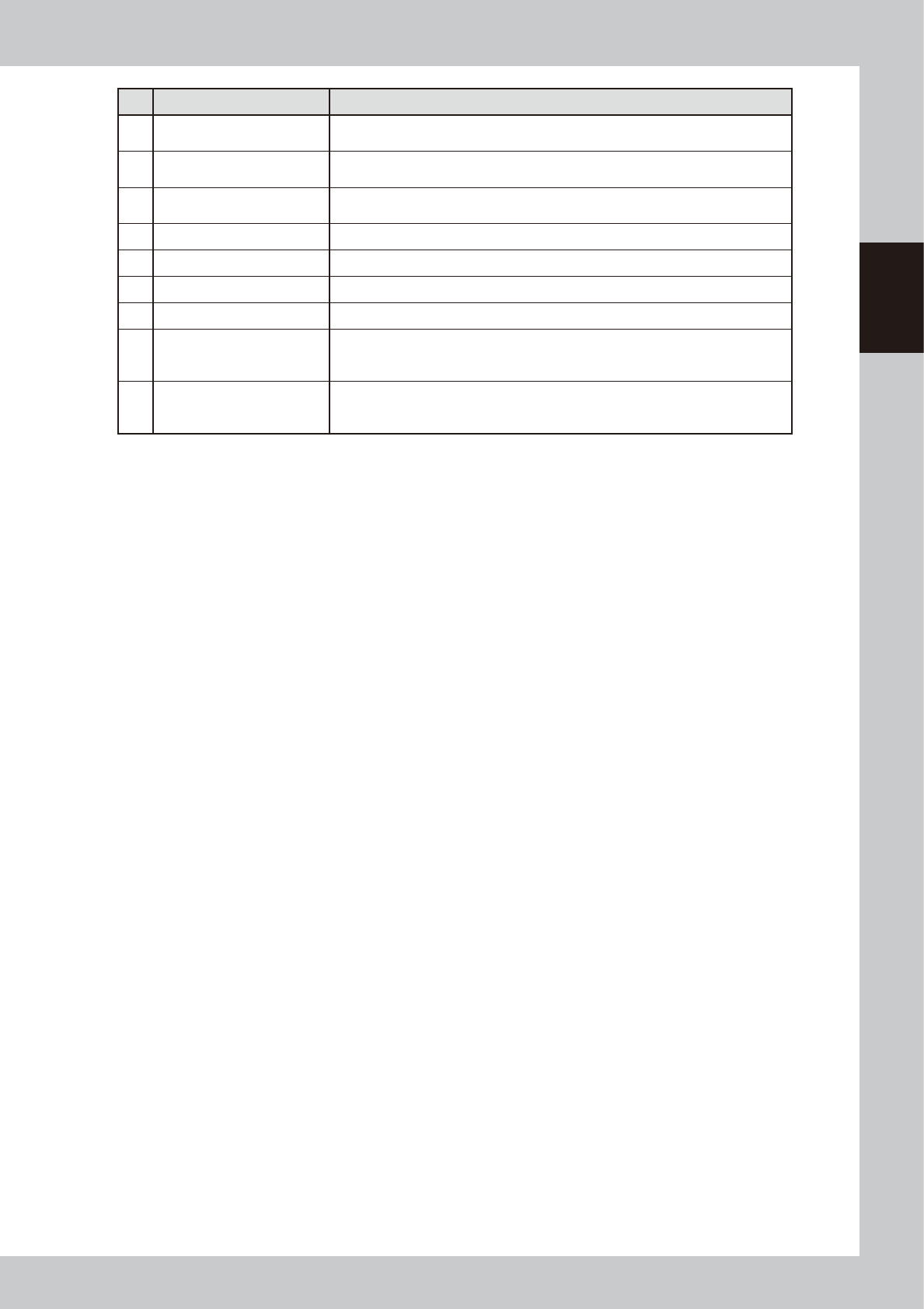
Button name Function
15 Mount Position
Moves the conveyor to the mounting position for the backup pin setup. (Dual-stage
only)
16 Transfer Position
Aligns the conveyor with the transfer position when carrying in the board manually.
(Dual-stage only)
17
Head movement
(rear, center, front)
Moves head to the machine rear, center, or front.
18 History Saves and deletes production history data.
19 Software Setting Sets machine screen display items, adds or deletes operators, and sets passwords.
20 Version Shows version information on application software and system.
21 Board Explorer Moves, backs up, restores or copies board data.
22 Database
Makes a backup of and restores database regarding components required for
production and mark information. Also it can specify the database reference
destination.
23 System Backup
Makes a backup of machine coordinates, accuracy information, option device
information and standard coordinates necessary for machine operation or restores
the data using the backup.
2-14
2
Basic operation
2.3 Unit screen
This section describes the manual operation buttons on the Unit screen.
n
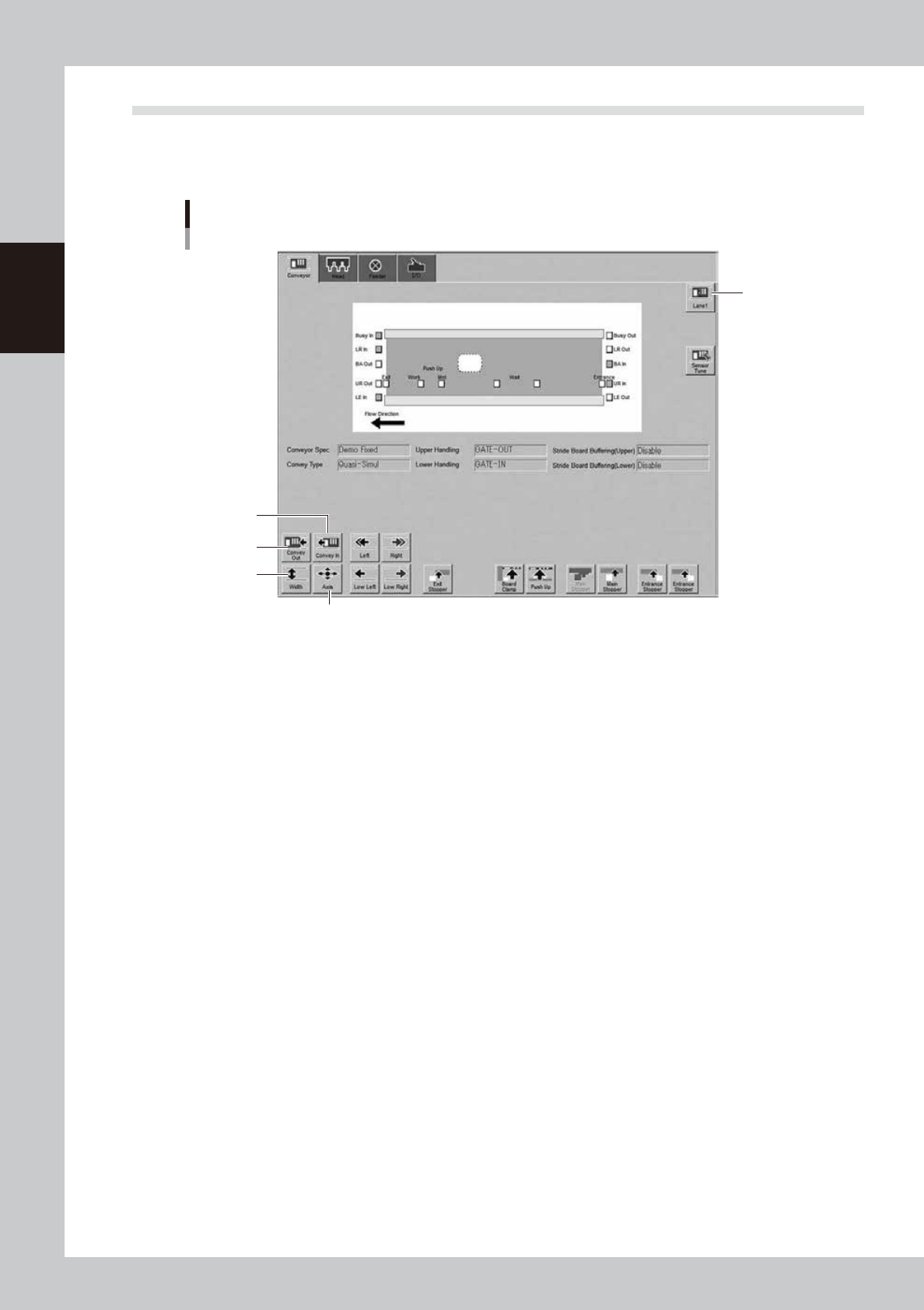
Manual conveyor operation 1
[Unit] - [Conveyor] screen
Conveyor manual buttons : YSM20R Single-lane / YSM20WR Dual-lane screen
4
2
1
5
3
24204-KMK-10
1. [Lane switch] button (YSM20WR Dual-lane)
Switches the display of Lane 1/Lane 2.
2. [Convey Out] button (YSM20R Single-lane / YSM20WR Dual-lane)
If a board is on the conveyor, pressing this button moves the board to the unloading exit port.
3. [Convey In] button (YSM20R Single-lane / YSM20WR Dual-lane)
Pressing this button moves the board from the entrance/loading port or the standby position and clamp the board at the
mounting position.
2-15
2
Basic operation
4. [Width] button
Use this button to adjust the conveyor width to match the width of boards to be produced.
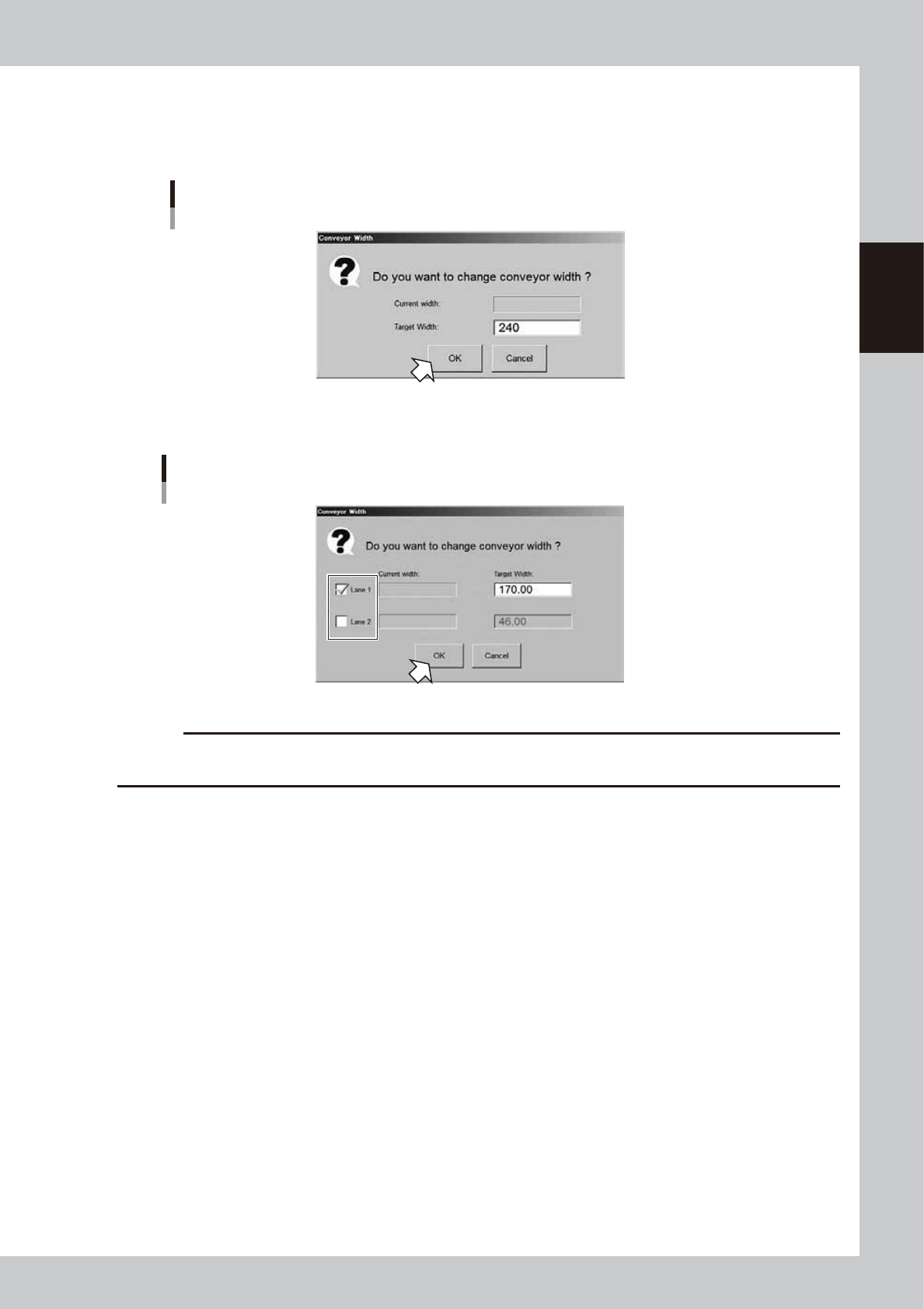
Pressing the [Width] button displays the "Conveyor Width" screen. Check the conveyor width and press the [OK] button.
The conveyor width is changed to the specified width. The desired conveyor width can be set by entering the value.
"Conveyor Width" screen
Single-lane
24205-KMK-00
The conveyor width can be specified by lane with YSM20WR Dual-lane machine.
When using one side of lanes only, remove the check mark of lane not to be used and then enter the value.
"Conveyor Width" screen
Dual-lane
24235-KMK-00
c
CAUTION
When changing the conveyor width, check in advance that the conveyor rails do not collide the push-up pins and
other devices.