YSM20R_YSM20WR_Ope_E.pdf - 第137页
2-34 2 Basic operation 3.9 Force T his screen is displayed w hen the machine is equipped with a FM head. T his screen shows the results at real-time when using the for ce control. Monitor: Force 24233-KMK-00 • Head No. D…

2-33
2
Basic operation
• Tape Type
The Tape Type shows the type of tape when the machine processes component tapes. It shows the method of supplying
components when processing tray components.
• X (mm), Y (mm)
Displays the amount of pickup position offset. The figure shown is the amount of error from the nozzle center position
towards the X-direction and Y-direction.
• Pick Rate (%)
Displays the component pickup rate of the nozzle for which the pickup position offset function is on (enabled).
• Count
Displays the number of components that were picked and placed by the nozzle for which the pickup position offset
function is on (enabled).
• [All Reset] button
This button clears and resets pickup position offset data for all components shown on the monitor.
• [Current Reset] button
Clears and resets pickup position offset data for a component selected from among the components shown on the
monitor display.
2-34
2
Basic operation
3.9 Force
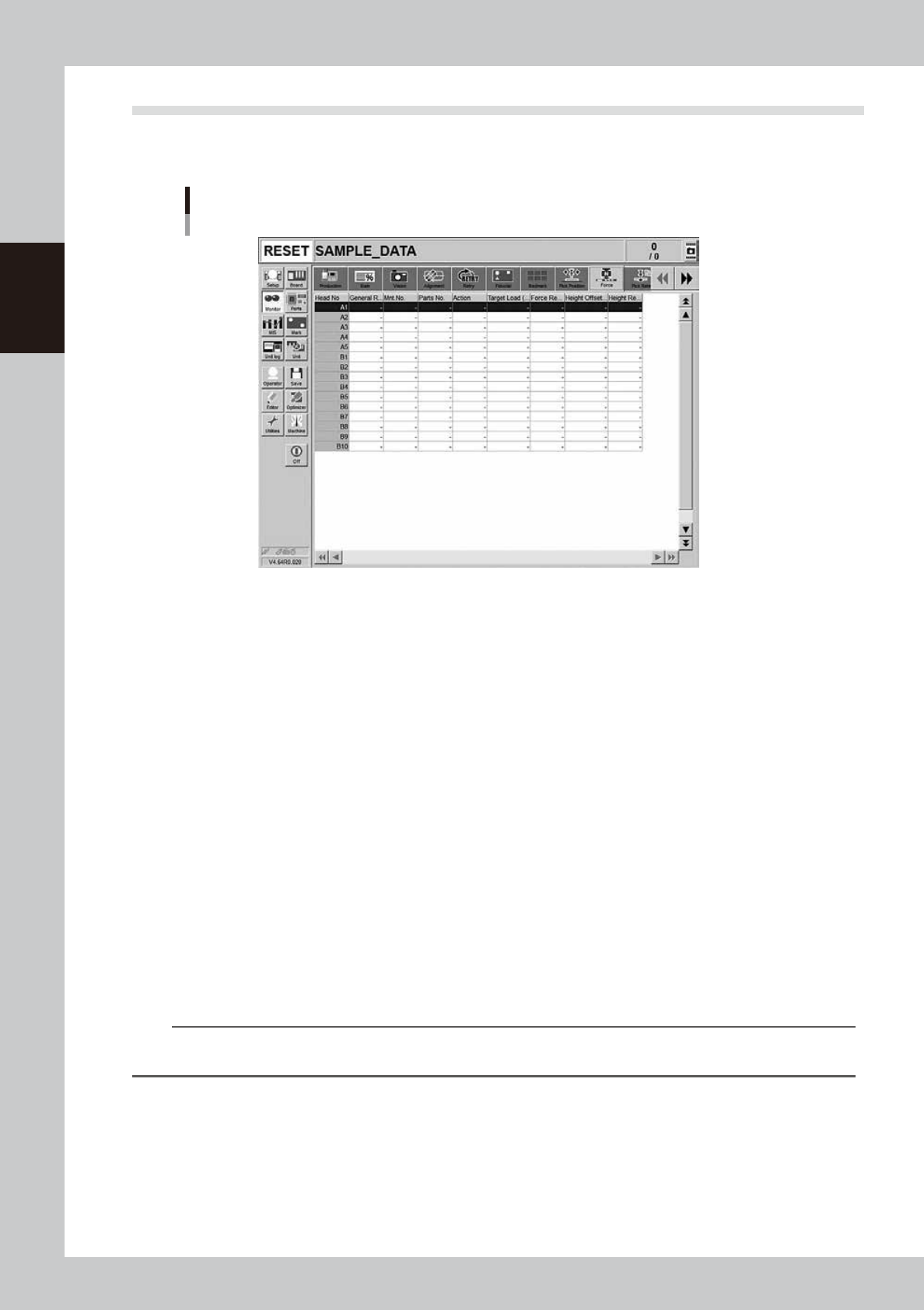
This screen is displayed when the machine is equipped with a FM head. This screen shows the results at
real-time when using the force control.
Monitor: Force
24233-KMK-00
• Head No.
Displays the head number.
• General Result
Displays the general results of the force result and height result.
• Mnt. No.
Displays the mounting number.
• Parts No.
Displays the parts number.
• Action
Displays the force control execution action. (Pickup, dipping, mounting)
• Target Load (N)
Displays the target load (N).
• Force Result
Displays the force control result. The force control result shows NG if there is no board or component when executing
the force control.
• Height Offset (mm)
Displays the offset distance from the target coordinates. The upper portion shows the plus (+) direction.
• Height Result
Displays the result when the height offset (mm) result is compared with the error judgment distance.
n
NOTE
As the numeric value changes of the pickup, dipping, and mounting error judgment distances are the items in the
Machine Setting, the administrator level authority is needed.
2-35
2
Basic operation
3.10 Pick Rate Warning
This screen appears when using the pickup rate warning function. When clicking the tab to switch the display,
the screen allows checking for a drop in the component pickup rate on each component or head.
The pickup rate is reset in real-time after mounting a group of components. However, if a particular component
or head is not used then its row will not appear on the display. Pickup rates can be monitored by color during
operation.
n
Display color
Color of row Status Pickup Rate Description
White 100% to [caution (yellow)]%
Pickup rate is above [caution (yellow)]% and below (or
equal to) 100%.
Yellow Caution [caution (yellow)]% to [warning (red)]%
Pickup rate is above [warning (red)]% and below (or
equal to) [Caution (yellow)]%.
Red Warning [warning (red)]% to 0%
Pickup rate is above (or equal to) 0% and below (or
equal to) [warning (red)]%.
If the machine setting of the stop control is set to “Use”,
the machine stops while generating an alarm. The
default setting is “Not Use”.
Pink
Watch-and-
wait mode
Optional
When the pickup rate is [warning (red)]% or less,
pressing the [Current Check] or [All Check] button
enables "watch-and-wait" mode and the color of the
"red" row(s) changes to "pink".
Note that operation is not stopped in this mode even if
stop control setting is made.
n
NOTE
Numerical values (%) in brackets [ ] are machine data setting items. Accessing such parameters require the
administrator level of authority.
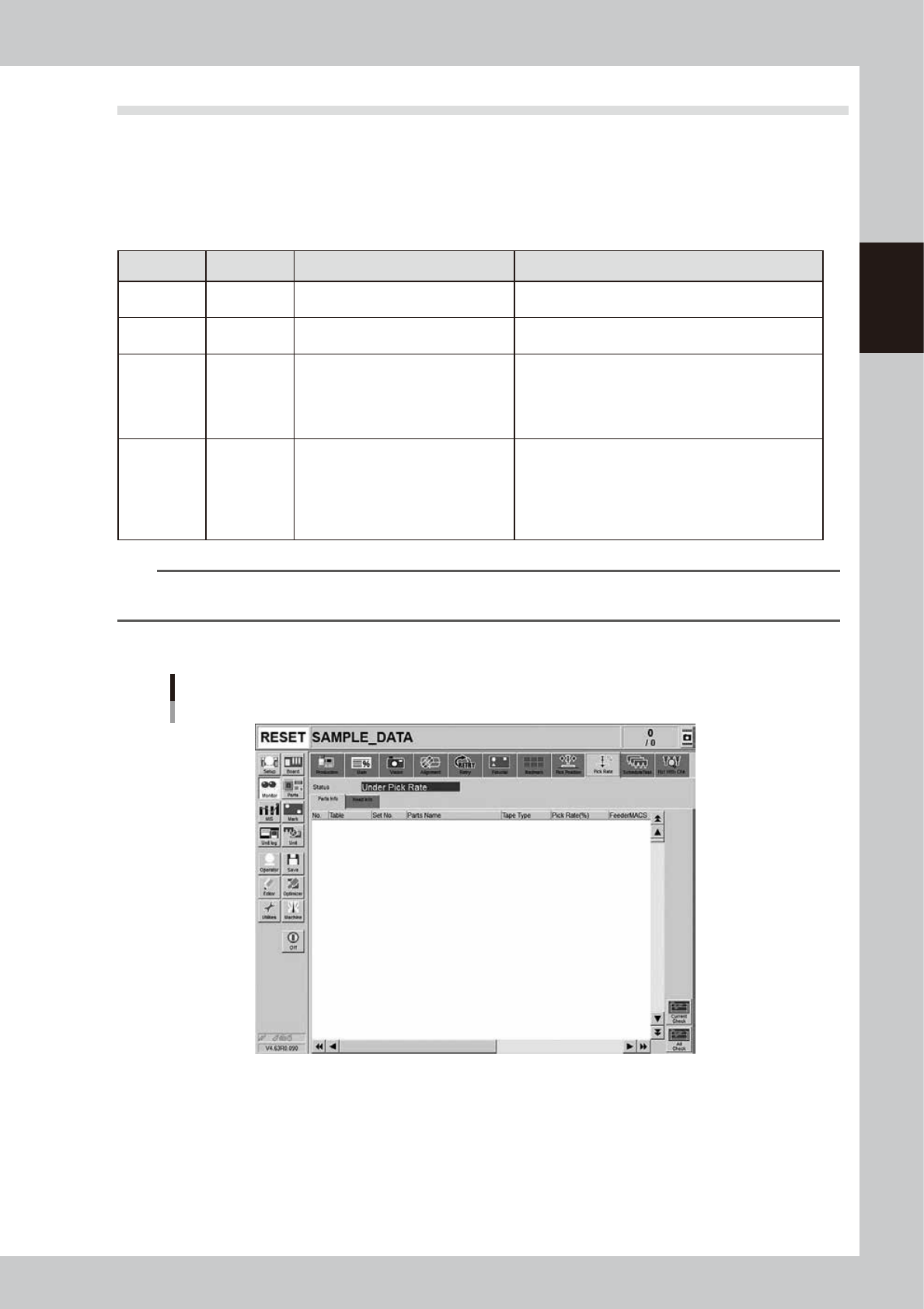
[Parts Info] tab
Monitor: Pick Rate Warning
Parts info
24220-KMK-00
• No.
Displays the component No. (Parts screen data No.).
• Table
Displays the feeder table (feeder plate location) where the component feeder is installed.
• Set No.
Displays the feeder set position at which the component feeder is installed.