PathMaster-REV-L-4.5-1.pdf - 第155页
Machine Operati on Manual Revision L / February 2020 Page 155 of 200 Machine Debugger The machine debugge r is an array of tools to ai d in the de bugging of t he . 1. Select Utilities - > Machine Debugg er from the m…
Machine Operation Manual
Revision L /
February 2020
Page 154 of 200
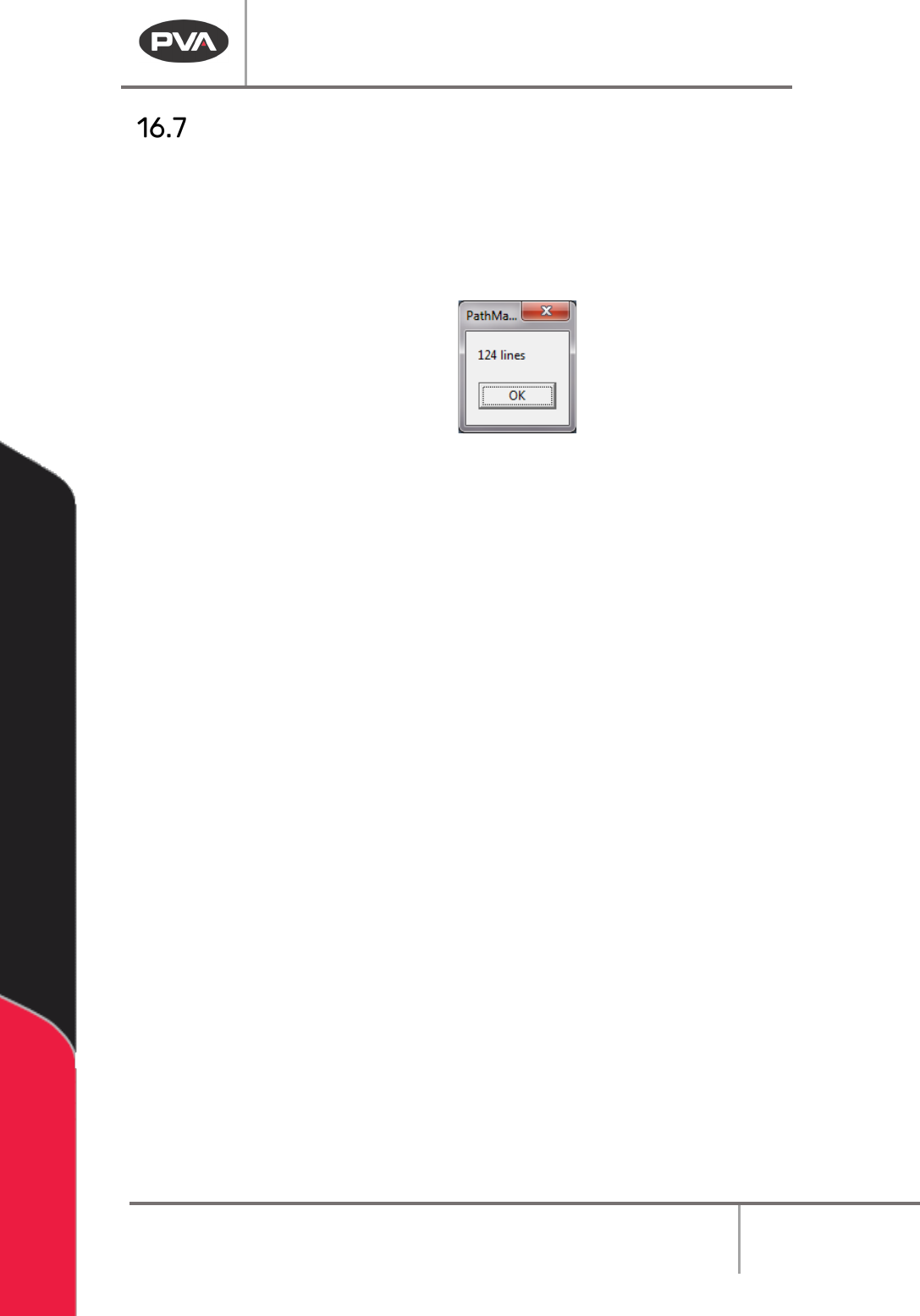
Line Check
Use this function to see how many lines of compressed DMC code the current program will
occupy.
1. Select
Utilities -> Line Check
from the main menu.
A window will open with the number of lines.
Figure 189: Line Check
2. Select “OK” when you are finished.
Machine Operation Manual
Revision L /
February 2020
Page 155 of 200
Machine Debugger
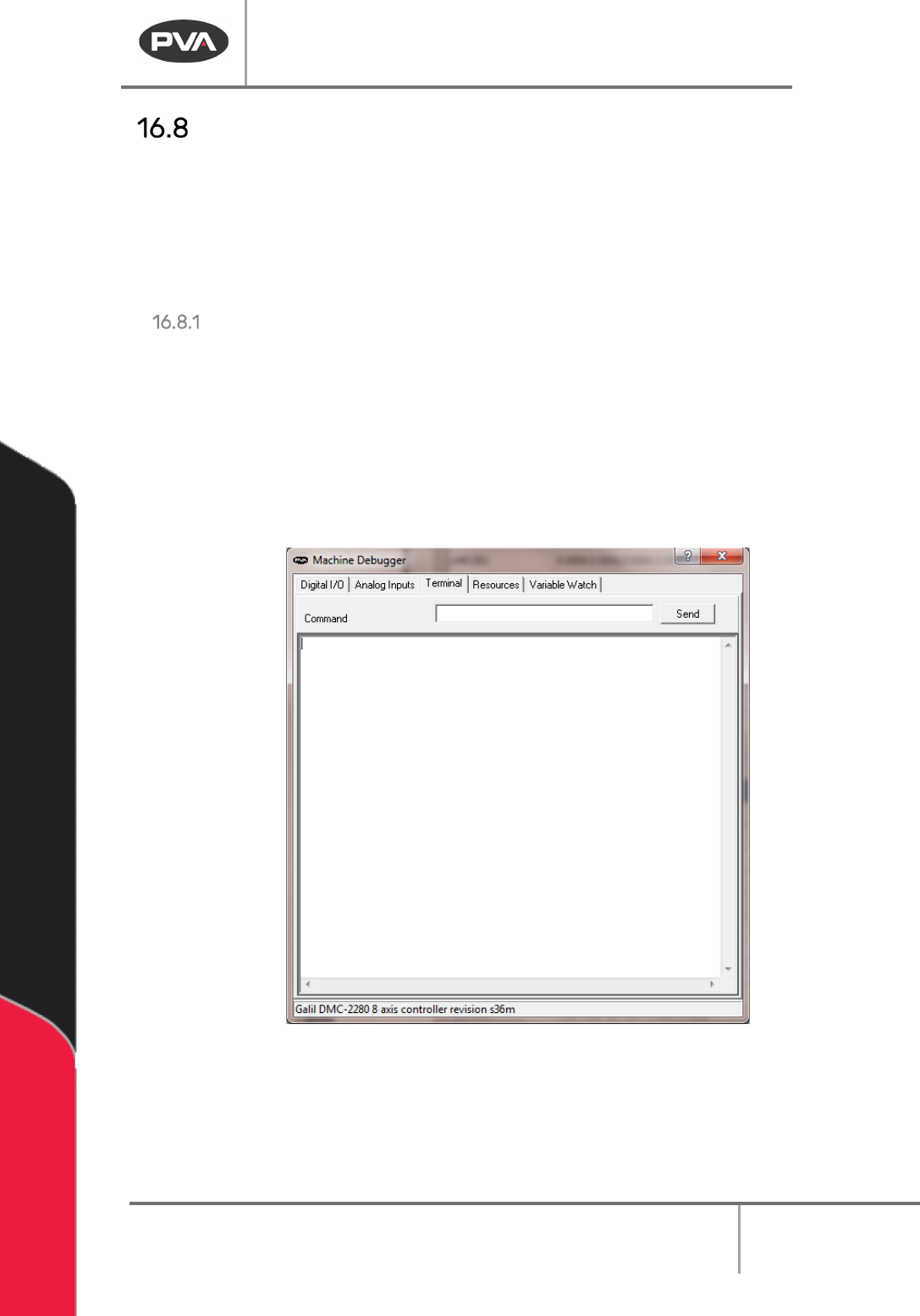
The machine debugger is an array of tools to aid in the debugging of the .
1. Select
Utilities -> Machine Debugger
from the main menu.
When the machine debugger opens, select the tab for the tool to be used each tab is
described below.
Terminal
The terminal lets the operator send commands directly to the controller. To send a
command to the controller, make sure the keyboard caps lock is on.
1. Type the command in the terminal window.
2. Push the
Enter
key.
A response from the controller will display under the command that was issued. If the
controller does not understand what it received, it will respond with a “?”.
Figure 190: Machine Debugger Terminal
For more information on how to use the terminal or how to work directly with controller,
refer to the online controller manual. Refer to the Troubleshooting manual for more
information on DMC code.
Machine Operation Manual
Revision L /
February 2020
Page 156 of 200
Digital I/O
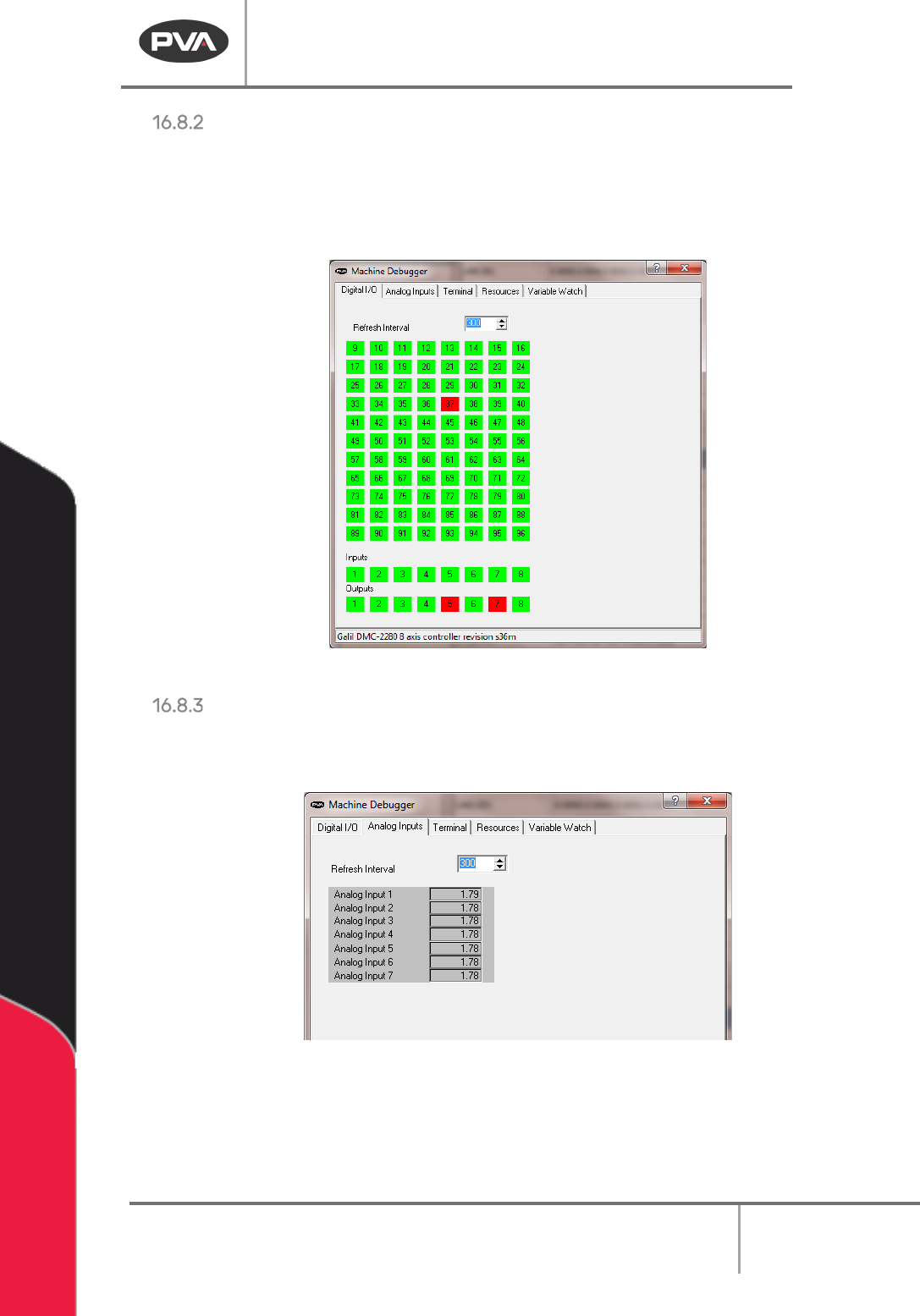
The digital I/O tool allows for you to toggle most digital I/O points on the controller. Select
the button for the I/O point you wish to toggle. The buttons will change colors when the I/O
point changes state. The refresh interval is the frequency of the tool display refresh in
milliseconds.
Figure 191: Utilities Machine Debugger Digital I/O
Analog Input
The analog input tool will monitor the voltage of analog input feedback. The refresh interval
is the frequency of the tool display refresh in milliseconds.
Figure 192: Machine Debugger Analog Input