2OM-1075-002.pdf - 第104页
AHB01ESPP 1.2.2 Menus for Maintenance • Menu Selection 1. When the [MAINT .] button on the main menu bar is pressed, the "MAIN- TENANCE" window opens. The "MAINTENANCE" window is provided with a subme…
AHB01ESPP
••
••
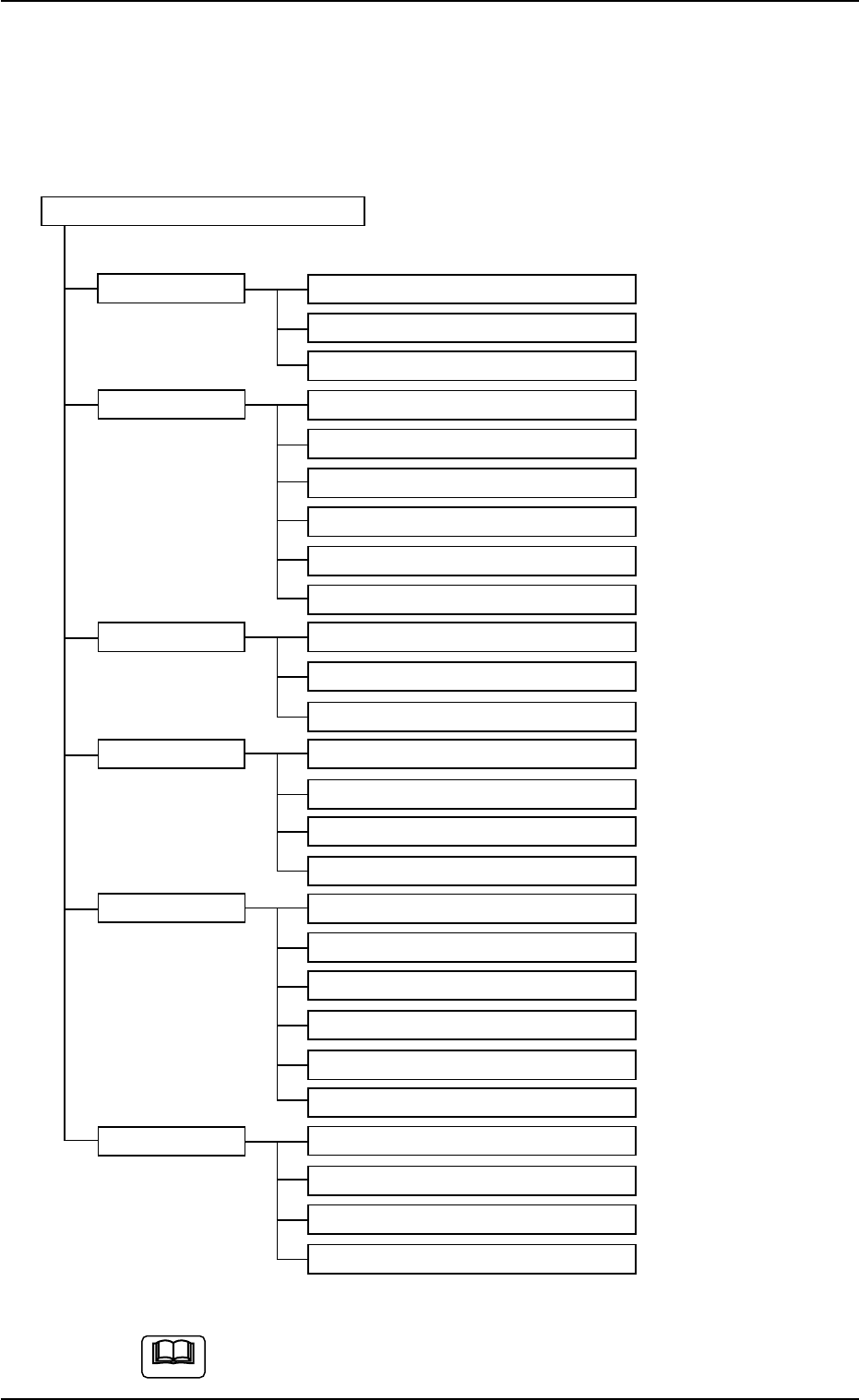
• Composition of Menus for Automatic Operation
The menus for automatic operation are composed of the following
submenus.
Refer to "2.1" in "Section 4" for the tabs and tab sheets.
Menus for Automatic Operation
Submenus Tabs (Tab Sheets) Reference Item Nos.
AUTO OPN. Message "2.2" in "Section 5"
State "2.3" in "Section 5"
Origin/Signal Info. "2.4" in "Section 5"
OPN. MODE Run Mode "3.1" in "Section 5"
Altn Fdr Mode "3.2" in "Section 5"
Opn. Mode "3.3" in "Section 5"
Test Run "3.4" in "Section 5"
Head/Noz. Bypass "3.5" in "Section 5"
Camera Bypass "3.6" in "Section 5"
Feeder Reload Feeder Reload "4.1" in "Section 5"
Pickup Tray Matrix (Option)
Tray Comp. Dt (Option)
RECOVERY Current Dt "5.1" in "Section 5"
Comp Carriage Dt Edit "5.2" in "Section 5"
P.C.B. Origin Offset Teach "5.3" in "Section 5"
Place Pos Teach "5.4" in "Section 5"
RECALL Device Err "6.1" in "Section 5"
Handling Err "6.2" in "Section 5"
Machine Info "6.3" in "Section 5"
Comp. Recog. Err "6.4" in "Section 5"
Servo Alarm "6.5" in "Section 5"
Recog. Image "6.6" in "Section 5"
PRGM. CHG. Program Change "7.1" in "Section 5"
Product Change "7.2" in "Section 5"
PCB. Support Pins Set-up Mode "7.3" in "Section 5"
Feeder Unit Set Status "7.4" in "Section 5"
Fig. 2D5 Composition of Menus for Automatic Operation
The above tree is based on the selection of the multi-layer tray
feeder (option).
1.2 Using the Menus
0308-004 4-4
Note
AHB01ESPP
1.2.2 Menus for Maintenance
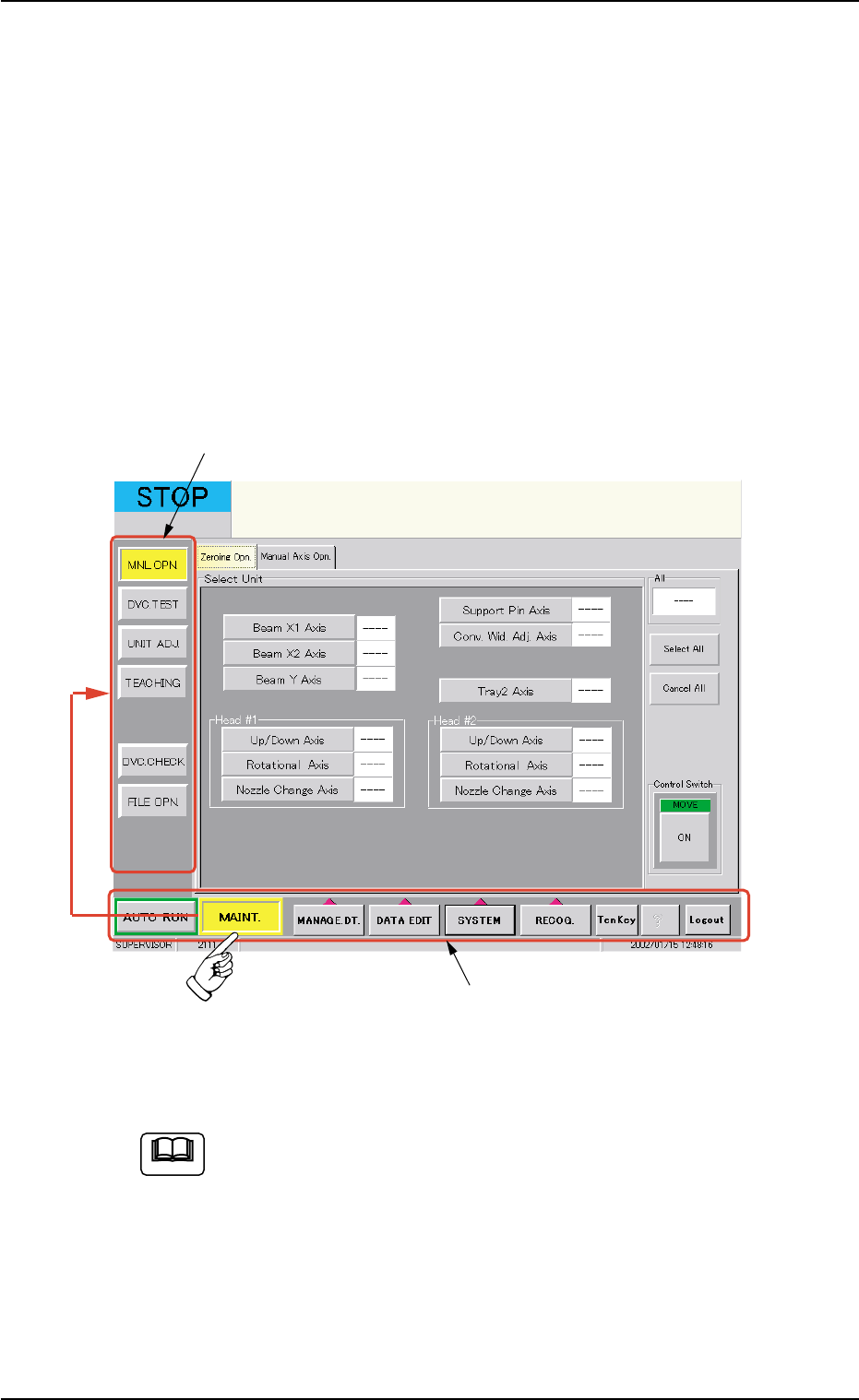
• Menu Selection
1. When the [MAINT.] button on the main menu bar is pressed, the "MAIN-
TENANCE" window opens. The "MAINTENANCE" window is provided
with a submenu bar.
2. When one of the buttons on the submenu bar is pressed, the corre-
sponding sheet (submenu) or tab sheets appear inside the "MAIN-
TENANCE" window.
The "MAINTENANCE" window is provided with the functions that can be
used to adjust the machine or confirm the performance of the machine.
Fig. 2D6 Selection of Menus for Maintenance
(Provided with Multi-Layer Tray Feeder 2)
The tab sheet may look different, depending on which options
are selected.
1.2 Using the Menus
01 12-002 4-5
"MAINTENANCE" Submenu Bar
Main Menu Bar
Note
AHB01ESPP
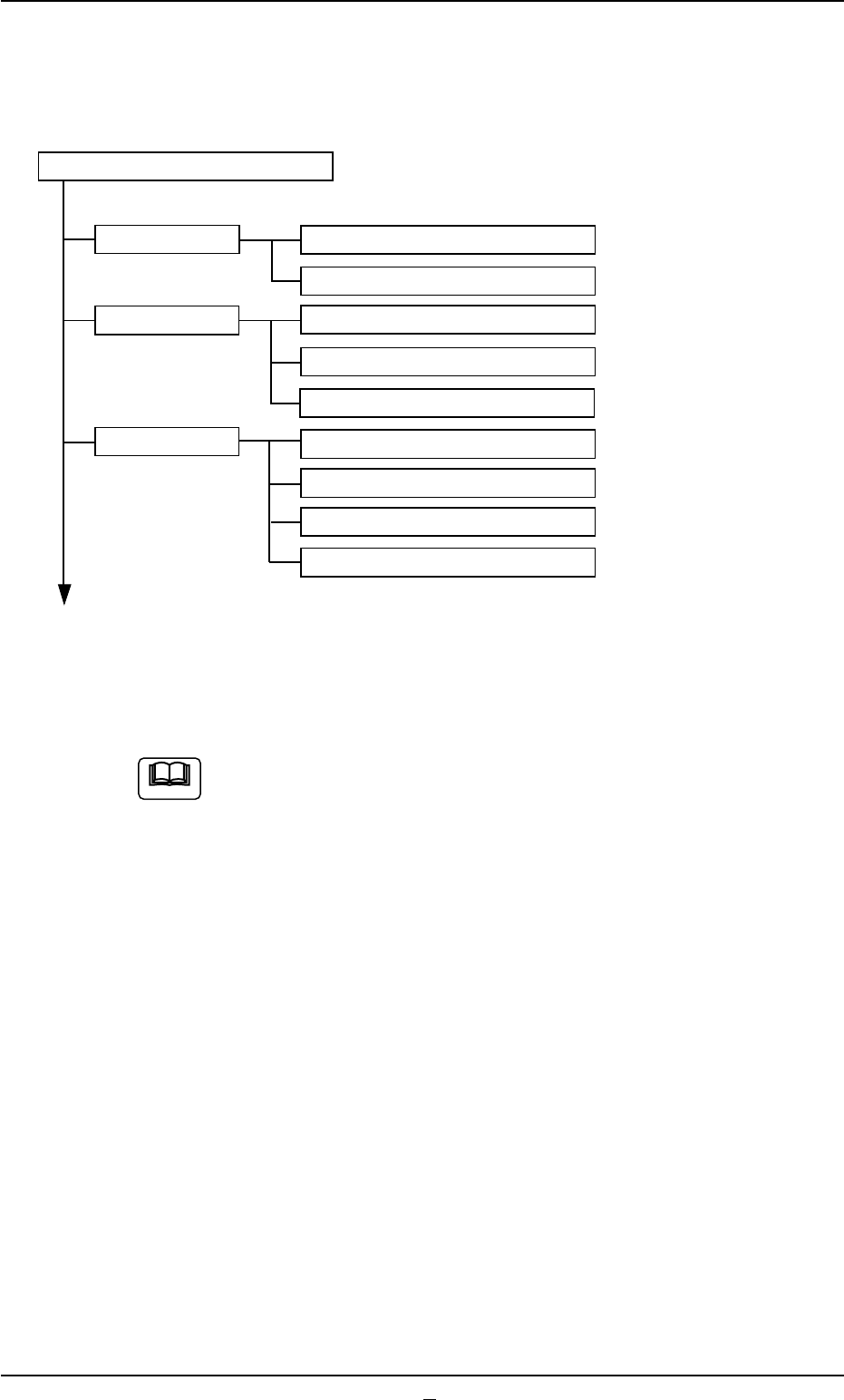
• Composition of Menus for Maintenance
The menus for maintenance are composed of the following submenus.
Refer to "2.1" in "Section 4" for the tabs and tab sheets.
Menus for Maintenance
Submenus Tabs (Tab Sheets) Reference Item Nos.
MNL OPN. Zeroing Opn. "2.1" in "Section 6"
Manual Axis Opn. "2.2" in "Section 6"
DVC. TEST X/Y Beam Test "3.1" in "Section 6"
P.E.C. Recog Test "3.2" in "Section 6"
Cmpnt Recog Test "3.3" in "Section 6"
UNIT ADJ. Conveyor Adj "4.1" in "Section 6"
Feeder Base "4.2" in "Section 6"
Nozzle Change "4.3" in "Section 6"
Others "4.4" in "Section 6"
To the next page
Fig. 2D7 Composition of Menus for Maintenance (1)
In the above tree, the leaves (lower tab sheets) are left out.
1.2 Using the Menus
0308-003 4-6
Note