2OM-1075-002.pdf - 第282页
AHB01ESPP 3.3.4 Display of Detailed Error Data • Window Layout When the [Error Data] button is pressed in the "Cmpnt Recog T est" tab sheet, the following "Error Data" window appears. Fig. 2F39 "…

AHB01ESPP
*3 "Data Save" Group Box
Enter the name of the file to be saved in the "File Name" text box and
press the [FD Save] button. The recognized image is saved on a
floppy disk in accordance with the save mode specified in "*2".
*4 [Return] Button
When this button is pressed, the "Cmpnt Recog Test" tab sheet
appears.
0206-003 6-49
3.3 "Cmpnt Recog Test" Tab
AHB01ESPP
3.3.4 Display of Detailed Error Data
• Window Layout
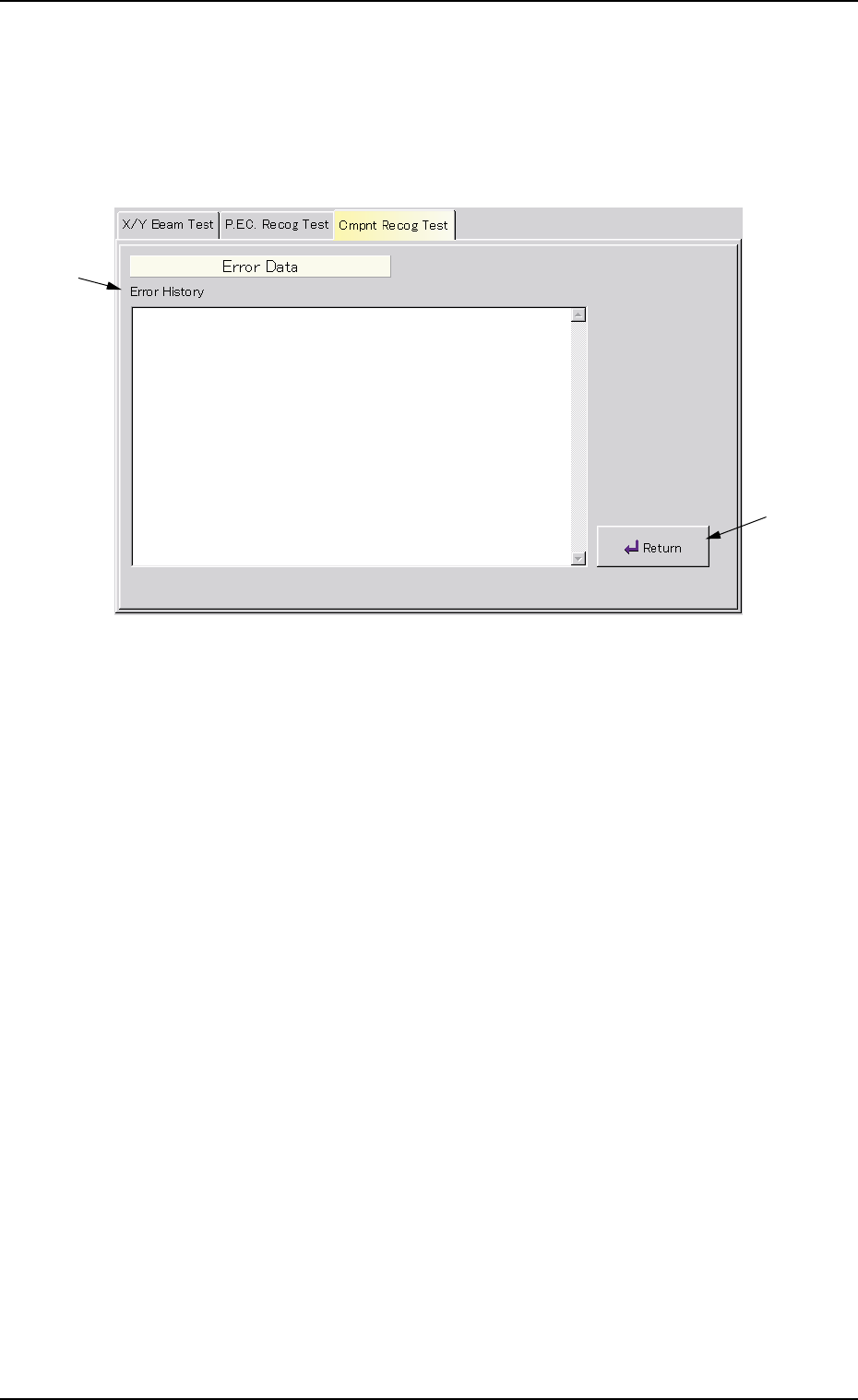
When the [Error Data] button is pressed in the "Cmpnt Recog Test" tab
sheet, the following "Error Data" window appears.
Fig. 2F39 "Error Data" Window
• Window Composition
*1 Error History
Displayed are the details of errors.
*2 [Return] Button
When this button is pressed, the "Cmpnt Recog Test" tab sheet
resumes.
0206-003 6-50
3.3 "Cmpnt Recog Test" Tab
*1
*2
AHB01ESPP
3.3.5 Beam Axis Origin
This window enables the operator to move the X/Y beam to its origin.
••
••
• Window Layout
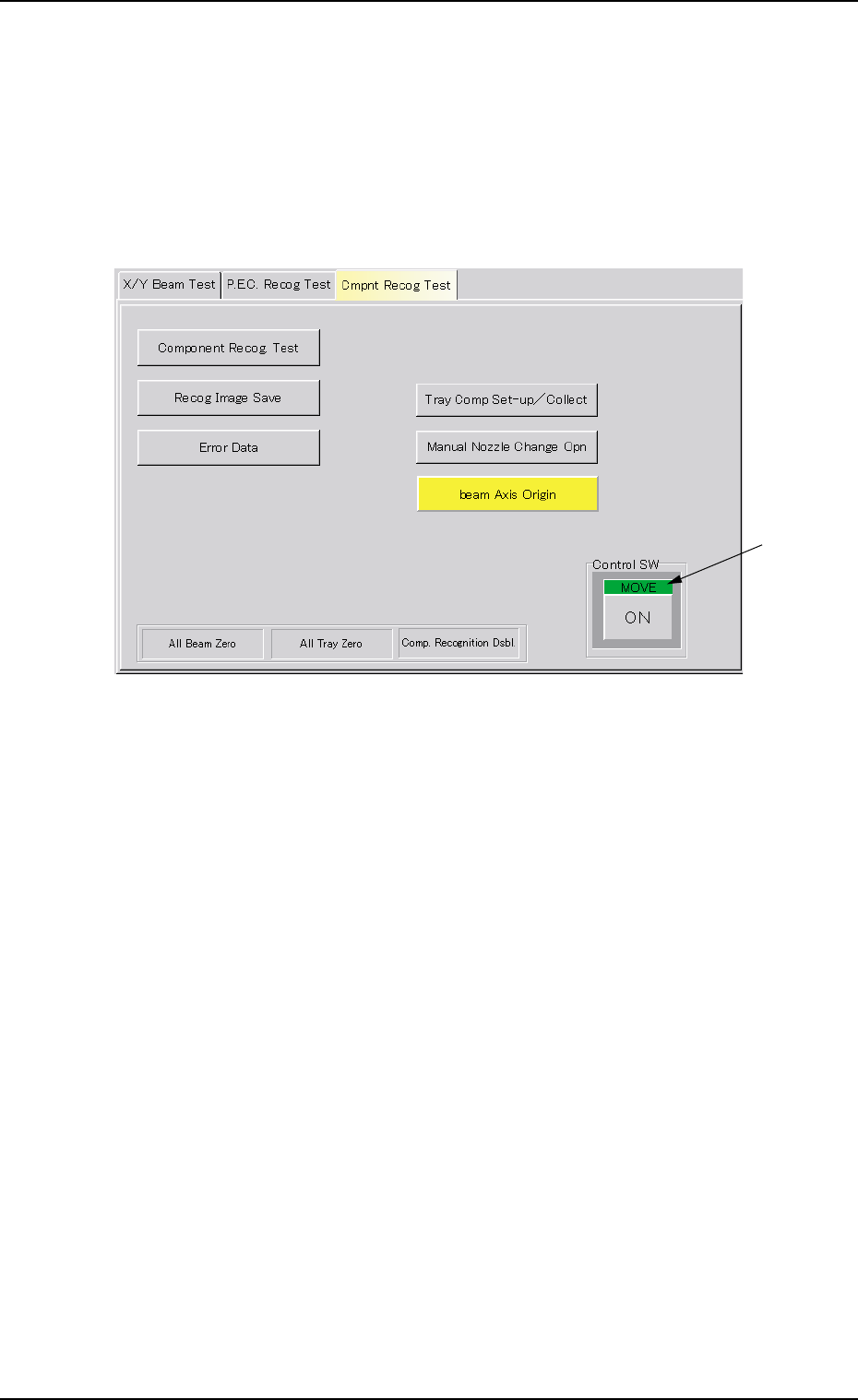
When the [beam Axis Origin] button is pressed in the "Cmpnt Recog
Test" tab sheet, the following window appears.
Fig. 2F40 "beam Axis Origin" Window
••
••
• Window Composition
*1 "Control SW" Group Box
When the [ENABLE] button on the operation panel is pressed in 2
seconds after the [ON] button (entitled "MOVE"), the X/Y beam
moves to its origin.
0308-004 6-51
3.3 "Cmpnt Recog Test" Tab
*1