JX-350_EPU使用说明书.pdf - 第167页
EPU Instruction M anual C hapter 4 Creating a Production Progr am 4- 119 a) If the system does not find any matched data b) If the system does not find any incomplete data c) If the system does not find any rang e over d…
EPU Instruction Manual Chapter 4 Creating a Production Program
4-118
(5) Insert line
This command inserts a blank line.
* This command cannot be selected when you use the sort function.
(6) Duplicate
This command copies the line on which the cursor is located, and then inserts it
between the copied line and the next line.
* This command cannot be selected when you use the sort function.
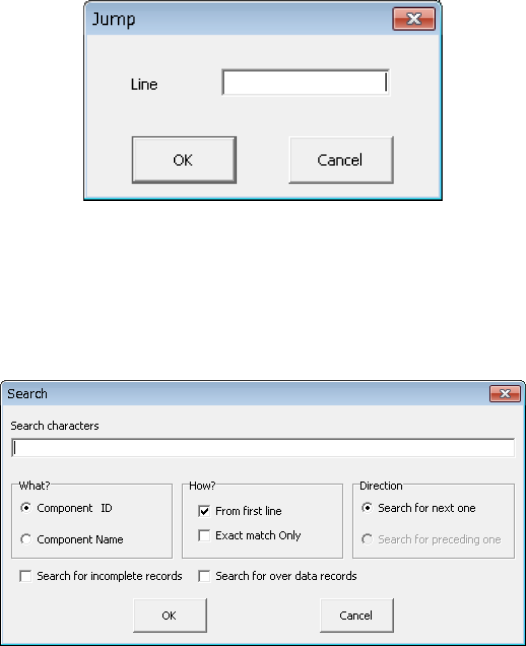
(7) Jump
When you select this [Jump] command, the following dialog box appears on the
screen.
Specify the line number on which you want to locate the cursor, and click the <OK>
button. The cursor moves to the specified line.
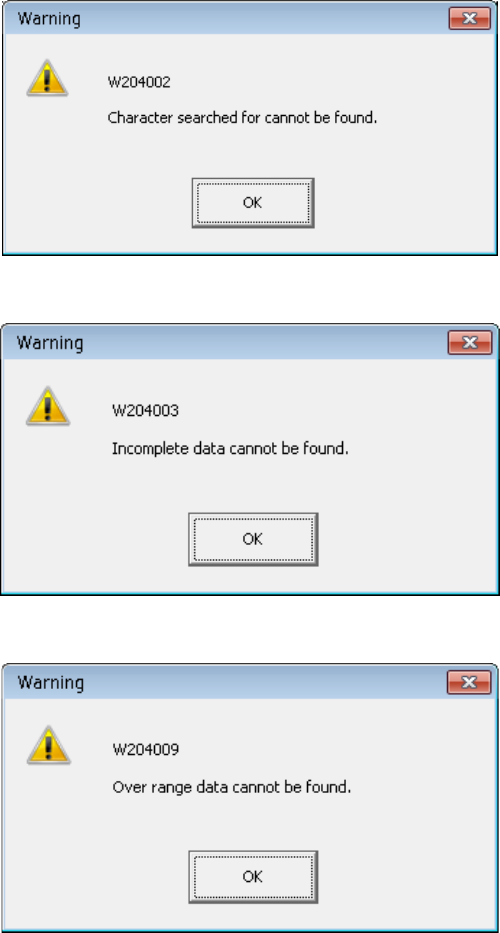
(8) Search/Search prev./Search next
This command searches a character string through data when you specify the keys
“Component ID,” “Component Name” and “Incomplete records.”
When you select the [Search] command, the following dialog box appears on the
screen.
Specify the key(s) for searching data, and click the <OK> button. The system starts
searching the specified character string.
• When you check the check box “Search for incomplete records” or “Search for
over data records,” you cannot select any of the radio buttons “Component ID” and
“Component Name” and the check box “Exact match only.”
• You cannot select both the check boxes “Search for incomplete records” and
“Search for over data records” at the same time.
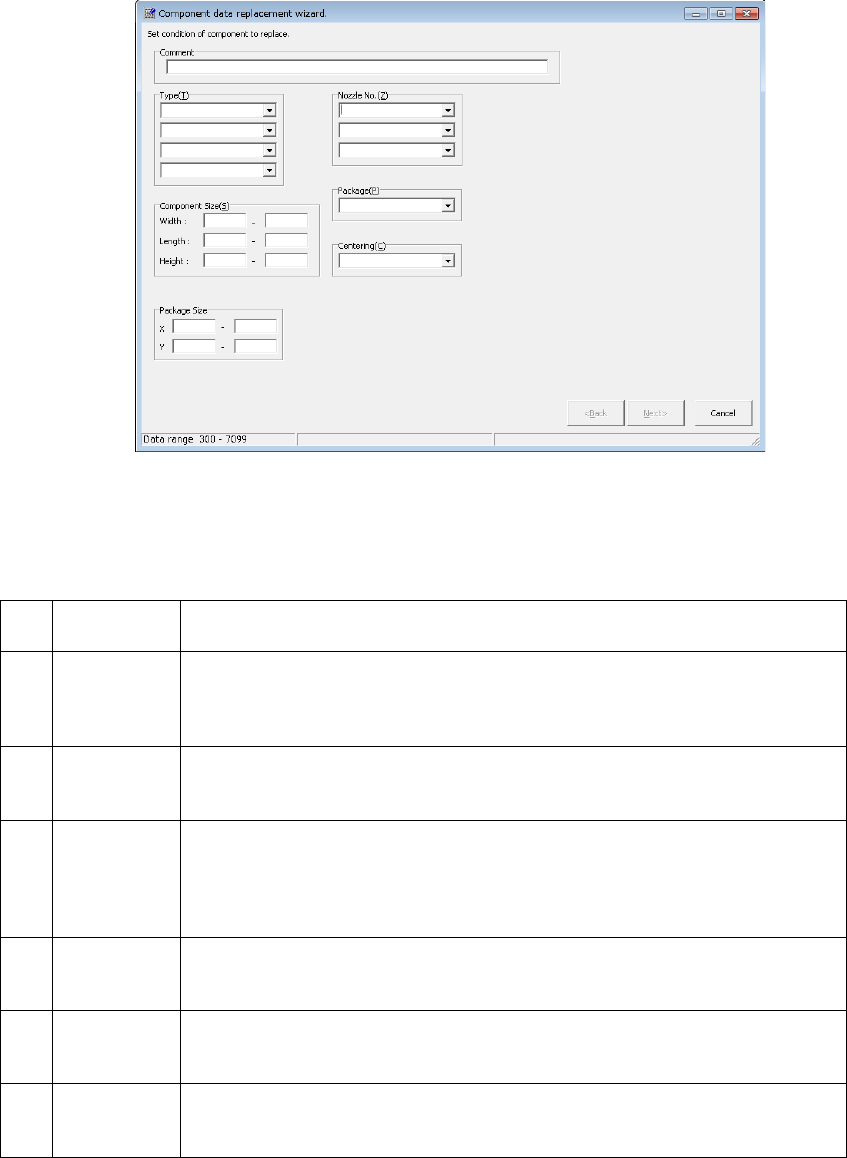
• If the system does not find any matched data, it displays one of the messages
shown below.
• The system will memorize the character string and the keys for searching data you
entered until you display the “Search” dialog box again.
EPU Instruction Manual Chapter 4 Creating a Production Program
4-119
a) If the system does not find any matched data
b) If the system does not find any incomplete data
c) If the system does not find any range over data
EPU Instruction Manual Chapter 4 Creating a Production Program
4-120
(9) Replacement
This command replaces a value in each field on the "Packaging style", "Centering",
“Pick Condition,” “Place Condition” “Inspection1,2” and “Option” tabs of the
“Component” data screen for all specified components with the specified value by one
operation.
1) Setting the conditions for replacing data
When you select the [Replacement] command on the “Edit” menu, the following
“Component data replacement wizard” starts up.
Specify the conditions for replacing data of components, and click the <Next>
button.
The conditions you can specify are shown below.
1 Comment
Specify the comment. When an input character string exists in the comment,
the record is to be replaced.
2 Type
You can specify up to four component types. If you specify two or more
component types here, the system will search through all the specified types of
components to replace their data.
If you specify no component type, the system searches through all components.
3
Component
Size
Specify the maximum and minimum length, width and height of a component.
If you omit these fields, the system automatically sets the maximum and
minimum values that can be entered.
4 Nozzle No.
Specify up to three types of nozzles here.
If you specify two or more types of nozzles here, the system searches through
all components whose nozzles are specified here.
If you specify no nozzle type, the system searches through all components in
order to replace their data.
5 Package
Specify the packaging style of a component. If you do not specify any
package, the system searches through components of all types of packages in
order to replace their data.
6 Centering
Specify the component centering method.
If you do not specify any centering method, the system searches through
components of all types of centering methods in order to replace their data.
7
Package
Size
Specify the maximum and minimum package of a component. If you omit
these fields, the system automatically sets the maximum and minimum values
that can be entered.