JX-350_EPU使用说明书.pdf - 第208页
EPU Instruction M anual Chapter 5 Database 5- 10 5.1.3.4 Jump Click the <Jum p> button on the screen. The f ollowing screen appears. Enter the recor d number of component data to which you want to jump. W hen you c…
EPU Instruction Manual Chapter 5 Database
5-9
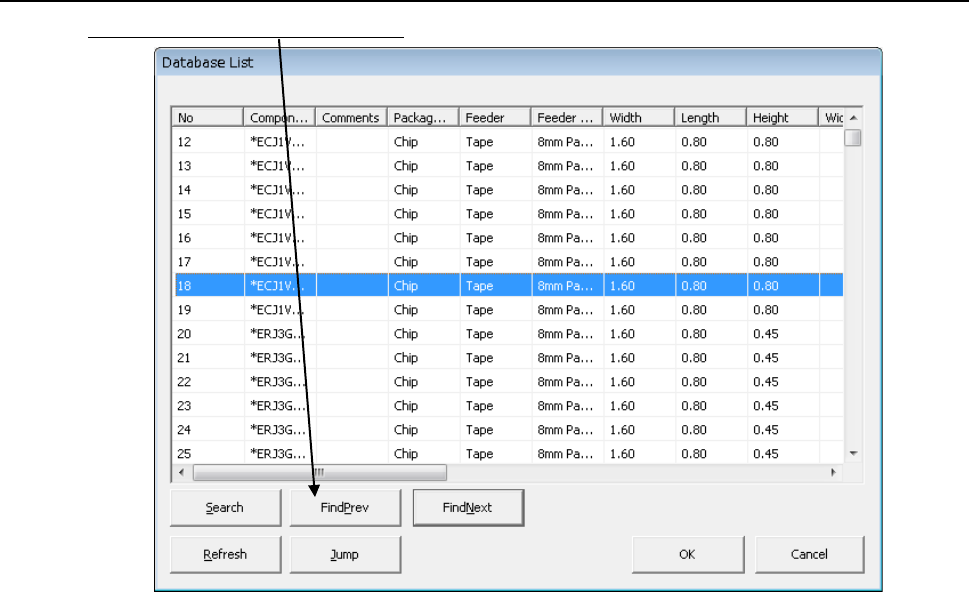
5.1.3.3 Searching the previous matched component data
Click the <Find previous> button on the screen.
The system displays the matched component data located before the component data
currently displayed.
EPU Instruction Manual Chapter 5 Database
5-10
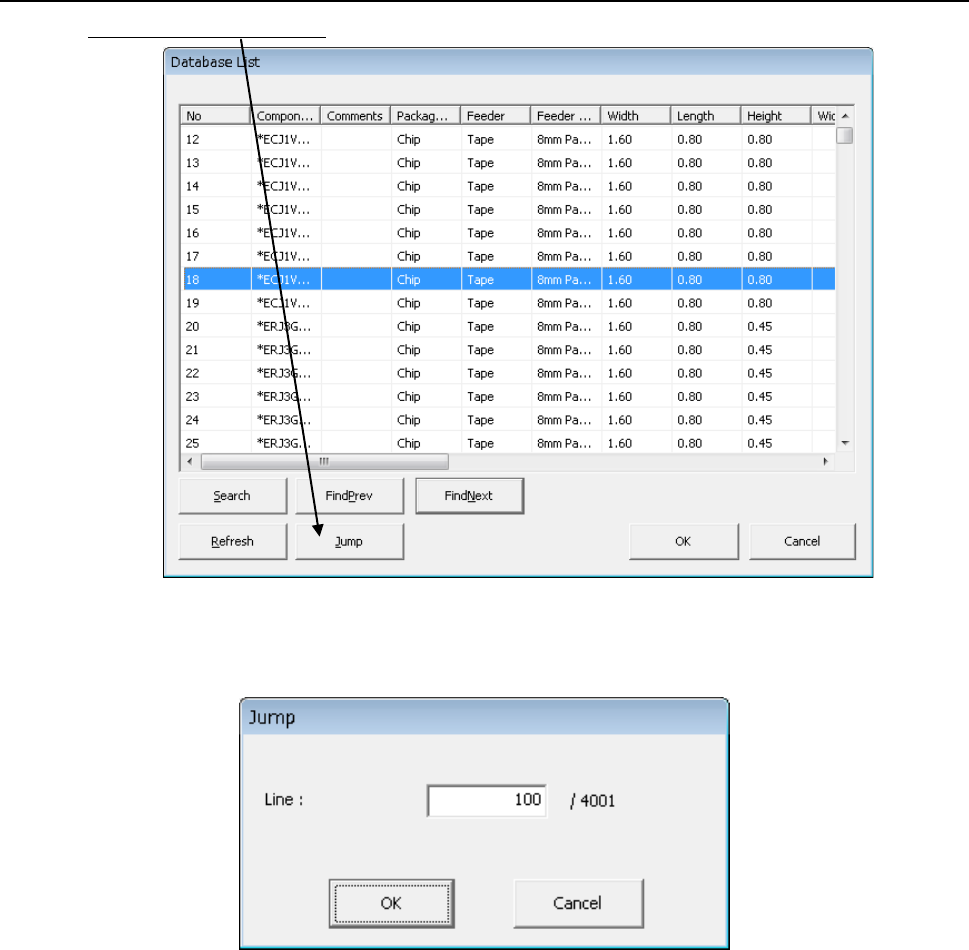
5.1.3.4 Jump
Click the <Jump> button on the screen.
The following screen appears. Enter the record number of component data to which you
want to jump.
When you click the <OK> button, the system jumps to the specified record number of
component data
EPU Instruction Manual Chapter 5 Database
5-11
5.1.4 ReSearch
This [ReSearch] command re-searches the database or permanent information for
Component data, Pick data of a production program to update data of the program.
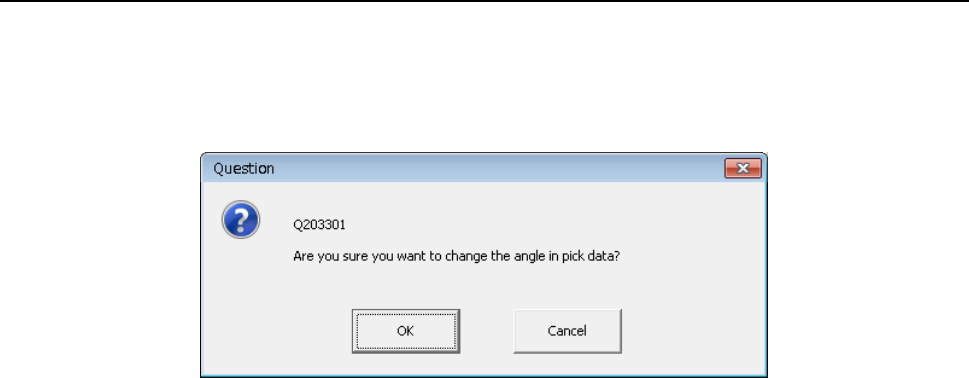
When you click the [ReSearch] command, the message like the one shown below appears
on the screen.
- When you select the <OK> button, the system updates all component pick-up angles.
- When you select the <Cancel> button, the system does not update the angle(s) set in the
Pick data.