JX-350_EPU使用说明书.pdf - 第196页
EPU Instruction M anual C hapter 4 Creating a Production Progr am 4- 148 4.5 Print Select the [Print ] command f rom the “ File ” menu. The “ Pr int ” main screen appears. Select the items t o be printed, and pr ess the …
EPU Instruction Manual Chapter 4 Creating a Production Program
4-147
(2) Device
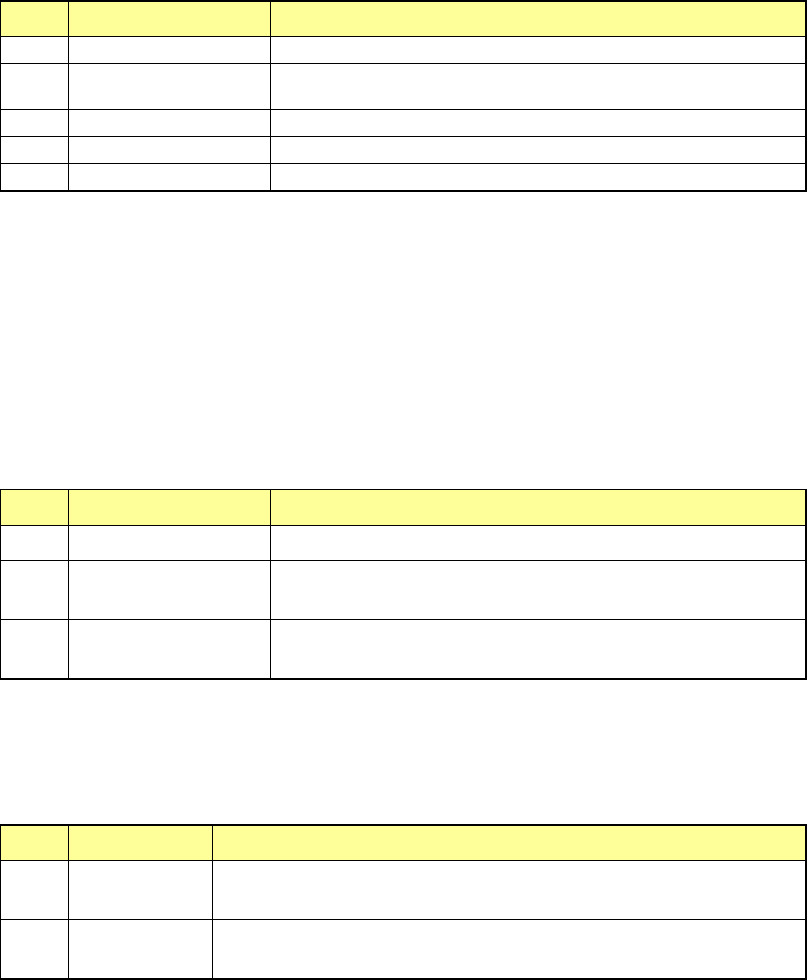
No. Menu item Description
1
Front
Shows only components set on the front bank.
2
Rear
Shows only components set on the rear bank. (When the rear
feeder option is available.)
3
Holder
Not used in JX-350.
4
MTC
Not used in JX-350.
5
MTS
Shows only components set on the MTS.
(3) Supply
When you press one of the < Supply> buttons, the system replenishes the specified
component supply unit with components fully.
When the system replenishes the unit with components, it resets the number of the
remaining components specified in the “Remain” field to the value specified in the
“Initial” field, and cancels the warning.
No. Menu item Description
1 Replenish all comp Replenishes all types of components set on the machine fully.
2 Replenish Comp Replenishes components whose type(s) is (are) displayed with
the <Device> button fully.
3 Feeder Replenishes components that are selected on the “Parts no.
setup” screen.
(4) <OK>/<CANCEL> buttons
No. Button Description
1 OK Updates your change and quits the “Parts no. setup” screen to return to
the previous screen.
2 CANCEL Discards your change and quits the “Parts no. setup” screen to return
to the previous screen.
EPU Instruction Manual Chapter 4 Creating a Production Program
4-148
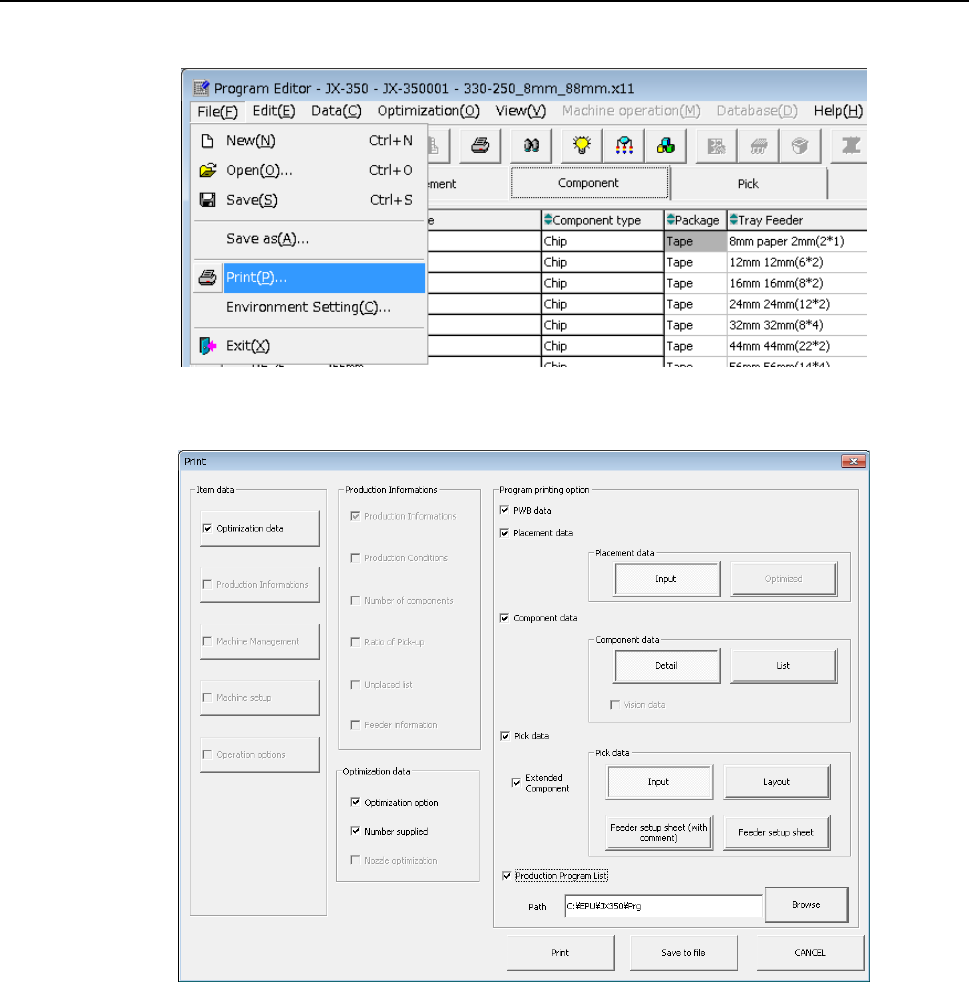
4.5 Print
Select the [Print] command from the “File” menu.
The “Print” main screen appears.
Select the items to be printed, and press the <Print> button. When you press the <Save
to file> button, you can save the data in a file in a text format (whose extension is “txt”).
Refer to Section 1.9.8 "Printing” of the “JX-350 Instruction Manual” for details.
EPU Instruction Manual Chapter 4 Creating a Production Program
4-149
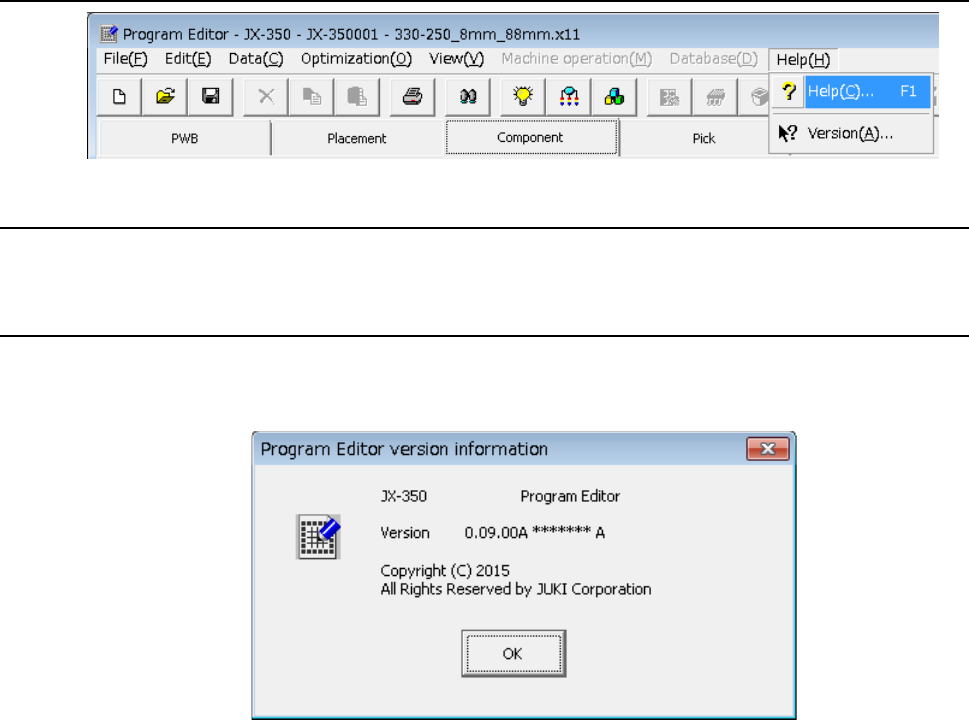
4.6 Help
4.6.1 Help
Displays the Help screen.
4.6.2 Version information
The information on program editing is displayed.
- A display example is as shown below.