JX-350_EPU使用说明书.pdf - 第171页
EPU Instruction M anual C hapter 4 Creating a Production Progr am 4- 123 ⑤ The data you enter ed on the “ Inspect ion 2 ” tab of t he “ Component ” data screen appears on t he screen. S pecify a value to which you w ant …
EPU Instruction Manual Chapter 4 Creating a Production Program
4-122
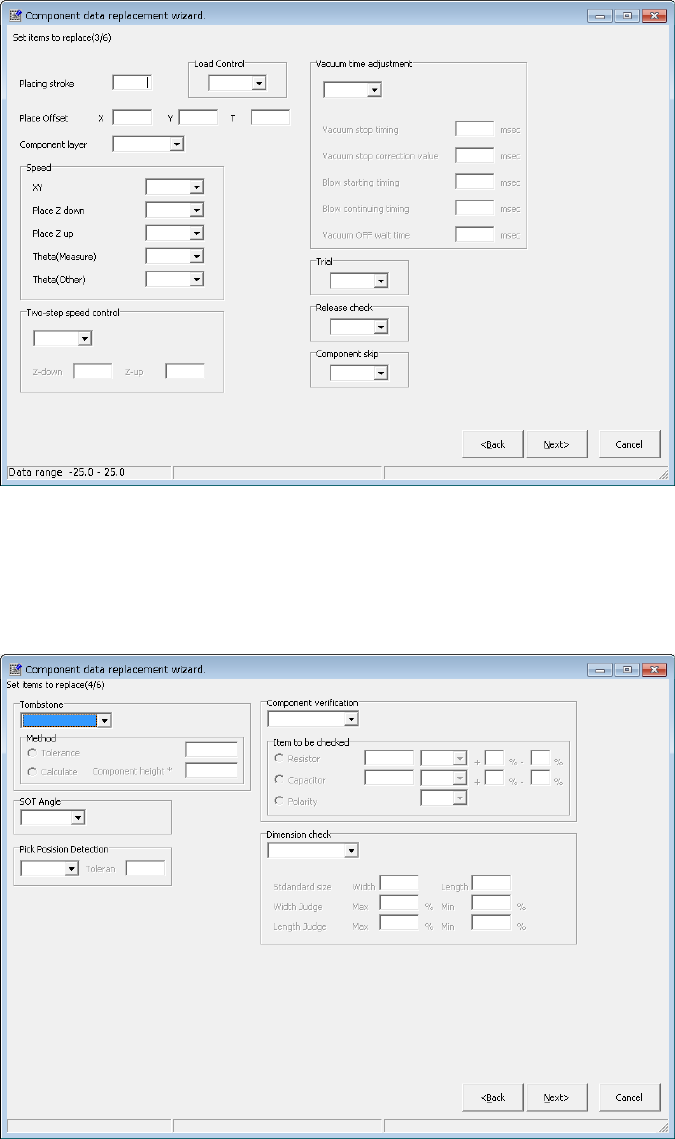
③ The data you entered on the “Place Condition” tab of the “Component” data
screen appears on the screen.
Specify a value to which you want to change in the corresponding field, and
click the <Next> button.
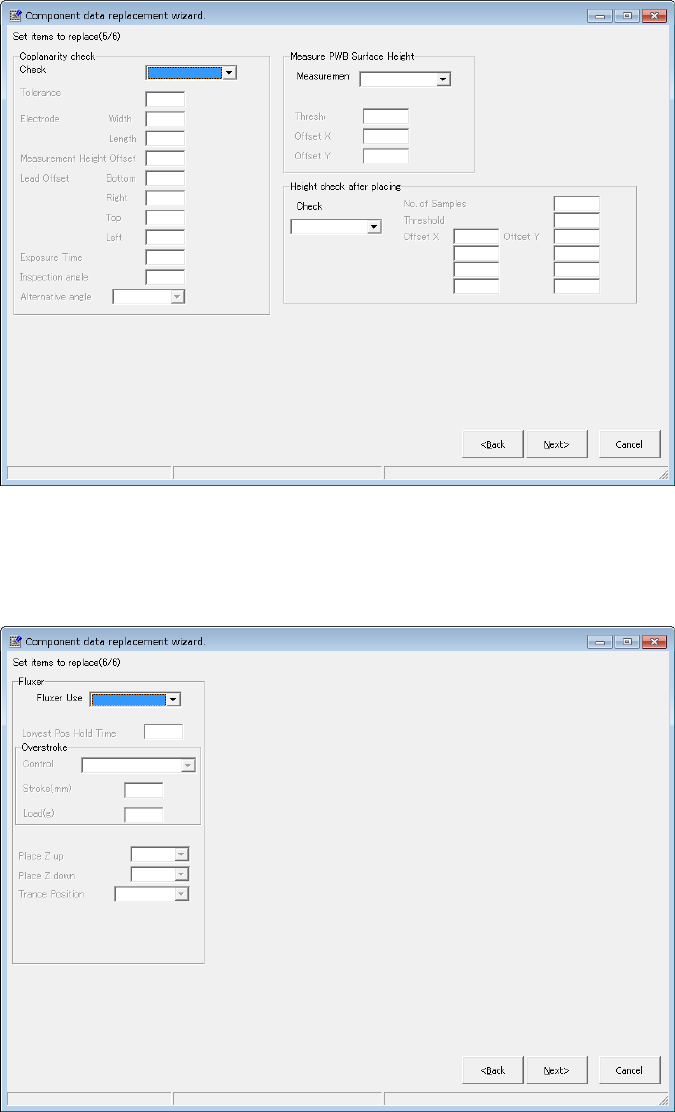
④ The data specified on the “Inspection” tab of the “Component” data screen
appears.
Enter the desired value in each field, and then click the <Next> button.
EPU Instruction Manual Chapter 4 Creating a Production Program
4-123
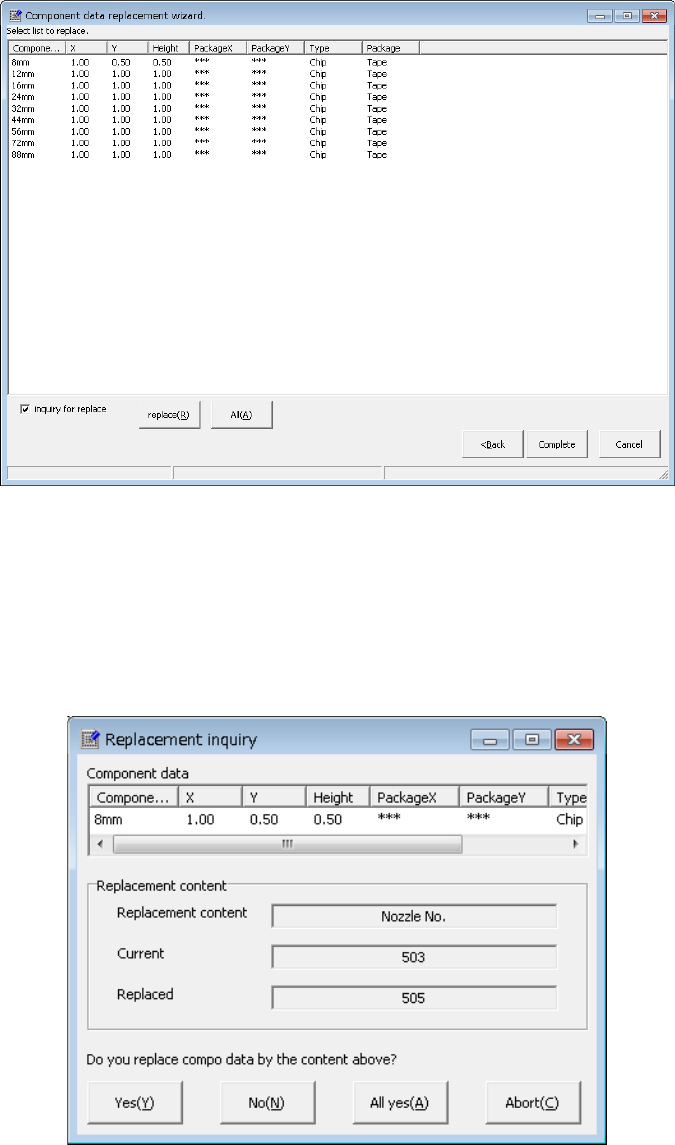
⑤ The data you entered on the “Inspection 2” tab of the “Component” data
screen appears on the screen.
Specify a value to which you want to change in the corresponding field, and
click the <Next> button.
⑥ The data specified on the “Option tab of the “Component” data screen appears.
Enter the desired value in each field, and then click the <Next> button.
EPU Instruction Manual Chapter 4 Creating a Production Program
4-124
3) List of the selected components
The entered data appears on the screen as shown below.
• <replace>: The system replaces data of the records you selected
one by one.
• <All>: The system replaces all data.
• “inquiry for replace”: When you check this check box, the system displays
the “Replacement inquiry” dialog box every time the
system replace one record of data.