JX-350_EPU使用说明书.pdf - 第52页
EPU Instruction M anual C hapter 4 Creating a Production Progr am 4-4 4.1.2 PW B data PW B data consists of f ive items: “ Basic set ting ,” “ Dimension setup, ” “ Circuit layout, ” “ PW B Convey or ” and “ Ex. Bad Mark …
EPU Instruction Manual Chapter 4 Creating a Production Program
4-3
4.1.1 Procedure for creating a production program
Create a program in the order of PWB → Placement → Component → Pick
You can enter only alphanumeric characters from a keyboard.
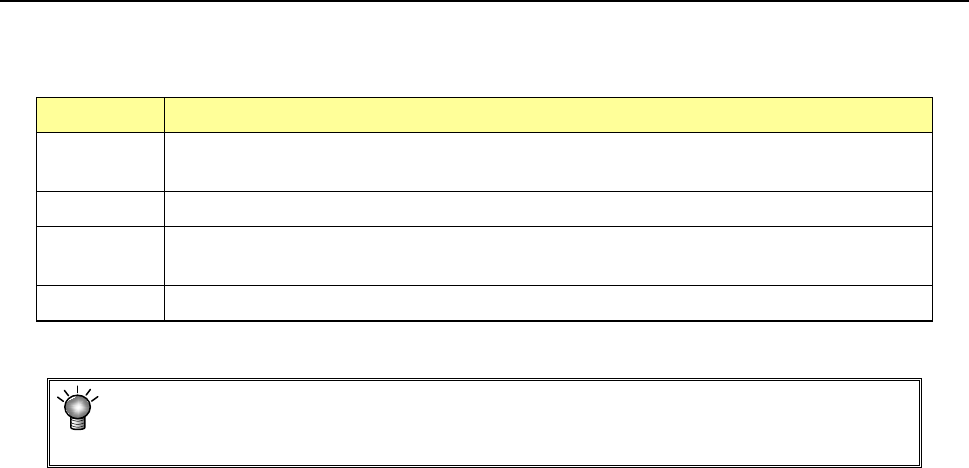
Type of data Description
PWB This covers overall PWB data such as PWB outer dimensions and the coordinates of Board
Offset Correction (BOC) mark position.
Placement This covers coordinates of the placement position, component names to be placed and others.
Component The data including component dimensions and packaging style required for laser centering is
handled.
Pick This covers the data on positions of components supplied by a tape feeder, stick feeder etc.
You cannot open the next data screen until you completely create the data you are
supposed to create first: for example, you cannot open the “Placement” data screen
if you have not created “PWB data” completely.

EPU Instruction Manual Chapter 4 Creating a Production Program
4-4
4.1.2 PWB data
PWB data consists of five items: “Basic setting,” “Dimension setup,” “Circuit layout,”
“PWB Conveyor” and “Ex. Bad Mark”.
• Basic setting: Enter the basic PWB configuration here.
• Dimension setup: Enter the detailed dimensions of a PWB. The displayed items
vary depending on the settings of the “Basic setting” items.
• Circuit layout: Enter the position, angle of a circuit and PWB configuration.
When you use a JX-350, you can select this only if you select the
“Non-matrix circuit” radio button on the “Dimension setup” tab.
When you use a JX-350, you can select this only if you select the
“Used” radio button for the menu item “Circuit Mapping” on the
“Basic setting” tab, and the “Matrix circuit” radio button or the
“Non-matrix circuit” radio button on the “Dimension setup” tab.
You can enter these items only if you select “Non-matrix circuit” as
the “PWB configuration” on the “Basic setting” screen.
• PWB Conveyor: Make the detailed settings of the conveyor.
• Ex. Bad Mark: Enter the coordinates of a bad mark on each circuit when you are
to use an extended bad mark.
EPU Instruction Manual Chapter 4 Creating a Production Program
4-5
4.1.2.1 Basic setting
There are six items on the “Basic setting” tab.
Enter or select data according to the PWB to be produced.
After program editing is started or after "New" is selected in the file menu, the program
name is changed into UNTITLED.
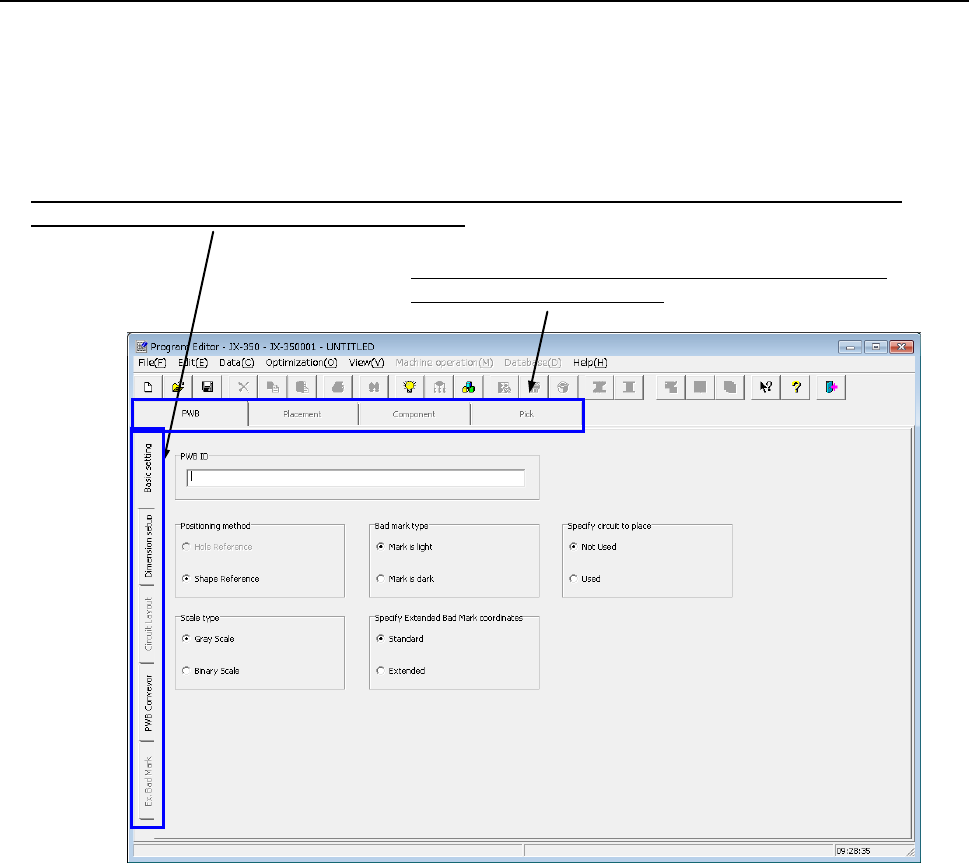
Switch the screen: “Basic setting,” “Dimension setup,” “Circuit layout,” “PWB Conveyor” or “Ex. Bad Mark”.
(Select the “tab” corresponding to the desired screen.)
Switch the data screen among PWB data, Placement data,
Component data and Pick data.
Make the following settings (1) to (6) on the “PWB” data screen.
(1) PWB ID
Enter a “comment” that elaborates on the PWB name.
You can specify the PWB ID with up to 60 alphanumeric characters and/or symbols.
The PWB ID entered here is displayed on the screen while you are creating a
production program or while the system is producing a PWB. Therefore, enter the
PWB ID easy to recognize here.
You can omit the PWB ID.
(2) Positioning method
♦ Hole Reference: * Not used in JX-350.
♦ Shape Reference: This method positions a PWB by fixing its edges mechanically:
it does not use any positioning hole of a PWB.