JX-350_EPU使用说明书.pdf - 第186页
EPU Instruction M anual C hapter 4 Creating a Production Progr am 4- 138 20 Conveyor Waiting time Accumulated time from when a board st arts being transported until when finishes being transported. Note that the time per…
EPU Instruction Manual Chapter 4 Creating a Production Program
4-137
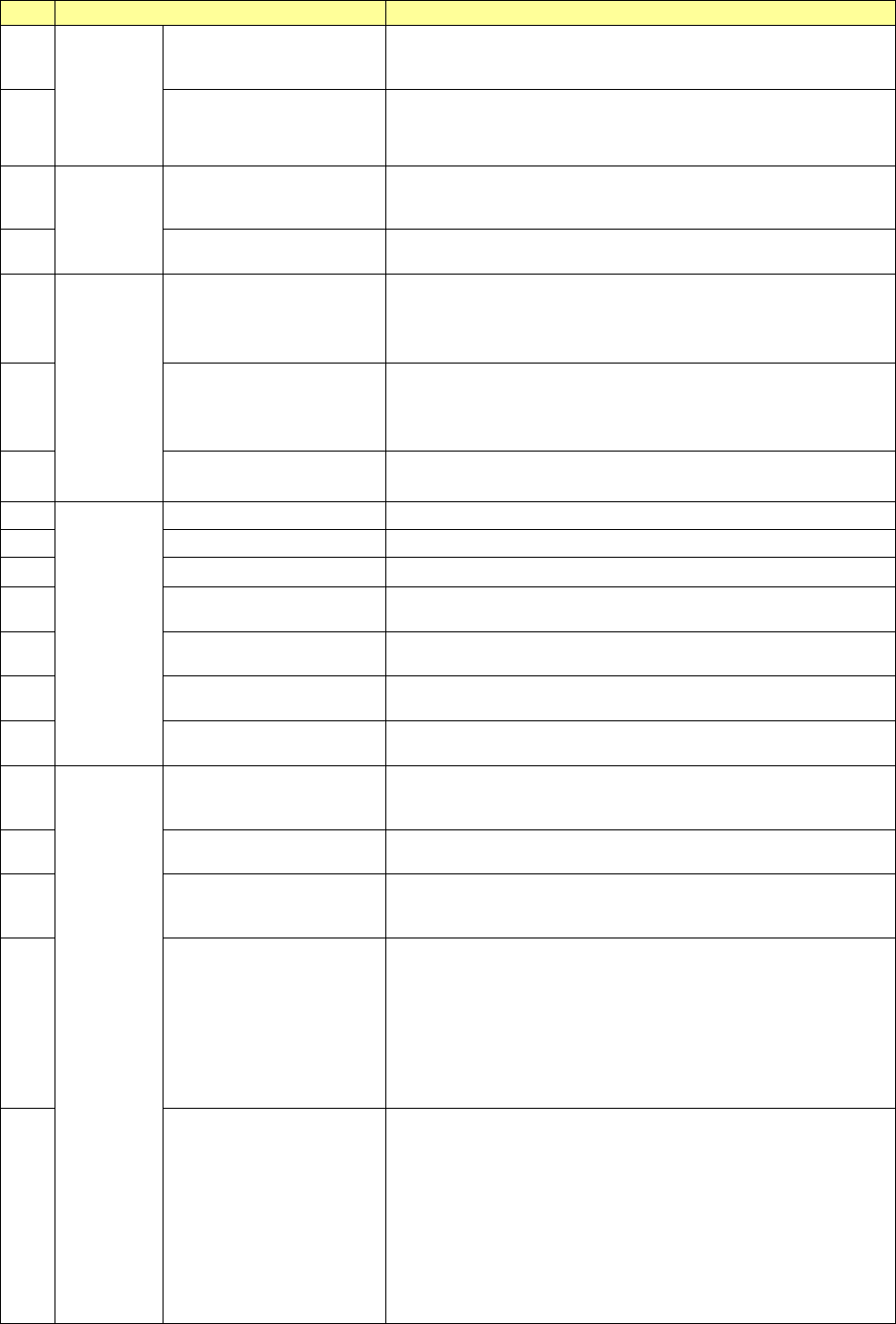
No.
Menu item
Description
1
PWB
production
Number of PWBs
produced
Number of PWBs already produced after the production
management information was cleared the last time (number of
PWBs produced completely only)
2
Number of circuits
produced
Number of circuits already produced
(Number of PWBs produced × Number of circuits – Number
of bad marks detected)
3
Ta c t
Machine Tact
Shows the time from when one board is loaded into the
machine until when the board is ejected..
The cycle time per station is displayed also.
4 Line Tact
Shows the time from when one board is ejected until when the
next board is ejected.
5
Ratio
Ratio of Pick-up (%)
Shows the successful component pick-up ratio.
(Number of successful component pick-ups / (Number of
successful component pick-ups + Number of component
pick-up errors) )
×
100
6 Ratio of Placement (%)
Shows the successful component placement ratio.
(Number of successful component placements / (Number of
successful component placements + Number of component
placement errors))
×
100
7 Ratio of Retry (%)
Shows how frequently a component pick-up retry has occurred.
100 – “Ration of Pick-up”
8
Number
Total picked
Total number of picked-up components
9
Cmp. picked
Total number of components picked up successfully
10 Cmp. placed Total number of components placed successfully
11 Bad marks detected
The total number of circuits for which bad mark is detected and
detected area bad marks.
12
BOC mark recognition
errors
Number of BOC mark recognition errors that have occurred
13
Area mark recognition
errors
Number area mark recognition errors that have occurred
14 Component run out stops
How many times the machine stopped due to a component
run-out error
15
Time
Prod. start time
Date and time the machine started PWB production for the first
time after clearing the production management information last
time.
16 Prod. end time
Date and time the machine finished PWB production with this
production program last time.
17 Operation time
Accumulated time from when PWB production started until
when it finished excluding stop time and waiting time for a
board (pause is not included in this time period)
18 PWB load wait
Shows the accumulated time periods from when the clamped
board was released and the Out sensor was turned off till when
the In sensor was turned on.
If the In sensor or the Wait sensor was turned on from the start,
any time period is not included in this “PWB load wait” time.
Any time period the machine paused while it was waiting for a
PWB to be loaded is not included in this “PWB load wait” time
either.
19 PWB eject wait
Shows the accumulated time periods from when the Out sensor
was turned on till when it turned off after the clamped board was
released.
If the Out sensor was turned on from the start, any time period
is not included in this “PWB eject wait” time.
However, if a PWB was the last one, the time passed till this
last board finished being transported is include in this “PWB
eject wait” time regardless of the Out sensor state, on or off.
Any time period the machine paused while it was waiting for a
PWB to be ejected is not included in this “PWB eject wait” time.
EPU Instruction Manual Chapter 4 Creating a Production Program
4-138
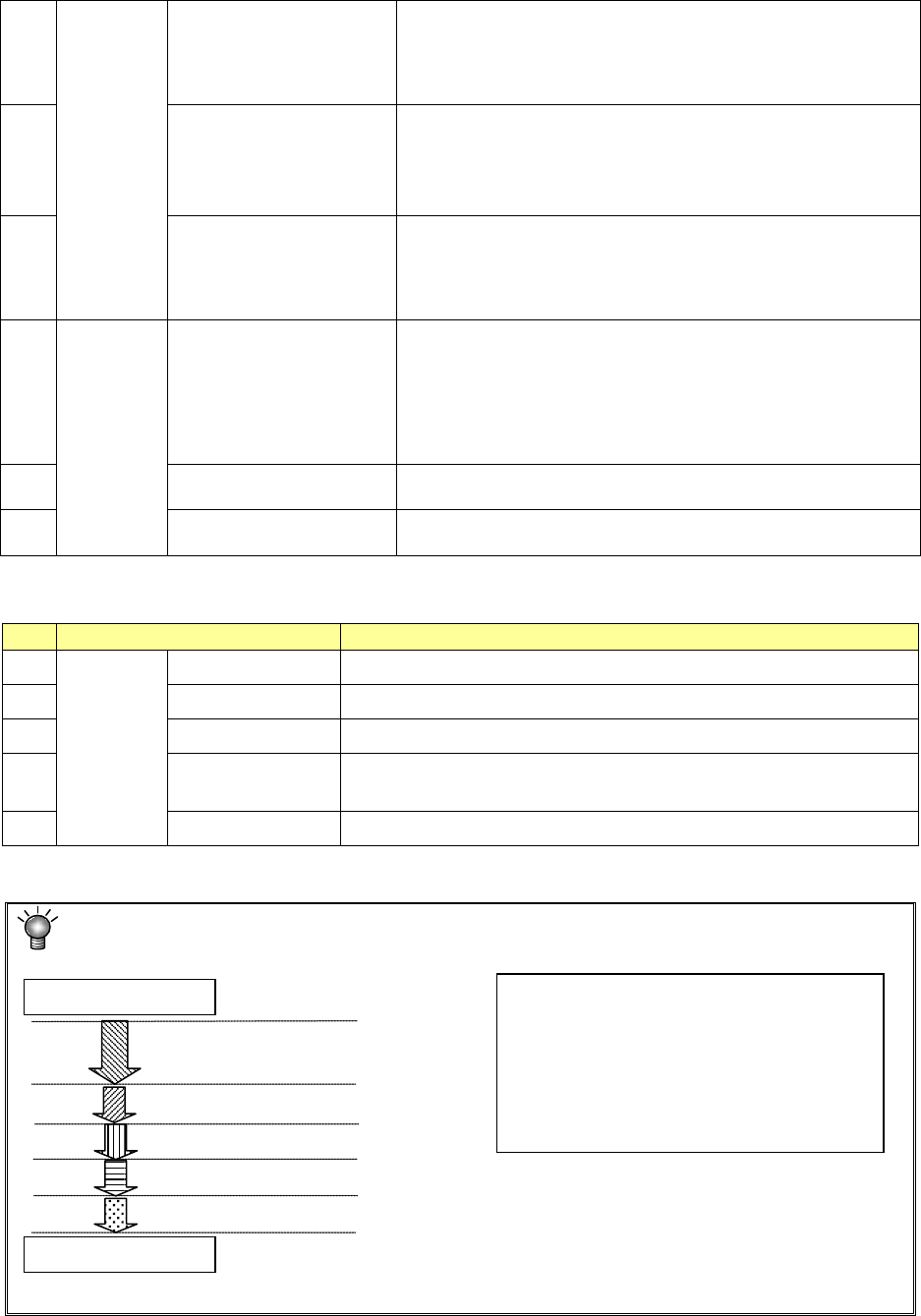
20 Conveyor Waiting time
Accumulated time from when a board starts being transported
until when finishes being transported.
Note that the time period when the machine pauses temporarily
while it is transporting a board is not included in this time
period.
21 Total error stop time
Accumulated time periods when the machine could not produce
any PWB due to an error including pause period and the
Emergency Stop time from start of PWB production to end of it
“Total error stop time” = “Machine error stop time” +
“Component run out time”
22 Pause by operator
Accumulated time periods when the machine stopped
according to the user request (by pressing the <STOP> switch)
Pause for protecting a component and cycle stop are regarded
as a result of the user request, and added to this “Pause by
operator” time period.
23
Machine error stop time
Accumulated pause time: pause caused when the menu item
“Stop system on any error” is checked on the “Operation option”
menu, pause caused because the machine cannot continue the
current PWB production (the IC recovery belt is full of
components) and an asynchronous event (the bank is moved
down). Note that if the machine pauses because components
run out, it is added to the “Component run out time” below.
24
Component run out time
Accumulated time periods when the machine paused because
components run out or due to the Retry list
25
Stop time
Total time of the “Pause by operator,” “Machine error stop time”
and “Component run out time.”
“View” allows you to change the displayed management information.
No.
Menu item
Description
1
View
Total Shows the total management information.
2 Head Shows the production management information per head.
3 Feeder Shows the production management information per feeder.
4 Pick Sorts the component pick-up rates at each component supplied
position and shows them.
5 Clear Clears the production management information.
Each process of production is defined as follows:
A Production
(including board transport time)
Start of production
End of production
B Pause button ON
C Emergency stop button ON
D An error (such as a recognition error)
E Components run out occurs.
• Operation time → A
• Total error stop time → C + D + E
• Pause by operator → B
• Machine error stop time → C + D
• Component run out time → E
• Stop time → B + C + D + E
EPU Instruction Manual Chapter 4 Creating a Production Program
4-139
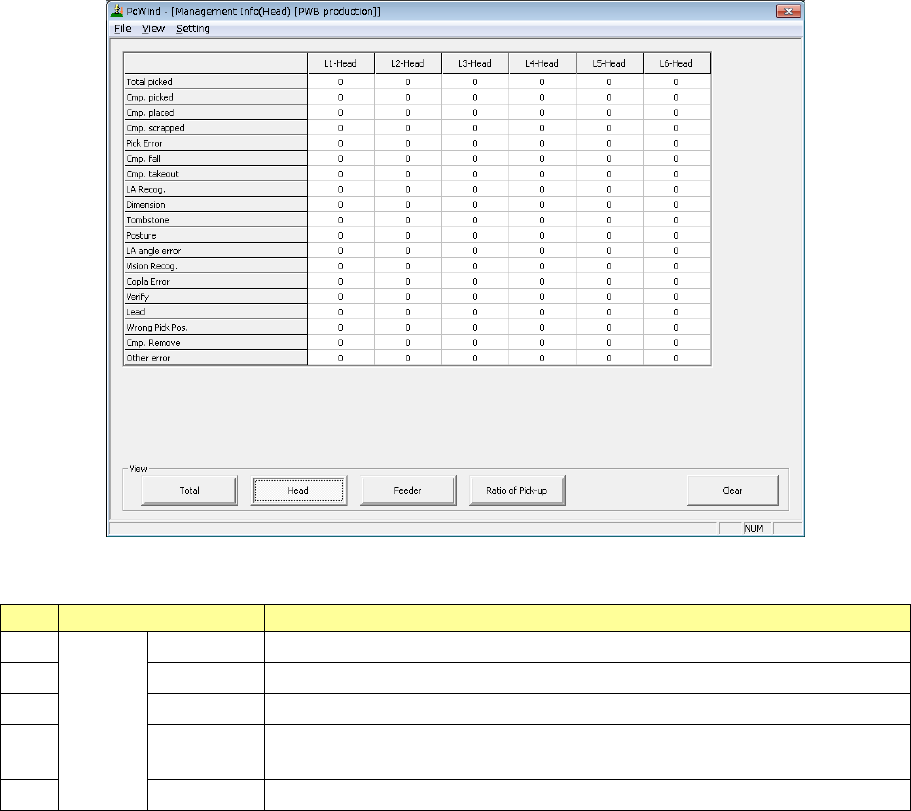
2) Management Info (Head)
The production management information per head is displayed.
“View” allows you to change the displayed management information.
No.
Menu item
Description
1
View
Total
Shows the total management information.
2 Head Shows the production management information per head.
3
Feeder
Shows the production management information per feeder.
4 Pick Sorts the component pick-up rates at each component supplied position and
shows them.
5
Clear
Clears the production management information.