88192277-01-19 - Micron Technical Reference V9 Volume 4.pdf - 第113页
DIAGNOSTICS SCREEN CLEANER Chapter Issue 4, Aug 14 Technical Reference Manual 39.27 T oggle V acuum Selecting this diagnostic function alternately switches the vacu um pump on and off, displayin g its current status. T o…
DIAGNOSTICS
SCREEN CLEANER
39.26 Technical Reference Manual Chapter Issue 4, Aug 14
SCREEN CLEANER
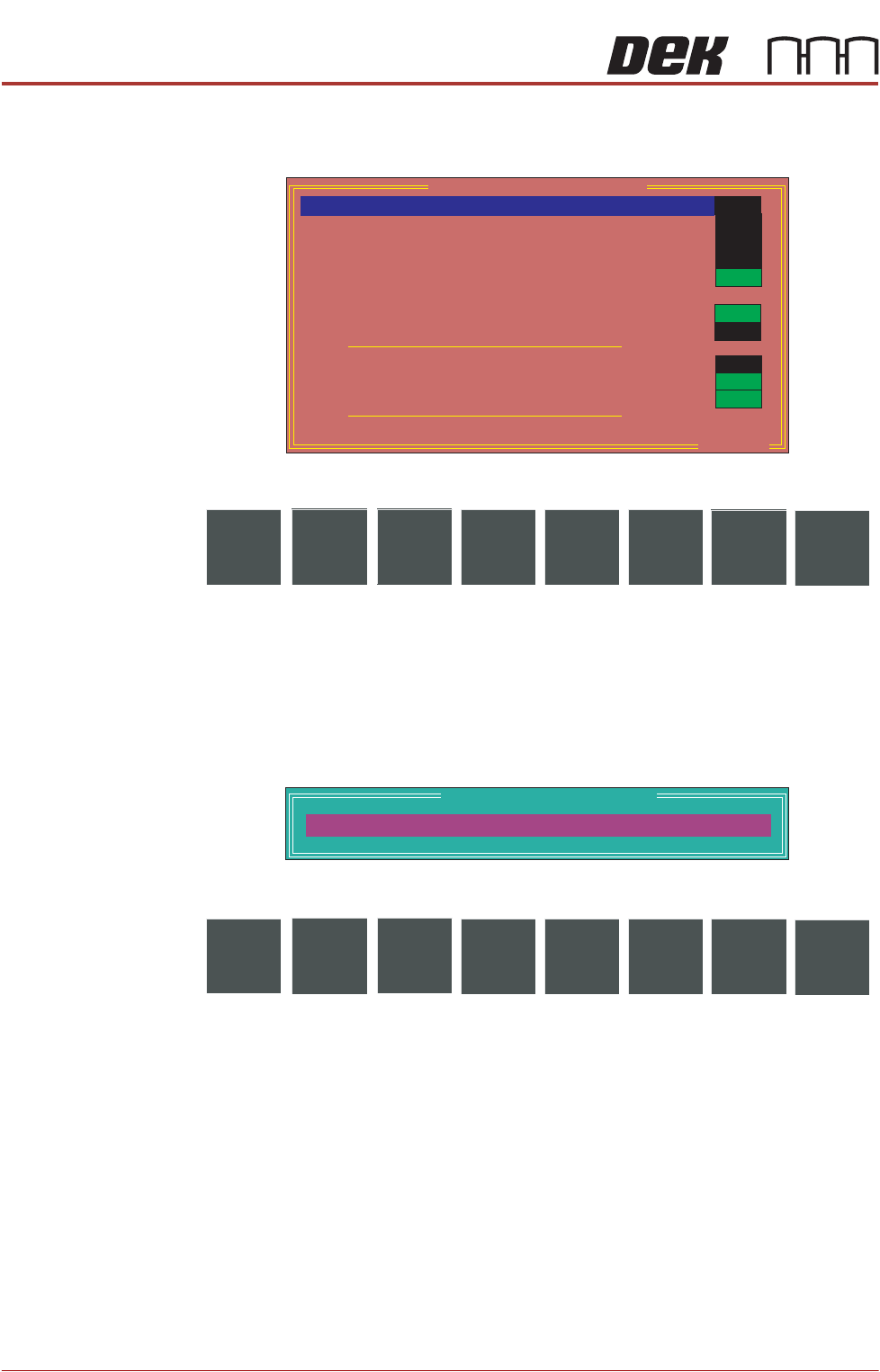
Selecting this diagnostics module opens the following window:
The following icons are displayed:
Next/Previous moves the highlight bar up and down the list of selectable
diagnostic functions.
Run Diagnost activates the diagnostic function, as selected by the highlight
bar.
Exit returns operation to the module diagnostics page.
Adjust opens the following window:
The following icons are displayed:
Incr./Decr. changes the value of the cycle count.
Exit returns operation to the screen cleaner diagnostics page.
Toggle Dry Wipe
Blade
Selecting this diagnostic function raises and lowers the cleaner body assembly,
displaying On when the cleaner body assembly is raised and Off when the
cleaner body assembly is lowered.
Toggle Solvent
Pump
Selecting this diagnostic function alternately switches the solvent pump on and
off, displaying its current status.
Toggle Paper Feed Selecting this diagnostic function alternately switches the paper feed motor on
and off, displaying its current status.
OFF
Screen Cleaner Diagnostics
ON
OFF
Toggle Dry Wipe Blade
Toggle Solvent Pump
Toggle Paper Feed
Toggle Vacuum
Toggle Screen Cleaner Home Clamp
Cycle Clean Blade
Toggle Cleaner Camera
Clamp
Toggle Oscillate
OFF
OFF
OFF
ON
ON
OFF
Cleaner Paper Low/Advance
Cleaner Solvent Low
Cleaner Attached
Cycle Count
Done :-
0,To go :-
50
ON
ON
. . . more
Run
Diagnost
NextAdjust
Previous
Exit
Cleaner Cycle Parameters
CYCLE COUNT
50.0
Cycles
Incr. Decr.
Exit

DIAGNOSTICS
SCREEN CLEANER
Chapter Issue 4, Aug 14 Technical Reference Manual 39.27
Toggle Vacuum Selecting this diagnostic function alternately switches the vacuum pump on and
off, displaying its current status.
Toggle Screen
Cleaner Home
Clamp
Selecting this diagnostic function alternately energizes and de-energizes the
screen cleaner home clamp electromagnet, displaying its status.
Cycle Clean Blade Selecting this diagnostic function continuously raises and lowers the cleaner
body assembly for the number of cycles specified in the cycle count.
Toggle Cleaner
Camera Clamp
Selecting this diagnostic function alternately energizes and de-energizes the
cleaner camera clamp electromagnet, displaying its status.
Toggle Oscillate Selecting this diagnostic function alternately switches the oscillating motor on
and off, displaying its current status.
Cleaner Paper
Low/Advance
This diagnostic function continuously displays the status of the cleaner paper
low/advance sensor.
Cleaner Solvent
Low
This diagnostic function continuously displays the status of the cleaner solvent
low sensor.
Cleaner Attached This diagnostic function continuously displays the status of the cleaner dropped
sensor.
Cycle Count This diagnostic function displays the amount of cycles done and the amount of
cycles to go to complete the cycle count. The cycle count may be preset 5 -
9995 cycles (default 50) by selecting Adjust.
DIAGNOSTICS
RISING TABLE
39.28 Technical Reference Manual Chapter Issue 4, Aug 14
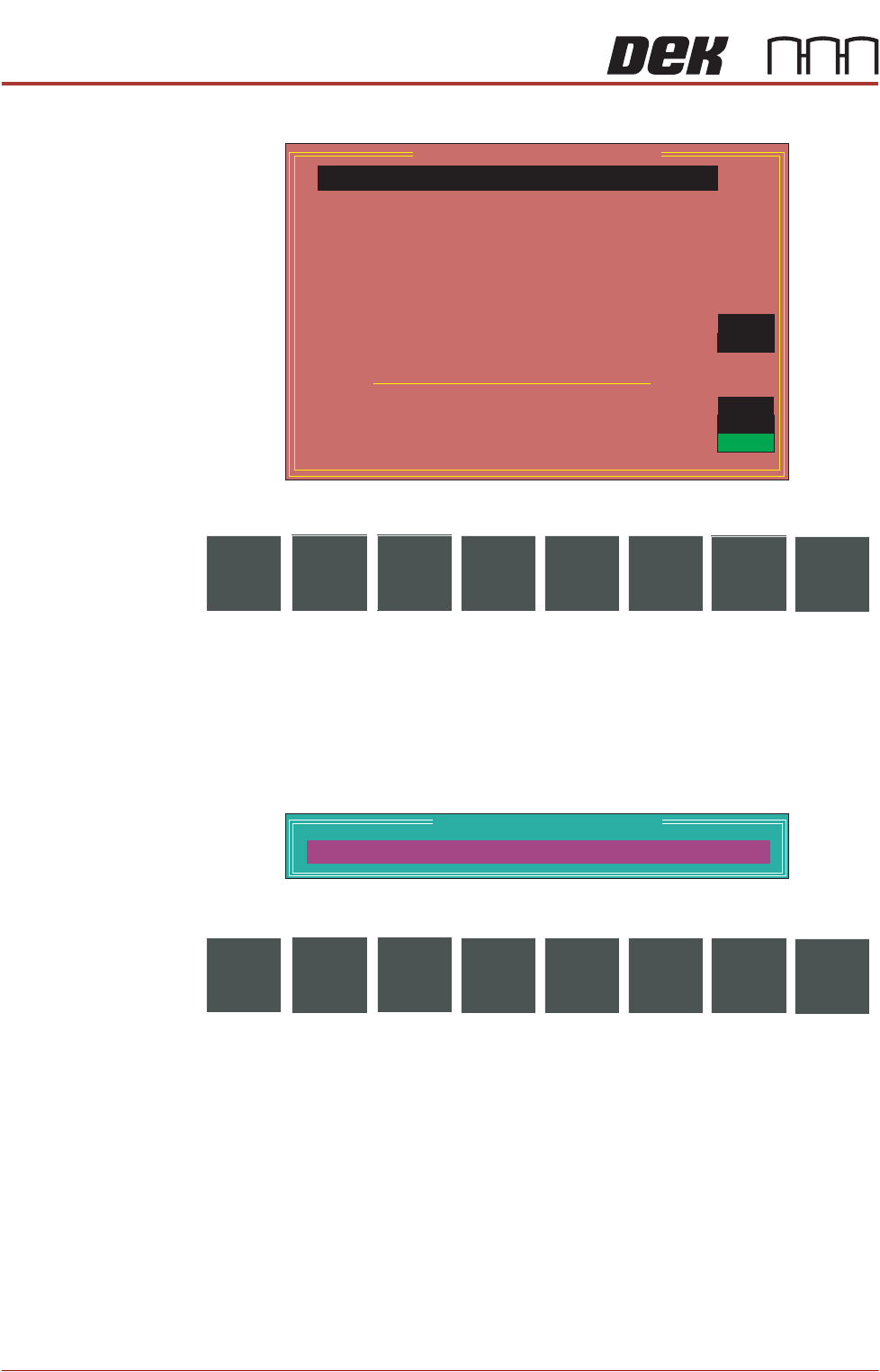
RISING TABLE Selecting this diagnostics module opens the following window:
The following icons are displayed:
Next/Previous moves the highlight bar up and down the list of selectable
diagnostic functions.
Run Diagnost activates the diagnostic function, as selected by the highlight
bar.
Exit returns operation to the module diagnostics page.
Adjust opens the following window:
The following icons are displayed:
Next/Previous have no function in this application.
Incr./Decr. changes the value of the cycle count.
Exit returns operation to the rising table diagnostics page.
Home Rising Table Selecting this diagnostic function drives the rising table down to the home
position, as indicated by its home sensor.
Raise Table to
Vision Height
Selecting this diagnostic function drives the rising table to the height set by the
vision height parameter.
Raise Table to
Transport Height
Selecting this diagnostic function drives the rising table to the height calculated
from the print reference height to achieve under clearance as set in the board
file.
Rising Table Diagnostics
Home Rising Table
Raise Table to Transport Height
Raise Table to Vision Height
Raise Table to Print Height
Restore Default Heights
Set Reference Vision Height
Set Reference Print Height
Drive Table using Jog Buttons
Toggle Table Brake
Toggle Vacuum Tooling Valve
Cycle Rising Table
Rail Lifted Left
Rail Lifted Right
Table at Home
Cycle Count
OFF
OFF
Done :-
0, To go :-
50
OFF
OFF
ON
Run
Diagnost
NextAdjust
Previous
Exit
Table Cycle Test Parameters
CYCLE COUNT
50.0
Cycles
Next Incr. Decr.
Previous
Exit