88192277-01-19 - Micron Technical Reference V9 Volume 4.pdf - 第88页
DIAGNOSTI CS SYSTEM 39.2 Technical Reference Manual Chapter Issue 4, Aug 14 SYSTEM Selecting this diagnostic module opens the following win dow: The following icons are displayed: Next/Previous moves the highlight bar up…
DIAGNOSTICS
INTRODUCTION
Chapter Issue 4, Aug 14 Technical Reference Manual 39.1
CHAPTER 39 DIAGNOSTICS
INTRODUCTION The diagnostic function is an aid to the user to allow individual access and
control of motors and modules. It allows the user to control the sequence of the
printer so that a particular module can be exercised.
To enter diagnostics:
Select Maintenance.
Select Diagnostics.
NOTE
If diagnostics is password protected, the correct password must be entered
before access is allowed.
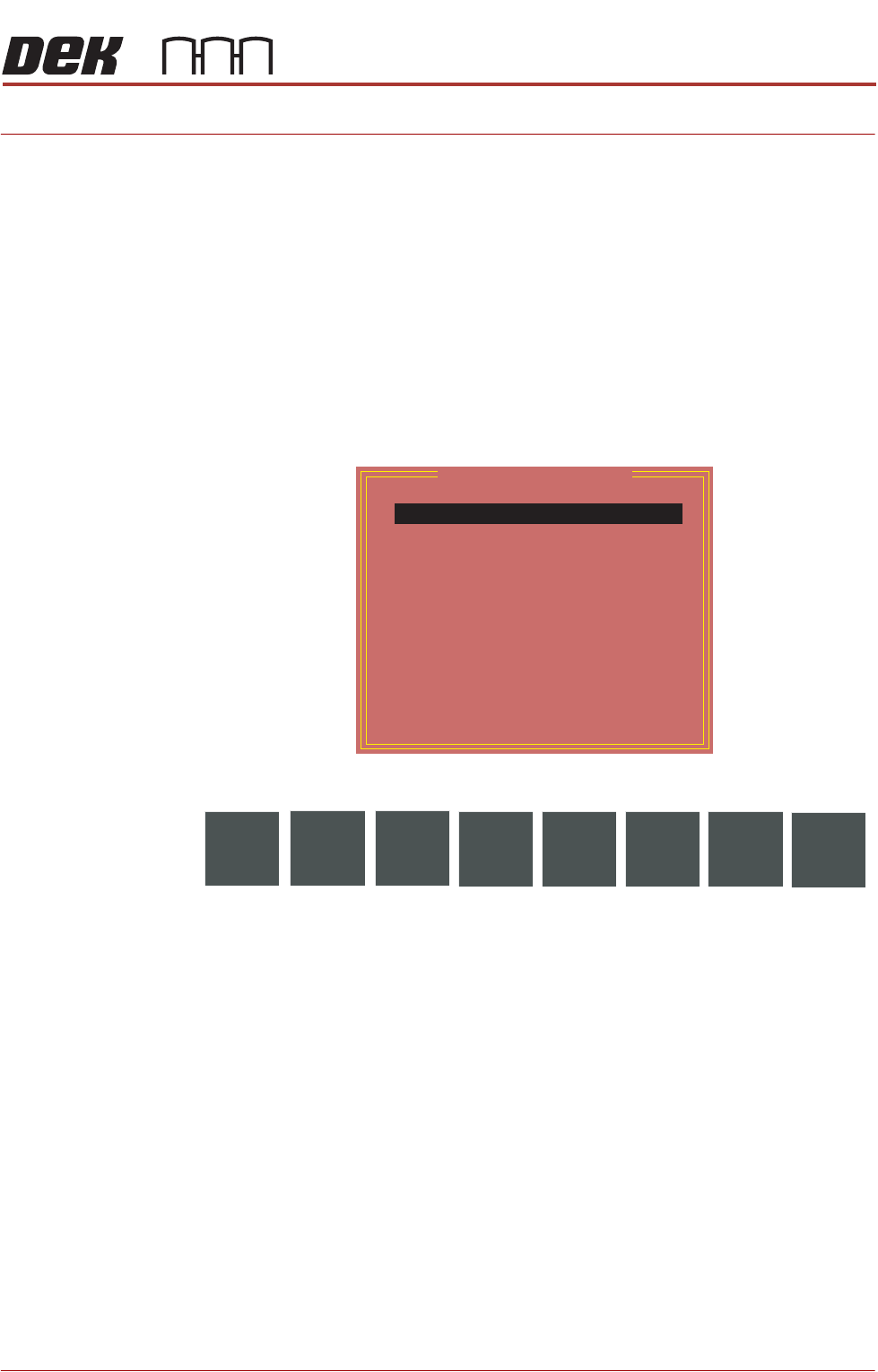
The following window is displayed:
The following icons are displayed:
Next/Previous moves the highlight bar up and down the list of diagnostic
modules.
Select Module opens a new window displaying the diagnostic functions avail-
able for the selected module.
Machine Setup is a password protected function for ASM engineers only.
Exit closes the diagnostics page, initialises the printer and returns the display
to the maintenance page.
Select Back to return to the Ready page.
NOTE
Before any diagnostic function is used in any of the modules they must be
homed first or they are not able to initiate a command.
Module Diagnostic Page
System
Print Carriage
ProFlow / Squeegee
Camera Axes
Rail System
Paste Dispense System
Screen Alignment
Screen Change
Screen Cleaner
Rising Table
MIU
Vacuum Tooling
Pass Through Rails
Select
Module
Machine
Setup
Next
Previous
Exit
DIAGNOSTICS
SYSTEM
39.2 Technical Reference Manual Chapter Issue 4, Aug 14
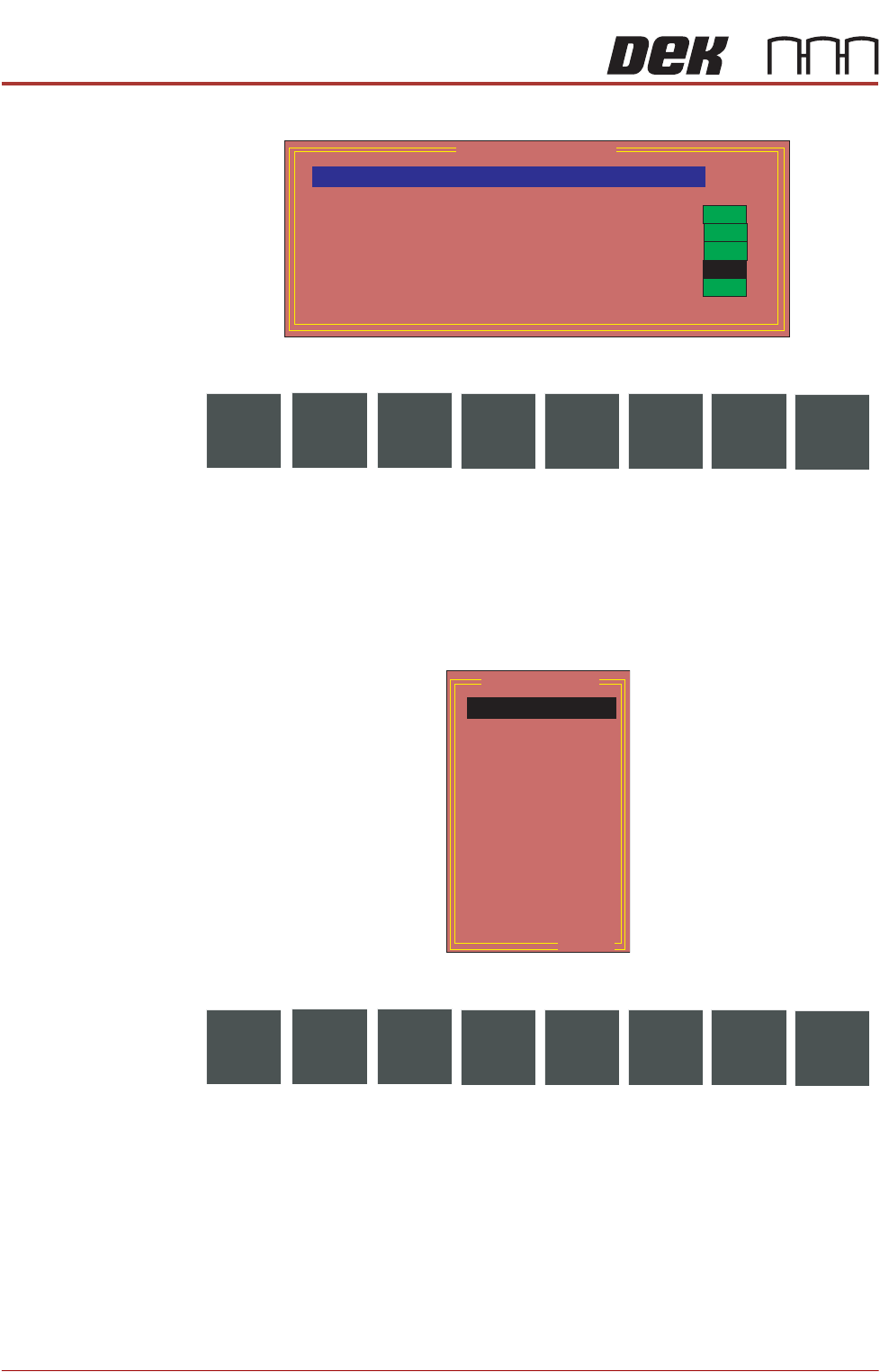
SYSTEM Selecting this diagnostic module opens the following window:
The following icons are displayed:
Next/Previous moves the highlight bar up and down the list of selectable
diagnostic functions.
Run Diagnost activates the diagnostic function, as selected by the highlight
bar.
Exit returns operation to the module diagnostic page.
Display All Digital
Inputs
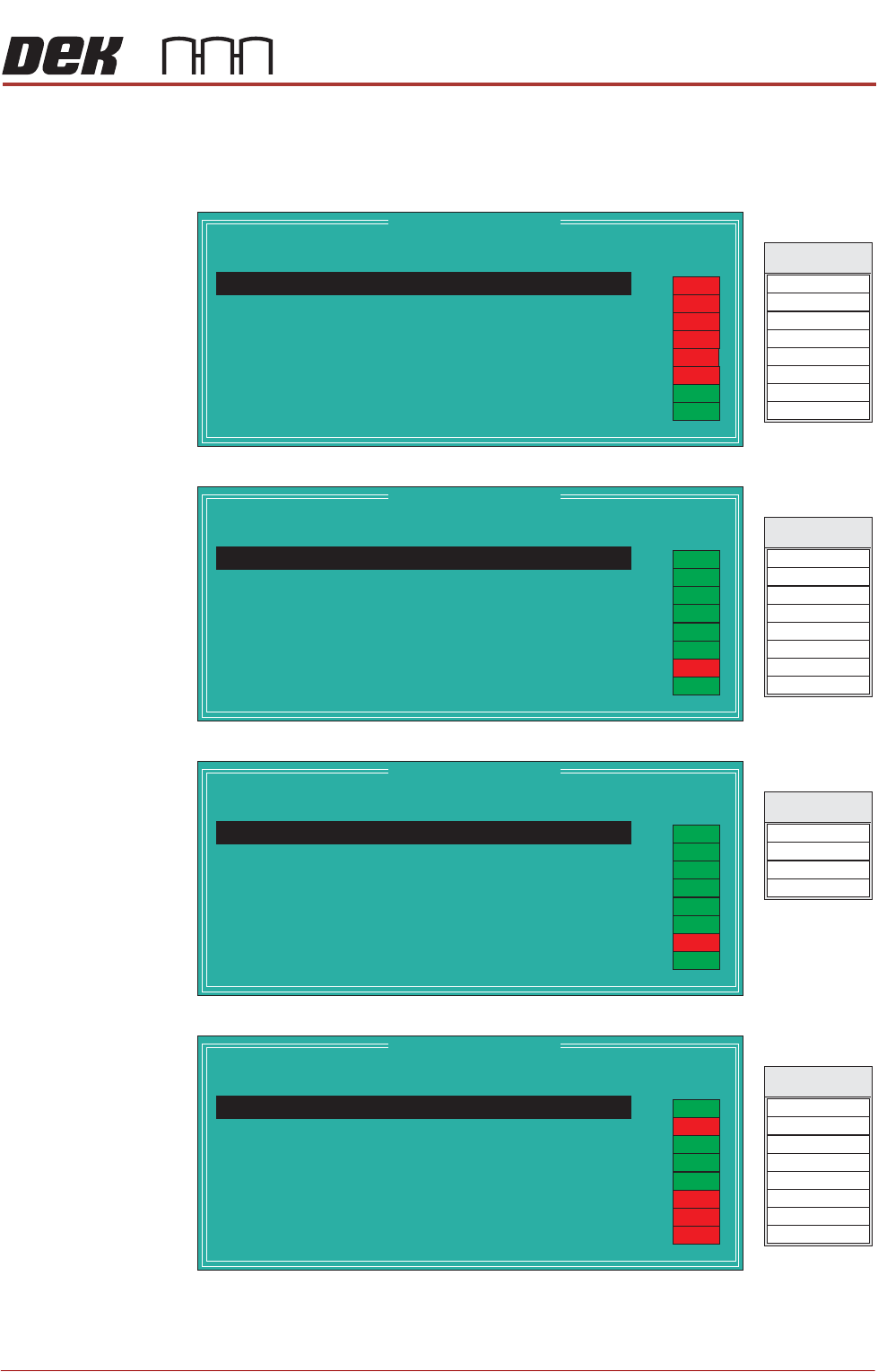
Selecting this diagnostic function opens the following window:
The following icons are displayed:
Next/Previous moves the highlight bar up and down the list of diagnostic
modules.
Select opens a new window displaying the diagnostic functions available for the
selected option.
Exit returns operation to the system diagnostics page.
NOTE
1. The signal listings, shown on the right hand side of the following diagnostic
windows, are not shown on the MMI screen, they are included here as an
aid to show the relationship between the I/O signal and the point description.
System Diagnostics
ON
ON
ON
ON
OFF
Display all Digital Inputs
Display all Analogue Inputs
Toggle Red Beacon
Toggle Amber Beacon
Toggle Green Beacon
Toggle Lid Bolt
Data Logging
Terminate Control Program
Run
Diagnost
Next
Previous
Exit
Digital Group
Node 1 Group 0
Node 1 Group 1
Node 1 Group 2
Node 1 Group 3
Node 2 Group 0
Node 2 Group 1
Node 2 Group 2
Node 3 Group 0
Node 3 Group 1
Node 3 Group 2
Node 4 Group 0
Node 4 Group 1
Node 4 Group 2
..more
Select
Next
Previous
Exit
DIAGNOSTICS
SYSTEM
Chapter Issue 4, Aug 14 Technical Reference Manual 39.3
2. Some of the Point Description titles may vary dependant on options fitted to
the printer.
Node 1 Group 0
Node 1 Group 1
Node 1 Group 2
Node 1 Group 3
Node 1 Group 0
Point Description
---------------------
---------
-------
Bit No
Sense
-----------
------
Direction
State
Not Used
Not Used
Front Squeegee Home
Rear Squeegee Home
Moving Rail Home
Rail Lifted Left
Rail Lifted Right
1
2
3
4
5
6
7
Positive
Positive
Positive
Positive
Positive
Negative
Negative
Input
Input
Input
Input
Input
Input
Input
OFF
ON
OFF
OFF
OFF
OFF
DIG IN 0
DIG IN 4
DIG IN 1
Signal
DIG IN 5
DIG IN 6
DIG IN 2
DIG IN 3
DIG IN 7
OFF
ON
Not Used 0
Positive
Input
Node 1 Group 1
Point Description
---------------------
---------
-------
Bit No
Sense
-----------
------
Direction
State
Board Stop In
Board At Left
Board At Right
Left Jog Button
Right Jog Button
Power On Monitor
Cover Interlock
1
2
3
4
5
6
7
Negative
Negative
Negative
Positive
Positive
Positive
Negative
Input
Input
Input
Input
Input
Input
Input
OFF
DIG IN 8
DIG IN 12
DIG IN 9
Signal
DIG IN 13
DIG IN 14
DIG IN 10
DIG IN 11
DIG IN 15
ON
Board At Stop
0
Negative
Input
ON
ON
ON
ON
ON
ON
Node 1 Group 2
Point Description
---------------------
---------
-------
Bit No
Sense
-----------
------
Direction
State
Downline Ready A
Not Used
Not Used
1
2
3
Positive
Positive
Negative
Input
Input
Input
OFF
DIG IN 16
DIG IN 17
Signal
DIG IN 18
DIG IN 19
ON
Upline Ready A
0
Positive
Input
ON
ON
ON
ON
ON
ON
Node 1 Group 3
Point Description
---------------------
---------
-------
Bit No
Sense
-----------
------
Direction
State
Trigger Image Capture
Belt Motors Power
Belt Motors Direction
HTC Enable
MIU Send Upline A
MIU Send Downline A
MIU Available Out A
1
2
3
4
5
6
7
Negative
Positive
Positive
Positive
Positive
Positive
Positive
Output
Output
Output
Output
Output
Output
Output
OFF
DIG OUT 0
DIG OUT 4
DIG OUT 1
Signal
DIG OUT 5
DIG OUT 6
DIG OUT 2
DIG OUT 3
DIG OUT 7
Servo Amp Enable
0
Positive
Output
ON
ON
ON
ON
OFF
OFF
OFF