88192277-01-19 - Micron Technical Reference V9 Volume 4.pdf - 第114页
DIAGNOSTI CS RISING TABLE 39.28 Technical Reference Manual Chapter Issue 4, Aug 14 RISING T ABLE Selecting this diagnostics modul e opens the following window: The following icons are displayed: Next/Previous moves the h…

DIAGNOSTICS
SCREEN CLEANER
Chapter Issue 4, Aug 14 Technical Reference Manual 39.27
Toggle Vacuum Selecting this diagnostic function alternately switches the vacuum pump on and
off, displaying its current status.
Toggle Screen
Cleaner Home
Clamp
Selecting this diagnostic function alternately energizes and de-energizes the
screen cleaner home clamp electromagnet, displaying its status.
Cycle Clean Blade Selecting this diagnostic function continuously raises and lowers the cleaner
body assembly for the number of cycles specified in the cycle count.
Toggle Cleaner
Camera Clamp
Selecting this diagnostic function alternately energizes and de-energizes the
cleaner camera clamp electromagnet, displaying its status.
Toggle Oscillate Selecting this diagnostic function alternately switches the oscillating motor on
and off, displaying its current status.
Cleaner Paper
Low/Advance
This diagnostic function continuously displays the status of the cleaner paper
low/advance sensor.
Cleaner Solvent
Low
This diagnostic function continuously displays the status of the cleaner solvent
low sensor.
Cleaner Attached This diagnostic function continuously displays the status of the cleaner dropped
sensor.
Cycle Count This diagnostic function displays the amount of cycles done and the amount of
cycles to go to complete the cycle count. The cycle count may be preset 5 -
9995 cycles (default 50) by selecting Adjust.
DIAGNOSTICS
RISING TABLE
39.28 Technical Reference Manual Chapter Issue 4, Aug 14
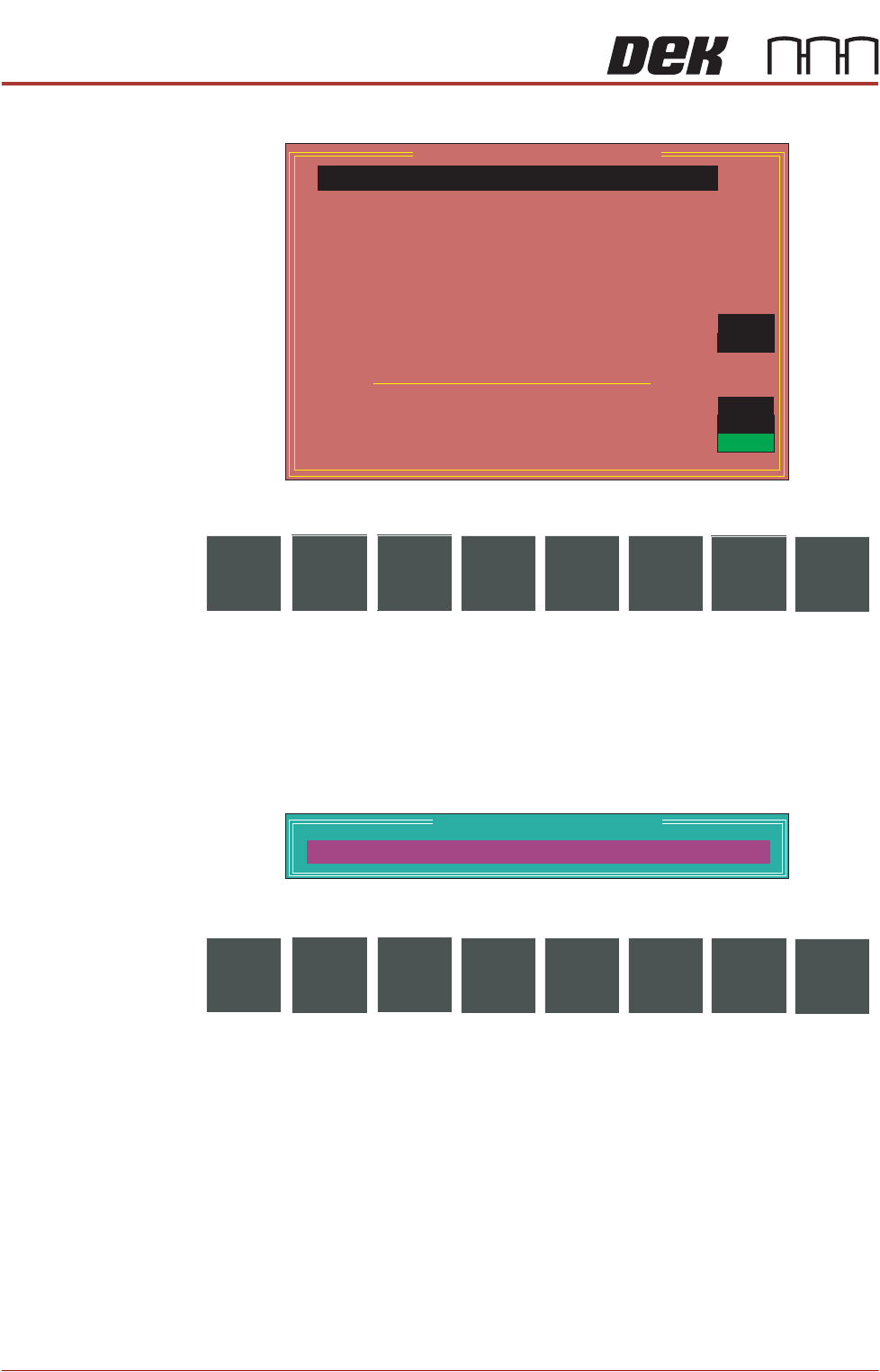
RISING TABLE Selecting this diagnostics module opens the following window:
The following icons are displayed:
Next/Previous moves the highlight bar up and down the list of selectable
diagnostic functions.
Run Diagnost activates the diagnostic function, as selected by the highlight
bar.
Exit returns operation to the module diagnostics page.
Adjust opens the following window:
The following icons are displayed:
Next/Previous have no function in this application.
Incr./Decr. changes the value of the cycle count.
Exit returns operation to the rising table diagnostics page.
Home Rising Table Selecting this diagnostic function drives the rising table down to the home
position, as indicated by its home sensor.
Raise Table to
Vision Height
Selecting this diagnostic function drives the rising table to the height set by the
vision height parameter.
Raise Table to
Transport Height
Selecting this diagnostic function drives the rising table to the height calculated
from the print reference height to achieve under clearance as set in the board
file.
Rising Table Diagnostics
Home Rising Table
Raise Table to Transport Height
Raise Table to Vision Height
Raise Table to Print Height
Restore Default Heights
Set Reference Vision Height
Set Reference Print Height
Drive Table using Jog Buttons
Toggle Table Brake
Toggle Vacuum Tooling Valve
Cycle Rising Table
Rail Lifted Left
Rail Lifted Right
Table at Home
Cycle Count
OFF
OFF
Done :-
0, To go :-
50
OFF
OFF
ON
Run
Diagnost
NextAdjust
Previous
Exit
Table Cycle Test Parameters
CYCLE COUNT
50.0
Cycles
Next Incr. Decr.
Previous
Exit

DIAGNOSTICS
RISING TABLE
Chapter Issue 4, Aug 14 Technical Reference Manual 39.29
Raise Table to Print
Height
Selecting this diagnostic function first checks that the camera carriage is at the
home position, if not the rising table error message, ‘Table Movement Inhib-
ited, Camera Not Home’ is displayed. If the camera is in the home position, the
rising table drives up to the height set by the print height parameter.
Restore Default
Heights
Selecting this diagnostic function restores the vision height to the default of
50mm and the print height to the default of 127mm.
Set Reference
Vision Height
Selecting this diagnostic function enables the rising table vision height to be set
so that the camera views the board fiducials in focus. This is achieved by driving
the table up or down while viewing the vision monitor until the fiducial is in focus.
Pressing Calibrate Vision Height changes the menu Bar showing the option
Confirm. Pressing Confirm sets the current height of the rising table, updating
the printer configuration file. Refer to the Technical Reference Manual, Camera
and Vision System chapter for the camera reference position procedure.
Set Reference
Print Height
Selecting this diagnostic function enables the print height to be set so that no
gap exists between the stencil and board. Refer to the Technical Reference
Manual, Rising Table chapter for the print height calibration procedure.
Drive Table Using
Jog Buttons
Selecting this diagnostic function enables the right jog button to drive the rising
table up at slow speed and the left jog button to drive the table down, stopping
immediately the button is released.
Toggle Table Brake Selecting this diagnostic function alternately switches the table brake on and
off, while continuously displaying the current status.
Toggle Vacuum
Tooling Valve
Selecting this diagnostic function alternately switches the vacuum tooling sole-
noid on and off, to supply and remove pneumatic pressure to the venturi
vacuum pump, continuously displaying the current status.
Cycle Rising Table Selecting this diagnostic function first checks that the camera carriage is at the
home position, if not the rising table error message, ‘Table Movement Inhib-
ited, Camera Not Home’ is displayed. If the camera is in the home position, a
continuous cycle starts driving the rising table to print height, dwelling for two
seconds, driving the table down to its datum height, dwelling for two seconds
and repeating the cycle until Stop is pressed, or the Set Cycle Count has been
reached.
Rail Lifted Left This diagnostic function continuously displays the status of the rail lifted left
sensor. Off is displayed when the rail has been lifted.
Rail Lifted Right This diagnostic function continuously displays the status of the rail lifted right
sensor. Off is displayed when the rail has been lifted.
Table at Home This diagnostic function continuously displays the status of the home interlock
sensor. On is displayed when the rising table is in the home position.
Cycle Count This diagnostic function displays the amount of cycles done and the amount of
cycles to go to complete the cycle count. The cycle count may be preset
5 -