88192277-01-19 - Micron Technical Reference V9 Volume 4.pdf - 第60页
38.18 Technical Reference Manual Chapter Issue 4, Nov 19 STINGER REPLACEMENT PROCEDURES When the pot is full a pane l is displayed reminding the user to replenish the pot . NOTE In product changeover , where hardware has…
STINGER
REPLACEMENT PROCEDURES
Chapter Issue 4, Nov 19 Technical Reference Manual 38.17
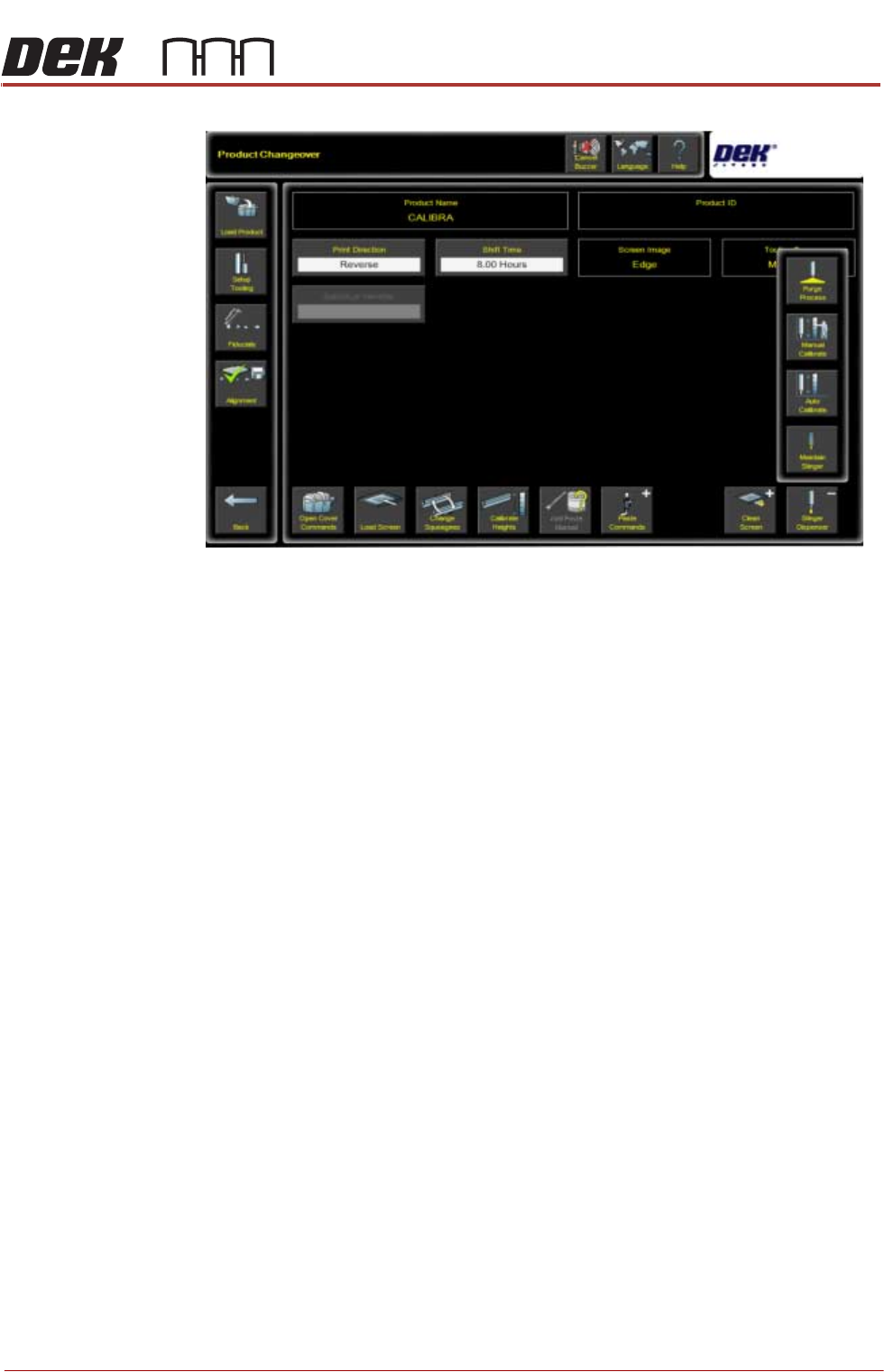
20. Navigate to the Product Changeover page.
21. Select Unload Screen.
22. Select Stinger Dispenser. An extended menu is shown.
23. Select Purge Process. The camera axis drives to the centre of the board.
There are two process types for purging - Standard Purge Process and Auto-
matic Purge Process. The standard process provides the facility to dispense
material, directly onto the calibrated test product, for an indefinite amount of
time. This purges air pockets from the dispense head, or it is used to empty a
dispense head of material. The automatic process allows the purge to be
carried out at a purge station. The purge station also has a nozzle wipe facility.
The automatic purge process is used when a complete system purge is
required; either at the start or at the end of a production batch. As this process
requires a large volume of material to be purged, a purge station is used to
collect it.
Purge station consumable monitoring is turned on in Maintenance\Machine
Setup\Options\Stinger Options\Stinger Consumable Monitoring.
38.18 Technical Reference Manual Chapter Issue 4, Nov 19
STINGER
REPLACEMENT PROCEDURES
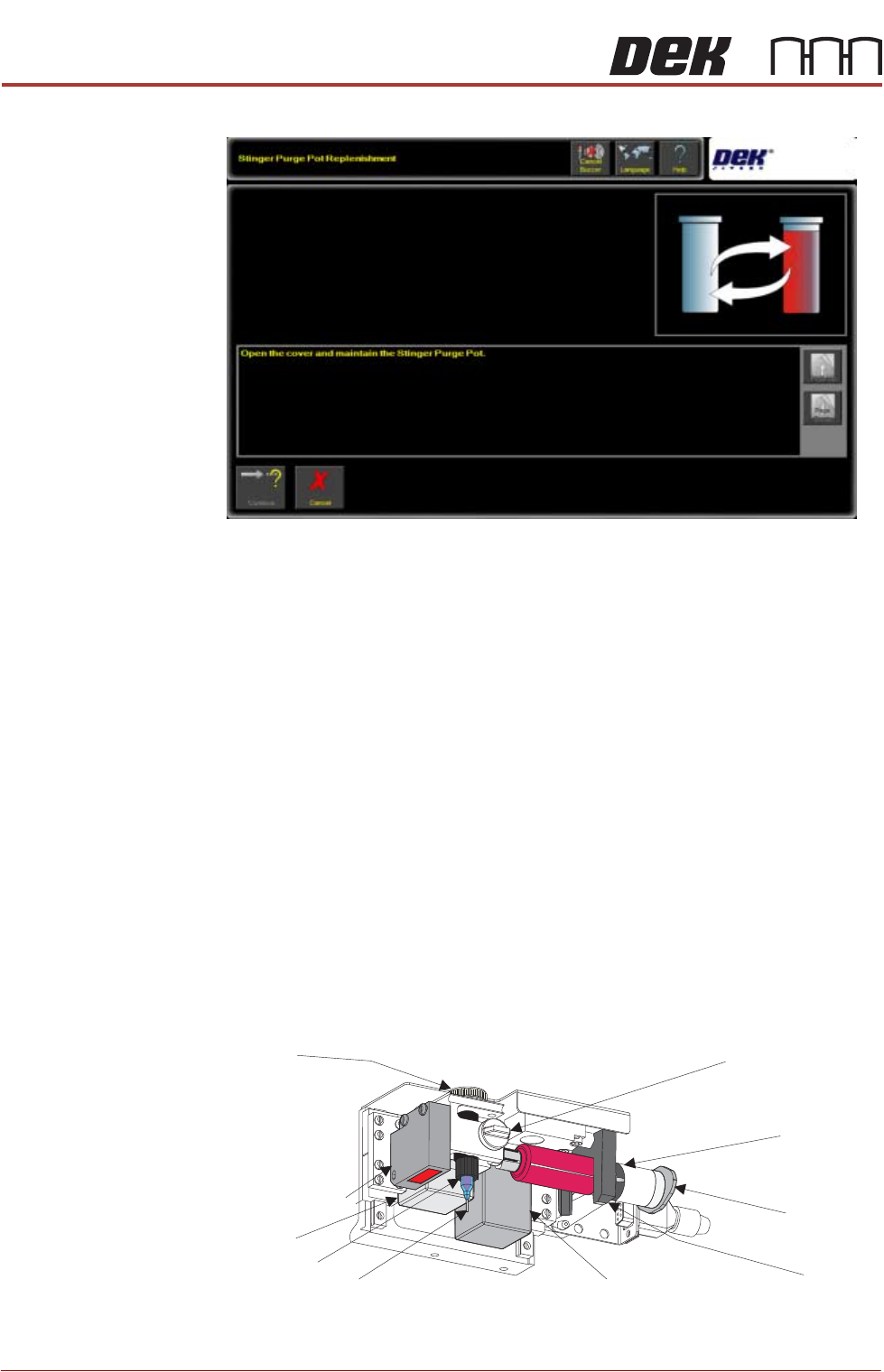
When the pot is full a panel is displayed reminding the user to replenish the pot.
NOTE
In product changeover, where hardware has been replaced, the laser unit needs
to be recalibrated. It is advised to carry out the manual calibration of Stinger
heights, see appendix, prior to performing the automatic calibration.
Auger Assembly
Replacement
1. Remove the replacement syringe assembly from refrigeration and allow the
temperature to rise in accordance with the manufacturers’ recommenda-
tions. Remove the end dust cap.
2. Isolate the printer from the pneumatic supply and lockout the mains electri-
cal isolator.
3. Open the printhead front cover.
4. If fitted, remove the stencil.
5. Pull the camera carriage to the front of the printer.
6. Slacken off the auger clamp screw.
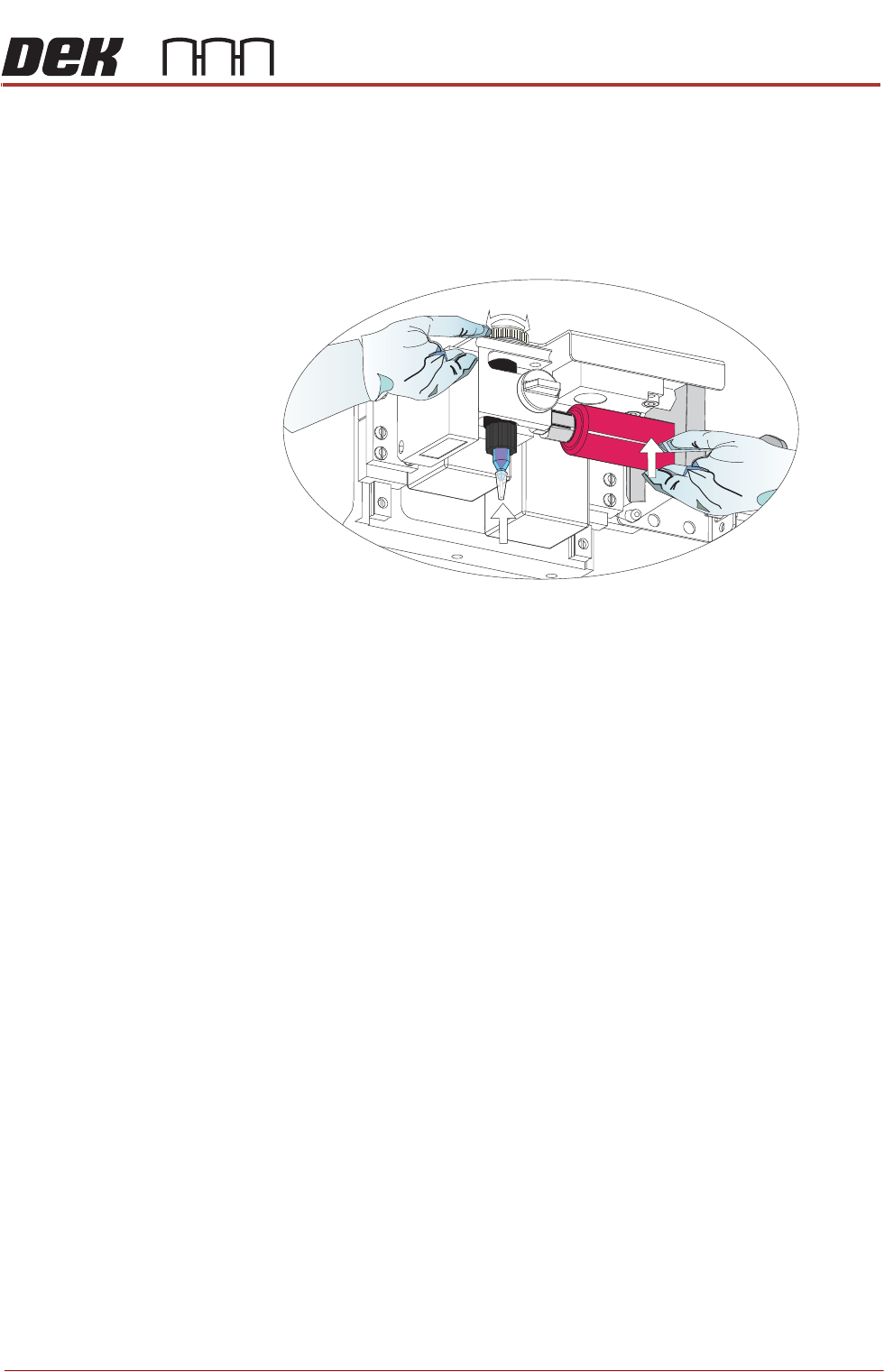
7. Release the auger, nozzle and syringe as one assembly from the drive gear
and the ‘C’ clamp.
8. Remove the pneumatic air connector from the rear of the syringe assembly.
9. Dispose of the syringe and nozzle components in accordance with any
national, federal or local disposal regulations.
Auger Clamp Screw
Auger Drive
Gear
‘C’ Clamp
Z Axis Motor
Pneumatic
Connection
10cc Syringe
Nozzle
Auger
Auger Motor
Laser Light Sensor
STINGER
REPLACEMENT PROCEDURES
Chapter Issue 4, Nov 19 Technical Reference Manual 38.19
10. Fit a replacement nozzle to the auger.
11. Fit the pneumatic air connector to the rear of the syringe assembly.
12. Lift the complete assembly up toward the auger drive gear. The auger valve
screw engages with the square shaft of the drive motor, rotate the exposed
portion of the drive belt at the same time pushing the assembly upward
ensuring that it is in the fully up position.
13. Refit the assembly into the ‘C’ clamp.
14. Refit the in-line air connection to the pneumatic air connector.
15. Tighten the plastic auger clamp screw. Do not over tighten.
16. Remove the nozzle dust cap. Ensure that the nozzle assembly is in line with
auger valve and not bent or at an angle.
17. Close the printhead front cover.
18. Reconnect the printer to the pneumatic supply and unlock the mains elec-
trical isolator.
19. Switch the mains isolator ON.
20. When requested, press the System button.
21. Select Load Board and load the calibrated test product as described in the
Calibration section of this manual.
22. Select Setup Product.
23. Select Options.
24. Select Stinger Dispenser.
25. Select Unload Screen.
26. Open the printhead cover and unload the stencil.
27. Close the printhead cover.
28. Press the System button.
Purge station consumable monitoring is turned on in Mainte-
nance\Machine Setup\Options\Stinger Options\Stinger Consumable
Monitoring.
29. Select Purge Process. The camera axis drives to the centre of the board.
30. Load a board on to the printer’s input rail and select Auto Board.