88192277-01-19 - Micron Technical Reference V9 Volume 4.pdf - 第117页
DIAGNOSTICS MULTI INTERFACE UNIT Chapter Issue 4, Aug 14 Technical Reference Manual 39.31 MUL TI INTERF ACE UNIT Selecting this diagnostics modul e opens the following window: The following icons are displayed: Next/Prev…

DIAGNOSTICS
RISING TABLE
39.30 Technical Reference Manual Chapter Issue 4, Aug 14
9995 cycles (default 50) by selecting Adjust.
DIAGNOSTICS
MULTI INTERFACE UNIT
Chapter Issue 4, Aug 14 Technical Reference Manual 39.31
MULTI INTERFACE UNIT
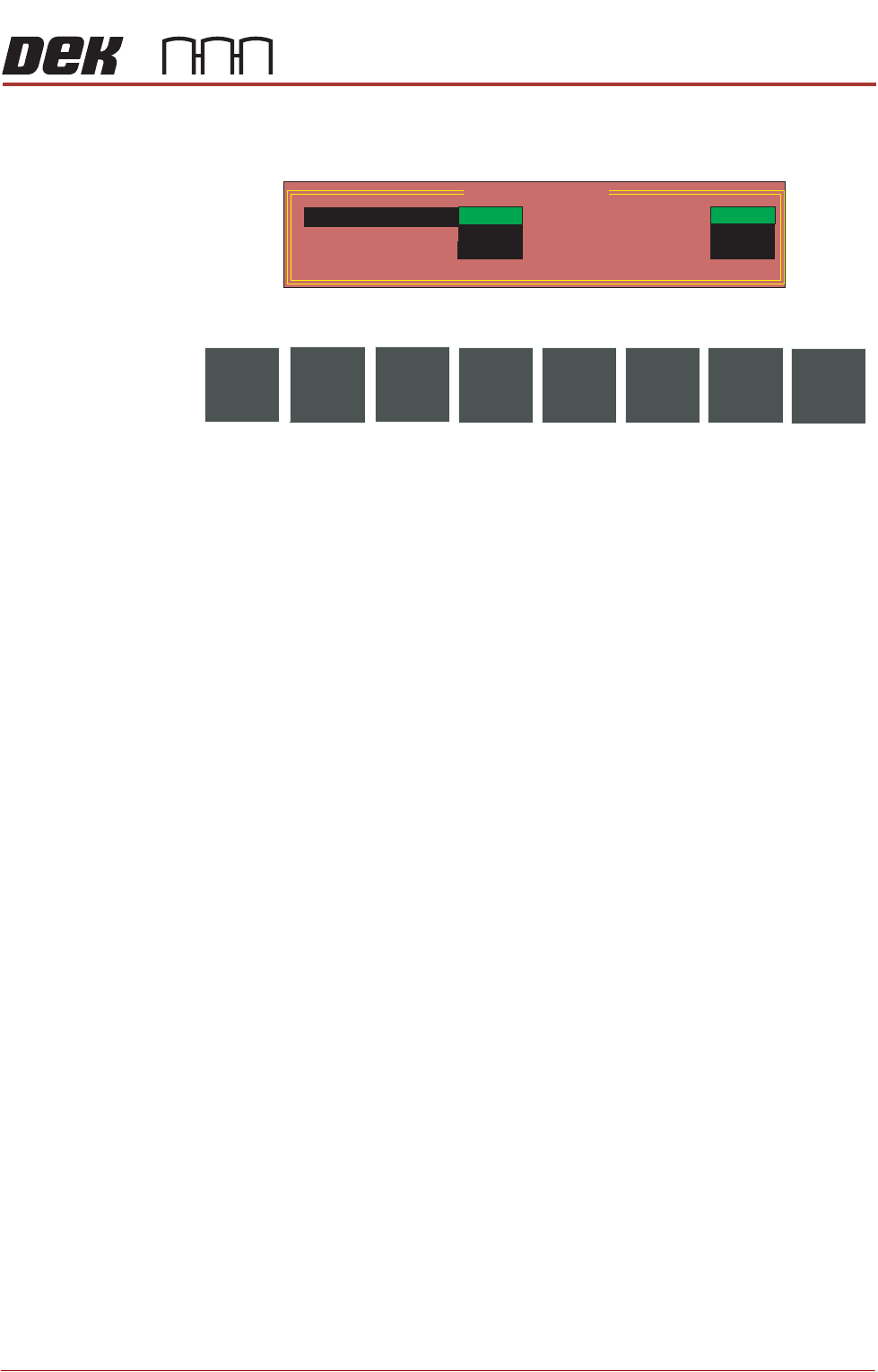
Selecting this diagnostics module opens the following window:
The following icons are displayed:
Next/Previous moves the highlight bar up and down the list of selectable
diagnostic functions.
Toggle activates the diagnostic function, as selected by the highlight bar.
Exit returns operation to the module diagnostics page.
NOTE
This diagnostic can only be run when the printer is connected to an upline and
downline machine.
Toggle Available A This diagnostic function is currently not used.
Toggle Upline A Selecting this diagnostic function sends a request to the upline machine to send
a board.
Toggle Downline A Selecting this diagnostic function sends a request to the downline machine to
receive a board.
Machine Available
A
This diagnostic function is currently not used.
Downline Ready A This diagnostic function continuously displays whether the downline machine is
ready to receive a board.
Upline Ready A This diagnostic function continuously displays whether the upline machine is
ready to send a board.
MIU Diagnostics
CLEAR
OFF
Machine Available A
Downline Ready A
Upline Ready A
Toggle
Available A
Upline A
Downline A
OFF
ON
CLEAR
SET
NextToggle
Previous
Exit
DIAGNOSTICS
VACUUM TOOLING
39.32 Technical Reference Manual Chapter Issue 4, Aug 14
VACUUM TOOLING
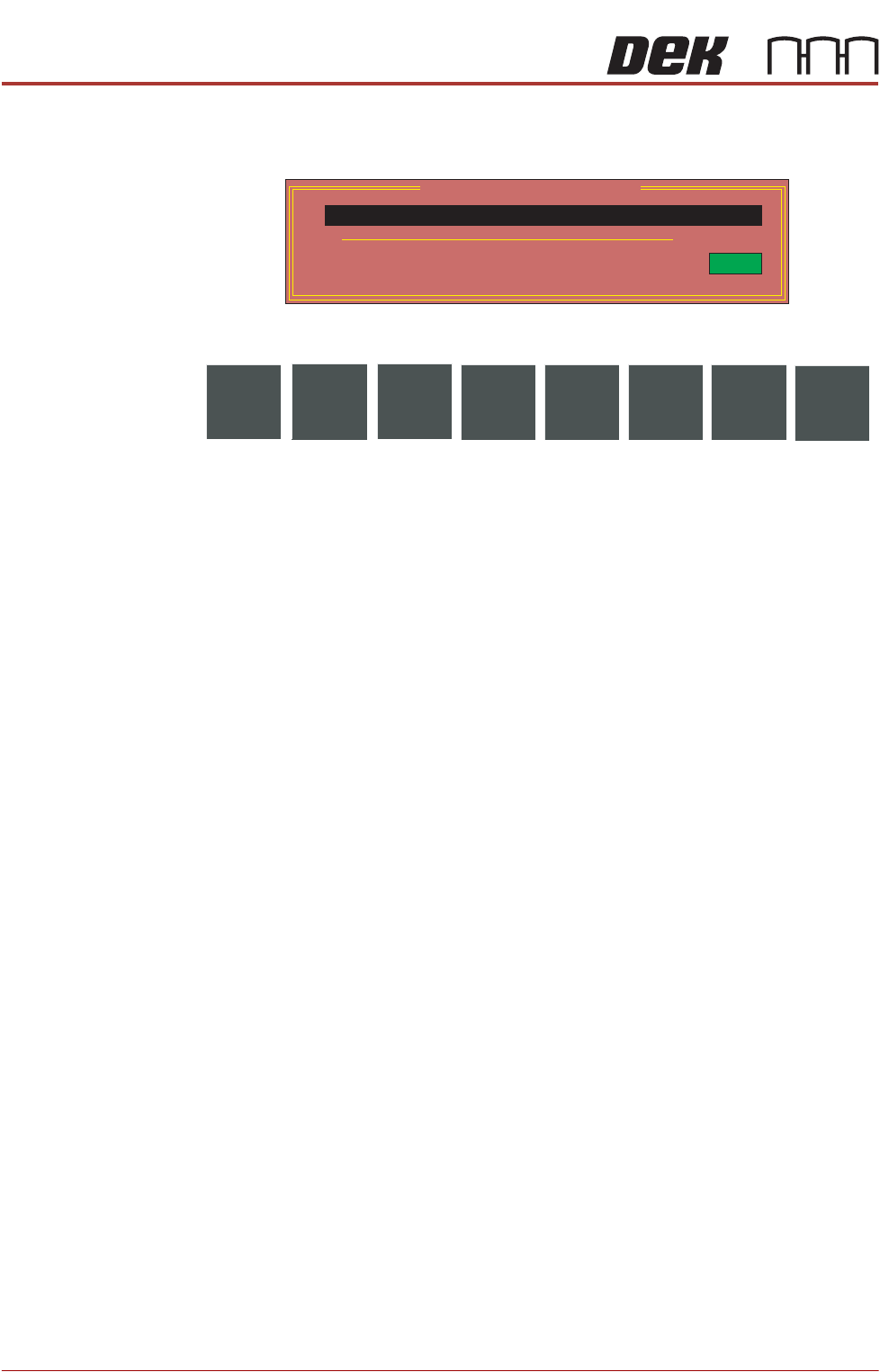
Selecting this diagnostics module opens the following window:
The following icons are displayed:
Run Diagnost activates the diagnostic function, as selected by the highlight
bar.
Exit returns operation to the module diagnostics page.
Toggle Vacuum
Pump
Selecting this diagnostic function alternately switches the vacuum pump on and
off, while continuously displaying the current status.
Vacuum Tooling
Sensor
This diagnostic function continuously displays the status of the vacuum tooling
sensor.
Vacuum Tooling Diagnostics
ON
OFF
Vacuum Tooling Sensor
Toggle Vacuum Pump
Run
Diagnost
Exit