88192277-01-19 - Micron Technical Reference V9 Volume 4.pdf - 第135页
SENSORS SAFETY SWITCH Chapter Issue 6, May 19 Technical Reference Manual 40.13 SAFETY SWITCH Description The safety switch is a device fitted to the printhead cover designed to provide operator safety . The design of the…

SENSORS
REED SWITCH SENSOR
40.12 Technical Reference Manual Chapter Issue 6, May 19
Testing/
Adjustment
Setting of the sensor is necessary in order to:
• Ensure that switching takes place in the correct position
• Ensure correct sensing, ie closing when piston extended/retracted
NOTE
For adjustment of ProFlow cassette low sensor refer to ProFlow chapter of this
manual.
Figure 40-15 Voltage Diagram
Magnetic Piston Retracted Extended Retracted
12V
0V
Closed ClosedOpen
Reed Switch
Signal
SENSORS
SAFETY SWITCH
Chapter Issue 6, May 19 Technical Reference Manual 40.13
SAFETY SWITCH
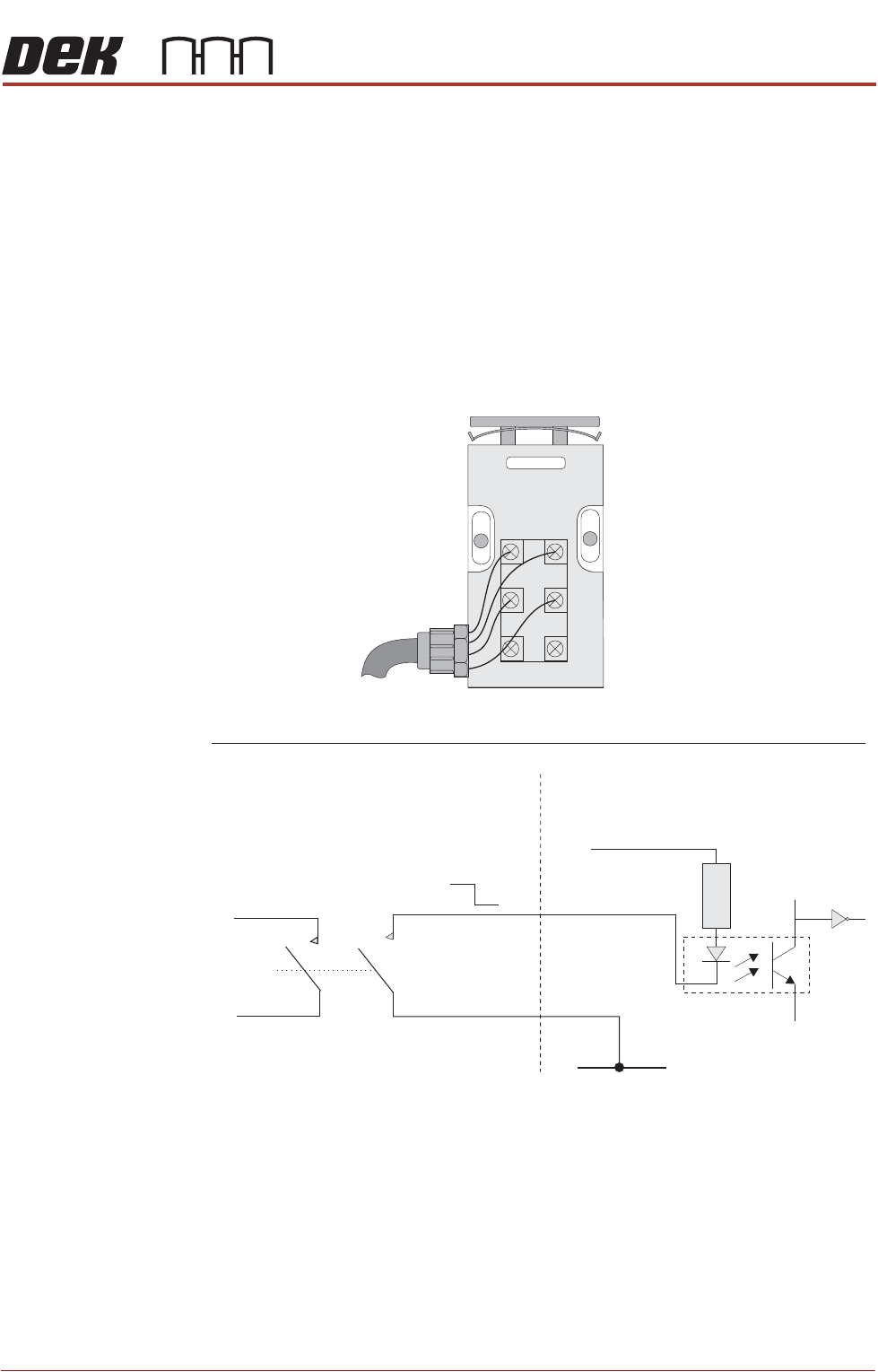
Description The safety switch is a device fitted to the printhead cover designed to provide
operator safety.
The design of the internal anti-tamper cams also act as a latch. A 6mm
movement of the switch activator 'open circuits' the safety contacts. There are
3 sets of contacts in the switch but only 2 of the sets, both normally open (NO),
are used by the printer. One set of contacts is used as a digital input to inform
the PC that a cover has been opened, the other set is used as part of the system
safety loop to cut the system power.
The cover interlock signal is pulled low when the front cover is opened.
Figure 40-16 Safety Switch Schematic
Safety Switch
Digital Input
+V
Opto-isolator
1K8
0V
12V
0V
21
13
14
22
Part of
System
Safety
Loop
1314
21
33
34
22

SENSORS
SAFETY SWITCH
40.14 Technical Reference Manual Chapter Issue 6, May 19
Testing/
Adjustment
To adjust the safety switch, physically move the body of the switch to ensure
that 6mm of cover movement activates the switch.
Figure 40-17 Voltage Diagram
Cover Closed Open Closed
12V
0V
Closed
Circuit
Closed
Circuit
Open
Circuit
Continuity
Signal