88192277-01-19 - Micron Technical Reference V9 Volume 4.pdf - 第203页
TRANSPORTATION - MAJOR RELOCATION RELOCATION Chapter Issue 5, Nov 19 Technical Reference Manual 42.37 7. Adjust the height of each foot to approxima tely the same height, secure in place by tightening the nuts. NOTE Leg …
TRANSPORTATION - MAJOR RELOCATION
RELOCATION
42.36 Technical Reference Manual Chapter Issue 5, Nov 19
RELOCATION
Once the machine has been relocated, the machine can be unpacked and
reassembled using the following procedures.
Unpacking 1. Unscrew the transportation box securing screws and remove the lid and
sides.
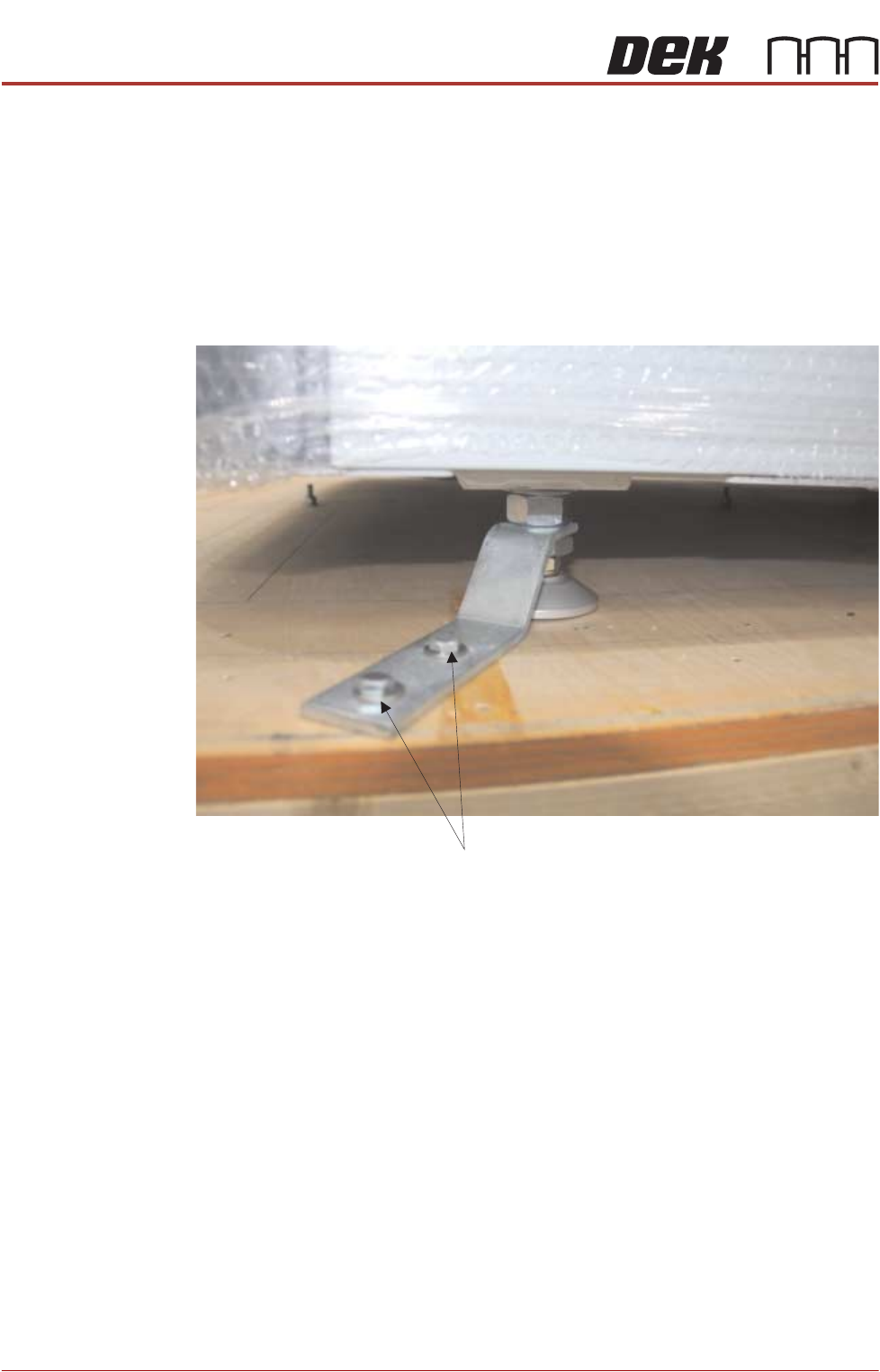
2. The printer is secured to the base of the transportation box with four brackets
each held in place using two M8 hex head woodscrews. Loosen the machine
leg M24 nuts and remove the M8 screws to remove the brackets.
3. Carefully insert the forklift forks to the rear of the machine. See the detail in
previous section, about the lifting capabilities of the machine used to perform
the lift and correct lift locations.
4. Raise the forks, separating the machine from the base of the transportation
box.
5. Between (and slightly forward of) the two rear mounting feet, locate the fifth
mounting foot.
6. For machines with the anti-vibration mounting option, eight leg spacers and
one standard foot are supplied. Ensure the correct number of leg spacers
are fitted to the four corners of the machine when it is located into the
production line.
M 8 x 60 Woodscrews
TRANSPORTATION - MAJOR RELOCATION
RELOCATION
Chapter Issue 5, Nov 19 Technical Reference Manual 42.37
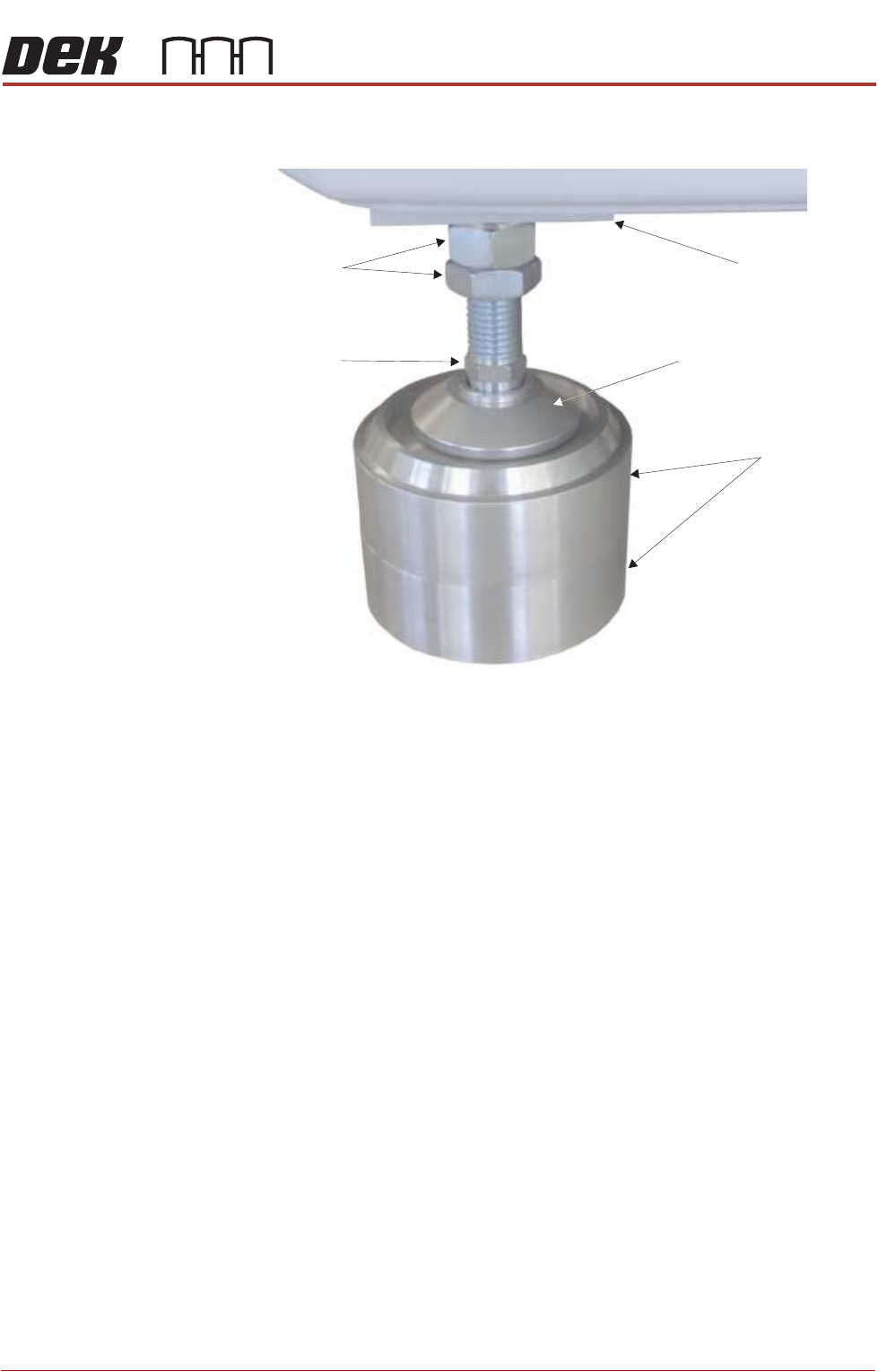
7. Adjust the height of each foot to approximately the same height, secure in
place by tightening the nuts.
NOTE
Leg spacers are shown here, but they are not used until the machine has
been moved to the designated position.
8. Move the machine to its designated position.
Leg Spacers
(2 shown)
Machine Mounting Foot
M24 Locking Nuts
Machine Frame
Leg Adjusting Nut
TRANSPORTATION - MAJOR RELOCATION
MACHINE SUPPLIES AND ENVIRONMENTAL CONDITIONS
42.38 Technical Reference Manual Chapter Issue 5, Nov 19
MACHINE SUPPLIES AND ENVIRONMENTAL CONDITIONS
Operating
Conditions
The printer must only be operated in the following operating envelope:
• Indoors only
• Unsuitable for use in wet locations
• Temperature = 5 to 40°C (40 to 105°F)
• Humidity = Maximum 80% Relative Humidity (non condensing)
• Altitude = Maximum 2,000 metres (6,500 feet)
• Pollution must comply to Degree 2
ASM KVArecommends a power supply capacity of 2.4 or greater.
Electrical
ASM requires additional machine supply protection with the fitment of an external double pole
circuit breaker conforming to national, federal or local legislation. recommends that the
external circuit breaker is fitted near the printer and within easy reach of the operator. Use
the following table to ensure the recommended circuit breaker is used:
ASM
DEK
The machine operates on 115V to 230V ±10% 50/60Hz single phase ac mains.
Pneumatic Supply
The machine requires a pneumatic supply of clean, non lubricated air which should maintain a
minimum pressure of 5 Bar and a maximum of 8 Bar. The printer requires 5 litres/minute for
general use and a maximum of 226 litres/minute at 6 Bar.
The air should be to ISO 8573.1 standard, quality class 2.3.3
NOTE
An over current circuit breaker protects the machine's internal wiring and components from
overheating or catching fire during fault conditions. Under no circumstances must a circuit
breaker of value greater than 20 Amps be fitted.
Transient overvoltages must not exceed those defined in Cat 2 of 60364-4-443.IEC
Voltage fluctuations must not exceed 10% of nominal voltage.
115 Volts
115 Volts
115 Volts
230 Volts
230 Volts
With VF25 Internal
Vacuum Unit
With VF30/35 Internal
Vacuum Unit
Without Internal
Vacuum Unit
230 Volts
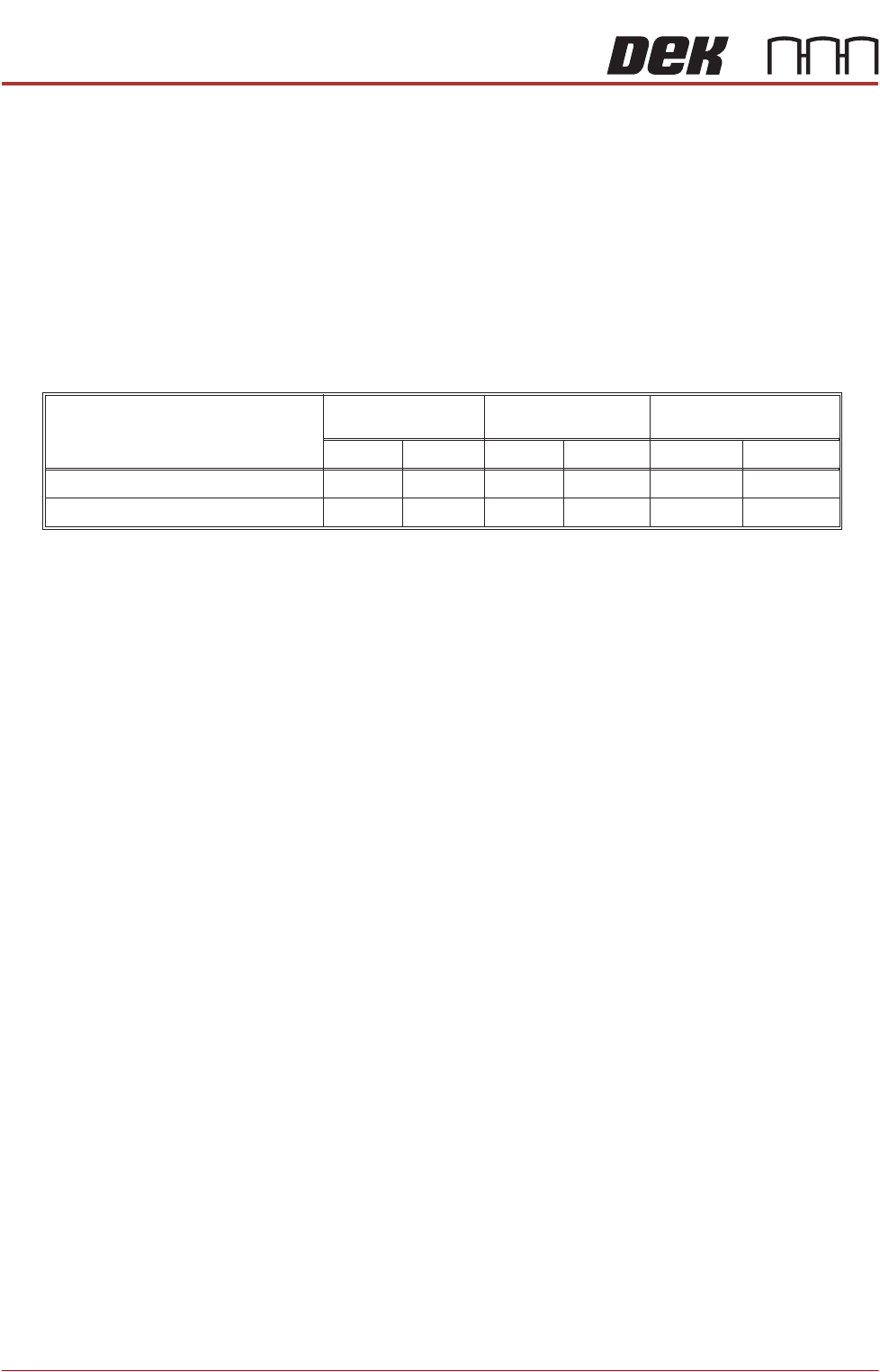
Machine Current Consumption (Approx)
Value of Wall Mounted Circuit Breaker
12 Amps
15 Amps
16 Amps
16 Amps
6 Amps
10 Amps
6 Amps
8 Amps
10 Amps
10 Amps
3 Amps
6 Amps