88192277-01-19 - Micron Technical Reference V9 Volume 4.pdf - 第121页
DIAGNOSTICS PASS THROUGH RAILS Chapter Issue 4, Aug 14 Technical Reference Manual 39.35 Cycle Count This diagnostic function displays the amount of cycles done and the amount of cycles to go to complete the cycl e count.…
DIAGNOSTICS
PASS THROUGH RAILS
39.34 Technical Reference Manual Chapter Issue 4, Aug 14
Home Rail Width Selecting this diagnostic function drives the moving rail to its home position as
determined by its home sensor.
Drive Rail to Board
Width
Selecting this diagnostic function drives the moving rail to the width set by the
board width parameter.
Drive Rail to Max
Board Width
Selecting this diagnostic function drives the moving rail to the maximum board
width.
Set Rail Board
Width Calibration
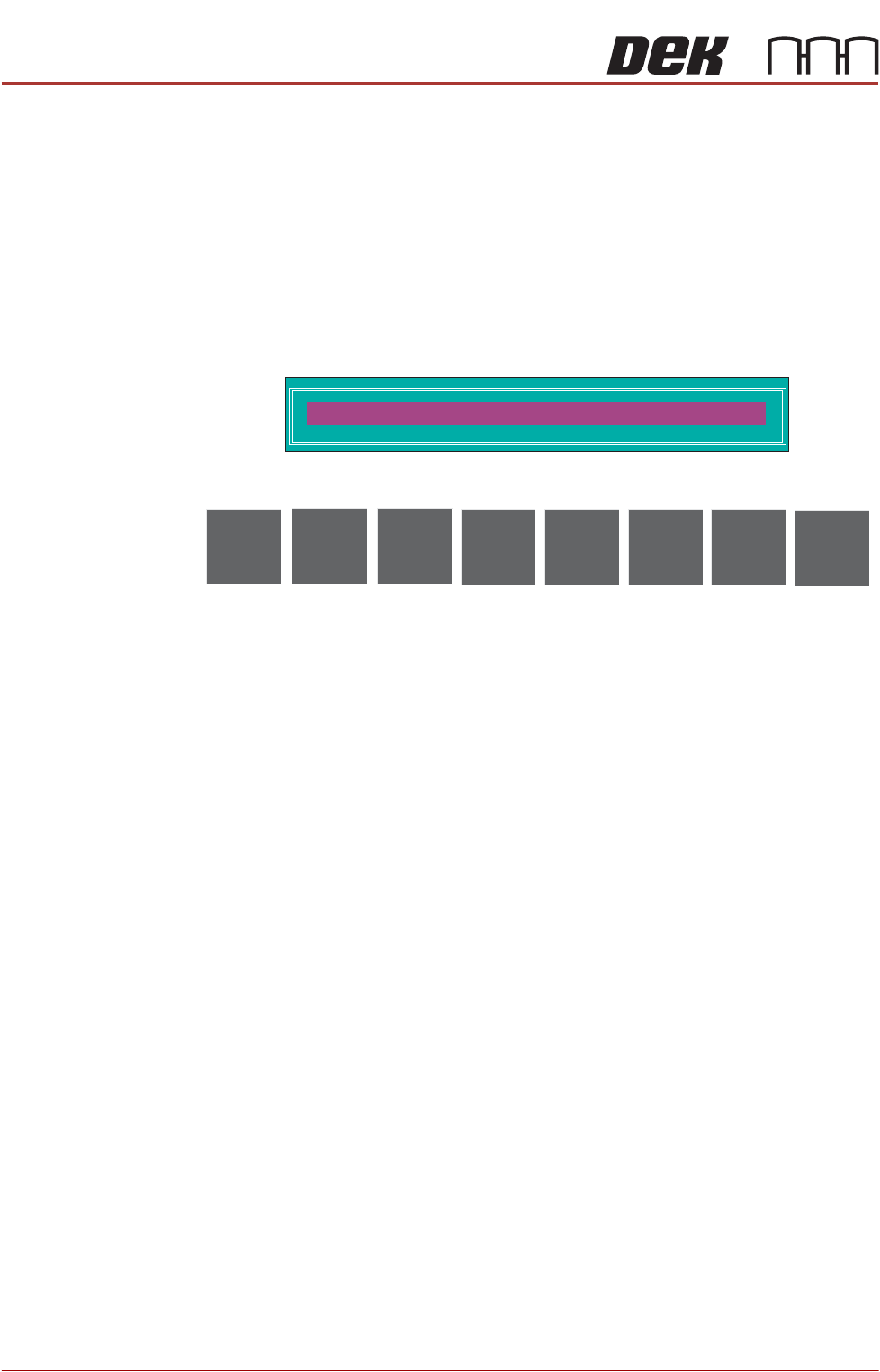
Selecting this diagnostic function opens the following window:
The following icons are displayed:
This diagnostic allows for a ±6mm offset to be applied to the width of the rails
set by the Board Width parameter.
Move drives the rails by the amount set by the rail width parameter.
Set overwrites the board width configuration figure by the value set by the rail
width offset parameter.
Incr./Decr. changes the value of the rail width offset parameter.
Cancel returns the operation to the rail system diagnostic page.
Drive Rail Width
Using Two Button
Control
Selecting this diagnostic function drives the rail width motor using the jog
buttons, stopping immediately the button is released. The message ‘Use left
jog button to move rail to maximum separation, or use right jog button to
move rail to minimum separation’ is displayed in the message prompt box.
Cycle Rails Selecting this diagnostic function drives the moveable rail from the home
position to the minimum board width and back to the home position. ‘Cycling
Rails....’ is displayed in the message prompt box.
Rail Clash Sensor This diagnostic function continuously displays the status of the rail clash sensor.
Rail Move Inhibit This diagnostic function continuously displays the status of the rail move inhibit.
The rail move is inhibited if:
• A board is detected on the rails
• The printer is in the process of transferring a board from the upline machine
FMI Inhibit This diagnostic function continuously displays the status of the FMI inhibit. The
FMI inhibit is activated by the software prior to the rail moving to prevent a board
entering the rails from the upline machine.
RAILWIDTH OFFSET
0.00
mm
Move
Incr.
Set
Decr.
Cancel

DIAGNOSTICS
PASS THROUGH RAILS
Chapter Issue 4, Aug 14 Technical Reference Manual 39.35
Cycle Count This diagnostic function displays the amount of cycles done and the amount of
cycles to go to complete the cycle count. The cycle count may be preset 5 -
9995 cycles (default 50) by selecting Adjust.

DIAGNOSTICS
PASS THROUGH RAILS
39.36 Technical Reference Manual Chapter Issue 4, Aug 14