88192277-01-19 - Micron Technical Reference V9 Volume 4.pdf - 第289页
TRANSPORTATION - POWER UP MACHINE POWER UP SEQU ENCE Chapter Issue 3, Nov 19 Technical Reference Manual 43.15 17. Select Accept . NOTE The barcode set up is shown in code format. The code format for a barcode of length 1…
TRANSPORTATION - POWER UP
MACHINE POWER UP SEQUENCE
43.14 Technical Reference Manual Chapter Issue 3, Nov 19
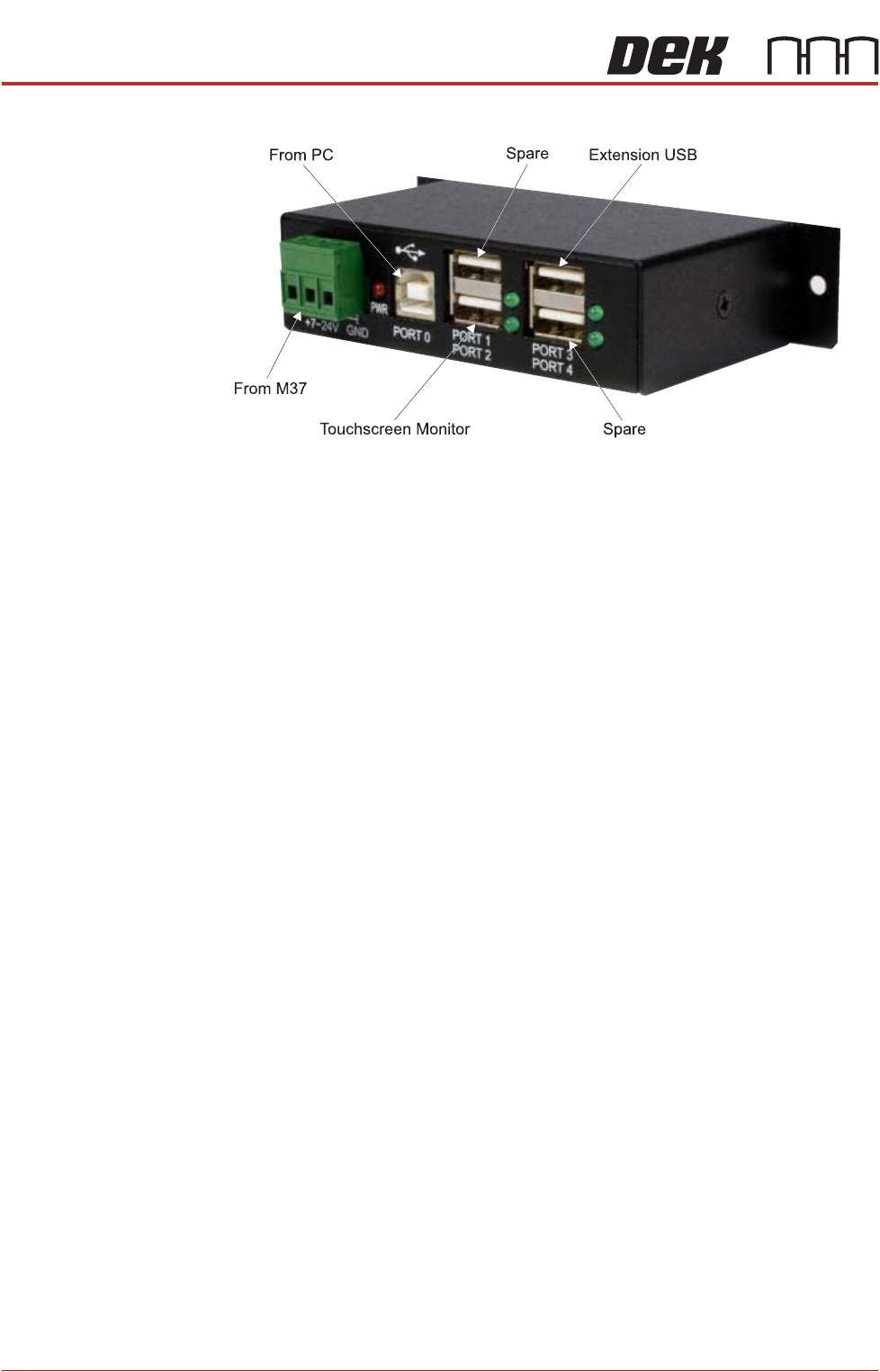
2. Gain access to the 4 port USB hub behind the front panel.
3. Connect the handheld barcode reader to a spare USB port on the hub.
4. Refit the front cover ensuring that the cable is routed between the MMI
monitor bracket and the front cover.
5. Power up the machine.
6. Select Maintenance.
7. Select Machine Setup.
8. Select Barcodes.
9. Select Handheld Barcode HW.
10. Select Fitted.
11. Select Accept.
12. Select Start Character.
13. Set the start character for the barcode (see barcode label below).
14. Select Accept.
15. Select Name Length.
16. Set the name length for the barcode.
TRANSPORTATION - POWER UP
MACHINE POWER UP SEQUENCE
Chapter Issue 3, Nov 19 Technical Reference Manual 43.15
17. Select Accept.
NOTE
The barcode set up is shown in code format. The code format for a barcode
of length 14 starting at character 4 would be:
###PPPPPPPPPPPPPP###
18. Select Back.
19. Select Back.
20. Select Back.
21. Use the documentation supplied with the reader to setup the language,
keyboard format and barcode symbology.
Stencil Cleaner Function Check
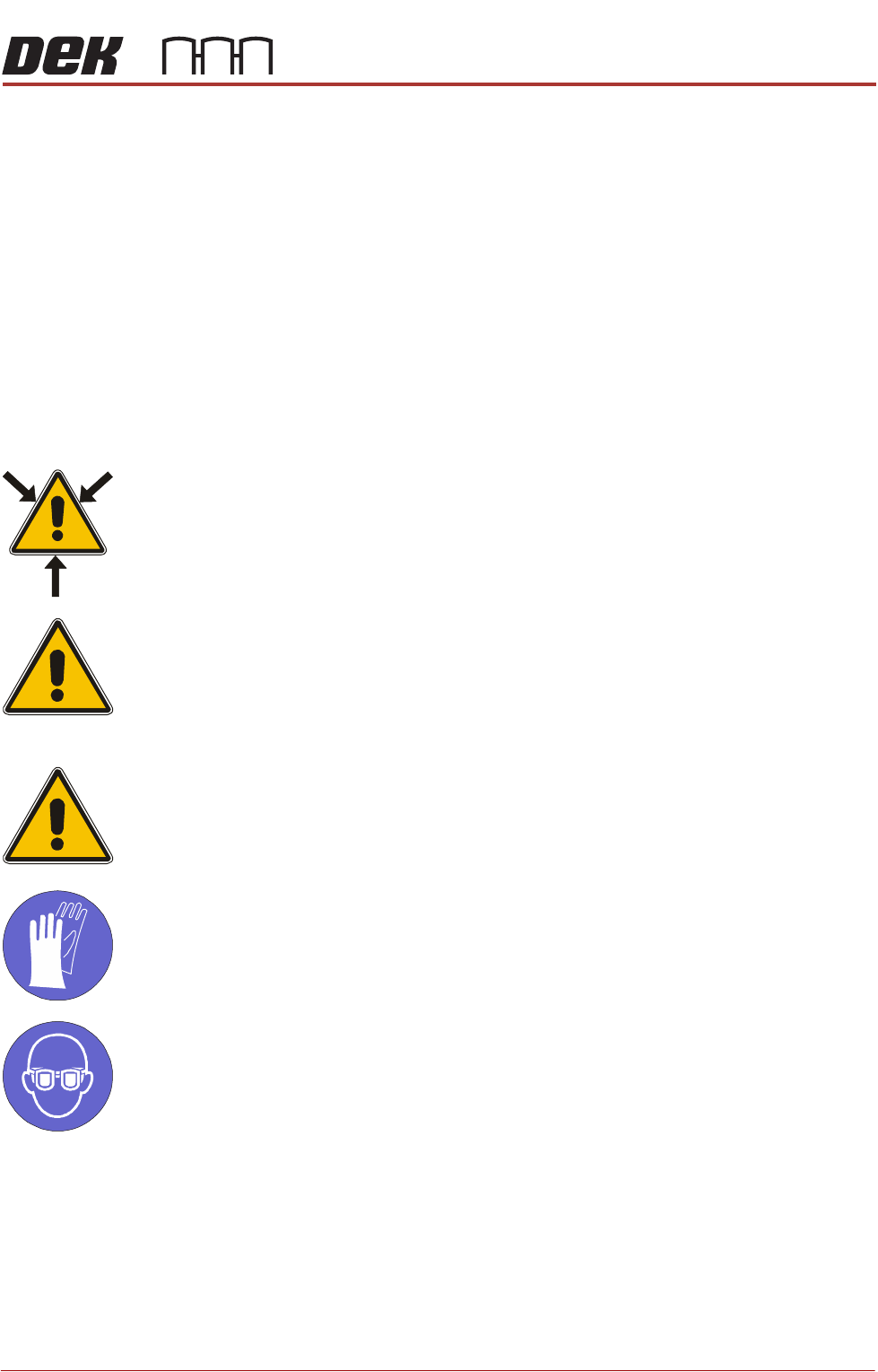
WARNING
SOLVENT SPRAY. THE UNDER STENCIL CLEANER SPRAYS A FINE JET OF
SOLVENT SOLUTION ON TO THE CLEANER. APPROVED PROTECTIVE
CLOTHING SHOULD BE WORN.
CAUTION
RECOMMENDED SOLVENTS. ANY SOLVENTS USED MUST COMPLY WITH
LOCAL ENVIRONMENTAL GUIDELINES. ASM RECOMMEND USING SOLVENTS
THAT ARE ENVIRONMENTALLY FRIENDLY, IE CFC FREE AND WATER BASED.
SOLVENTS USED MUST HAVE FAST EVAPORATION RATES AND FLASHPOINT
SPECIFICATIONS GREATER THAN 39ºC.
CAUTION
PRINT MEDIUM AND SOLVENTS. WHEN USING OR HANDLING ANY PRINT
MEDIUM OR SOLVENT FORMULATION THE MANUFACTURERS’ SAFETY DATA
SHEETS MUST BE STRICTLY ADHERED TO.
MANDATORY
TOXIC CHEMICALS MAY BE PRESENT. SAFETY GLOVES MUST BE WORN.
MANDATORY
TOXIC CHEMICALS MAY BE PRESENT. EYE PROTECTION MUST BE WORN.
NOTE
If the Under Stencil Cleaner has not been used for lengthy periods, refer to
Technical Bulletin TB 329 to complete the cleaning regime for the spray bar.
To setup the under stencil cleaner carry out the following:
1. Ensure that the external solvent tank is fitted with an empty 5 litre container.
2. Select Maintenance.
3. Select Calibrations.

TRANSPORTATION - POWER UP
MACHINE POWER UP SEQUENCE
43.16 Technical Reference Manual Chapter Issue 3, Nov 19
4. Select Solvent.
5. Select Set Solv Empty.
6. Confirm by selecting Yes.
7. Replace the empty 5 litre container with a 5 litre container full of the solvent
to be used.
8. Select Set Solv Full.
9. Confirm by selecting Yes.
10. Select Exit.
11. Select Exit.
12. Select Back.
13. Select Open Cover Commands.
14. Open the front printhead cover.
15. Select Prime Solvent.
16. When prompted, press the two button control switches simultaneously until
the fabric is wet (this may take several attempts before solvent is sprayed
onto the fabric).
17. Select Prime Fabric.
18. When prompted, press the two button control switches simultaneously to
feed a clean area of dry fabric over the solvent dispense pipe ensuring that
the fabric feeds correctly.
19. Close the front printhead cover and press the System button.
20. Select Cancel.
ProFlow Contact
Position Setup
For machines using ProFlow only, set up the contact height position as follows:
1. Load a stencil with an off centre image.
2. Fit an empty transfer head to the ProFlow pressure mechanism. Remove
the cover.
NOTE
Ensure wipers and skis are fitted to the transfer head.
NOTE
In order to prevent the inadvertent jamming of squeegee mechanical mecha-
nisms, the following procedure must be carried out in the correct sequence.
3. Position a 0.1mm shim on the stencil under the transfer head.
4. Select Maintenance.
5. Select Calibrations.
6. Select ProFlow.
7. Select ProFlow Heights.
The following window is displayed:
ProFlow Calibrations
PFLOW CONTACT POS.
0.0
mm