Smart Gui - Algorithm Training Material_rev1.pdf - 第134页
Copyright © ViT rox All Rights Reserved . Lead Ringer - T ypes of Ringer T ests 5. T oe Finish Melt Differs • Anchor set to (Lead T ip anchor) • Image Plane: Angle 3 • Software measure the mean intensity of the pixels co…
Copyright © ViTrox All Rights Reserved.
Lead Ringer - Types of Ringer Tests
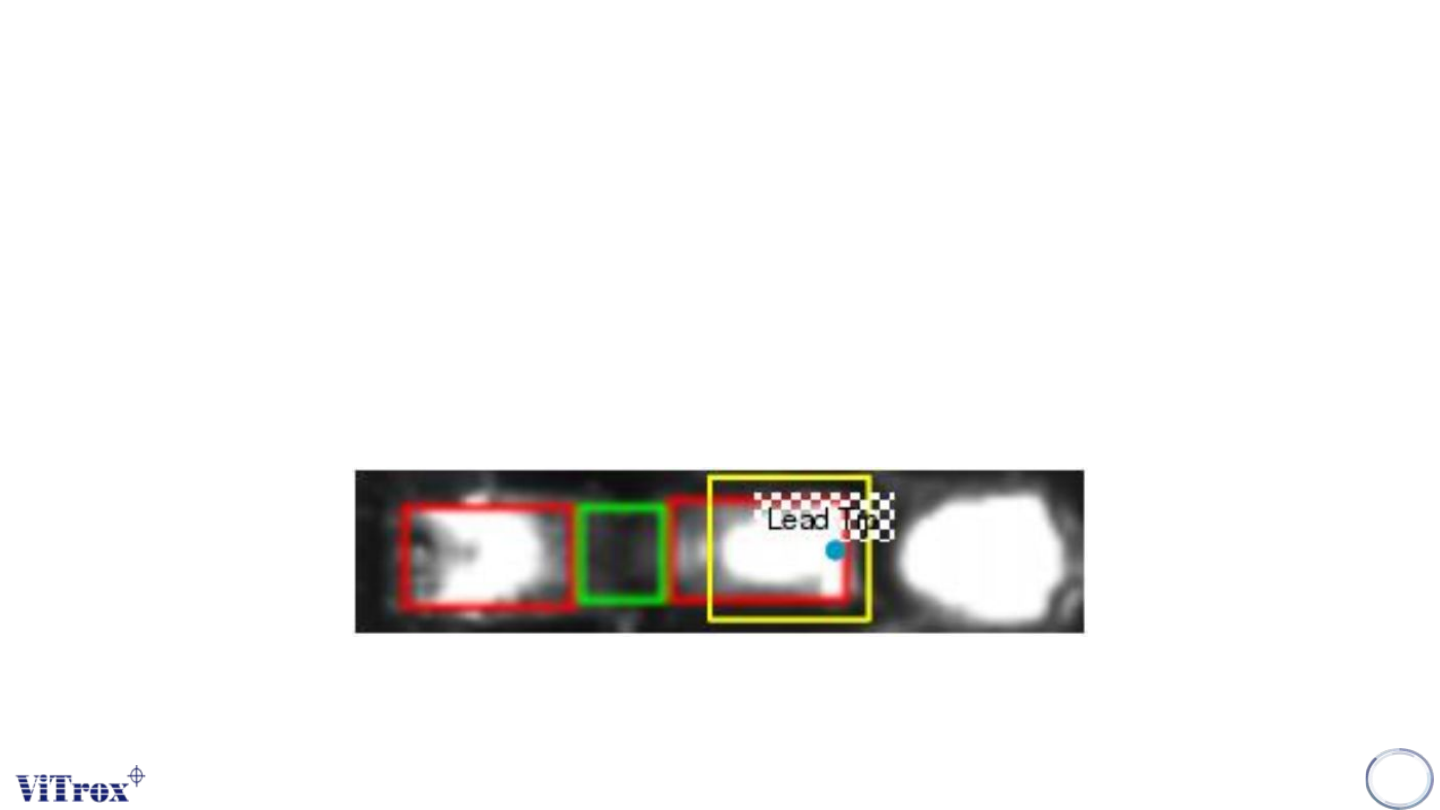
4. Toe Sticks Out Gap
• Anchor set to (Lead Tip anchor)
• Image Plane: Angle 1
• Software measure the mean intensity of the pixels contained within the ROI.Compare each lead to a preset
threshold.
• Inspection area: Lead Tip Area
• If the lead is bent, then the lead tip will move forward, making the region of interest appear brighter.
133
Copyright © ViTrox All Rights Reserved.
Lead Ringer - Types of Ringer Tests
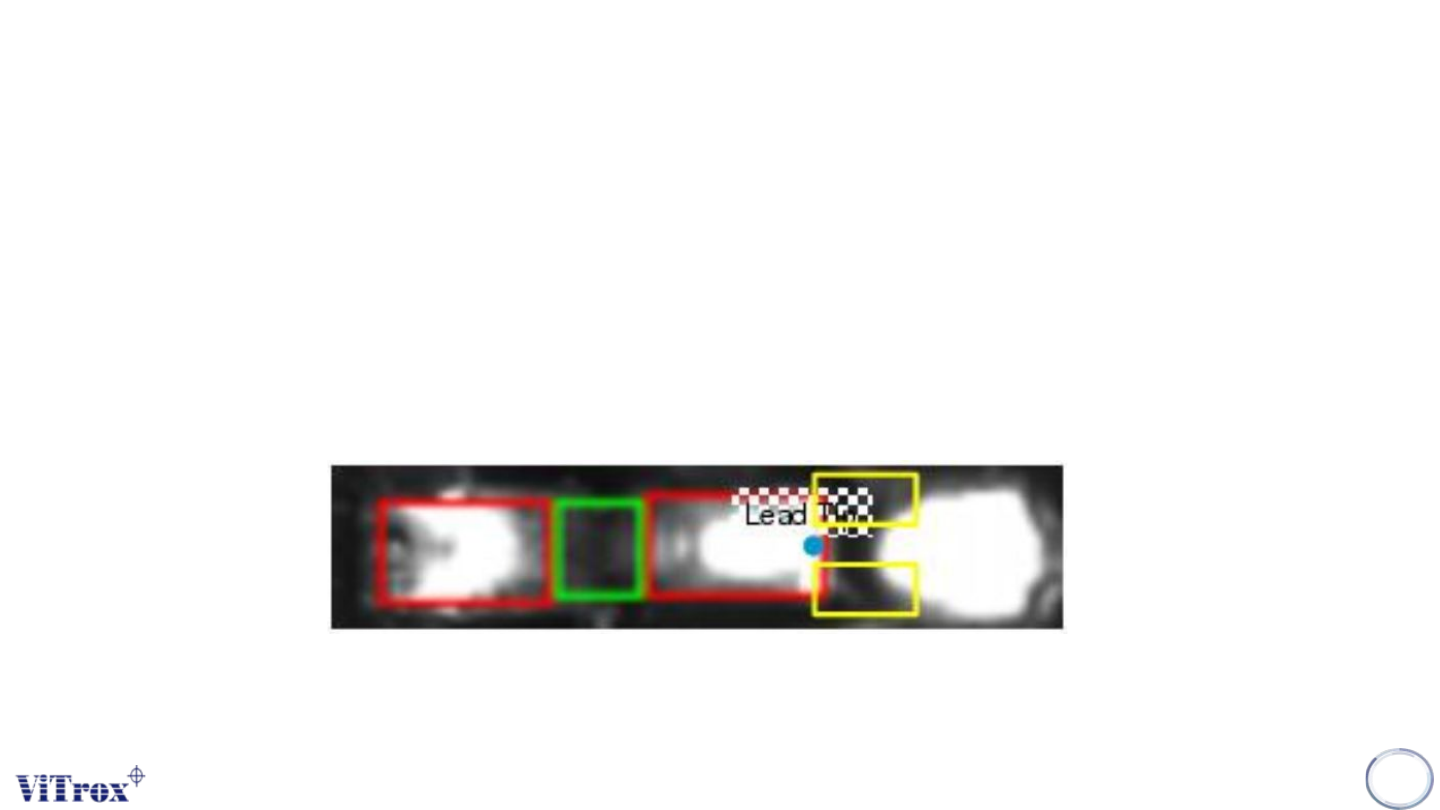
5. Toe Finish Melt Differs
• Anchor set to (Lead Tip anchor)
• Image Plane: Angle 3
• Software measure the mean intensity of the pixels contained within the 2 ROI.compare each lead with its
neighbours (per row comparison), with invert check (invert the results if most of the leads of the row are defects).
• Inspection area: Lead Tip Area
• When the board is reflowed, the heat might melt the solder on the side of the lead toe, which will not happen if
the lead is not connected to the solder, i.e. lifted.
134
Copyright © ViTrox All Rights Reserved.
Lead Ringer - Types of Ringer Tests
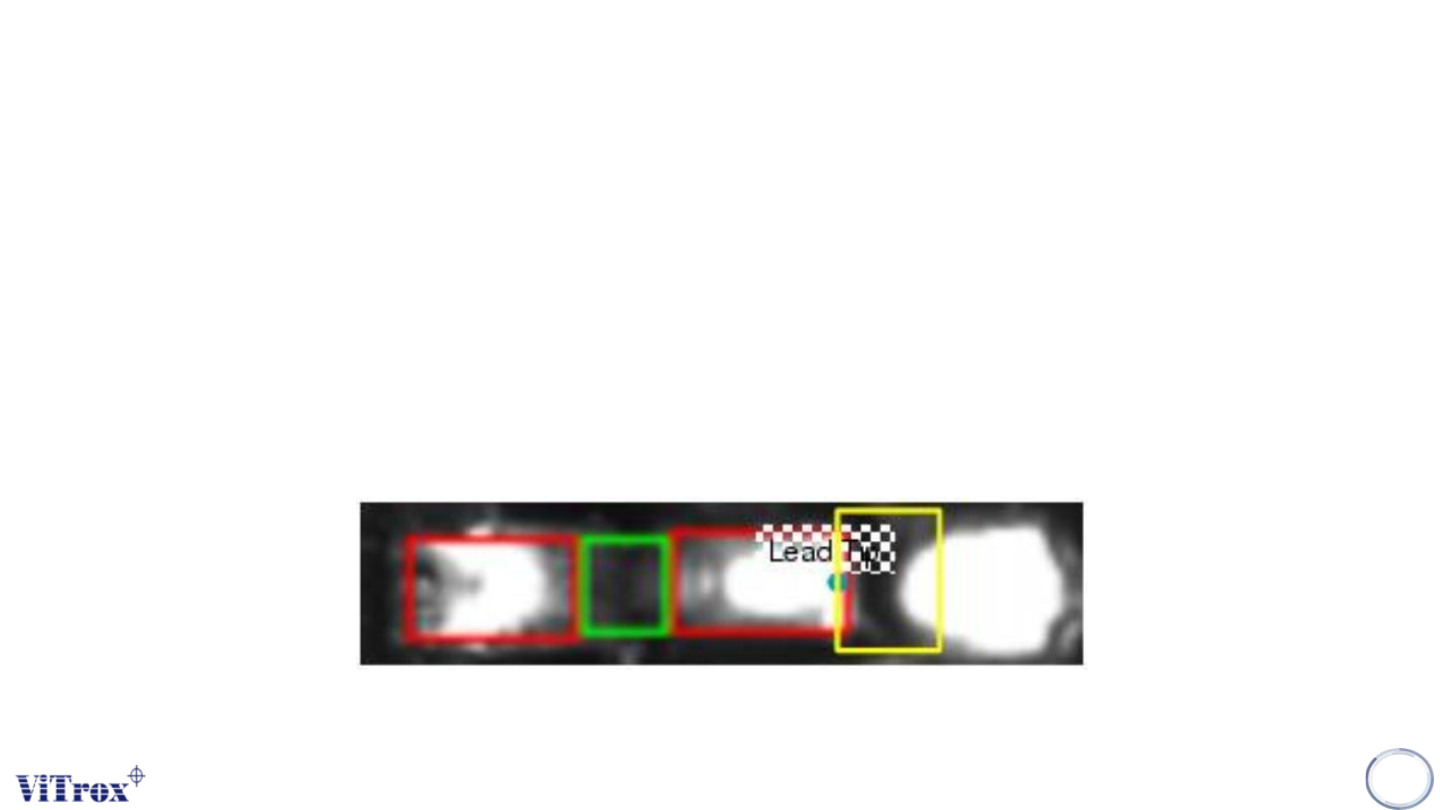
6. Toe Stick Out Differs
• Anchor set to (Lead Tip anchor)
• Image Plane: Angle 3
• Software measure the mean intensity of the pixels contained within the ROI.compare each lead with its
neighbours (per row comparison), with invert check (invert the results if most of the leads of the row are defects).
• Inspection area: Lead Tip Area
• If the lead is deformed, the toe will stick out and the region of interest will get brighter.
135