Smart Gui - Algorithm Training Material_rev1.pdf - 第136页
Copyright © ViT rox All Rights Reserved . Lead Ringer - T ypes of Ringer T ests 7. T oe Fillet Curvature T oo Low • Anchor set to (Lead T ip anchor) • Image Plane: Angle 1 & Angle 2 • Software measure the mean intens…
Copyright © ViTrox All Rights Reserved.
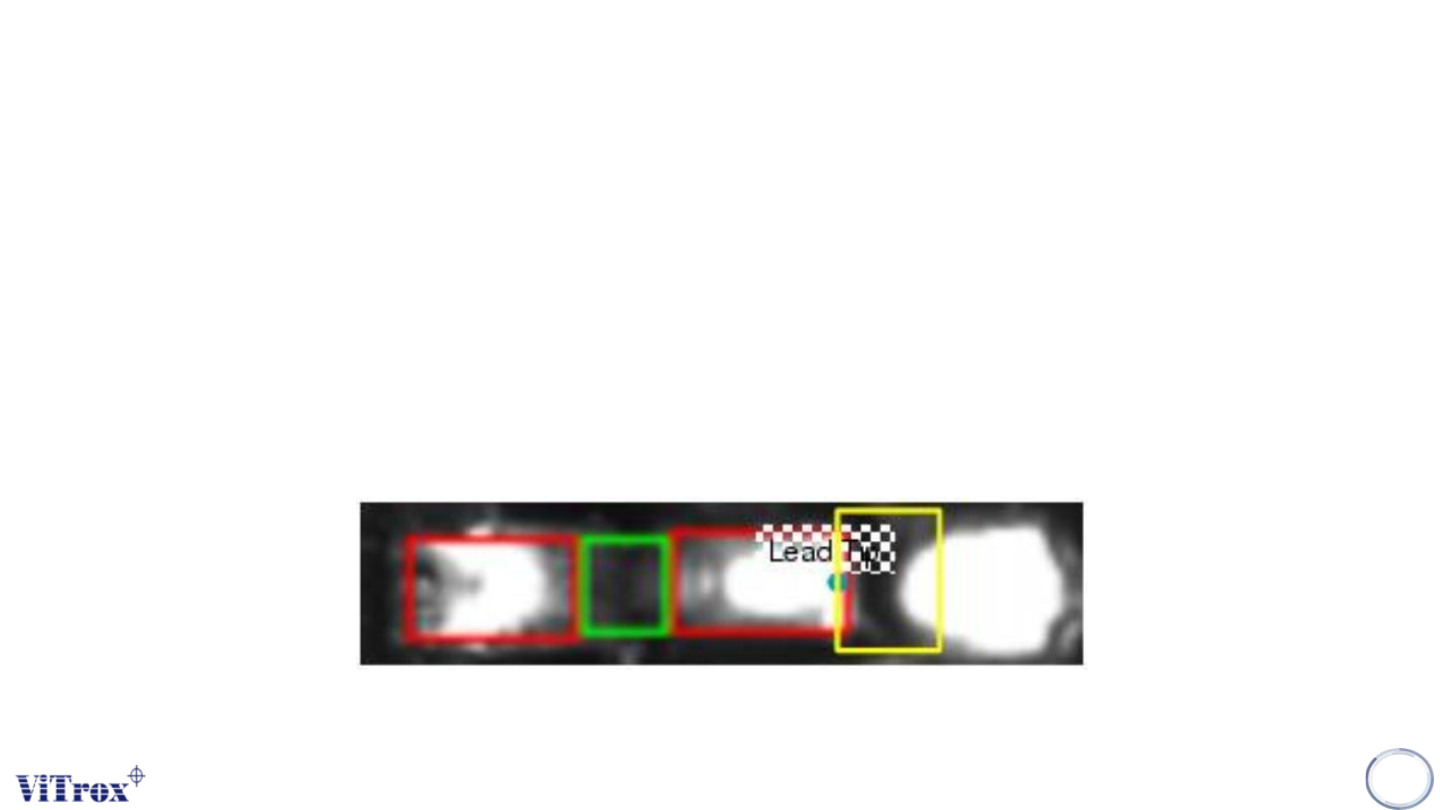
Lead Ringer - Types of Ringer Tests
6. Toe Stick Out Differs
• Anchor set to (Lead Tip anchor)
• Image Plane: Angle 3
• Software measure the mean intensity of the pixels contained within the ROI.compare each lead with its
neighbours (per row comparison), with invert check (invert the results if most of the leads of the row are defects).
• Inspection area: Lead Tip Area
• If the lead is deformed, the toe will stick out and the region of interest will get brighter.
135
Copyright © ViTrox All Rights Reserved.
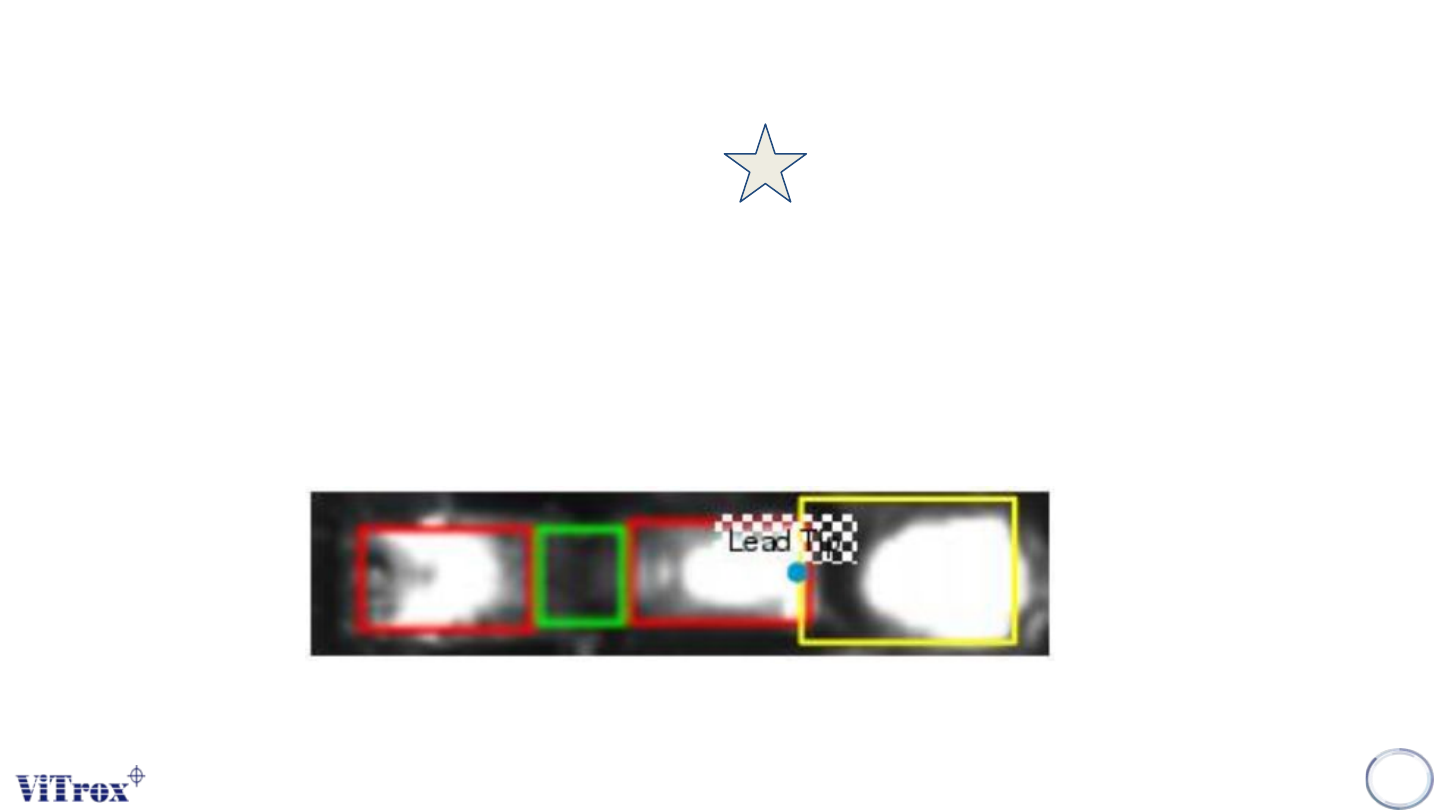
Lead Ringer - Types of Ringer Tests
7. Toe Fillet Curvature Too Low
• Anchor set to (Lead Tip anchor)
• Image Plane: Angle 1 & Angle 2
• Software measure the mean intensity of the pixels contained within the 2 ROI.compare each lead to a threshold
• Inspection area: Lead Tip Area
• If the lead is lifted, the solder shape will not be the same (inverted duck foot shape): this can be measured by
comparing the distance between centre of gravity in the red and green channels.
136
Copyright © ViTrox All Rights Reserved.
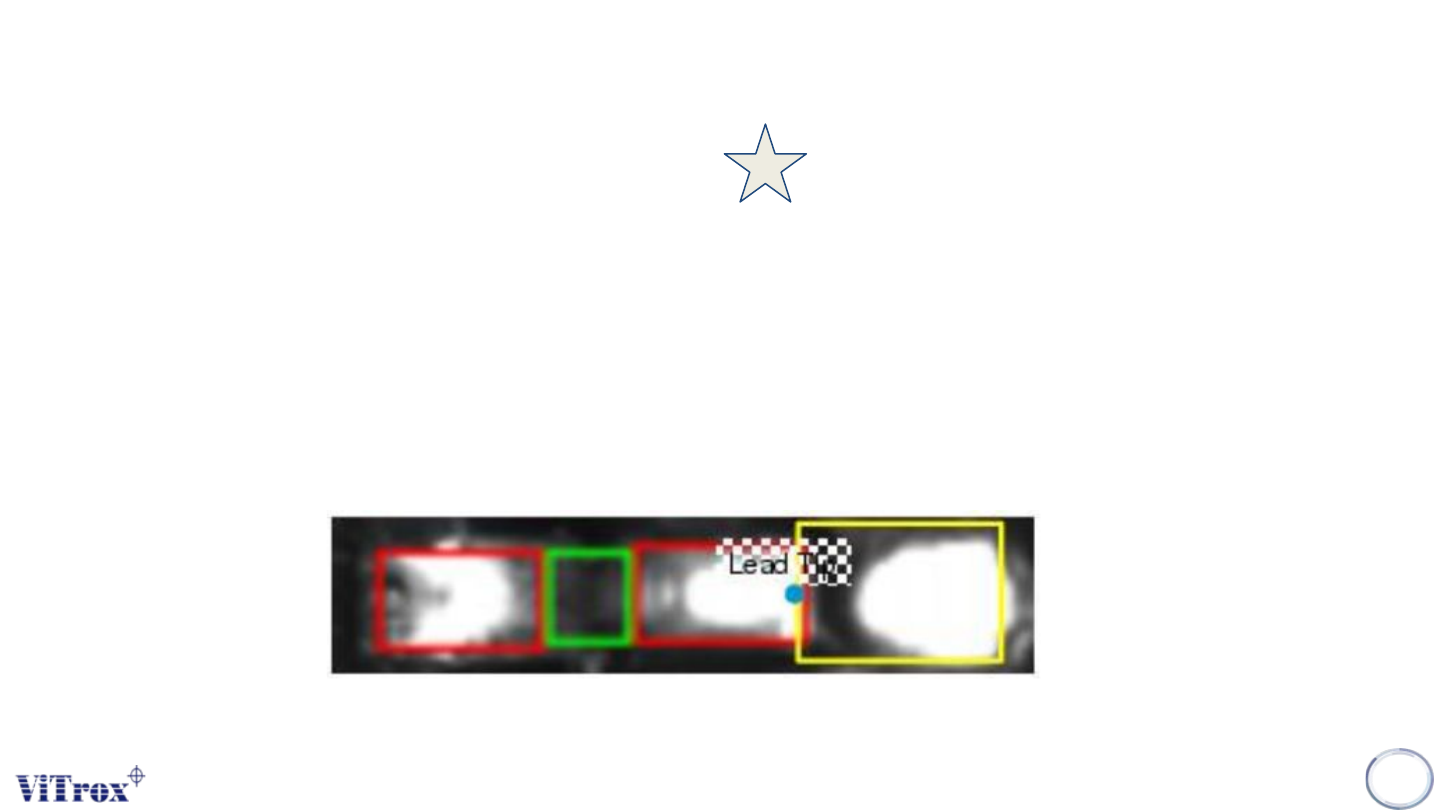
Lead Ringer - Types of Ringer Tests
8. Toe Fillet Shape Differs
• Anchor set to (Lead Tip anchor)
• Image Plane: max(Angle 1, Angle 3)
• Software measure the mean intensity of the pixels contained within the ROI.compare each lead with its
neighbours (per row comparison), with invert check (invert the results if most of the leads of the row are defects).
• Inspection area: Lead Tip Area
• The solder shape varies if the lead is lifted and this is what we are looking for here. We are using a lead tip
anchor an not a pad anchor, in case the pad anchor found is not reliable enough to the diverse process
conditions.
137