Smart Gui - Algorithm Training Material_rev1.pdf - 第310页
Copyright © ViT rox All Rights Reserved . Steps to T rain Component 310
Copyright © ViTrox All Rights Reserved.
GrayScale Editor - Setup
309
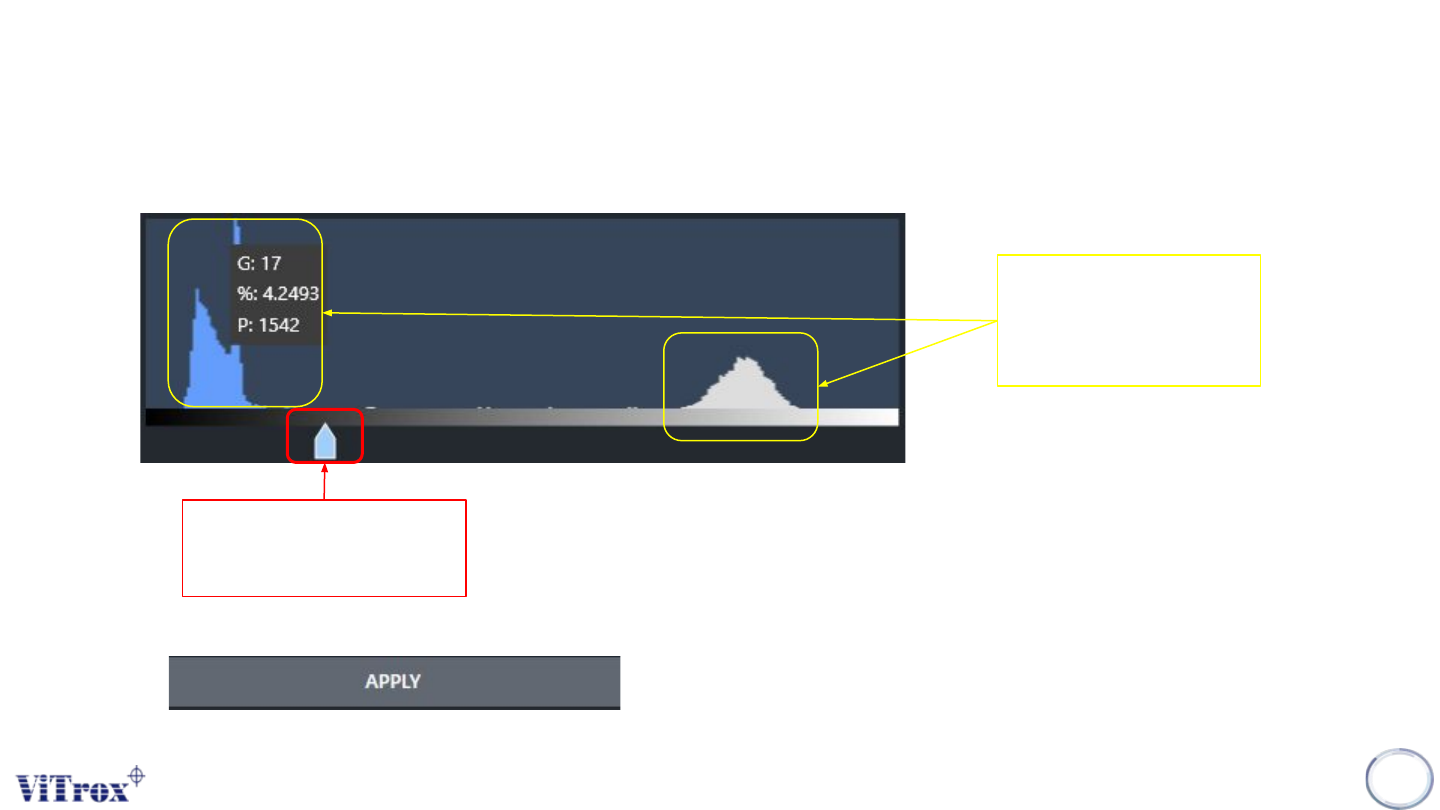
3. User may drag the arrow to select the grayscale value.
4. User also able to know the quantity of pixels with the grayscale values.
Quantity of pixel
with the grayscale
value
Arrow to select the
gray scale value.
5. Click apply to set the threshold value.

Copyright © ViTrox All Rights Reserved.
Steps to Train Component
310

Copyright © ViTrox All Rights Reserved.
Step 1: Fiducial Setup
Fiducial feature on the board that the V510 AOI uses to align the system to the coordinates of
the board. The V510 automatically carries out 2D inspection to determine the location of the
fiducials
311