Smart Gui - Algorithm Training Material_rev1.pdf - 第172页
Copyright © ViT rox All Rights Reserved . 172 Single Joint Inspection Algorithm
Copyright © ViTrox All Rights Reserved.
U-type Locator - CPM
171
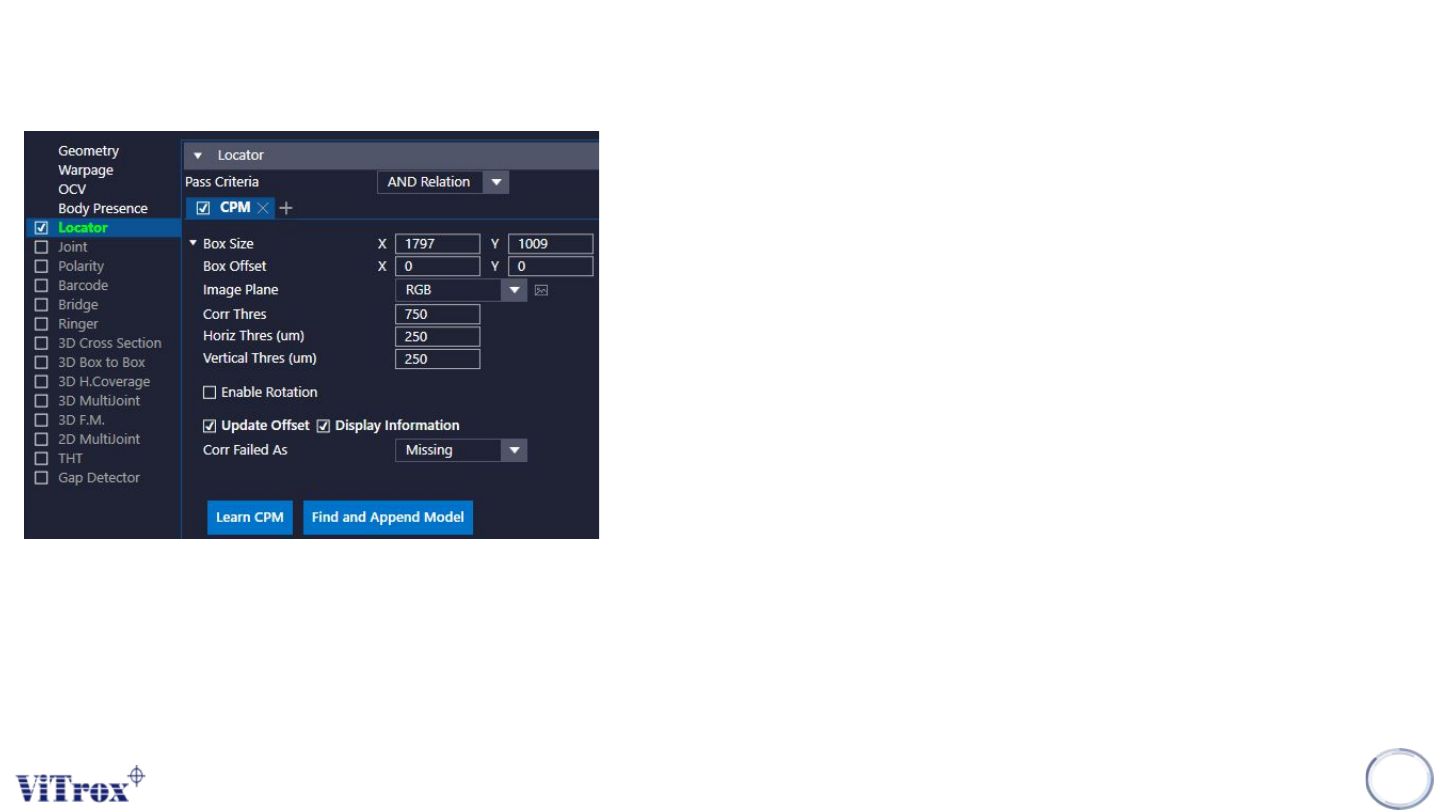
e. Enable Rotation
● Tick to enable rotation up to 30 deg
f. Update Offset
● Tick to to update offset
g. Display information
● Tick this to display the Information
h. Corr Failed As
● Select the Error Code prompt out during inspection result fail.
i. Learn CPM
● Click this to learn the template.
j. Find and Append Model

Copyright © ViTrox All Rights Reserved.
172
Single Joint Inspection Algorithm
Copyright © ViTrox All Rights Reserved.
U-type Locator - Single Joint
173
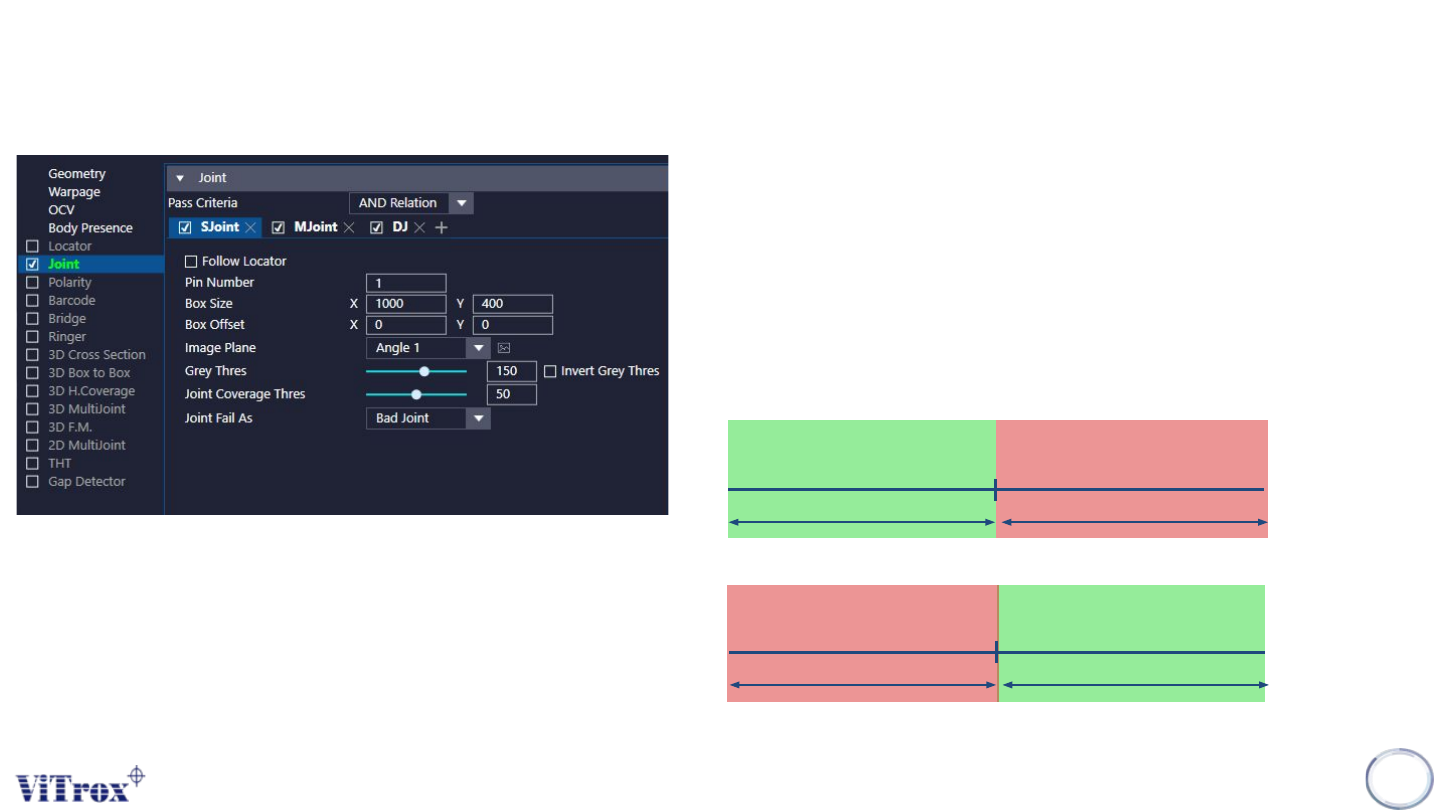
a. Follow Locator
● Tick to enable the joint inspection box follow locator.
b. Pin Number
● To adjust the number of pin.
c. Box Size & Box Offset
● To adjust the joint inspection box size & joint inspection box offset.
d. Image Plane
● These are the types of 2D Lighting. Select the one with having
highest contrast among interested inspection region and the
background.
e. Grey Thres
f. Invert Grey Thres
Grey Threshold
Pass Fail
Grey Threshold
PassFail