Smart Gui - Algorithm Training Material_rev1.pdf - 第142页
Copyright © ViT rox All Rights Reserved . Lead Ringer - Parameter Description 142 2. Extract ● If “Compare T o” is set to “Threshold”, There are 2 Extract Option as follow: ● Mean Intensity: The mean intensity of the pix…
Copyright © ViTrox All Rights Reserved.
Lead Ringer - Parameter Description
141
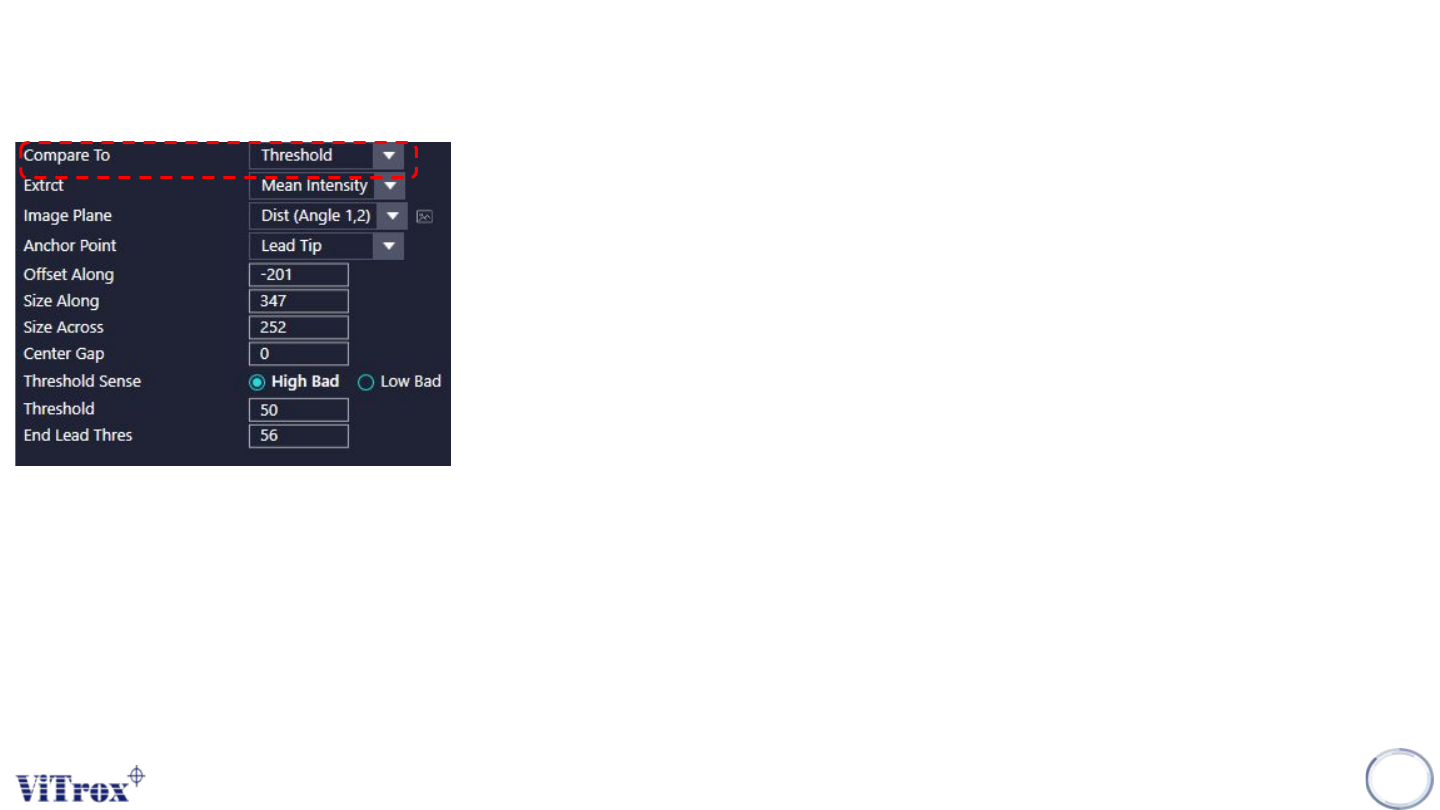
2. Extract
● The Extract option available depends on the “Compare To” option selected.
● If “Compare To” is set to “Other Leads” & Other Leads (Invert Check), There are 3
Extract Options as follow:
➔ Mean Intensity Difference: we measure the mean intensity within the box and calculate the
difference with mean intensity of the "base" lead of the row (median lead). If the difference is
bigger/smaller of the threshold (depending on the threshold sense (high bad/low bad)), than
the lead will be called defective.
➔ Appearance Difference: we compare each pixel contained in the current box with the
corresponding pixels in the box of the "base" lead and calculate its difference. Then each
difference is summed up for all the pixel to produce an unique score.
➔ Curvature Difference: we calculate the curvature feature (distance between red channel
(Angle 1) and green channel (Angle 2) centre of gravity) in the current box, and then
measure the difference between the resulting value and the "base" lead of the row
Copyright © ViTrox All Rights Reserved.
Lead Ringer - Parameter Description
142
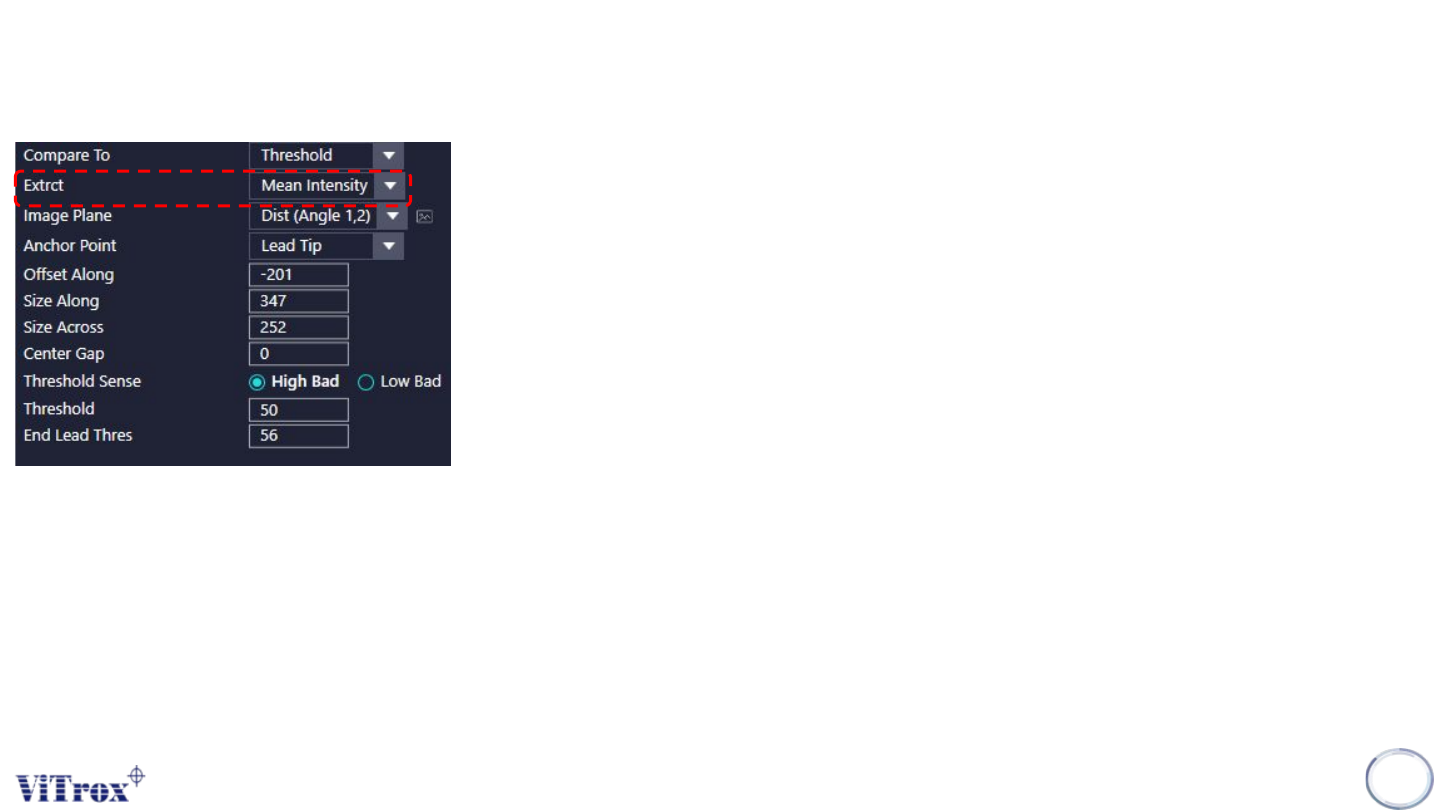
2. Extract
● If “Compare To” is set to “Threshold”, There are 2 Extract Option as follow:
● Mean Intensity: The mean intensity of the pixels contained in the box is measured and
compared with the threshold for each lead of the row.
● Curvature: the curvature feature is calculated for the current box and compared with the
threshold for each lead of the row
Copyright © ViTrox All Rights Reserved.
Lead Ringer - Parameter Description
143
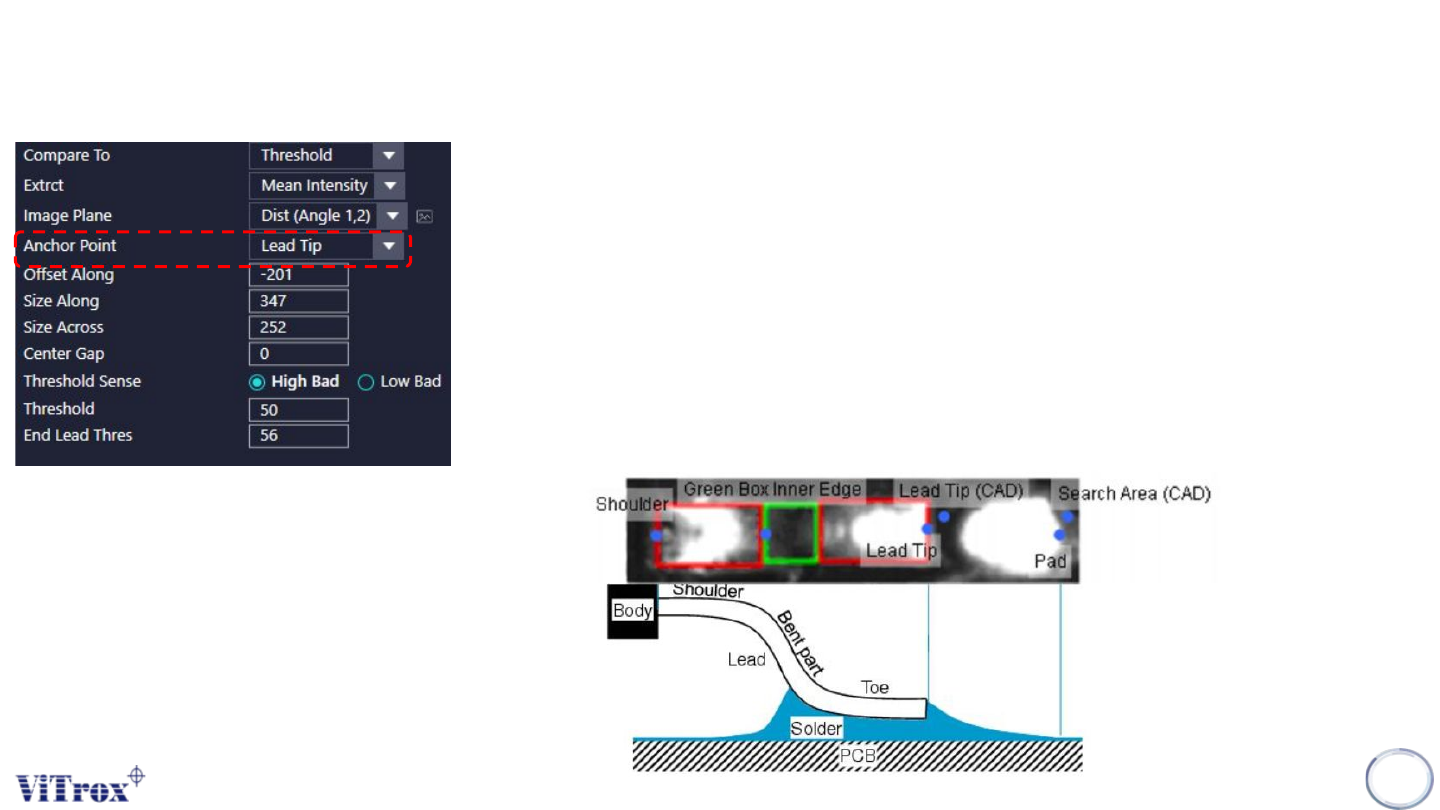
4. Anchor Point
● The region of inspection.
● The anchor points available in the Lead Ringer algorithm are as follow:
➔ Lead Tip anchor: (result of the lead location algorithm)
➔ Shoulder anchor: (result of the lead location algorithm)
➔ Lead Tip (Lock to Cad) anchor: (result of the geometry settings entered by the user, taking into
account the component position, number of leads, pitch, lead length, ...)
➔ Pad End (Lock to Pad) anchor: (result of the Pad Locator algorithm)
➔ Search Area End (Lock to Cad) anchor (similar as Lead Tip (Lock to Cad), but the point is
locked to the search area instead of being at lead tip)
➔ Green Box Inner Edge anchor: (result of lead location algorithm)