Smart Gui - Algorithm Training Material_rev1.pdf - 第139页
Copyright © ViT rox All Rights Reserved . Lead Ringer - Default Pretest Page 1: Pad T oo Dark • Inspect Pad Region, If lifted lead, end of the pad will look darker Page 2: T oe Fillet Curvature T oo Low • Inspect Lead T …
Copyright © ViTrox All Rights Reserved.
Lead Ringer - Types of Ringer Tests
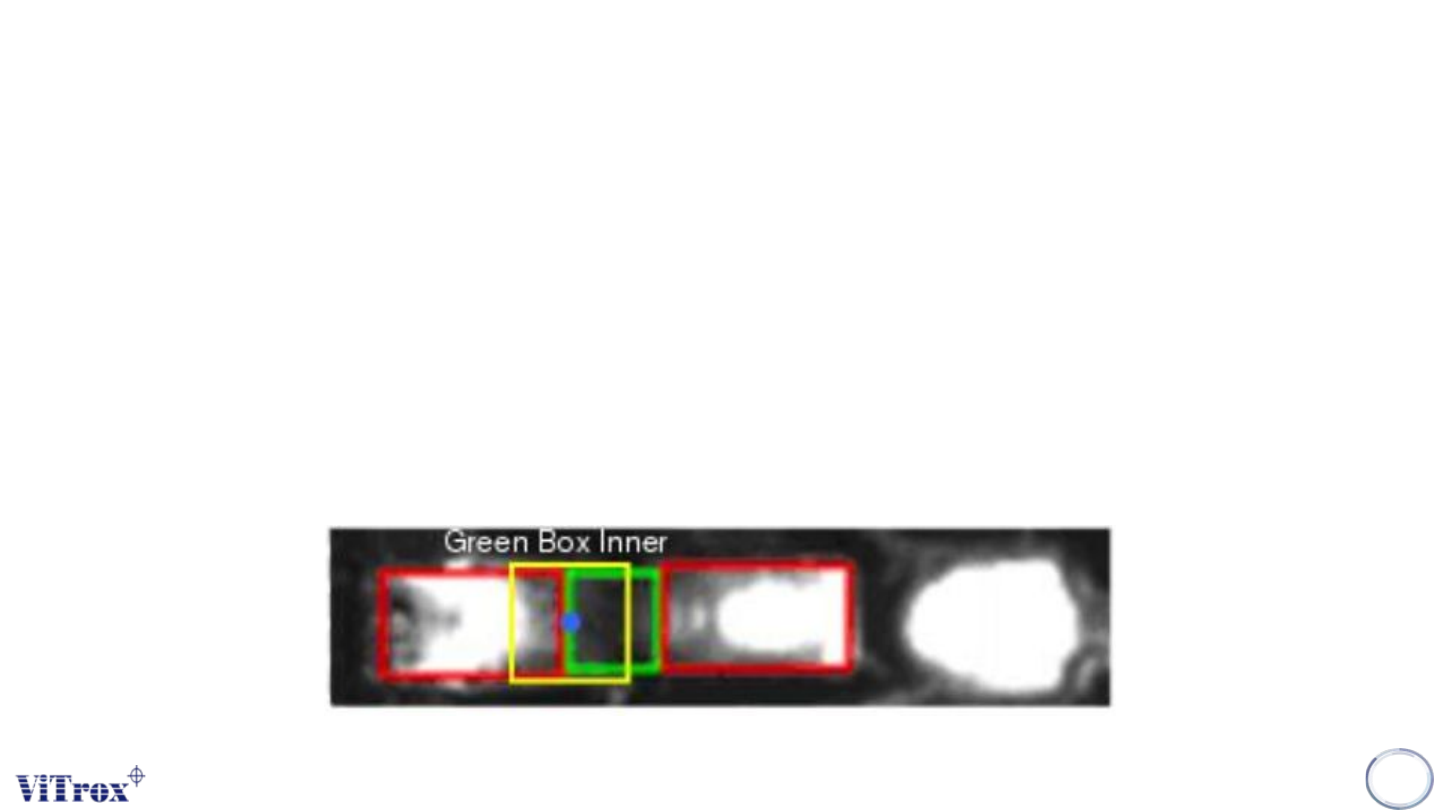
9. Green Box Bend Differs
• This preset is a variant of Preset 3 - Shoulder Bend Differs but placement should be more consistent.
• Anchor set to (Green Box Inner Edge anchor)
• Image Plane: Angle 1
• Software measure the mean intensity of the pixels contained within the ROI.compare each lead with its
neighbours (per row comparison), with invert check (invert the results if most of the leads of the row are defects).
• Inspection area: Lead Tip Area
• If the lead is lifted (heavily) or bent, the lead will be visibly deformed: the shoulder will appear brighter in the
current region of interest.
138
Copyright © ViTrox All Rights Reserved.
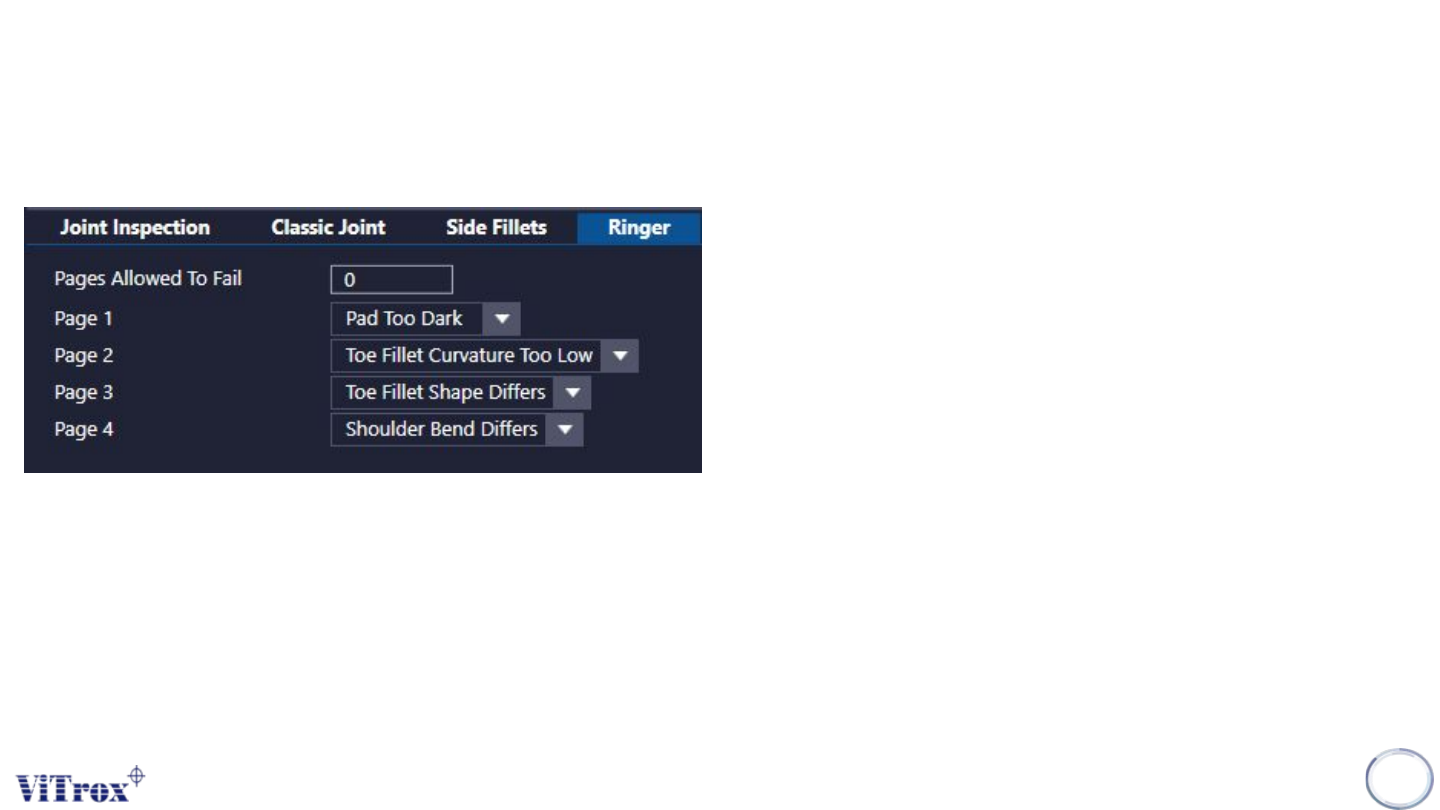
Lead Ringer - Default Pretest
Page 1: Pad Too Dark
• Inspect Pad Region, If lifted lead, end of the pad will look
darker
Page 2: Toe Fillet Curvature Too Low
• Inspect Lead Tip Region, If the lead is lifted, the solder shape
will not be the same
Page 3: Toe Fillet Shape Differs
• Inspect Lead Tip Region. The solder shape varies if the lead
is lifted
Page 4: Shoulder Bend Differs
• Inspect Shoulder Region. If the lead is lifted (heavily) or bent,
• The lead will be visibly deformed: the shoulder will appear
brighter in the current region of interest.)
139
Copyright © ViTrox All Rights Reserved.
Lead Ringer - Parameter Description
140
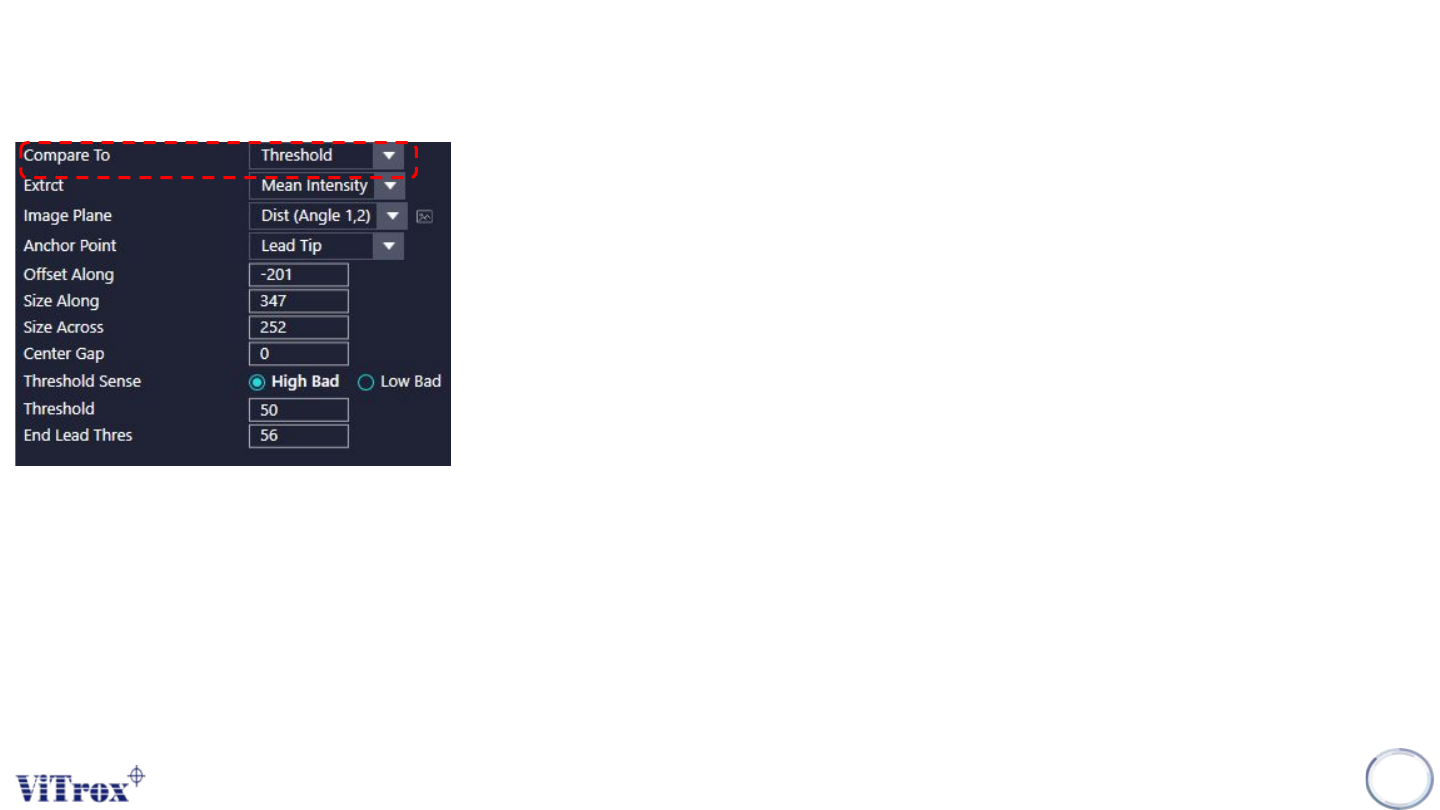
1. Compare To
● This option enable user to setup the comparison option
● Comparison “between leads” or “against an absolute threshold”
● 3 options as follow:
➔ Other Leads: Each lead is compared to all the other leads of the same row. The lead that
get a score 0 is recognized as the "base" of the row. We look at the difference between
leads.
➔ Other Leads (Invert Check): The invert check will compare leads that are failing against a
good template build from previous inspected components and determine if it is similar to it or
not (the threshold used to do the comparison and determine if there is a switch needed is
the threshold from the concerned page). If no leads are failing, we do not perform the invert
check.
➔ Threshold: Each lead is compared to the absolute threshold given by the user (separately
from the other leads of the row).