Smart Gui - Algorithm Training Material_rev1.pdf - 第192页
Copyright © ViT rox All Rights Reserved . U-T ype Algorithm - 1D Barcode 192 m. Encoding T ype • Encoding T ype is the barcode formats that able to support. • Supported Encoding type as below: ❖ Codebar ❖ Code 39 ❖ Code …
Copyright © ViTrox All Rights Reserved.
U-Type Algorithm - 1D Barcode
191
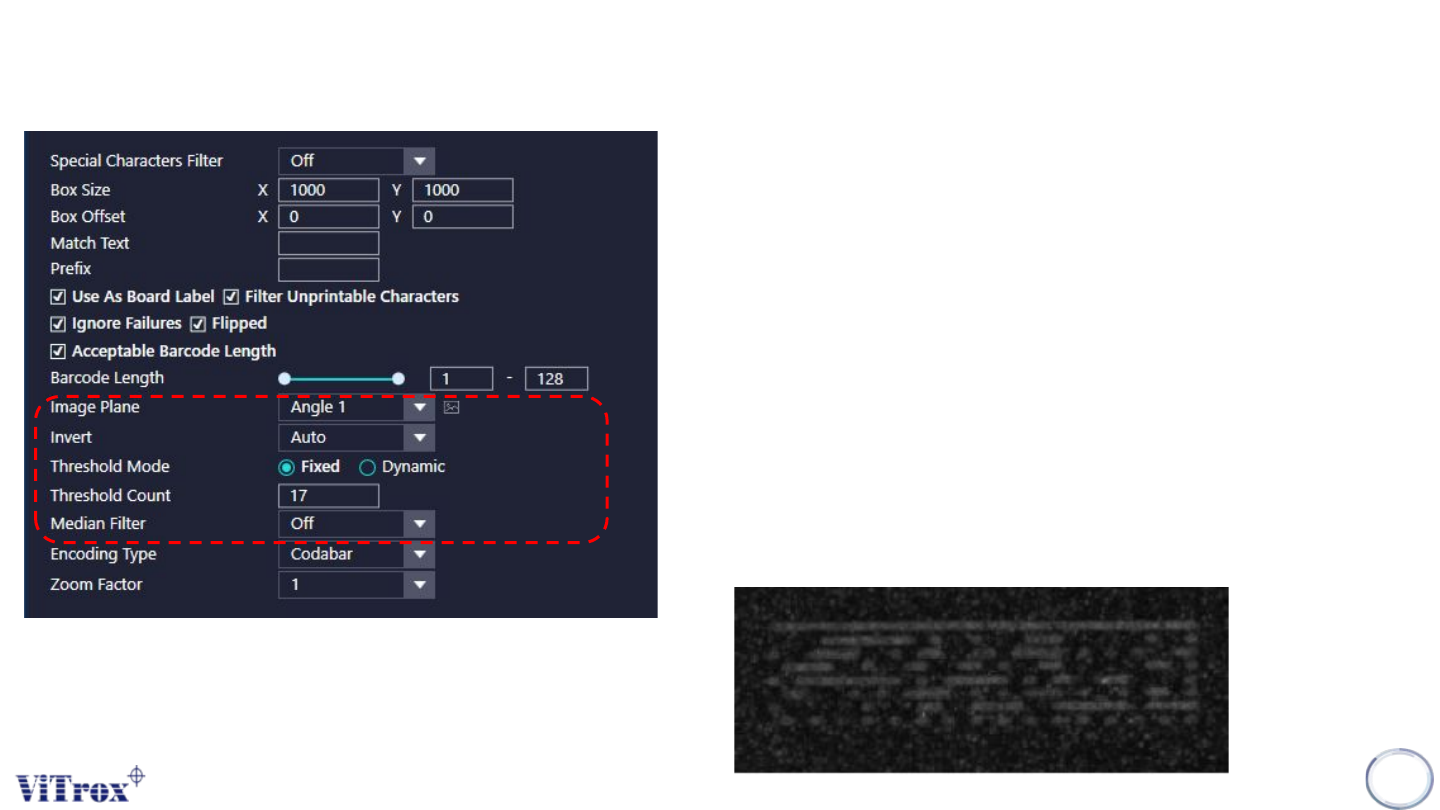
h. Image Plane
• Select the one that having best contrast among the Polarity Marking and
background.
i. Invert
• Used to invert the greyscale of the barcode from dark to bright and vise
versa.
j. Threshold Mode
❖ Fixed - Used when Barcode and background having good contrast.
❖ Dynamic - Used when Barcode and background having low contrast.
k. Threshold Count
• Threshold count is used to inspect the barcode with a constant inspection
range which threshold count is 17 as default value.
• When threshold count set to 17, the barcode will be decoded for 17 times
in a range of different grayscale level.
I. Median Filter
• This setting is use to remove the white dots (Noise)
Copyright © ViTrox All Rights Reserved.
U-Type Algorithm - 1D Barcode
192
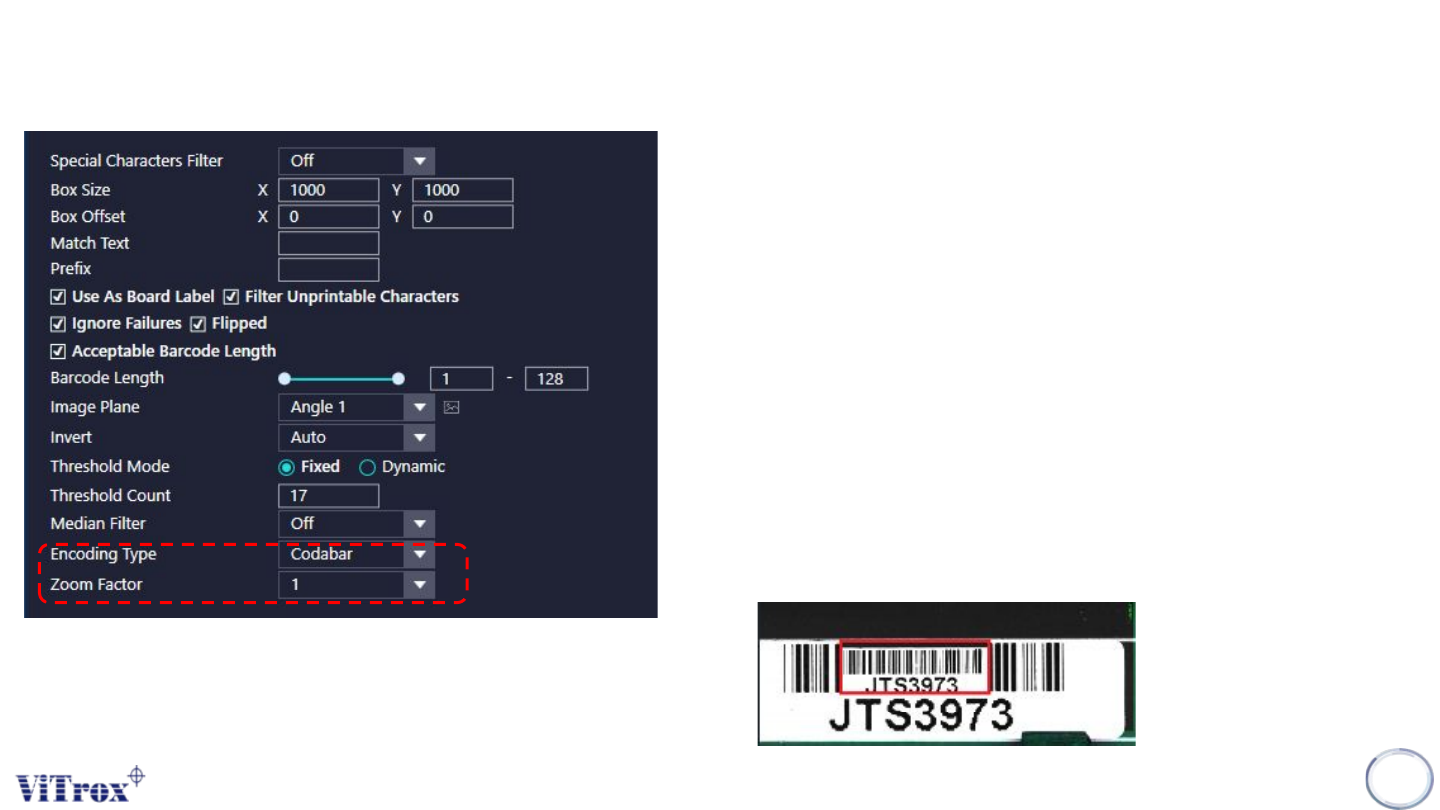
m. Encoding Type
• Encoding Type is the barcode formats that able to support.
• Supported Encoding type as below:
❖ Codebar
❖ Code 39
❖ Code 93
❖ Code 128
❖ EAN 8
❖ EAN 132/5 Industrial
❖ 2/5 Interleaved
❖ All
n. Zoom Factor
• Zoom factor is used to set the inspection size of the barcode.
• When Zoom factor set to 0.5 (50% of original barcode size)
Copyright © ViTrox All Rights Reserved.
U-Type Algorithm - 2D Barcode
193
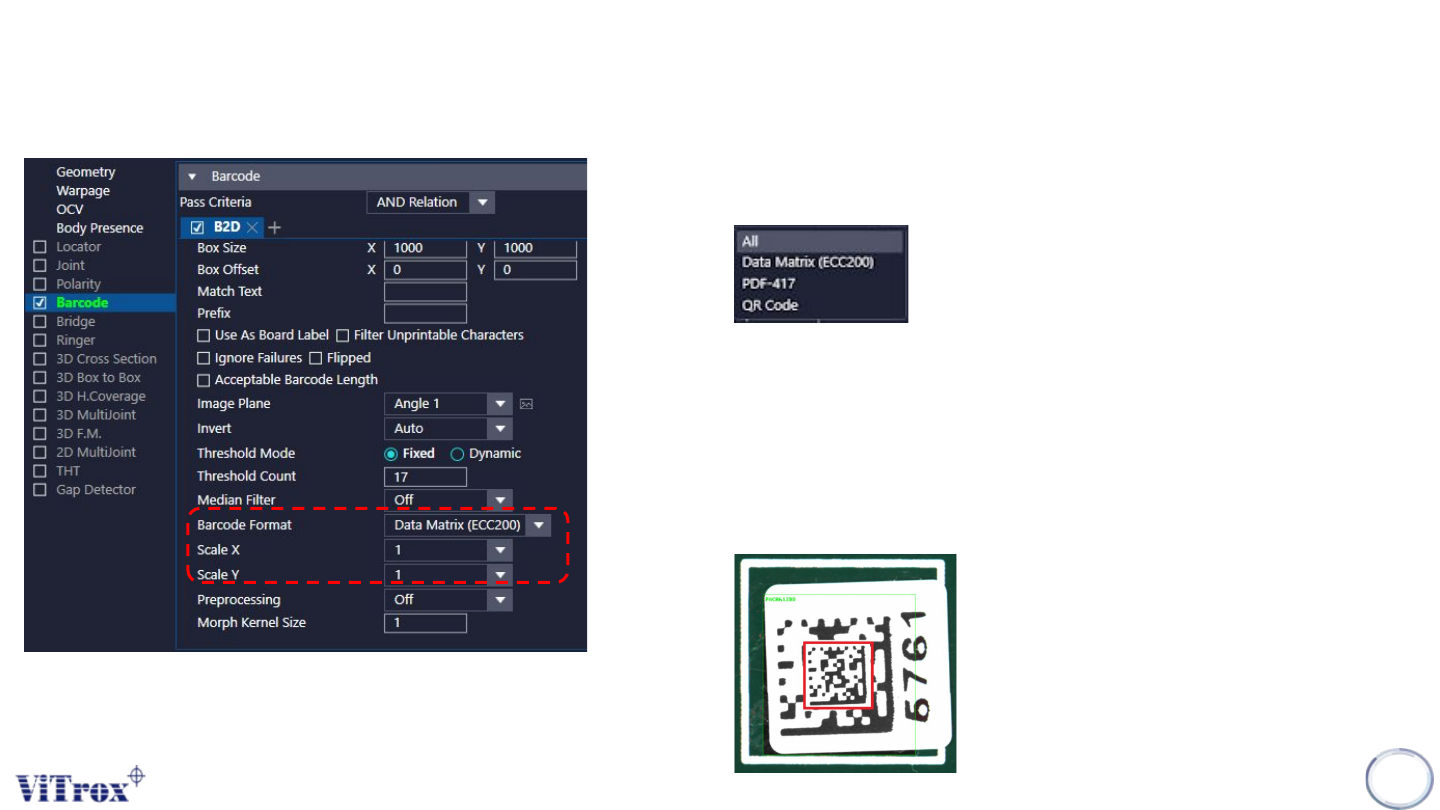
a. Barcode Format
• The barcode formats that able to support are show below:
b. Scale X & Scale Y
• Scale X and Scale Y used to set the inspection size of the barcode. There
have the range of 0.1 to 1.0 which covered 10% of orignal barcode size to
100% of original barcode size.
• Scale X is the vertical direction while scale Y is the horizontal direction.
• When scale X and scale Y set to 0.5, the barcode after rescale will display
at center of barcode inspection box. (red)