00198661-02_UM_SX12-V3_EN.pdf - 第77页
Instruction manual SIPLACE SX1/SX2 Edition V2 and V3 2 Operation al safety From software version SC.713.1 Edition 12/2020 2.6 Safety features 77 2 PLEASE NOTE For SIPLACE SX1/SX2 V2 For details about the operating panel …
2 Operational safety Instruction manual SIPLACE SX1/SX2 Edition V2 and V3
2.6 Safety features From software version SC.713.1 Edition 12/2020
76
Function 2
If one of the protective covers is opened upwards, the power supply to the gantry axes will be im-
mediately interrupted. The gantry axes stop moving. The message "Close cover" is displayed on
the screen.
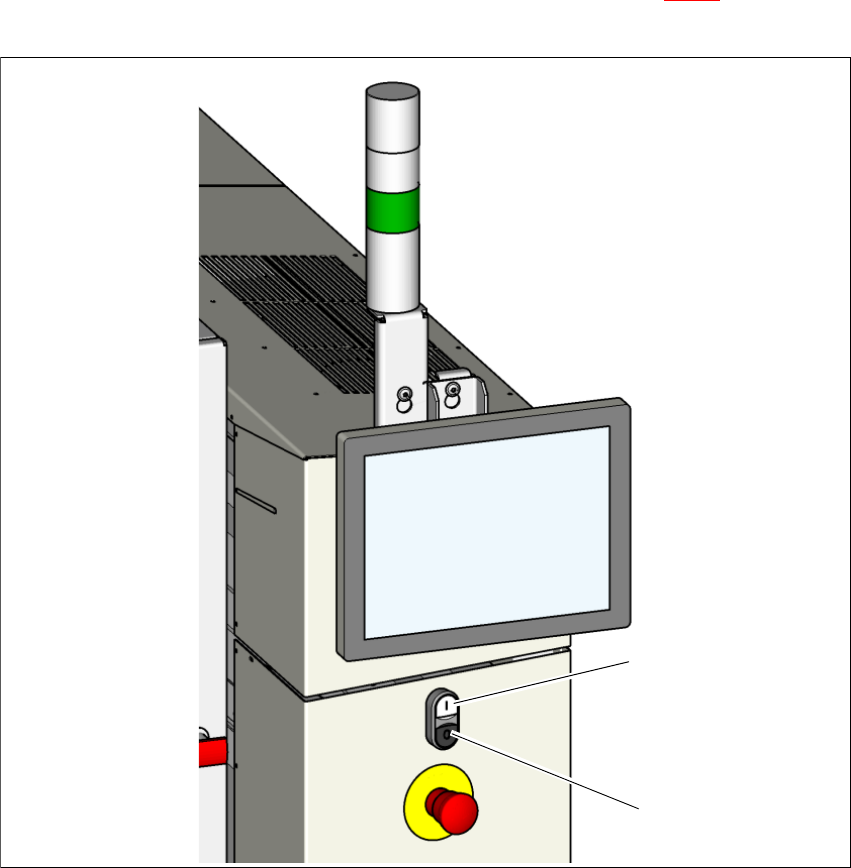
Close the protective covers and press the START button (item 1 in fig. 2.6 - 2), to continue
placement.
2
Fig. 2.6 - 2 Position of start-stop button on the placement machine
(1) Start button (white) on the placement machine
(2) Stop button (black) on the placement machine
(2)
(1)

2 Operational safety Instruction manual SIPLACE SX1/SX2 Edition V2 and V3
2.6 Safety features From software version SC.713.1 Edition 12/2020
78
2.6.2 Hand guard on the board conveyor
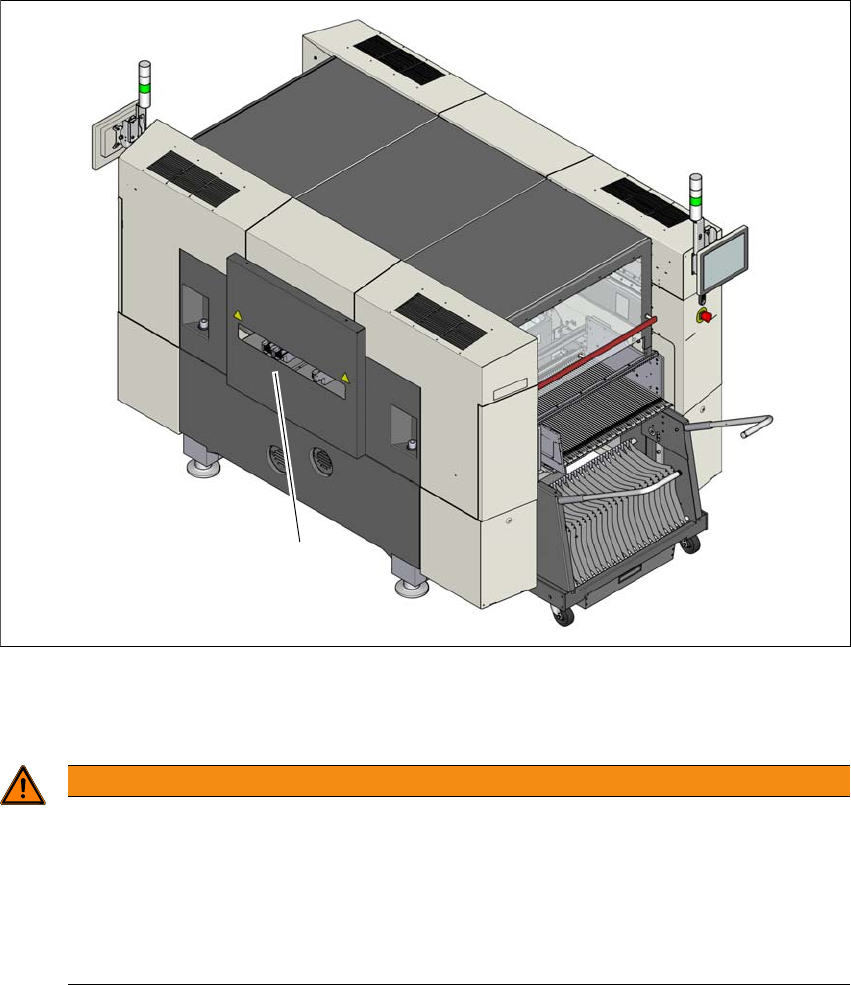
The hand guard on the PCB conveyor prevents people reaching into the placement machine,
when it is in operation.
If a SIPLACE placement machine SX1/SX2 is operated outside a line, you will need to fit the hand
guard on the input and output conveyors of this placement machine.
2
Fig. 2.6 - 3 Hand guard on the placement machine SX1/SX2
(1) Hand guard
2
Fit the hand guard (1) to the input conveyor and to the output conveyor.
WARNING
DANGER OF CRUSHING!
If the hand guard is not fitted, reaching into the board conveyor could lead to injuries to
the arms and hands.
Only operate an SIPLACE SX1/SX2 placement machine outside the line if there is
a hand guard fitted to the input and output conveyors.
The operating company is responsible for ensuring that the hand guard is fitted.
(1)