2OM-1104-001.pdf - 第108页
2.1 "Password" T ab Passwords can be set as a means of security for different operators of the machine. Depending on the set passwords, dif ferent authorization (permission and privilege) is given to each opera…
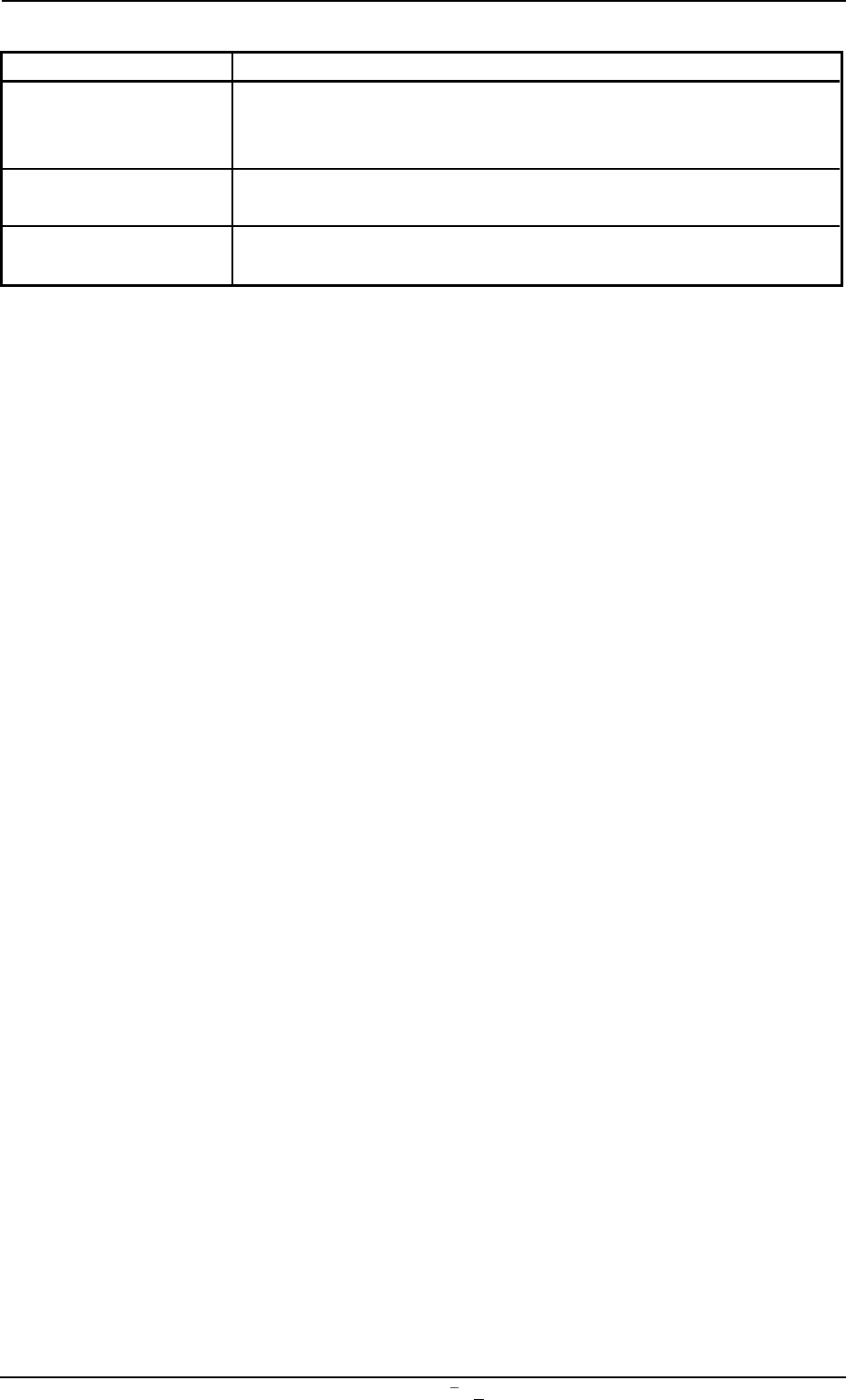
Table 3D2-1
Tabs Description
Display Setting When no operation on the touch screen is needed for a long period
of time, the monitor protection function can be activated to avoid
burning the screen.
Option Setting When the external keyboard (option) is used, this tab sheet can be
used to change the configuration of the system.
Date/Time The corresponding tab sheet enables the operator to set the cur-
rent date and time.
2.
"
MAC. SET-UP
"
Submenu
0106-001 Chapter 1 4 5-1 AFU01EDTP
2.1 "Password" Tab
Passwords can be set as a means of security for different operators of
the machine. Depending on the set passwords, different authorization
(permission and privilege) is given to each operator such that only ap-
proved operators can gain access to certain functions of the machine.
The "Password" tab sheet is composed of two tab sheets - "Password
In" and "Available Area".
2.1.1 "Password" Tab
• Sheet Layout
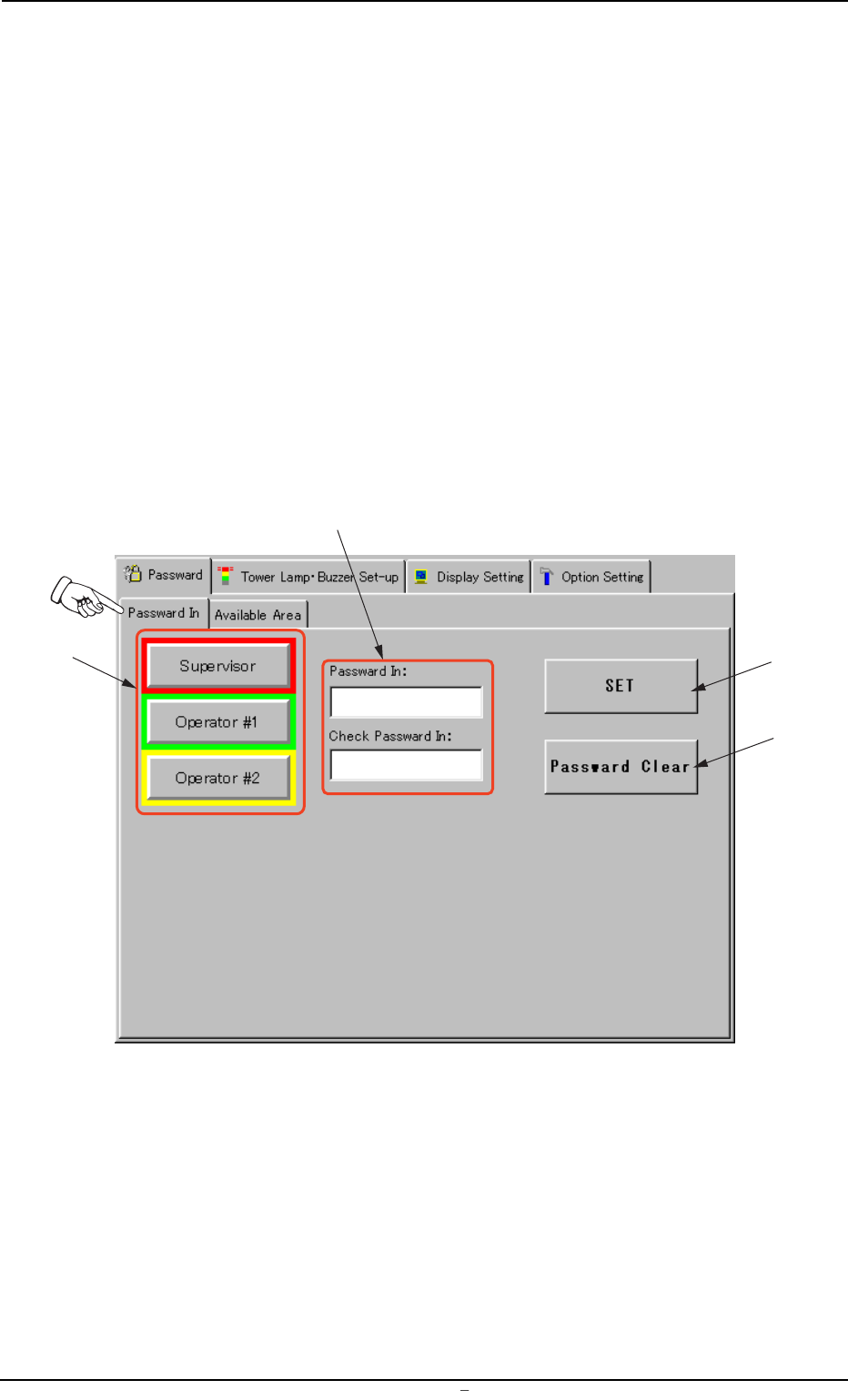
When the [MAC. SET-UP] button is pressed in the "SYSTEM" submenu
bar, the following tab sheet appears.
Fig. 3D6 "Password" Tab Sheet
*2
*1
*3
*4
0009-002 Chapter 1 4 6 AFU01EDTP
2.1
"
Password
"
Tab

• Sheet Composition
*1 Security Level Selection Buttons
These buttons can be used to allocate the security levels to the
operators of the machine.
Supervisor Person who has managerial responsibility for the
machine
Operator #1 Person who is given access to a wide range of avail-
able areas
Operator #2 Person who is given access to a certain range of
available areas
When a button is pressed, the background color turns into the frame
one (red, green, or yellow).
A password can be set only for the supervisor.
(a) It is advisable that a password be set as a means of secu-
rity for the supervisor.
Otherwise, a third party has authorization to operate the
machine and an accident or a breakdown may result.
(b) Be sure to make the "LOG IN" window appear after the
end of machine operations.
Otherwise, an operator with less authorization or a third
party can operate the machine and an accident or a break-
down may result.
(c) When the supervisor has forgotten his/her password, the
functions on the "Password In" and "Available Area" tab
sheets become unavailable.
In that case, it is required to clear all memory and set the
system again from the beginning.
Keep the password confidential.
*2 "Password" Text Box
The entered password is displayed in this text box.
*3 [SET] Button
The entered password is stored in memory of the machine.
*4 [Password Clear] Button
The entered password can be cleared.
0004-001 Chapter 1 4 7 AFU01EDTP
2.1
"
Password
"
Tab