2OM-1104-001.pdf - 第34页
1.2.5 Screen Recognition (1) Scr . Recog. Function It can be selected whether or not the screen recognition function should be used. 2PT . : The machine performs the two-point recognition. OFF : The machine does not perf…

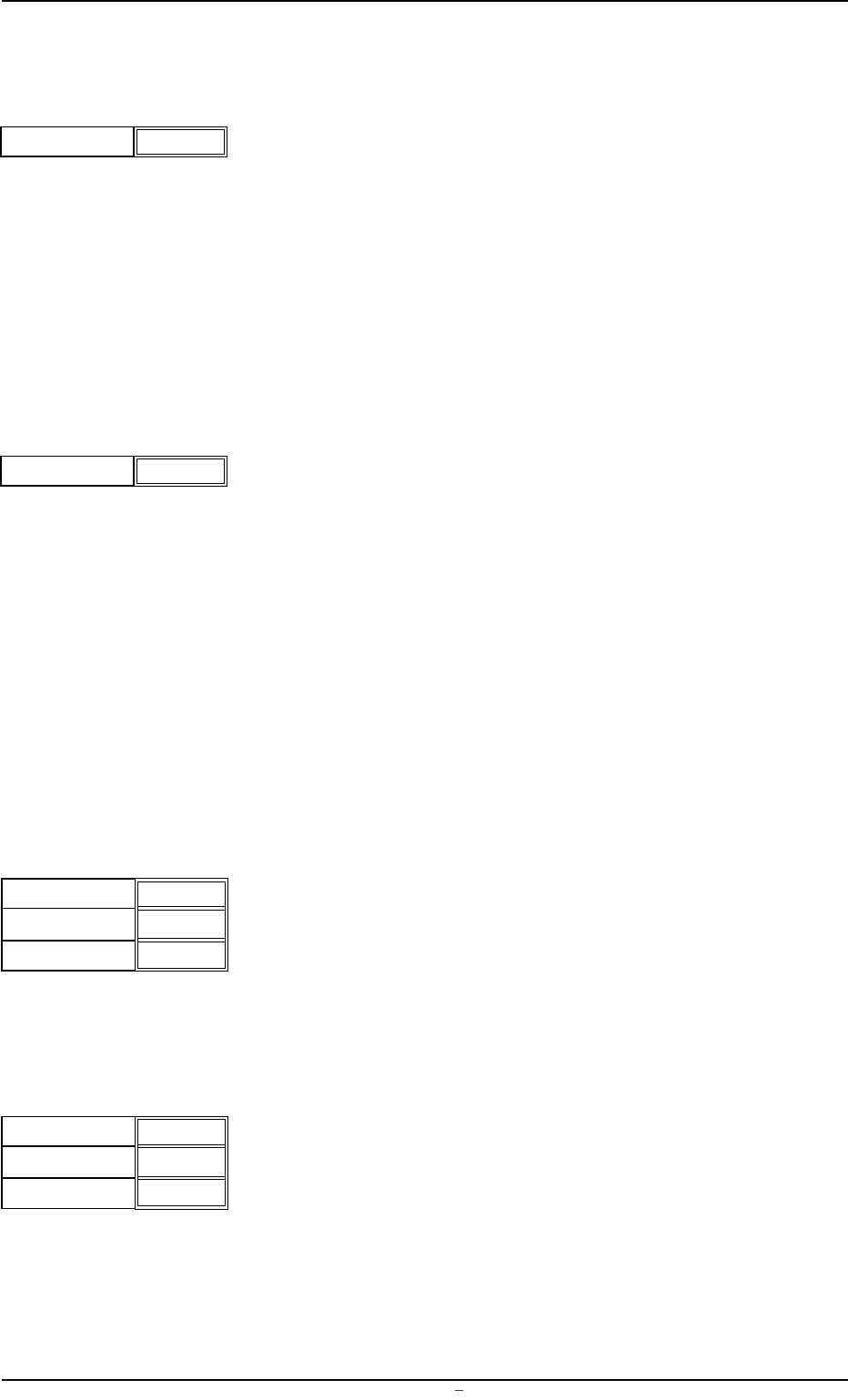
(5) Recog. Adjust Correct
It can be selected whether or not the recognition adjustment point
(the center point to correct positional deviation between the P.C.B.
and the screen frame) should be specified to correct the align-
ment of the P.C.B. with the screen.
ON : The specified parameters in the "Recog. Adjust Point X"
and "Recog. Adjust Point Y" text boxes become the recog-
nition adjustment point.
OFF : The P.C.B. center is automatically specified as the recog-
nition adjustment point.
(6) Recog. Adjust Point X (horizontal) and Y (vertical)
Set coordinates as the recognition adjustment point to correct the
alignment of the P.C.B. with the screen.
Unit: mm
The specified parameters become valid only when "ON" is set in
the "Recog. Adjust Correct" text box.
0004-001 Chapter 1 2 10 AFU01EDTP
1.2 Operation Data
000.00
000.00
X (Horizontal)
Y (Vertical)
Fig.3B35
Recog. Adjust Correct
OFF
Fig.3B34
1.2.5 Screen Recognition
(1) Scr. Recog. Function
It can be selected whether or not the screen recognition function
should be used.
2PT. : The machine performs the two-point recognition.
OFF : The machine does not perform the screen recognition.
One of the options ("OFF", "1PT.", "2PT.", and "3PT.") can be se-
lected. However, the machine perform the recognition only when
"2PT." is selected.
(2) Center Recognition
It can be selected whether or not the center recognition should be
performed.
ON : The machine performs the center recognition.
OFF : The machine does not perform the center recognition.
Mark Y is recognized once and the camera is moved to the posi-
tion where the recognized fiducial mark is located at the center of
the visual field. After that, the fiducial mark is re-recognized.
The positional accuracy is improved because the mark is recog-
nized at the center of the visual field (the spot of the lens with less
distortion).
(3) Fiducial Mark #1
X (horizontal) and Y (vertical)
Set the coordinates of the first fiducial mark.
Unit: mm
Code
Set the code No. of the first fiducial mark for screen recognition.
(4) Fiducial Mark #2
X (horizontal) and Y (vertical)
Set the coordinates of the second fiducial mark.
Unit: mm
Code
Set the code No. of the second fiducial mark for screen recogni-
tion.
Scr. Recog. Function
2PT.
Fig.3B36
Center Recognition
OFF
Fig.3B37
0004-001 Chapter 1 2 11 AFU01EDTP
1.2 Operation Data
Fig.3B38
X (Horizontal)
Y (Vertical)
000.000
000.000
Code
02
X (Horizontal)
Y (Vertical)
000.000
000.000
Code
02
Fig.3B39
1.2.6 Mark Data
Ther fiducial mark data can be edited.
(1) Code
The mark codes correspond to the code Nos. of the fiducial marks
used in the P.E.C. and screen recognition functions.
10 types of mark codes can be registered for each pattern pro-
gram.
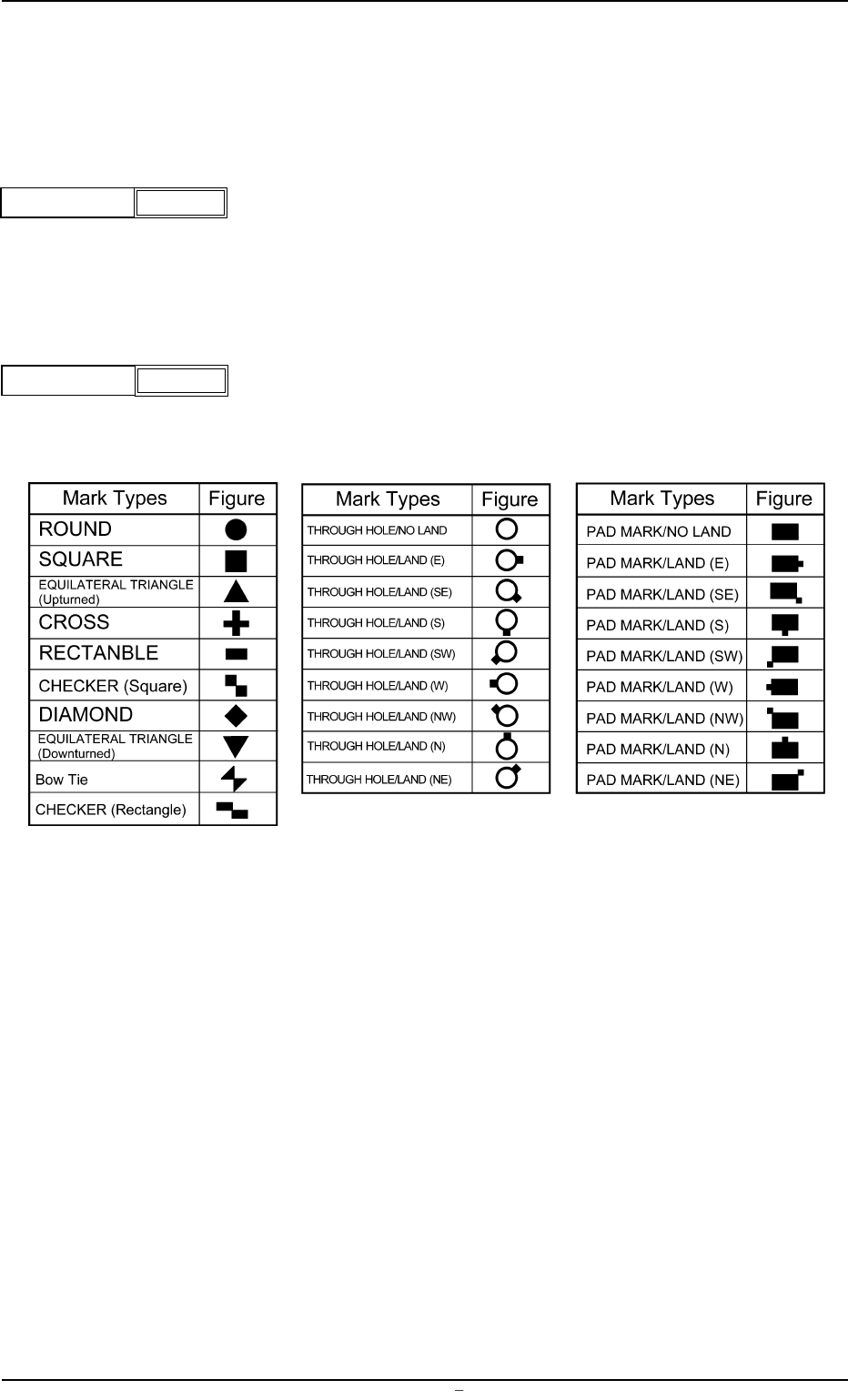
(2) Figure
The following options can be selected as shapes of fiducial marks.
Mark Types Table 3B1
CODE
1
Fig.3B40
FIGURE
Circle
Fig.3B41
0009-002 Chapter 1 2 12 AFU01EDTP
1.2 Operation Data