2OM-1104-001.pdf - 第30页
1.2.3 PCB Backup (1) Chuck Stage Select Select the method to fix the P .C.B. on the table chute. The specified data is used to determine the P .C.B. fixing method of the P .C.B. positioning stage. Backup Jig : This speci…
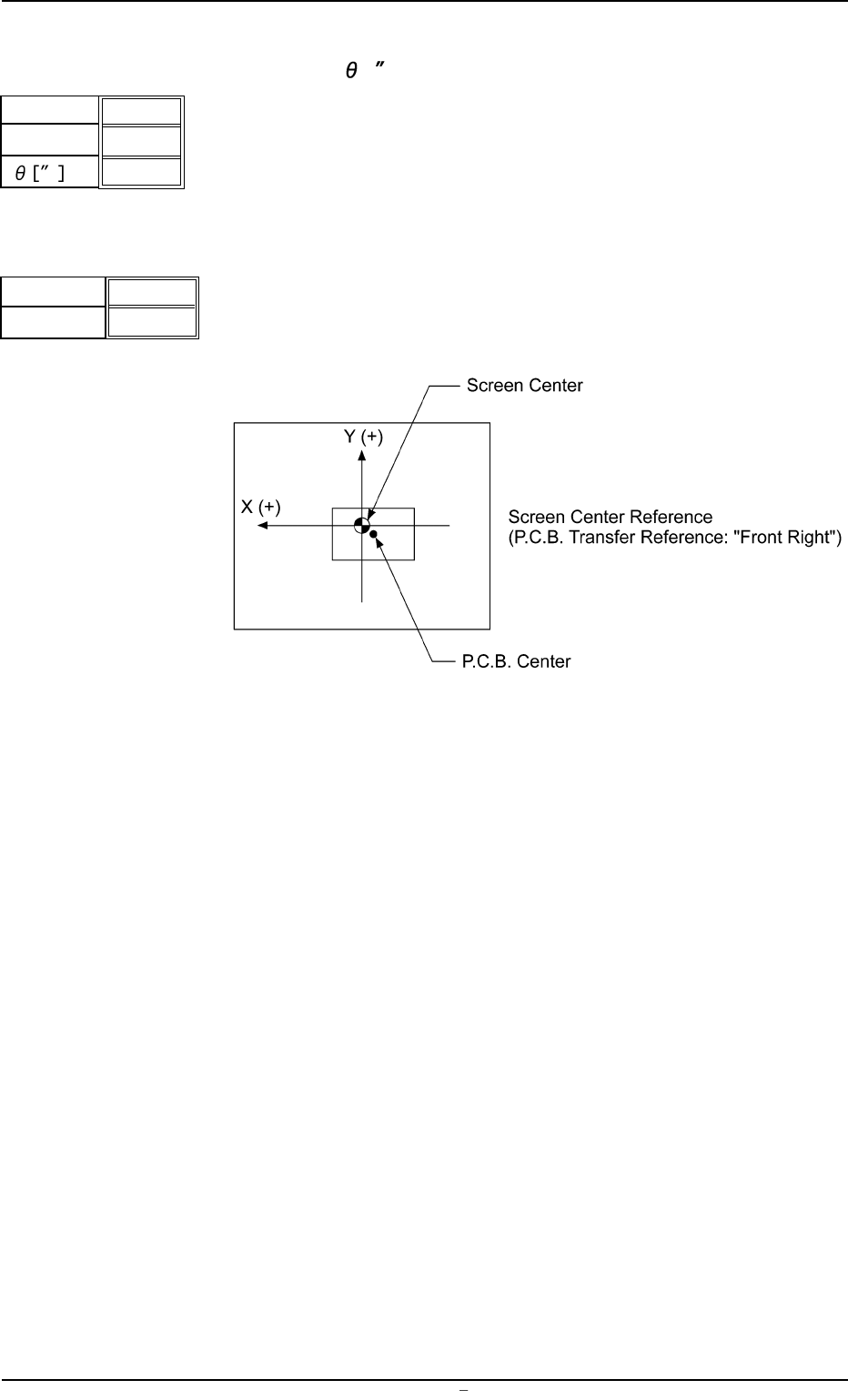
(13) Prntng. Correction (For.)
X [mm], Y [mm],
[ ]
Set parameters to correct the relative position (trace quality) be-
tween the P.C.B. and the screen kept when the squeegees move
forward (from the rear to the front side).
(14) Screen Offset [mm]
When the reference coordinates of the screen are changed from
the design values, set parameters as the offset values.
Unit: mm
Fig. 3B22
Data Input Range
X: ±5.0
Y: ±99
X [mm]
Y [mm]
+ 0.000
+ 0.000
+ 0000
Fig.3B20
1.2 Operation Data
0106-002 Chapter 1 2 6 AFU01EDTP
X
Y
Fig.3B21
+ 0.0
+ 00.0
1.2.3 PCB Backup
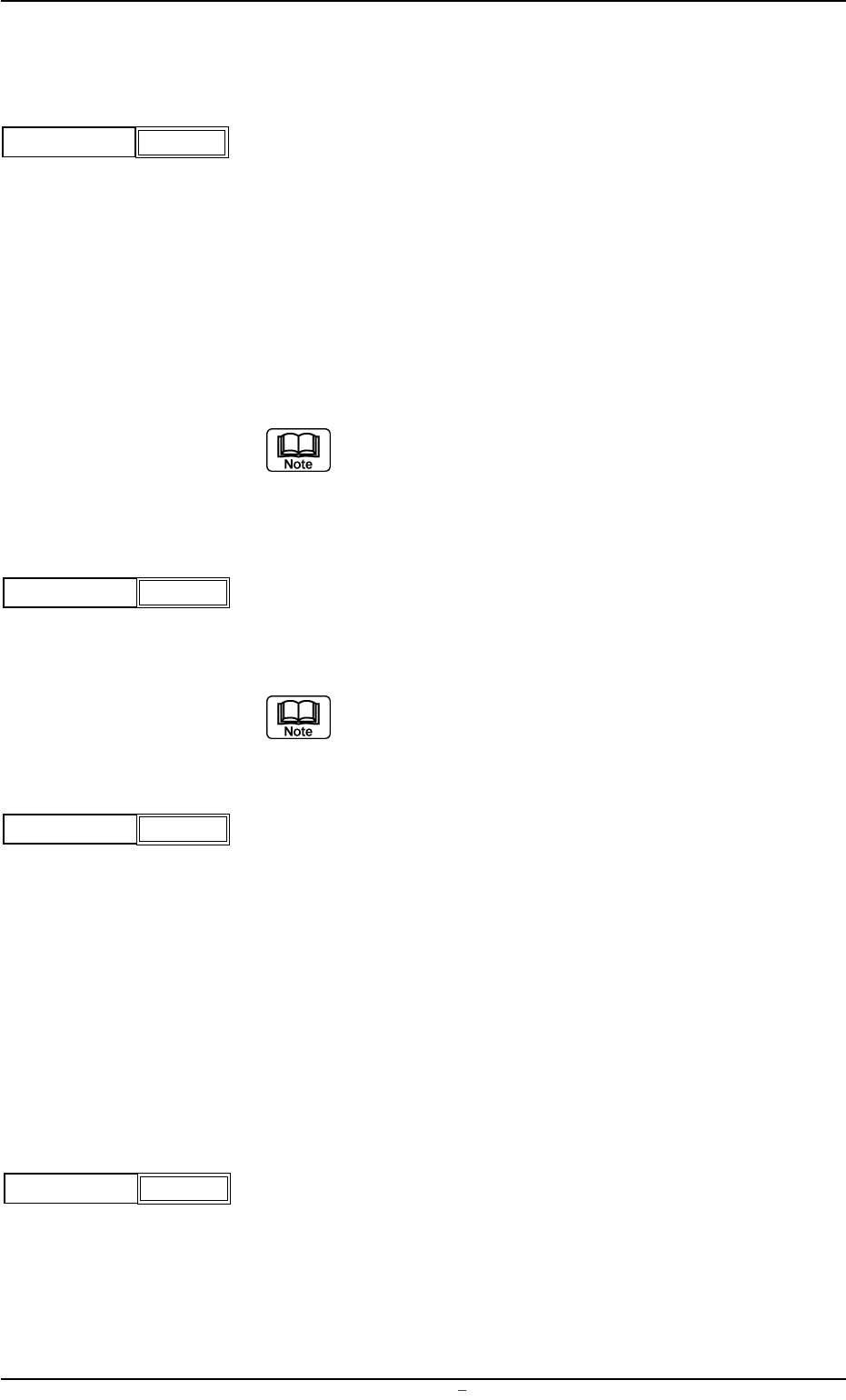
(1) Chuck Stage Select
Select the method to fix the P.C.B. on the table chute.
The specified data is used to determine the P.C.B. fixing method
of the P.C.B. positioning stage.
Backup Jig : This specifies the method which uses the backup
jig.
Backup Pin : This specifies the method which uses the P.C.B.
support pins.
Vacuum Plate : This specifies the vacuum pick-up system.
Select one of the options correctly according to the set-
tings of the mechanism section. Otherwise, the macine
will malfunction.
(2) PCB Warpage Protection
It can be selected whether or not the P.C.B. warpage protection
function should be used to correct the warpage of the P.C.B.
Select "ON" in normal cases.
When "OFF" is selected, transfer of overlapped P.C.B.’s
cannot be detected.
(3) Vacuum Release Mode
Select time when the picked P.C.B. should be released.
Before : The picked P.C.B. is released before printing operation.
After : The picked P.C.B. is released after printing operation.
Select "After" in normal cases.
When a P.C.B. has a lot of through holes and the machine per-
forms the printing operation with the P.C.B. being picked up, solder
paste may ooze out to the underside of the screen. In this case,
"Before" should be selected.
(4) Vacuum Rel. Wait Time [sec]
Set the waiting time during which the picked P.C.B. is released
and the backup table descends.
Unit: seconds
PCB Warpage Protection
ON
Fig.3B24
Vacuum Release Mode
Before
Fig.3B25
Fig.3B26
Vacuum Rel. Wait Time
[sec]
0.0
0004-001 Chapter 1 2 7 AFU01EDTP
1.2 Operation Data
Chuck Stage Select
Backup Jig
Fig.3B23
(5) PCB Clamp Offset
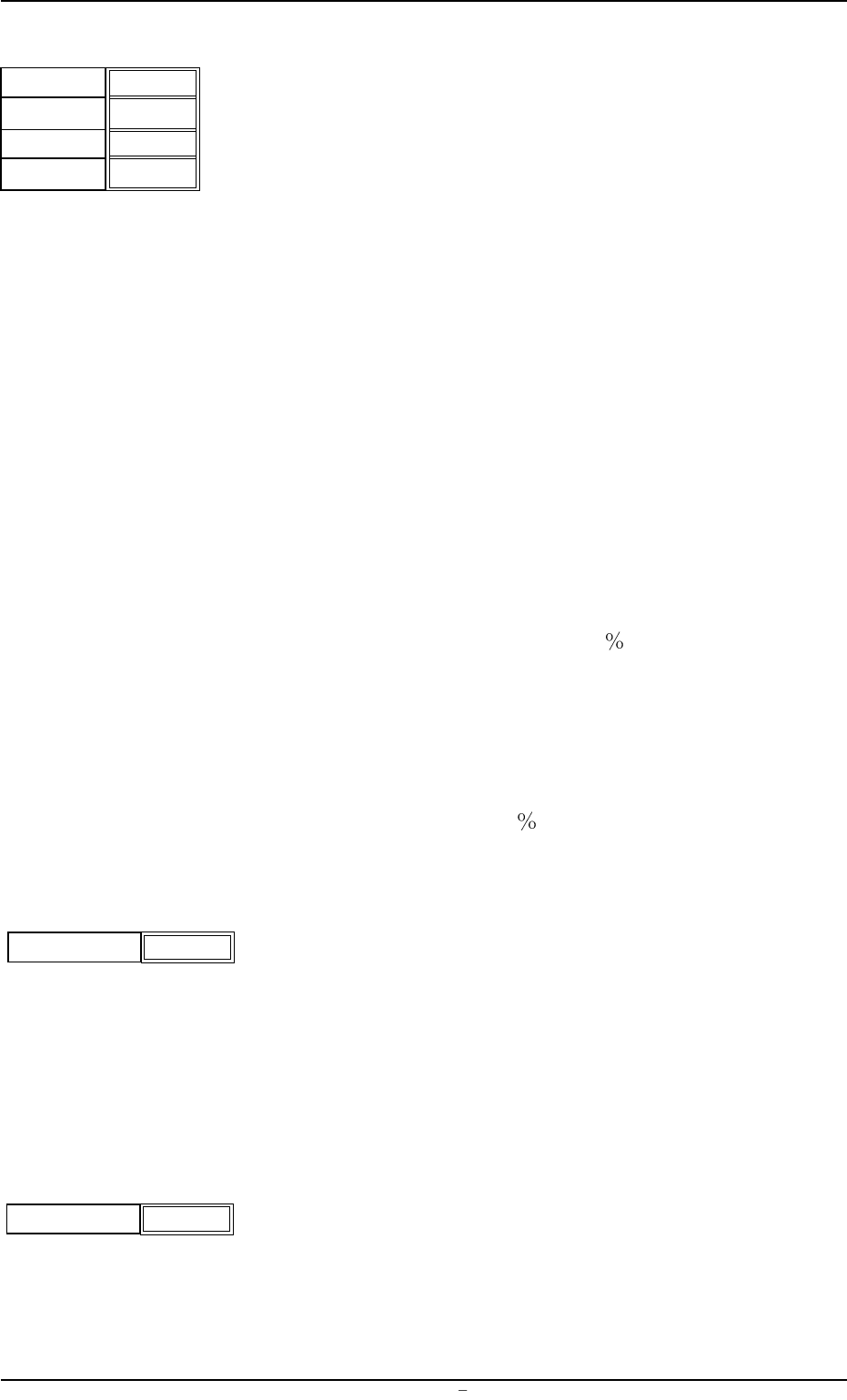
The backup table ascends to the position where a P.C.B. is chucked.
It starts ascending again after the P.C.B. horizontal clamping unit
has chucked the P.C.B.
When thin P.C.B.’s are used and chuck errors occur, enter a value
as timing with which a P.C.B. is chucked and the backup table
starts ascending again and a value that represents the position
where the P.C.B. horizontal clamping unit starts to chuck the P.C.B.
Timing [sec] : Enter a value that represents the timing
with which the backup starts ascending
again after it has stopped.
Unit: seconds
Position [mm] : Enter a value that represents the
changed dimension based on the cur-
rent position.
Unit: mm
When a minus (-) value is entered, the
height for chucking start can be changed.
Bef.Clamp Bkup Spd. : The ascending speed of the backup table
can be set in the range of 10 steps (Full
Speed to 90 Down) before the P.C.B.
is clamped.
Unit: %
Aft.Clamp Bkup Spd. : The ascending speed of the backup table
can be set in the range of 10 steps (Full
Speed to
90 Down) after the P.C.B. is clamped.
Unit: %
(6) P.C.B. Stopper Offset Y [mm]
Set the offset in the Y direction of the stopper that is used to stop
the P.C.B. in the table chute section.
Unit: mm
When the offset is "0" (zero), the P.C.B. stopper is located at the
center of the P.C.B. end plane.
Specify the offset when there is a cutout, etc., at the center of the
P.C.B. end plane.
(7) PCB Cut Offset [mm]
When the P.C.B. has a cutout at its edge and must be positioned
against the P.C.B. stopper, enter the depth of the cutout in the text
box.
Unit: mm
0106-003 Chapter 1 2 8 AFU01EDTP
1.2 Operation Data
Fig.3B27
Timing [sec]
Position [mm]
0.00
+0.0
P.C.B. Stopper Offset Y
[mm]
+000
Fig.3B28
P.C.B. Cut Offset [mm]
000
Fig.3B28-1
Bef.Clamp
Bkup Spd.
Aft.Clamp
Bkup Spd.
Full Speed
Full Speed