2OM-1104-001.pdf - 第284页
(14) T urn the knob of the take-up roller clockwise to unlock the roller free. (15) Rotate the take-up roller by hand to wrap two or three turns of paper around it. (16) T urn the knob of the take-up roller counterclockw…
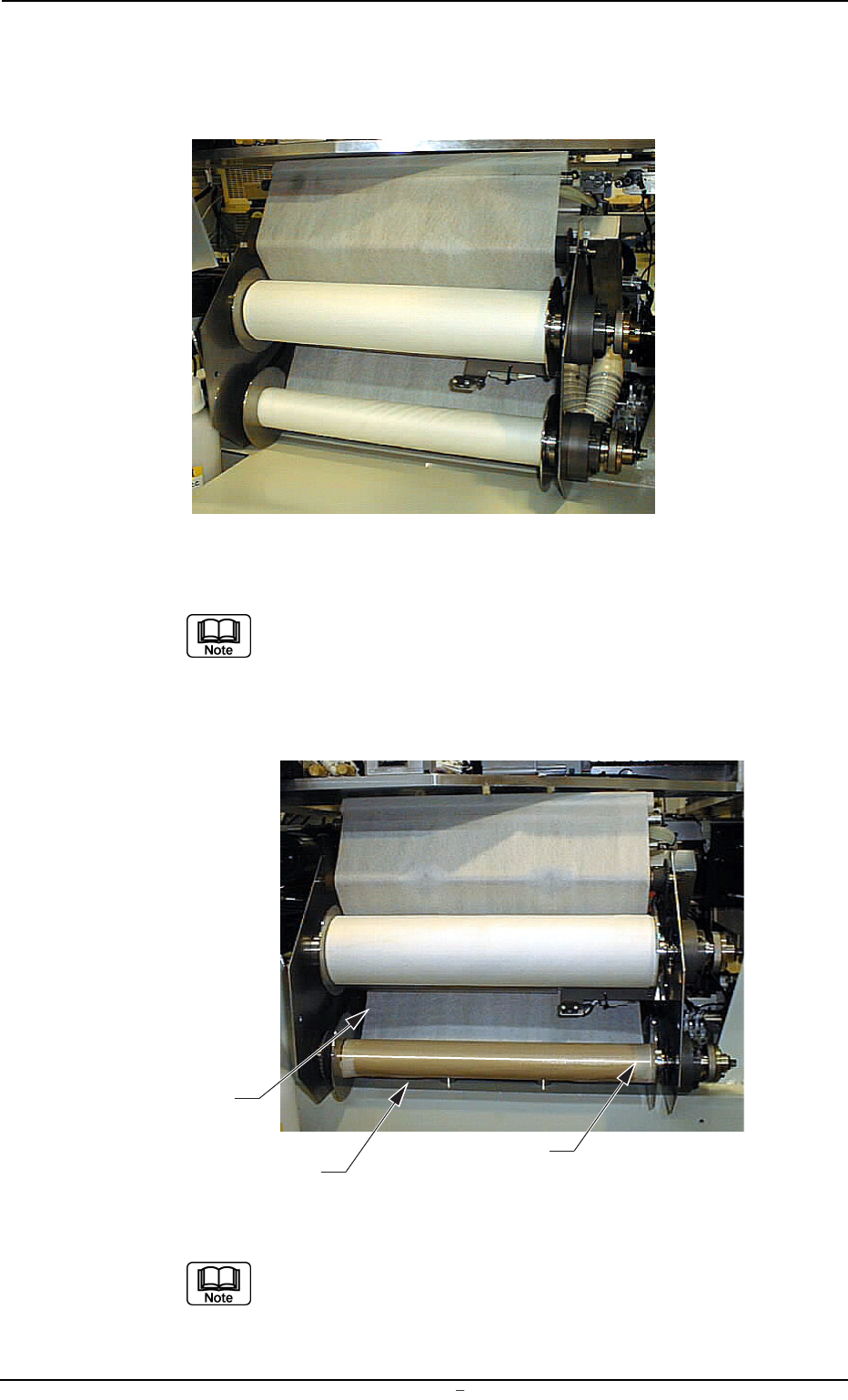
(12) Mount the take-up roller by turning the knob counterclockwise while
supporting the take-up roller such that the notch of the left adapter
is engaged with the pin of the left flange on the cleaning unit.
Fig. 5A49
Mount the take-up roller while tilting the right side up be-
cause the right adapter easily falls off from the roller shaft.
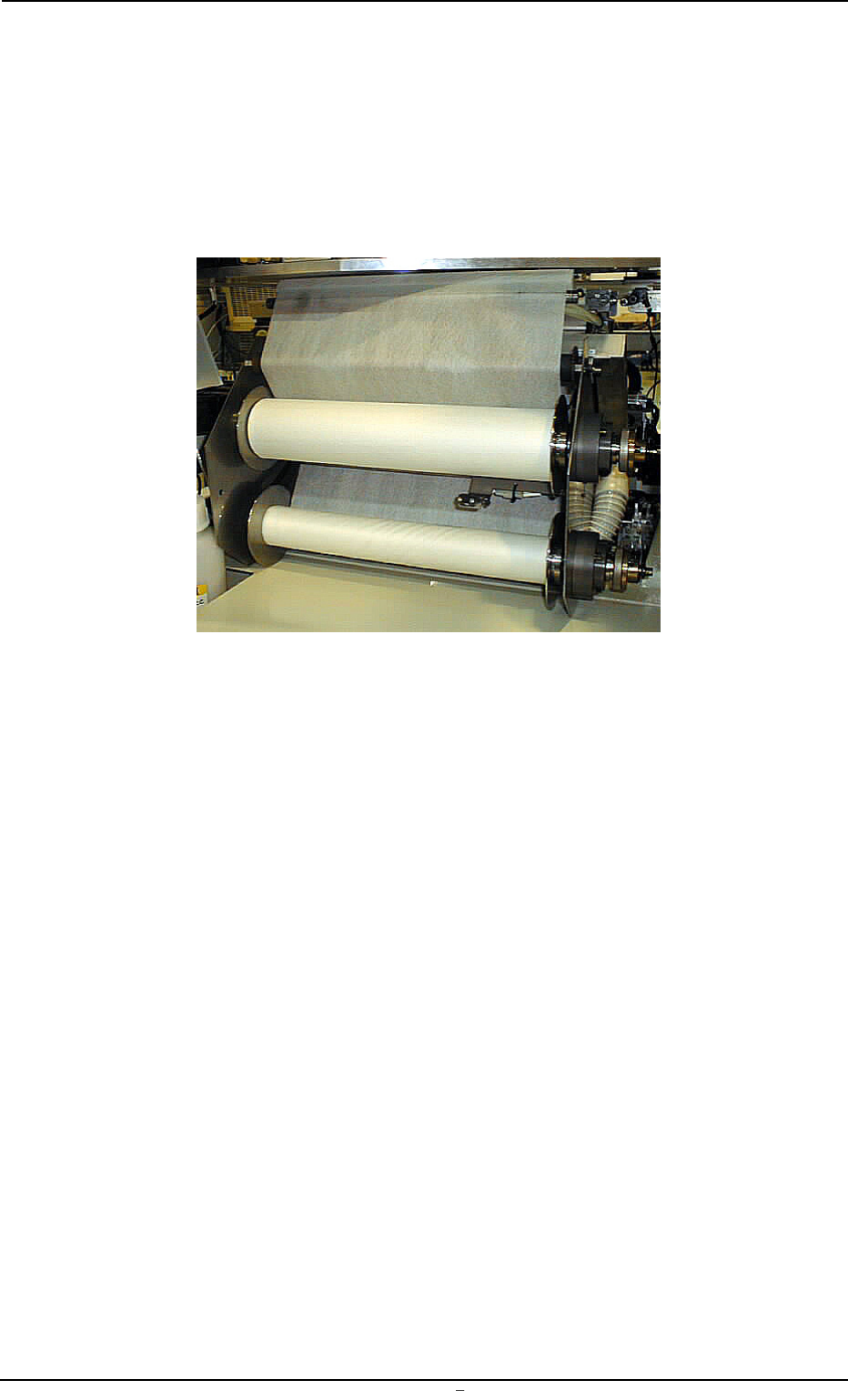
(13) Fasten the paper end securely to the take-up roller shaft with a
gummed cloth tape, etc.
Fig. 5A50
Fasten the paper such that the edges become perpen-
dicular to the roller shaft to equalize the uneven pull of the
paper (to avoid forming a spiral pattern).
0009-002 Chapter 3 1 39 AFU01EINP
12. Replacement of Cleaning Paper (How to change the cleaning paper width)
Roller Shaft
Gummed Cloth Tape, etc.
Paper Edge
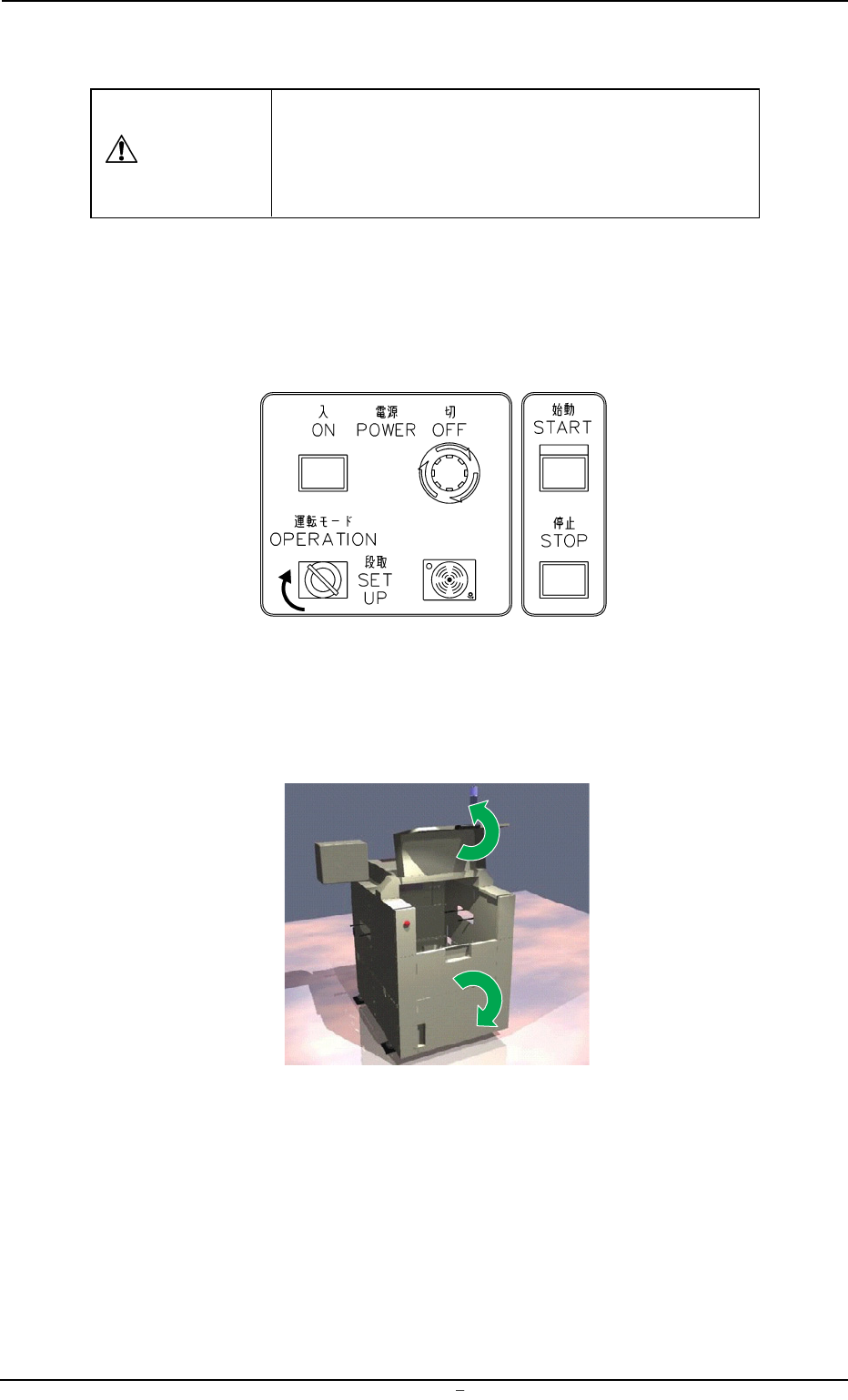
(14) Turn the knob of the take-up roller clockwise to unlock the roller
free.
(15) Rotate the take-up roller by hand to wrap two or three turns of
paper around it.
(16) Turn the knob of the take-up roller counterclockwise to lock the
roller.
Fig. 5A51
0009-002 Chapter 3 1 40 AFU01EINP
12. Replacement of Cleaning Paper (How to change the cleaning paper width)
12.1 Replenishment of Cleaning Solvent
Set the [OPERATION/SET UP] switch to "SET UP"
before work.
Only the person in charge of maintenance should
perform this work.
Operation Procedure
(1) Set the [OPERATION/SET UP] switch on the front operation panel
to the "SET UP" side.
Fig. 5A52
(2) Move to the rear side of the machine.
(3) Open the safety doors on the rear side of the machine.
Fig. 5A53
12.1 Replenishment of Cleaning Solvent
CAUTION
0009-002 Chapter 3 1 41 AFU01EINP