CAN Bus Workshop_Version 03__06-2008_EN.pdf - 第116页
1 Caccia Student Guide CACCIA Manual Issue 04/2007 EN 24 A TTENTION The Caccia oper ator is respon sible for his person ell Safety and the functional sa fety of the entire machine ( Safety circu it closed Z -Axis up .. .…
CACCIA Manual 1 Caccia Student Guide
Issue 04/2007 EN
23
1
Tab. 1 - 5 Subsystem - function
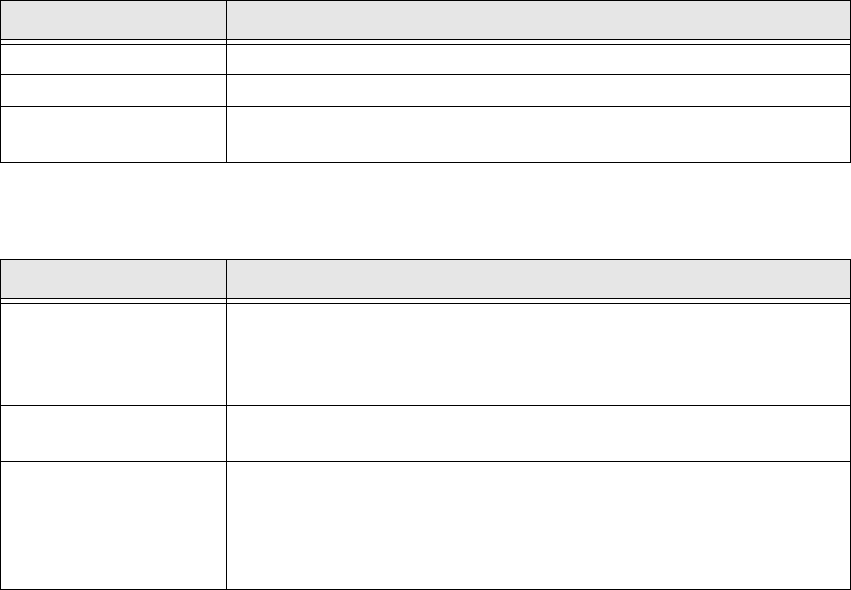
The following functions are available in the Tape Cutter dialog box: 1
1
Tab. 1 - 6 Tape cutter dialog box functions
Subsystem Action
Gantry Opens the relevant gantry. Gantry 1 is opened in the example.
Location Opens the Location.
Tape Cutter
Allows you to open the Tape Cutter with a doubleclick. The Tape
Cutter dialog box will open.
Button Description / Action
Endurance test
Start/Reset
Starts/terminates the endurance run.
Status
Eight tape cutter states are available during single control.
Shows the time the cylinders took to move in and out.
Valve left
Valve right
Moves the valves in and out. The current valve status is shown at
Status.

1 Caccia Student Guide CACCIA Manual
Issue 04/2007 EN
24
ATTENTION
The Caccia operator is responsible for his personell Safety
and the functional safety of the entire
machine (Safety circuit closed Z-Axis up ... )! 1
1
CACCIA Manual 1 Caccia Student Guide
Issue 04/2007 EN
25
1.4 Moving the Axes
1.4.1 General
Note
The axis reference run and movement of the axes may only be performed by specially trained per-
sonnel. 1
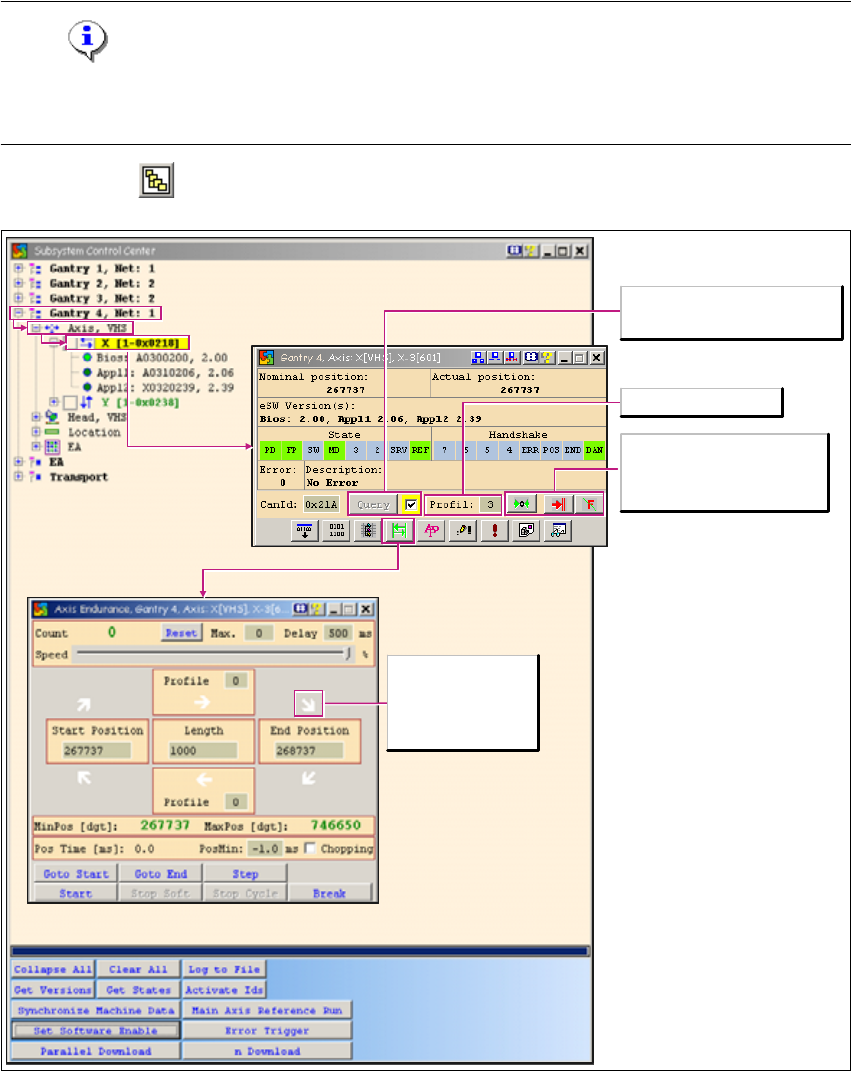
→ Click on the button to open the Subsystem Control Center dialog box:
1
Fig. 1 - 13 Moving the axes
Issues a new status request for
the axis.
Select the travel profile
Starts the axis reference run
Cancels the function
currently started
Acknowledges errors
White arrow: No
action has been
started.