CAN Bus Workshop_Version 03__06-2008_EN.pdf - 第99页
CACCIA Manual 1 Caccia Student Guide Issue 04/2007 EN 7 1 Fig. 1 - 3 CAN selftest
1 Caccia Student Guide CACCIA Manual
Issue 04/2007 EN
6
1
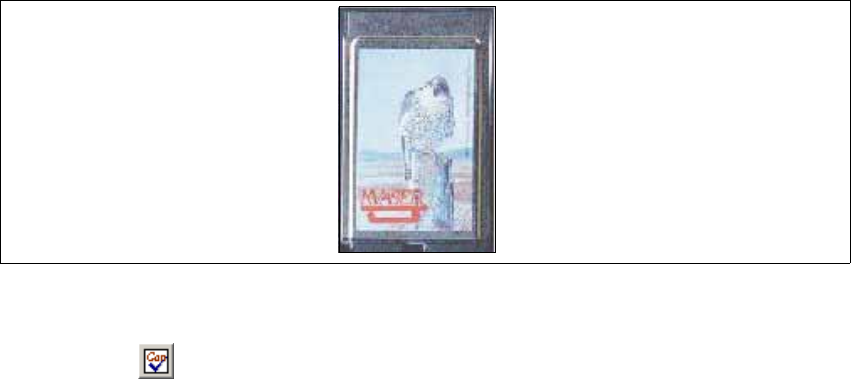
Fig. 1 - 2 Kvaser card
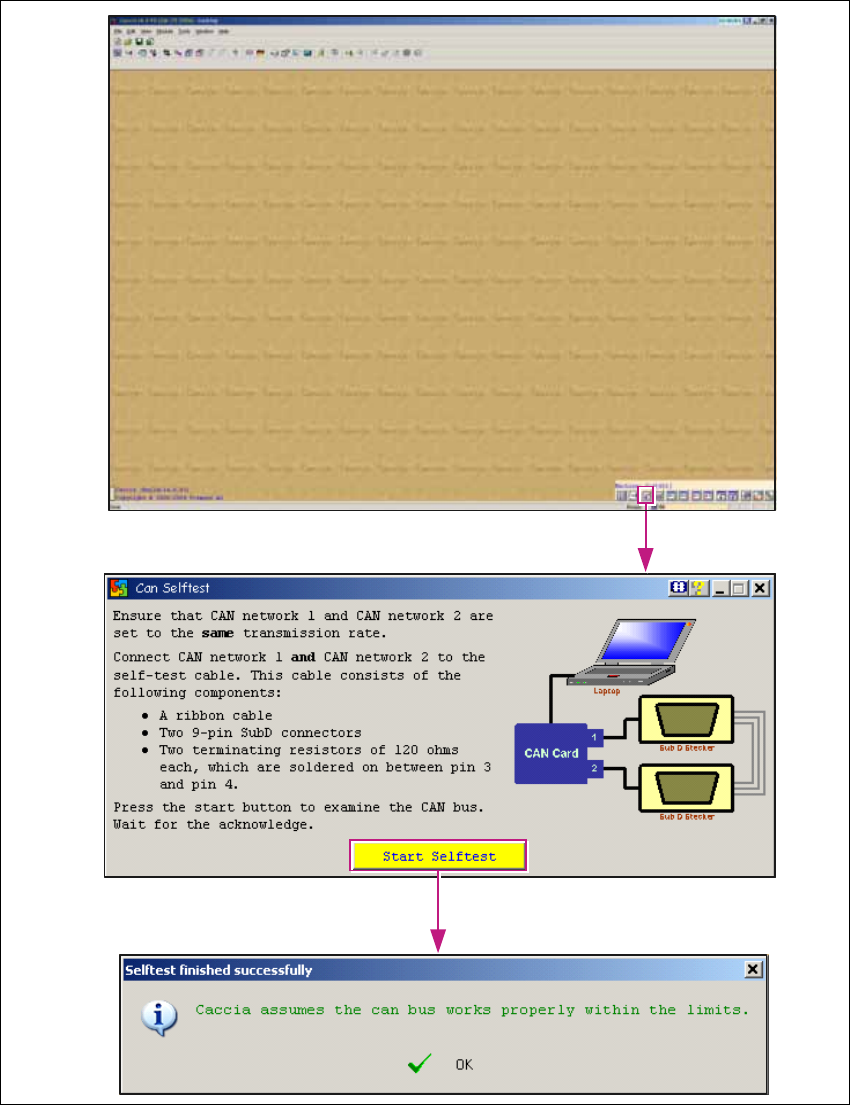
→ Start CACCIA.
→ Click on the button to perform a CAN selftest:
→ Click on the Start Selftest button in the dialog box which appears.
You will see a message, telling you whether the selftest was successful or not. 1
CACCIA Manual 1 Caccia Student Guide
Issue 04/2007 EN
7
1
Fig. 1 - 3 CAN selftest
1 Caccia Student Guide CACCIA Manual
Issue 04/2007 EN
8
1.1.3 Configuration Elements for X-Series Machines
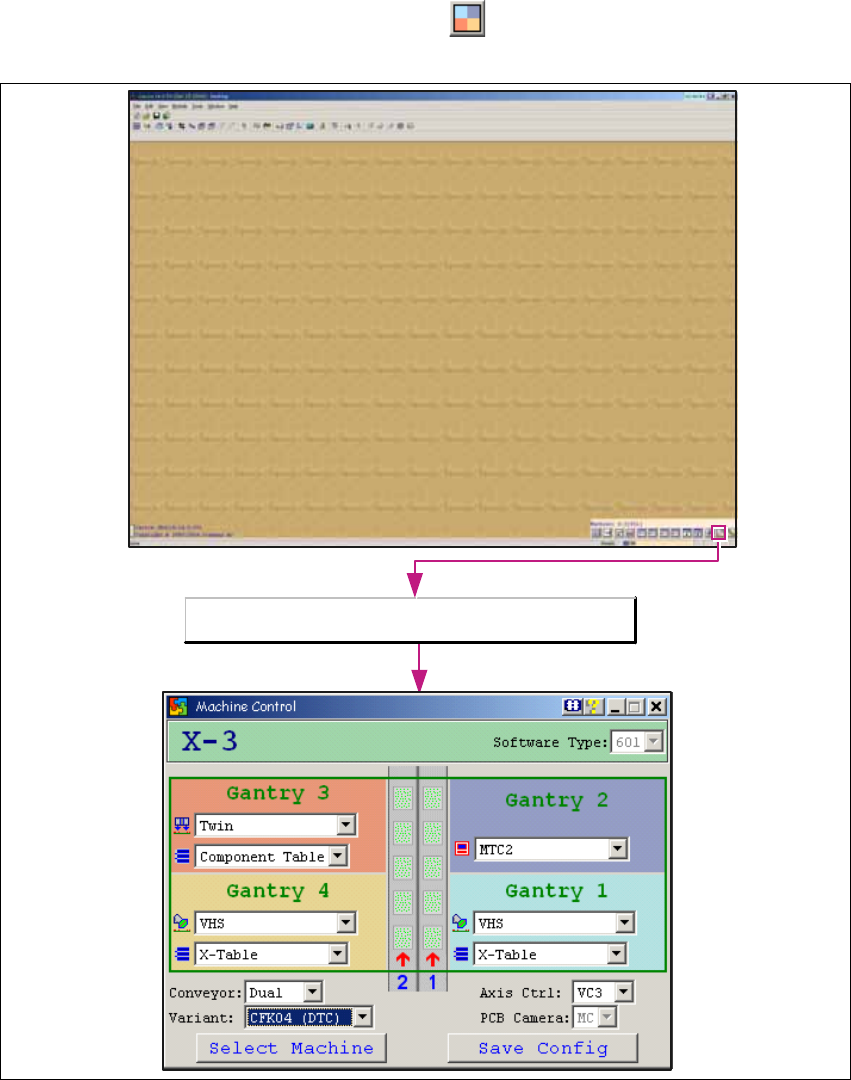
→ Open the Machine Control dialog box with the button:
1
Fig. 1 - 4 Machine control dialog box
Open the Machine Control dialog box.