CAN Bus Workshop_Version 03__06-2008_EN.pdf - 第49页
1 - 23 S tudent Guide CAN BUS W orkshop Edition 0 6 /2008 2 Comm unication and Control 23 2.2.8.2 I/O Module, Main Distr ibutor (I nput s) [new f rom B323: 03046225- 01] nc= not c onnec ted (Res erve) Terminals I / O Des…
1 - 22
Student Guide CAN BUS Workshop
2 Communication and Control Edition 06/2008
22
2.2.8.1 DIP Switch on Main and Subdistributor (for Version -03)
DIP switch on CAN I/O module (X-series from Ma No. B-326, X4I).
Applies for main distributors [03046225-xx] and subdistributors [03046226-xx].
NOTE:The I/O assemblies of version 02 and 03 differ in that the "Interface 1-Wire CAT5" board is
integrated into version 03. This means that this integrated "Interface 1-Wire CAT5" board can only
be used for HF/HF3 machines.
X machines have the "Interface 1-Wire CAT5" connected as an additional module, due to the
CAT5 connection. By setting the switch on the interface to
MA
and
Version 02
the integrated in-
terface is switched off and the machine uses the additionally connected interface.
The same I/O assembly is used for D series machines but with a different eSW. This results in
other DIP switch settings (see table above). The additionally connected interface is used to ad-
dress the components and cutters via a sub CAN bus.
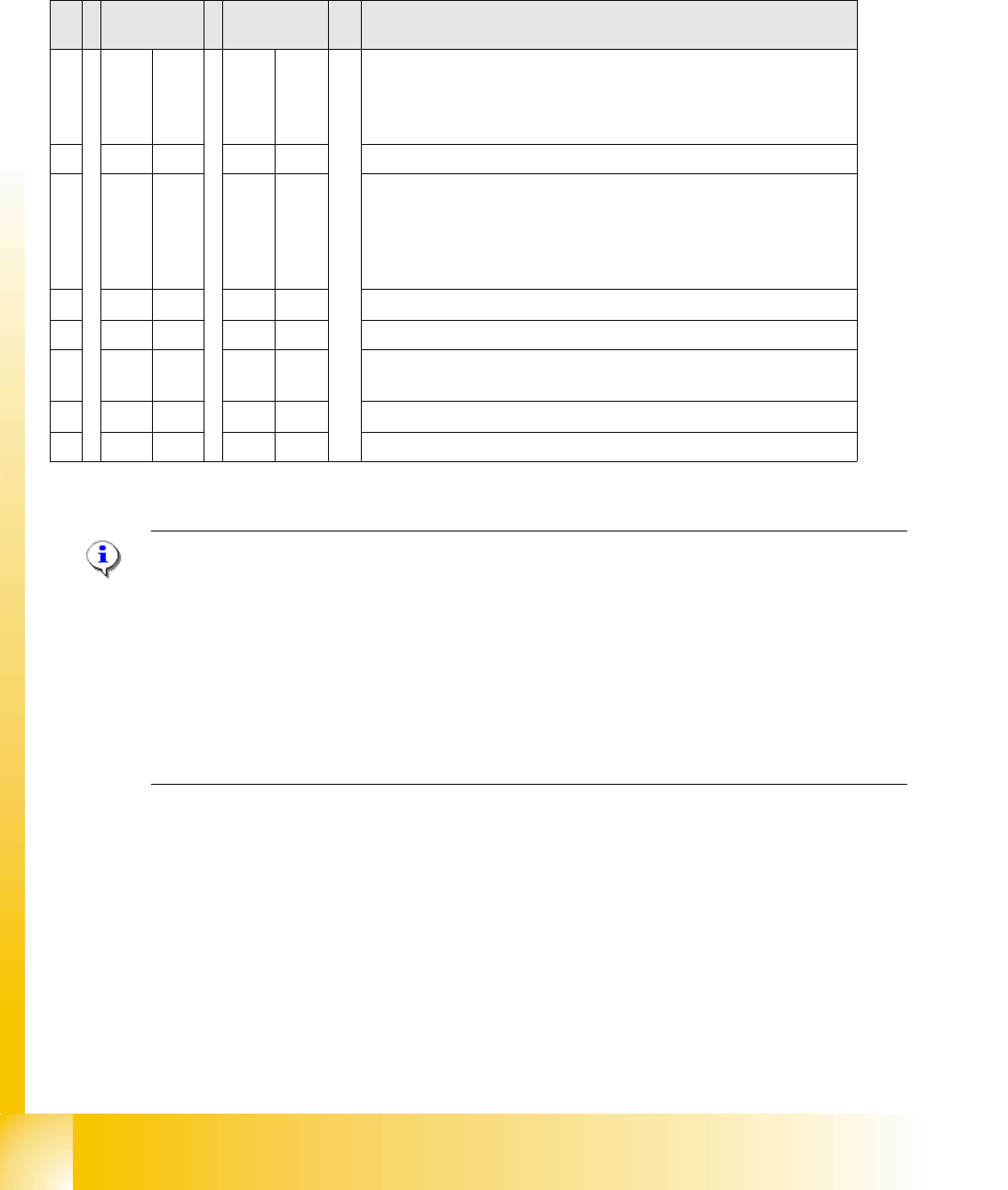
S Main
distributor
Subdistribut
or
Comments
1OFF OFF Baud rate:
ON = 500 Kbit/s (for the D1, D2, D4 tables if the I/O module is used
for the D series),
OFF = 1 Mbit/s (X series X4I)
2OFF OFF SW platform: ON: HF/HF3, OFF: D3, X series X4I
3OFF OFF Baud rate:
ON: 500 KBit/s for D1/D2 machines, if switch S1 is ON.
ON: For X series (X2/X3) you need to enable the gateway for CAN2
and therefore the WPC4 option.
OFF (X4, X4I): There is no WPC4 installed.
4OFF ON Location: ON: Subdistributor, OFF: Main distributor
5OFF OFF Not in use
6OFF OFF OFF: The connected Interface 1-Wire CAT5 board is active if the
switches on it are set to V2 and MA.
7OFF OFF HW reset for 1-Wire
8OFF OFF OFF: X series, X4I, D4, ON: D1/D2

1 - 23
Student Guide CAN BUS Workshop
Edition 06/2008 2 Communication and Control
23
2.2.8.2 I/O Module, Main Distributor (Inputs) [new from B323: 03046225-01]
nc= not connected (Reserve)
Terminals I / O Description / Note
X3_1 Di0 M_NotAusSchleife1ok or M_Security Loop ("high" if all safety loops are closed
(protective hoods, emergency STOP buttons, component flaps, changeover tables).
X3_2 Di1 nc
X3_3 Di2 nc
X3_4 Di3 M_BeKlappe ("high" if one or more flaps open.)
X3_5 Di4 nc
X3_6 Di5 nc
X3_7 Di6 nc
X3_8 Di7 nc
X4_1 Di8 nc
X4_2 Di9 M_Bereit/Message changes from "low" to "high" if the SSK (K6) triggers, only
possible if "Steuerung_EIN" is on (control on).
X4_3 Di10 M_Vakuum OK
X4_4 Di11 M_PortalCrash1 "low" signal that gantries1 and 4 are too close,"high" signal is
normal status
X4_5 Di12 nc
X4_6 Di13 M_ServoEnable1 or Control ON/ "high" signal - intermediate circuit voltage for X/Y
servo on axis unit 1 switched through. (K4 message)
X4_7 Di14 nc
X4_8 Di15 M_Drucksensor RV/Twin head "high" signal if compressed air level reached.
X5_1 Di16 24 V M_NotAus-Schleife 2 OK
X5_2 Di17 M_Haube2 "high" signal if cover 2 is closed
X5_3 Di18 M_BE-Tisch2 "high" signal if changeover table 2 is docked
X5_4 Di19 M_HaubeLP-Ausgabe "high"signal if the cover above the PCB output is closed.
X5_5 Di20 M_NotAusTasteLP-Ausgabe "high" signal if the emergency STOP button is unlocked.
X5_6 Di21 M_Haube3 "high" signal if cover 3 is closed.
X5_7 Di22 M_BE-Tisch3 "high" signal if changeover table 3 is docked
X5_8 Di23 nc
X6_1 nc
X6_2 nc
X6_3 GND
X6_4 nc
X6_5 nc
X6_6 nc
X6_7 nc
X6_8 nc

1 - 24
Student Guide CAN BUS Workshop
2 Communication and Control Edition 06/2008
24
2.2.8.3 I/O Module for Main Distributor (Outputs)
nc= not connected (Reserve)
Terminals I / O Description / Note
X7_1 Do0 nc
X7_2 Do1 St_Ein or software release
When a "high" signal is permanently supplied to this port (24 V), the SIPLACE
machine can be put into operation. The message M_Ready changes from
"low" to "high" (IO1/Di9), if relay K5 has latched (24 V). The emergency stop
loop1 and the start buttons to the protective contactor combination -SSK (K6).
Once all 6 hoods are closed, all 4 component flaps are closed, the two
emergency STOP buttons unlocked and all component trolleys docked into
place, the protective contactor combination can be activated with one of the
start buttons. The SSK switches:
1. The contactors K2, K3 and K4 are switched on and the intermediate circuit
voltage (somewhat delayed) is supplied to the X, Y and star servo axis boards.
2. The operating voltage,
3. The compressed air (valve) at the tape cutters.
4. Two safety loops for the MTCs.
5. The power supply for the PCB conveyor motors ON.
X7_3 Do2 nc
X7_4 Do3 St_DruckluftRV/Twin pneumatic OFF (a "low" signal opens the compressed
air main valve. A "high" signal closes this.
X7_5 Do4 St_BauteilZähler/Each "high" pulse increases the counter by one.
X7_6 Do5 nc
X7_7 Do6 nc
X7_8 Do7 nc
X8_1 Do8 nc
X8_2 Do9 nc
X8_3 Do10 nc
X8_4 Do11 nc
X8_5 Do12 St_GrüneLampe1/The right-hand green light from the fault indicator shines if
a "high" signal is present at the port output. Definition: Flashed when no PCB
board in the right conveyor lane.
X8_6 Do13 St_WeisseLampe1/The right-hand white light of the fault indicator lamp shines
if a "high" signal is present at the port output. Definition: Fault on a feeder on
location 1 or 2.
X8_7 Do14 St_WeisseLampe2/The left-hand white light of the fault indicator shines if a
"high" signal is present at the port output. Definition: Fault on a feeder on
location 3 or 4.
X8_8 Do15 St_GrüneLampe2/The left-hand green light from the fault indicator shines if a
"high" signal is present at the port output. Definition: Flashed when no PCB
board in the left conveyor lane.
X9_1 24 V
X9_2 24 V
X9_3 24 V