CAN Bus Workshop_Version 03__06-2008_EN.pdf - 第143页
CACCIA Manual 1 Caccia Student Guide Issue 04/2007 EN 51 T ab. 1 - 20 BIOS Applica tion 1/2 examples on A363 Axis controller Free 03.02.00 03.FB.6 9 03.0 2.23 Axis type BIOS version system boot data Application 1 firmwar…
1 Caccia Student Guide CACCIA Manual
Issue 04/2007 EN
50
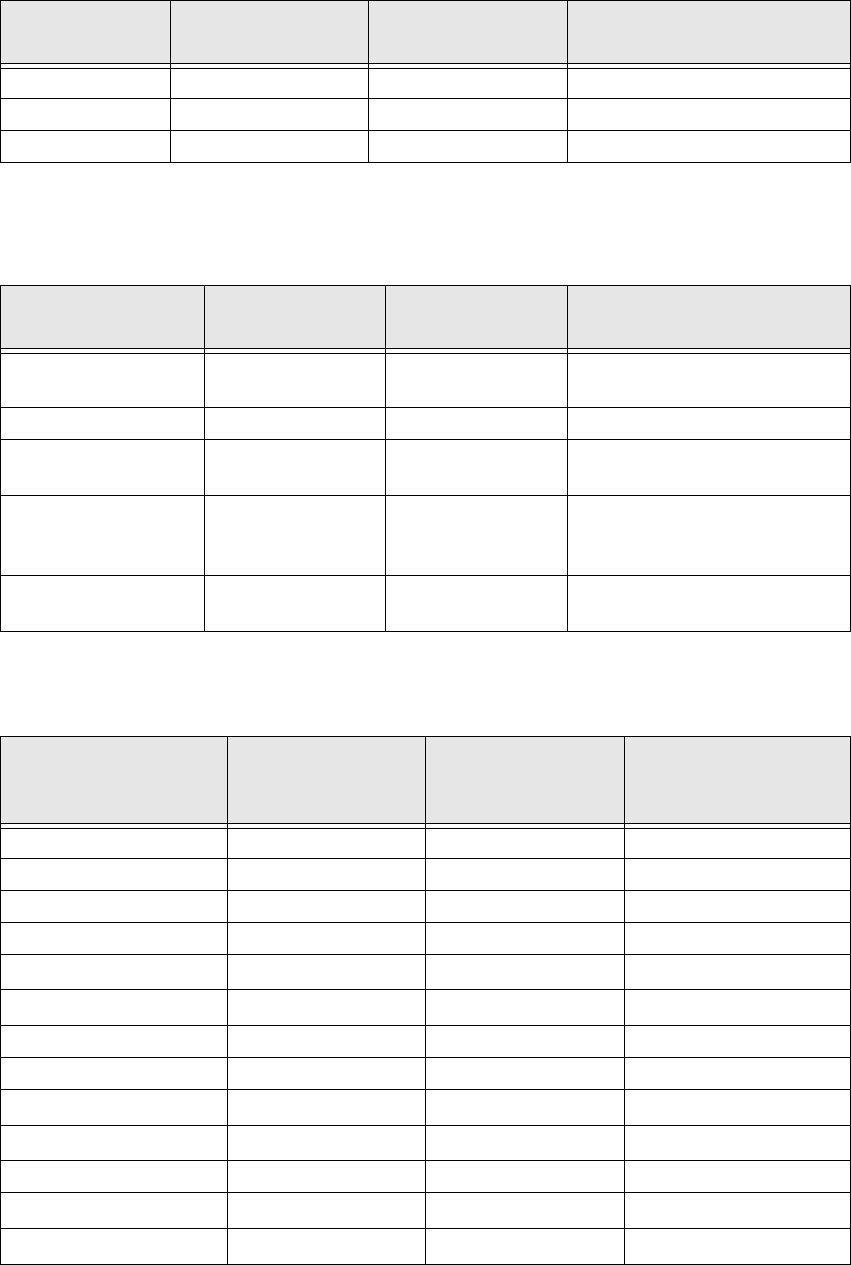
Tab. 1 - 18 BIOS and Application Firmware versions as an example for several X-Ma. Components
1
Placement heads and Vision control
1
Tab. 1 - 19 BIOS and Application1 eSW on Placement heads and Vision control
Axis controller
1
X-feeder 0.1.00.04 0.1.00.15 Fast feeder for C&P20
I/O modules 0.1.02.10 0.1.02.12
MTC 2 0.2.02.00 0.2.02.01 11
System name
BIOS version
system boot data
Application 1
system firmware
Comments/ news
C&P 6/12 heads (16
Bit)
0.1.01.0C 0.6.01.09 16 Bit head processor
C&P20 heads 0.1.01.02 0.1.01.0E New placement head
Twin head, both
segments (16 bit)
0.1.03.25
0.1.02.02 1 Common head processor 1
Vision board for
PCB C&P CO cam-
era
0.5.03.04 0.5.02.06
Vision Board for IC
FC camera
0.5.03.04 0.5.02.06 Twin head illumination control
Axis type
BIOS version
system boot data
Application 1
firmware for axis
main board
Application 2
firmware for VC3
controller
X 03.02.00 03.FB.69 03.02.23
Y 03.02.00 03.FB.69 03.02.23
C&P20 1
Star 03.02.00 03.FB.69 03.02.23
Z
C&P
03.02.00 03.FB.69 03.02.23
DP
C&P
---
C&P &/12
Star 03.02.00 03.FB.69 03.02.23
Z
C&P
03.02.00 03.FB.69 03.02.23
DP
C&P
03.02.00 03.FB.69 03.02.23
Twin
Z
Twin
03.02.00 03.FB.69 03.02.23
DP
Twin
03.02.00 03.FB.69 03.02.23
System name
BIOS version
system boot data
Application 1
system firmware
Comments/ news

CACCIA Manual 1 Caccia Student Guide
Issue 04/2007 EN
51
Tab. 1 - 20 BIOS Application 1/2 examples on A363 Axis controller
Free 03.02.00 03.FB.69 03.02.23
Axis type
BIOS version
system boot data
Application 1
firmware for axis
main board
Application 2
firmware for VC3
controller
1 Caccia Student Guide CACCIA Manual
Issue 04/2007 EN
52
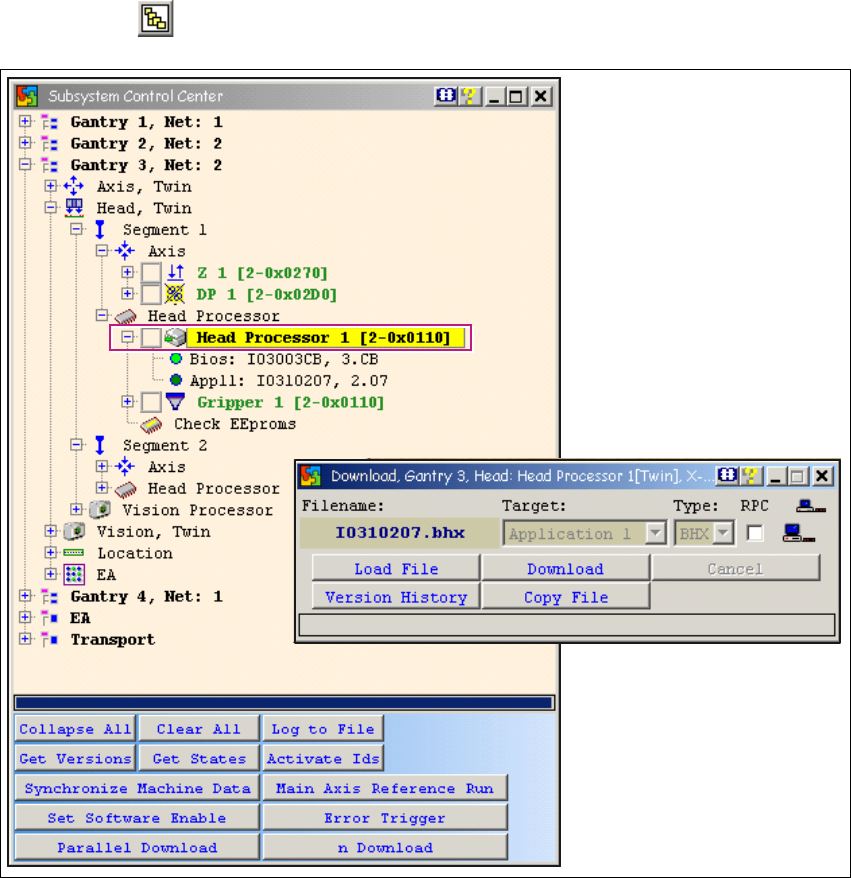
1.6.5 Twin Head Firmware Download
→ Click on the button to open the Subsystem Control Center dialog box:
1
Fig. 1 - 28 Twin head firmware download
For X or HF series machines:
Determine whether the selected machine operates with a twin head or with one or two TQM mod-
ule processors. Only select one segment for the download. The same applies when using SITEST.1
When performing a firmware (eSW) download, only select one segment (1 or 2) and then continue
the download as usual. 1
If both segments are selected, you will not be able to perform the download with a firmware i.e.
the 2nd address can not be addressed. 1
1