00191413-01.pdf - 第252页
8 Product / PCB User Manual Line Computer UNIX 8.1 PCB Editor Software Version 501.xx 01/99 Issue 8 - 14 - Copying a parti al PCB s tructure to gether wi th the cor respond ing PCB t ype This co mmand ser ves to copy all…
User Manual Line Computer UNIX 8 Product / PCB
Software Version 501.xx 01/99 Issue 8.1 PCB Editor
8 - 13
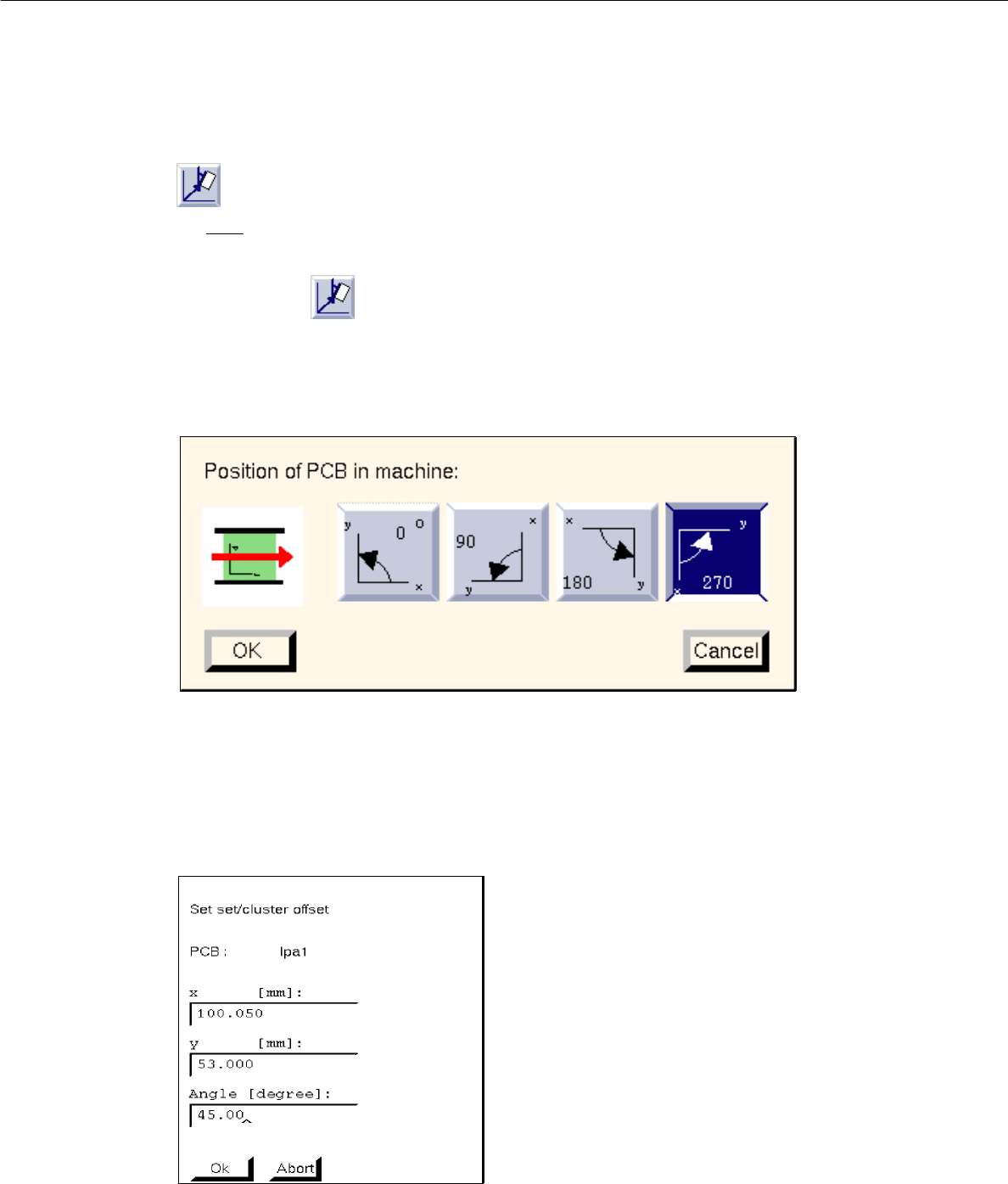
- Setting cluster offset
For each
partial structure a cluster offset must be entered. By entering the cluster offset the PCB type
is provided with a coordinate offset, and a partial PCB structure is thus completely described.
● Activate icon .
● To define the position of the board (complete cluster) in the machine, first click on the uppermost
partial PCB structure of the PCB structure.
The following dialog box appears:
● Select position by clicking on 0°, 90°, 180° or 270° in the dialog box.
● Confirm with OK.
● Click on partial PCB structure of the PCB structure.
The following dialog box appears:
● Enter x, y-coordinates and angle with respect to partial PCB structure (cluster) in which the selec-
ted lower partial structure is contained (see Fig. 8.1.2).
● Confirm with OK.
● Repeat procedure for all partial PCB structures existing in the partial PCB structures loaded.
8 Product / PCB User Manual Line Computer UNIX
8.1 PCB Editor Software Version 501.xx 01/99 Issue
8 - 14
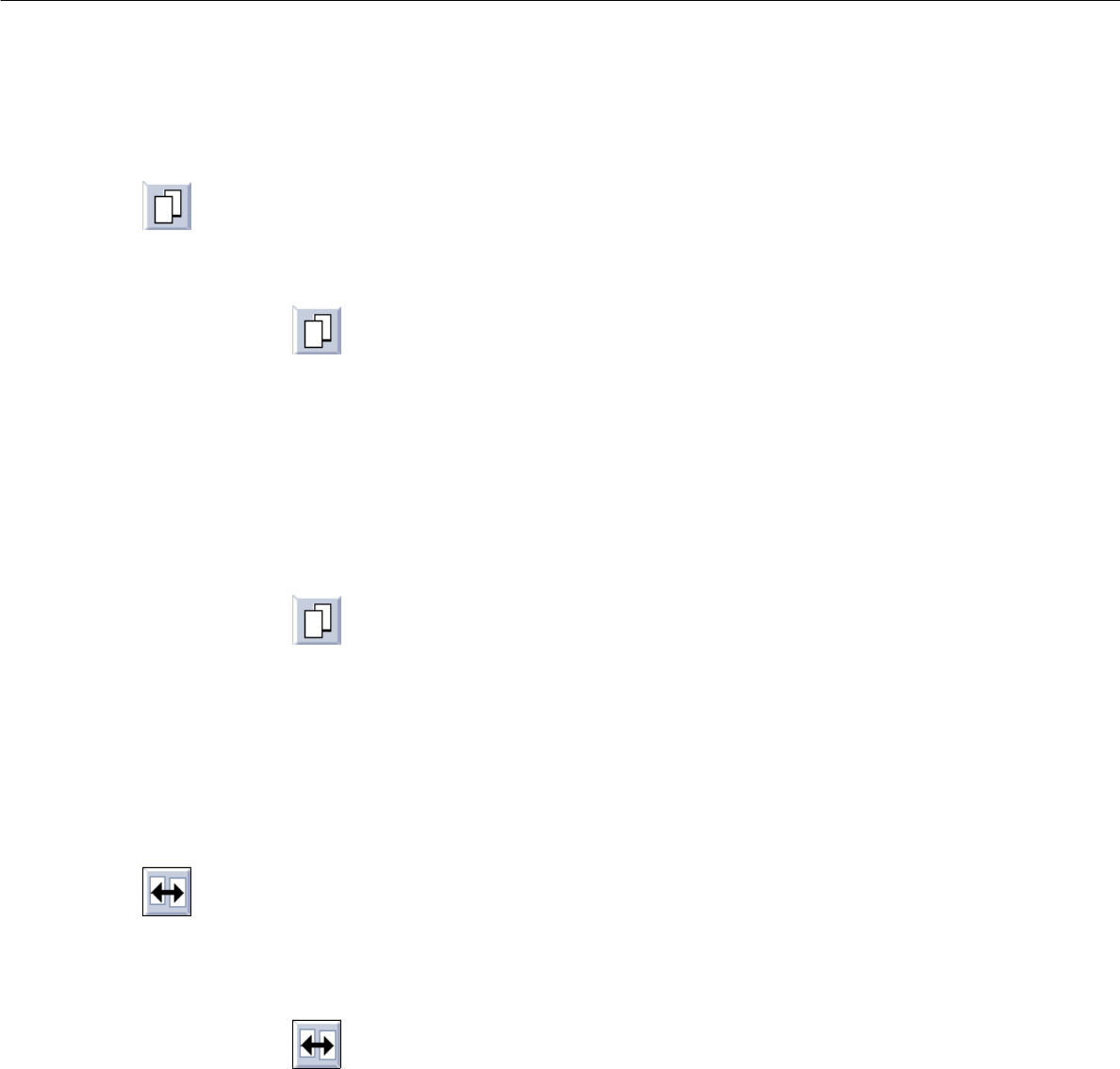
- Copying a partial PCB structure together with the corresponding PCB type
This command serves to copy all data of the partial structure. A new partial structure containing a
cross-reference to a new PCB type is generated.
● Activate icon .
● Select PCB type in which the copied PCB type is to be contained.
● Select PCB type to be copied.
The dialog box for entering the name is displayed.
● Enter the name and confirm with OK.
Copying a partial PCB structure together with corresponding PCB type, or an overall PCB structure, into
another (loaded) PCB structure
● Activate icon .
● Load the PCB with the structure to be copied via FILE --> Open....
● In the window which is opened first click on the PCB type (target) which is to contain the copied
structure.
● Select the PCB type to be copied (source) in the second window.
● Enter name in the dialog box displayed and confirm with OK.
The copied structure is now inserted into the existing PCB structure.
- Duplicating a partial PCB structure
This command serves to generate a new partial PCB structure containing a cross-reference to a PCB
type sharing common features with other partial PCB structures. The new PCB differs from this source
PCB type only in that its coordinates are different. All other data are identical.
● Activate icon .
● Select target PCB type.
● Select source PCB type
The dialog box for entering the name is displayed.
● Enter the name and confirm with OK.
User Manual Line Computer UNIX 8 Product / PCB
Software Version 501.xx 01/99 Issue 8.1 PCB Editor
8 - 15
- Moving a partial PCB structure with corresponding PCB type
This command serves to move a partial PCB structure, together with a cross-reference to a PCB type,
within a given PCB structure.
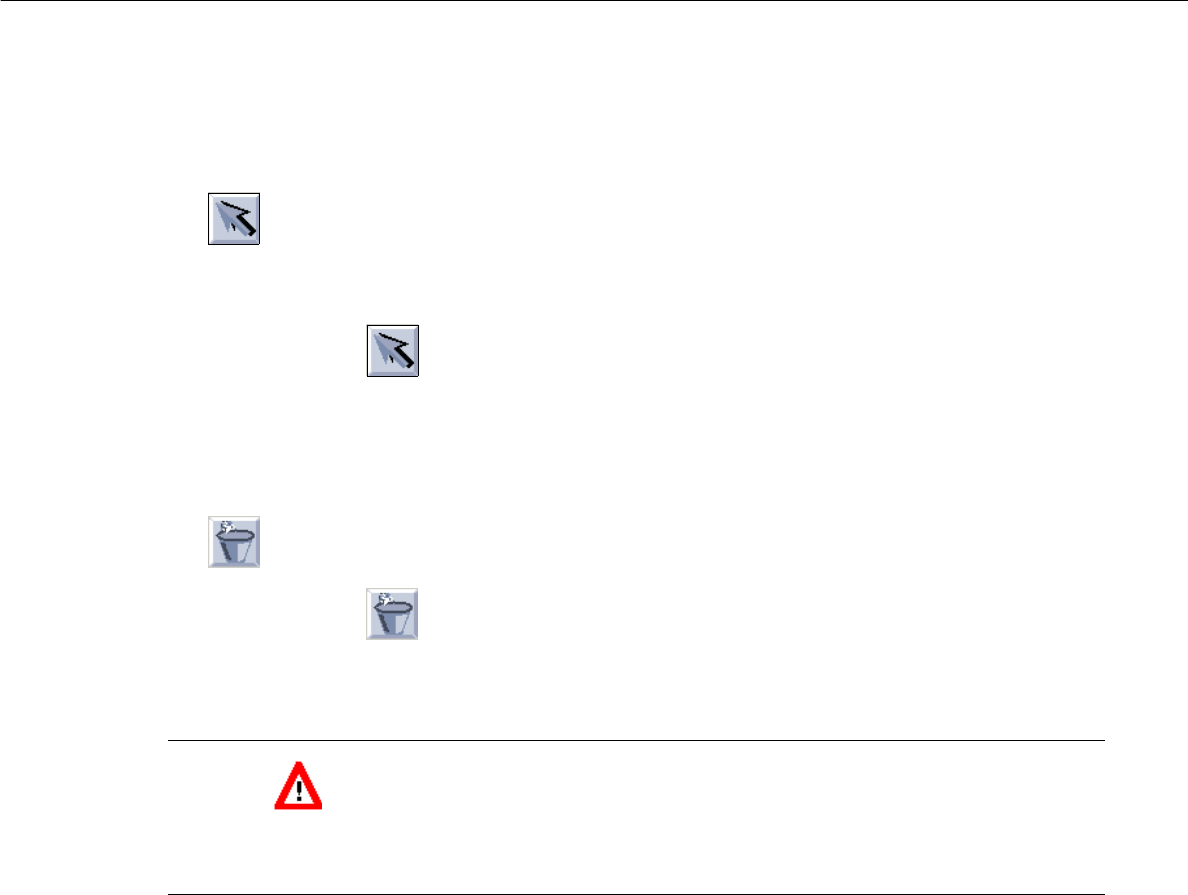
● Activate icon .
● Select target PCB type where partial PCB structure is to be moved to.
● Select source PCB type containing the partial PCB structure to be moved.
The partial PCB structure - appended to the target PCB type - is shown in the display area.
- Deleting a partial PCB structure
● Activate icon .
● Select PCB structure with a mouse-click.
The partial PCB structure is deleted (without confirmation!).
CAUTION
"Delete" is to be deactivated by selecting another command, as otherwise all other PCB types that are
subsequently clicked on will also be deleted.