00191413-01.pdf - 第510页
16 MaDaMaS User Manu al Line Computer UNIX 16.2 MaDaMaS Evaluation User Interface Software Version 501.xx 01/99 Issue 16 - 14 - Loading default settings This opti on permits the prede fined limit va lues to be relo aded …
User Manual Line Computer UNIX 16 MaDaMaS
Software Version 501.xx 01/99 Issue 16.2 MaDaMaS Evaluation User Interface
16 - 13
16.2.4.1 Setting Limit Values
- Limit values
- This menu option permits the window for setting the limit values to be opened.
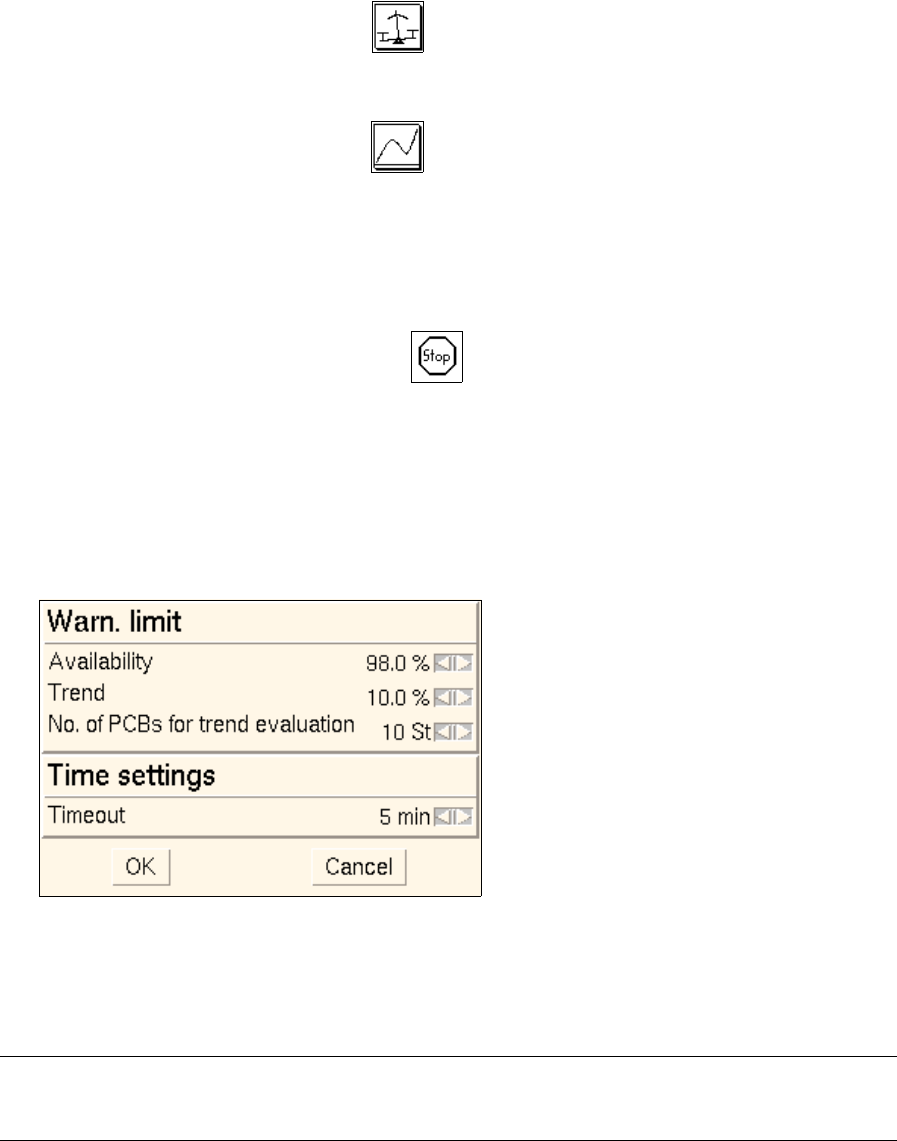
In this window the following limit values can be set for the evaluations "Availability", "Pick-up reliability"
and "Performance":
Warning limits
Availability Icon is highlighted in red if the Availability falls short of the
value preset here.
Trend Icon is highlighted in red if the total number of errors in the
Trend evaluation exceeds the value preset here.
No. of PCBs for trend evaluation Here, the number of PCBs, produced most recently, is set
which are to be taken into account for the trend evaluation.
Time settings
Timeout The icon is displayed if the time period that has elapsed
since the completion (or abortion) of the last PCB exceeds the
Timeout value preset here.
The station concerned is shut down.
● Select OPTIONS --> Limit values.
The following window is opened.
● Set the desired limit values by clicking on the arrow buttons.
● Confirm your setting by OK.
The window is closed.
NOTE
By means of the Load default settings menu option the predefined limit values can be restored.
16 MaDaMaS User Manual Line Computer UNIX
16.2 MaDaMaS Evaluation User Interface Software Version 501.xx 01/99 Issue
16 - 14
- Loading default settings
This option permits the predefined limit values to be reloaded if they were changed by means of the
"Limit values" menu option.
The following limit values are defined as default settings:
Availability: 95 %
Trend 10 %
No. of PCBs for trend evaluation 10
Timeout 5 min.
● Select OPTIONS --> Load default settings.
The predefined default limit values are adopted again.
16.2.5 Command Area
All recorded production data can be logged for a specific evaluation period (time basis). The time basis can be
set by means of the three icons located in the upper portion of the command area. The currently set time basis
is displayed in the info area.
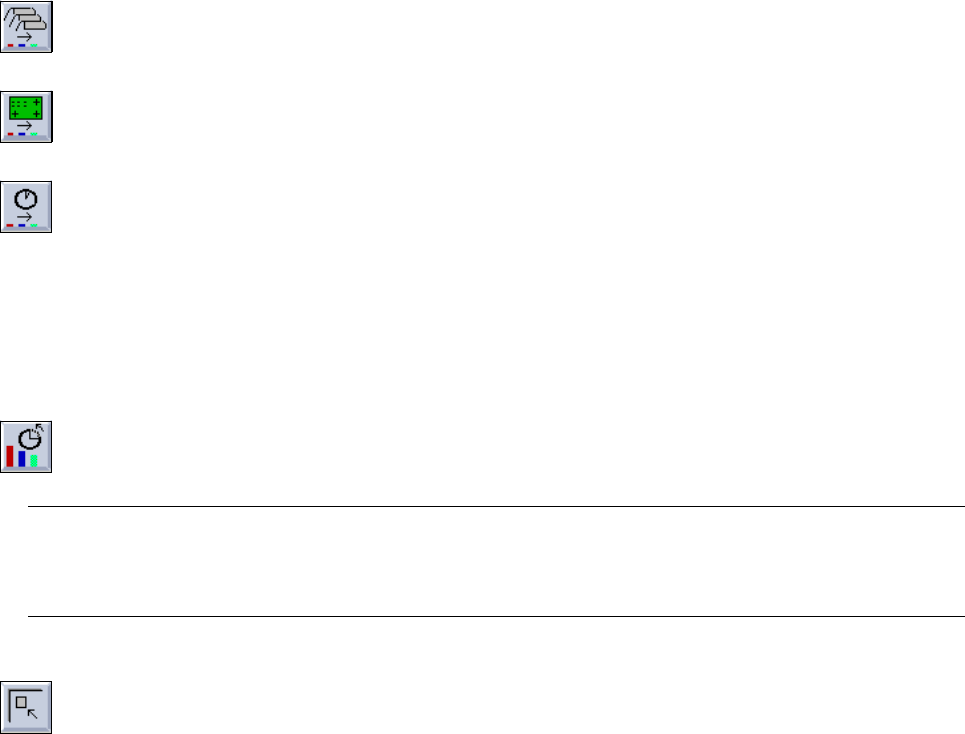
For setting the time basis three icons are available:
Evaluation from the last set-up changeover up to the present.
Evaluation from the last cluster change up to the present.
Evaluation from the last Reset up to the present.
For logging the production data from the last reset to the current point in time, the setting of the Reset time is
of importance.
To this end, the following icon is available in the command area:
The current logging session of the production data is interrupted and a new period of production
data recording starting from the Reset begins.
CAUTION ! ∆
The data captured prior to the "Reset" can no longer be evaluated.
By clicking on this icon in the command area it is possible to switch from the currently displayed
evaluation back to the previous evaluation (all the way to "Overall view").
User Manual Line Computer UNIX 16 MaDaMaS
Software Version 501.xx 01/99 Issue 16.2 MaDaMaS Evaluation User Interface
16 - 15
16.2.5.1 Setting the Time Basis
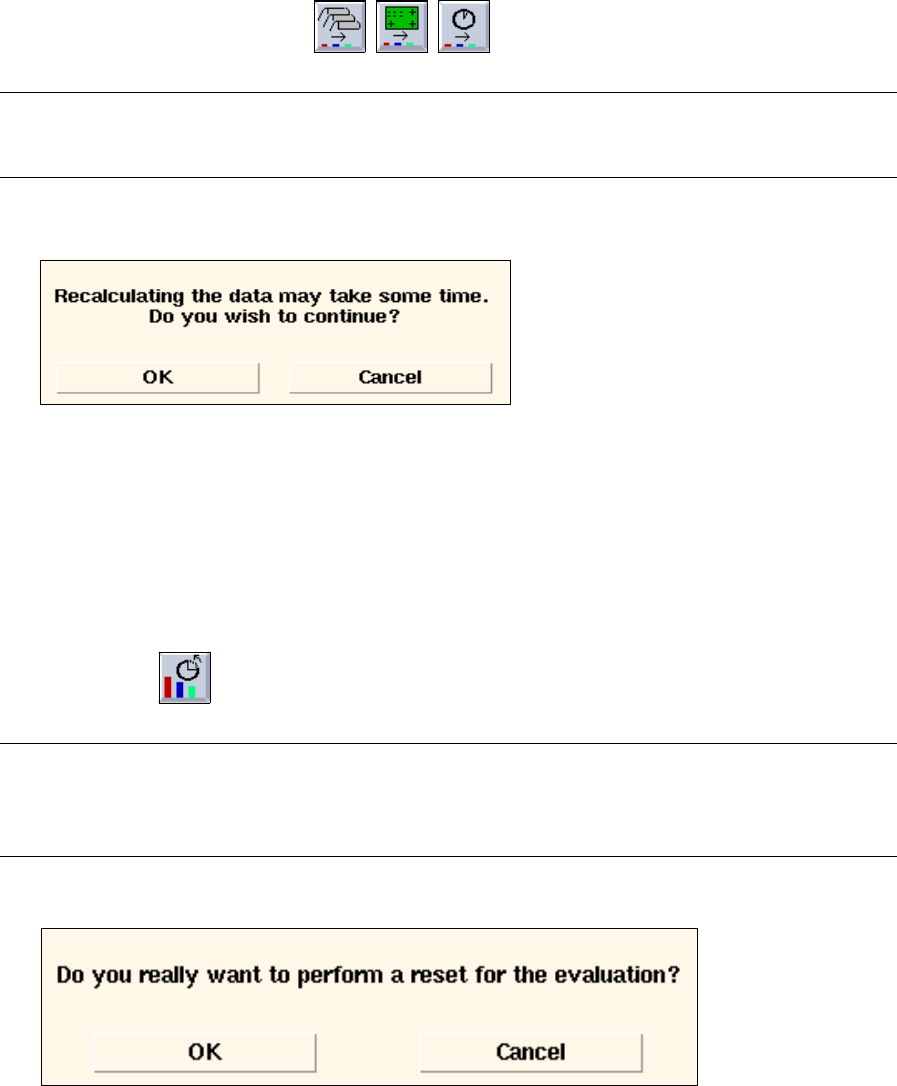
● Click on one of the three icons to set the desired time basis.
NOTE
The icon for the currently set time basis cannot be selected.
The following dialog box is opened:
● Click on OK in the dialog box.
The dialog box is closed. After a short while, the evaluation type for the set time basis is
displayed in the view area.
The icon of the selected time basis is deselected.
16.2.5.2 Performing a Reset
● Activate icon .
NOTE
The icon can only be activated if the evaluation from the "last Reset up to the present point in time"
was performed prior thereto (see section 16.2.5).
The following dialog box is opened:
● Click on OK in the dialog box.
The dialog box is closed. A Reset is performed and from this time onward, a new production data
logging session is started.