00191413-01.pdf - 第593页
User Manual Line Computer UNIX 17.4 Set-Up Generation Software Version 501.xx 01/99 Issue 17.4.3 Manual Set-Up Adjustment 17 - 6 1 Fig. 17.4.1 Definition of a Waf fle-Pack Tray 47. Clic k on the Quit option o n the FILE …
17.4 Set-Up Generation User Manual Line Computer UNIX
17.4.3 Manual Set-Up Adjustment Software Version 501.xx 01/99 Issue
17 - 60
FILE
Save
FILE
Quit
Saving set-up
Allocating a compo-
nent to a waffle-pack
tray
Adjusting conveyor
width
continued from pa
g
e 17-58
Setting up waffle-pack trays
User Manual Line Computer UNIX 17.4 Set-Up Generation
Software Version 501.xx 01/99 Issue 17.4.3 Manual Set-Up Adjustment
17 - 61
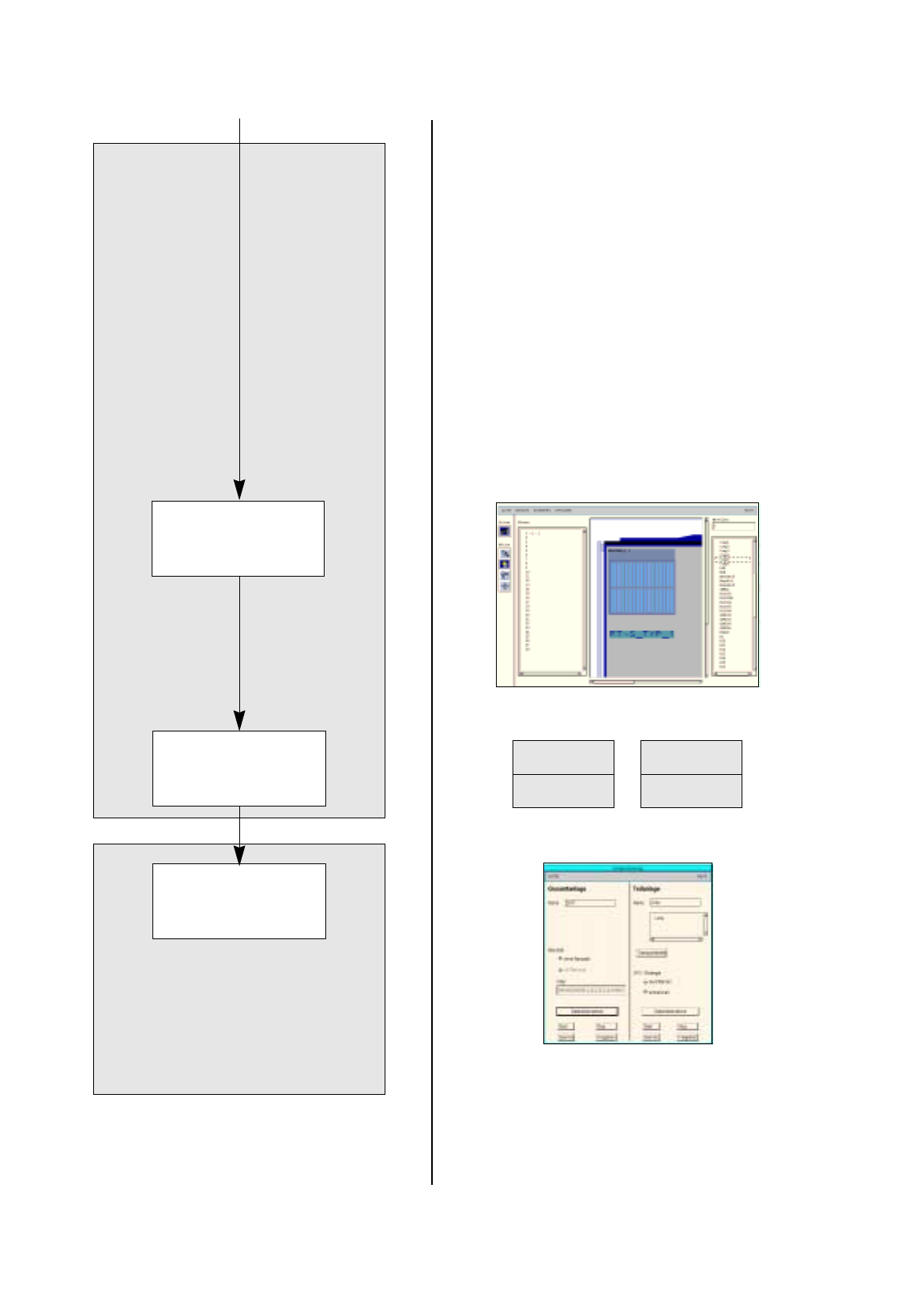
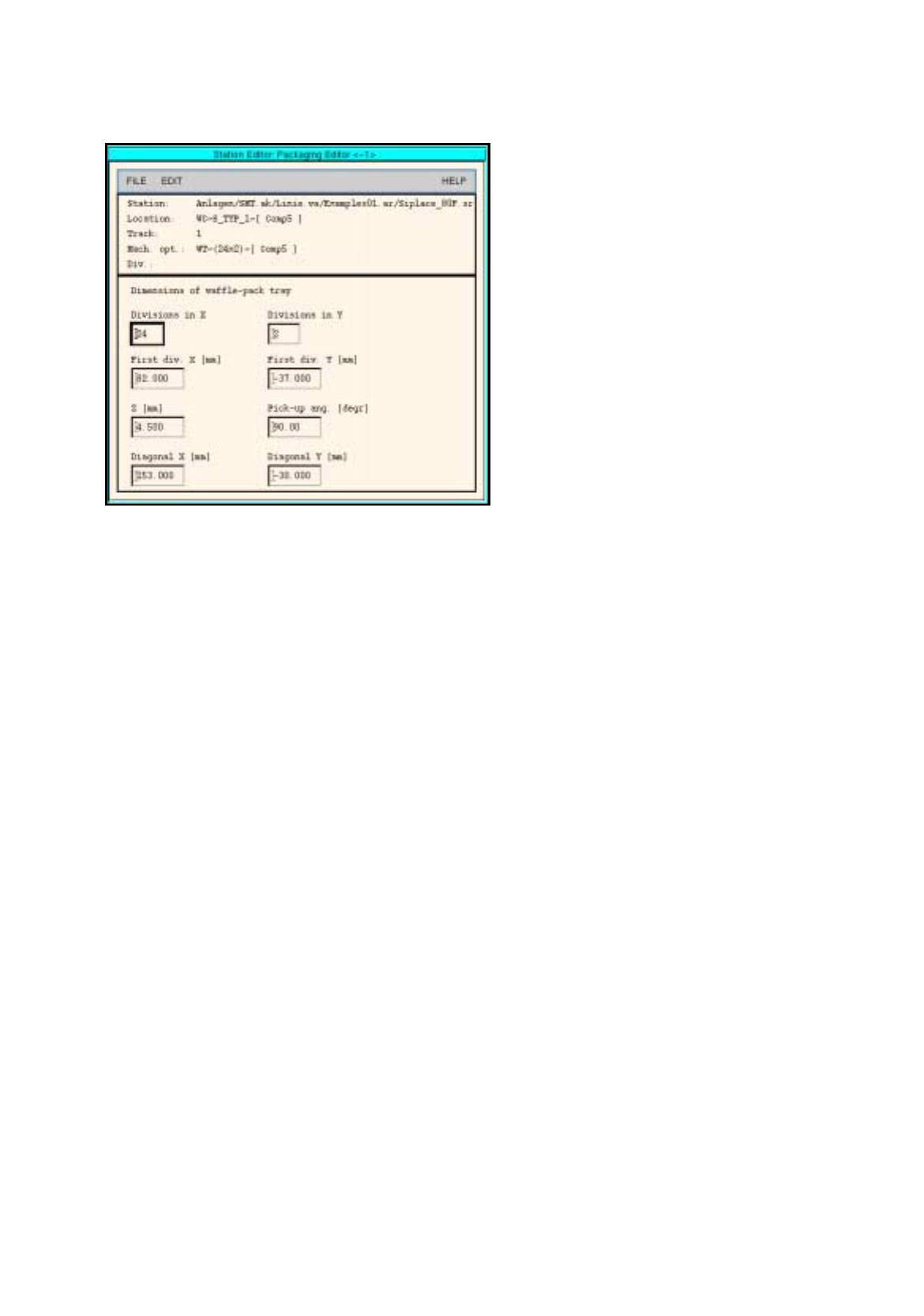
Fig. 17.4.1 Definition of a Waffle-Pack Tray
47. Click on the
Quit
option on the
FILE
menu.
The Packa
g
in
g
Editor is closed. The pick-up area of the waffle-pack tra
y
is displa
y
ed to
g
ether with the
indicated spacin
g
.
To allocate a component to a waffle-pack tray, proceed as follows:
48. On the component list click on the component, here:
Comp5
.
49. Click on the blue pick-up area of the waffle-pack tra
y
.
The component is allocated to the compartments of the waffle-pack tra
y
.
To save the set-up, proceed as follows:
50. Click on the
Save
option on the
FILE
menu.
The created set-up is saved.
51. Click on the
Quit
option on the
FILE
menu.
The Set-Up Editor/WPC Editor is closed.
To adjust the conveyor width (if not already done), proceed as follows:
52. On the desktop click on the
Line control
option on the
SERVICES
menu.
The Line control window is opened.
53. Click on the
Conveyor width
button.
A dialo
g
box is opened.
54. Activate the
Width adj. upon cluster change
button.
With this function, the conve
y
or width is ad
j
usted automaticall
y
upon the next cluster chan
g
e.
55. Click on the
OK
button.
The dialo
g
box is closed.
56. Click on the
Quit
option on the
FILE
menu.
The Line control window is closed.
17.5 Line Control User Manual Line Computer UNIX
17.4.3 Manual Set-Up Adjustment Software Version 501.xx 01/99 Issue
17 - 62
17.5 Line Control
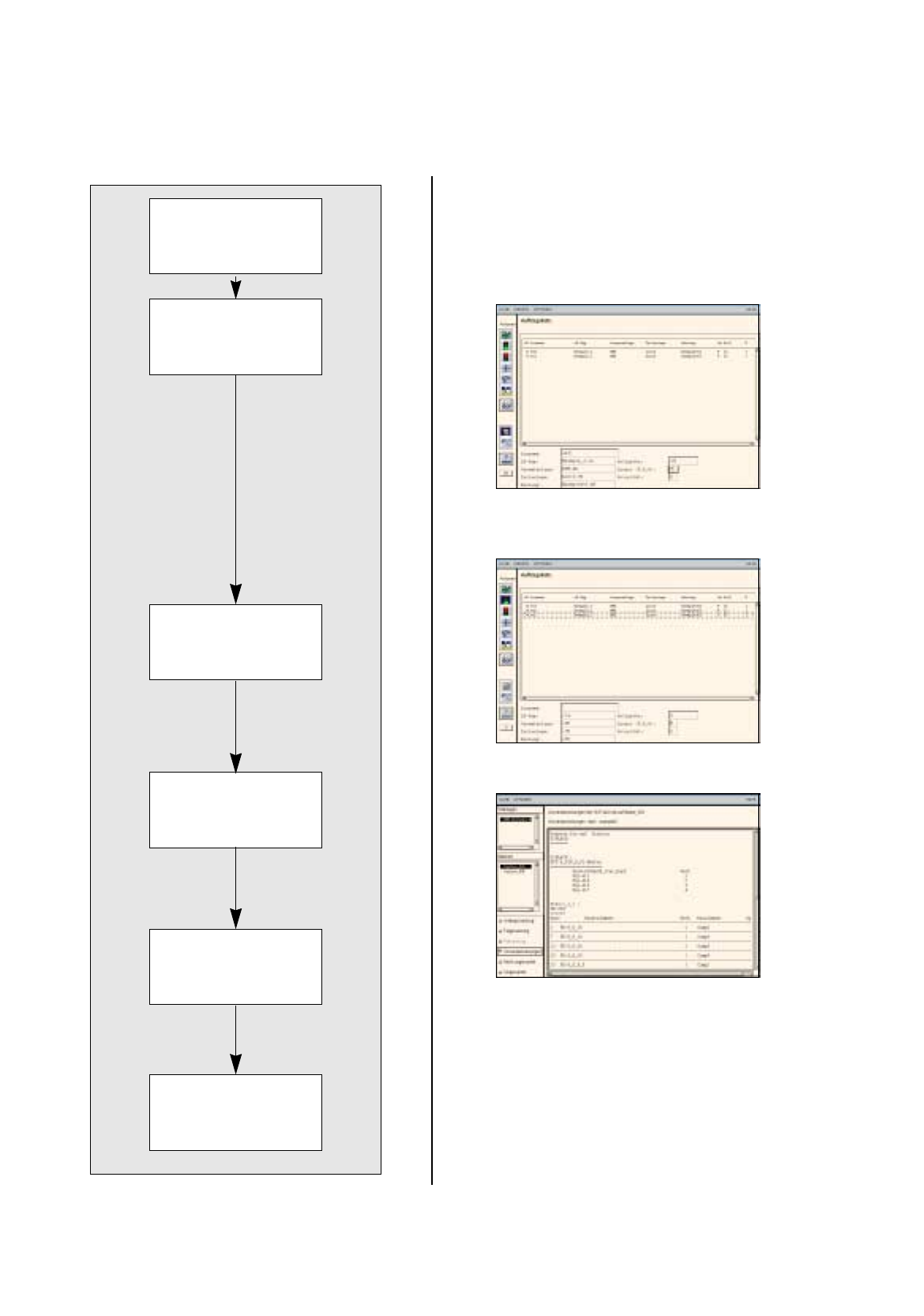
The three PCBs can now be produced usin
g
the created set-up.
Opening Job Control
Scheduling a job
Displaying and printing
set-up changeover in-
structions
Changing the set-up of
stations and confirming
set-up changeover
Inserting jobs in the job
list
The placement of the
scheduled jobs is
started.