00191413-01.pdf - 第89页
User Manual Line Computer UNIX 3 Desktop (Root Window) Software Version 501.xx 01/99 Issue 3.2 Desktop User Interface 3 - 19 The followi ng dia log bo x opens. ● Click on No or Abo rt if the action display ed in the dial…
3 Desktop (Root Window) User Manual Line Computer UNIX
3.2 Desktop User Interface Software Version 501.xx 01/99 Issue
3 - 18
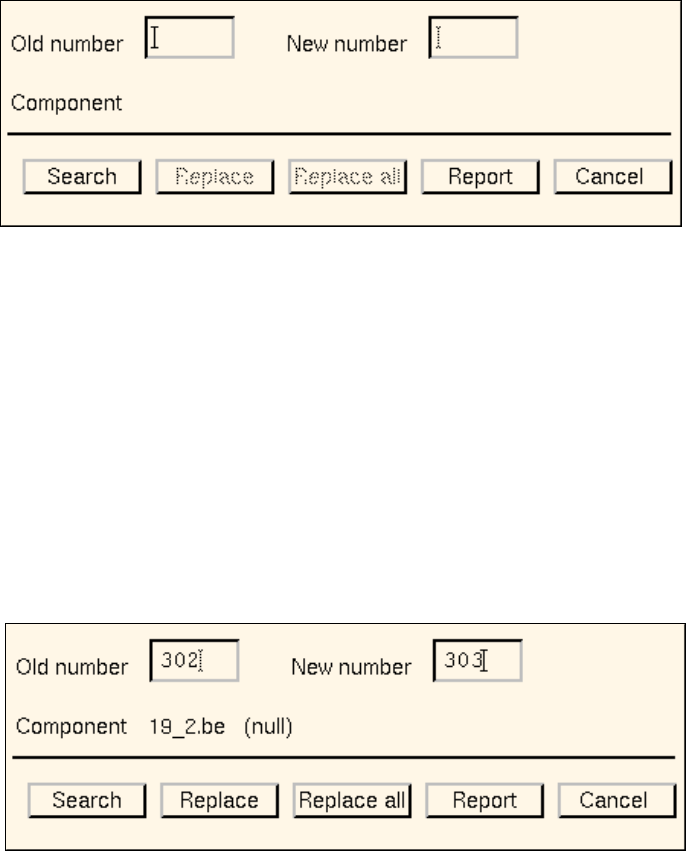
- Replace GF-number
Following any changes in the GF library, this menu option is used to replace the GF number
associated with given components with a different one.
● Click on OPTIONS --> Replace GF-number.
The following dialog box opens.
Procedure:
● In the "Old number" editing field enter the GF number that is to be replaced.
● In the "New number" editing field enter the GF number that is to replace the old number.
● Click on the Search button.
The file name of the first component found that is associated with the GF number entered under
"Old number" is displayed next to the "Component" entry. In addition, the comment that may have
been entered in the Component Editor for the component concerned is displayed next to the file
name.
● Click on the Replace button.
The old GF number is replaced with the new GF number in the component file displayed, and the
search for the next matching component is started.
Or else:
● Click on the Replace all button.
User Manual Line Computer UNIX 3 Desktop (Root Window)
Software Version 501.xx 01/99 Issue 3.2 Desktop User Interface
3 - 19
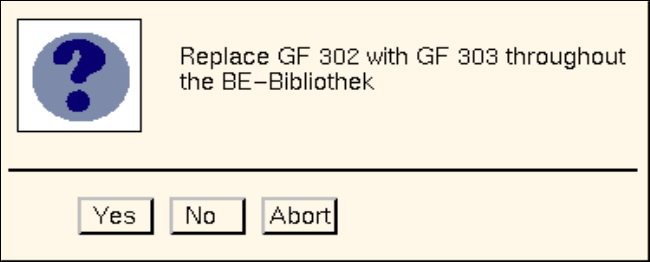
The following dialog box opens.
● Click on No or Abort if the action displayed in the dialog box is not to be executed.
● Click on Yes if the action displayed in the dialog box is to be executed.
From the currently found occurrence of the component (component file) onwards, the old GF
number will be replaced with the new GF number in all subsequently found occurrences of the
component (component files).
The Report button in the dialog box can be used to display the results of the action.
● Click on Report in the dialog box.
The File Display main window opens.
● For details on how to continue, refer to page 3 - 15.
● When all desired replacements have been made, click on Cancel in the dialog box.
The window closes.
3 Desktop (Root Window) User Manual Line Computer UNIX
3.2 Desktop User Interface Software Version 501.xx 01/99 Issue
3 - 20
- Similarity Check
This menu option is used to compare all customer-specific package forms (GF no.
>
1500) for simila-
rity with the standard package forms (GF no.
<
1499).
(For details on the criteria for the similarity check refer to the note on page 3 - 15).
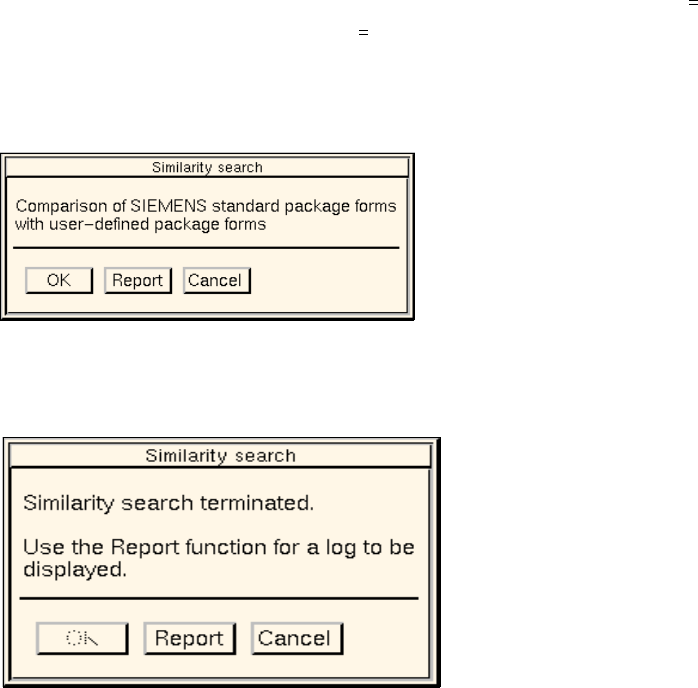
● Click on OPTIONS --> GF Handling --> Similarity check.
The dialog window below opens.
● Click on the OK button.
The dialog window indicates that the similarity check is being performed.
After the comparison is completed, the dialog window is displayed as follows:
● Click on Report.
The File Display main window opens. The contents of the log file "GF_LibInstall.log" are dis-
played in the view area (see page 3 - 16).
● Close the File Display main window using the menu option FILE --> Quit.
● Click on Cancel in the dialog window.
The dialog window closes.