00191413-01.pdf - 第97页
User Manual Line Computer UNIX 3 Desktop (Root Window) Software Version 501.xx 01/99 Issue 3.2 Desktop User Interface 3 - 27 "FILE" Menu - Save to diskette This fun ction is used to s ave the u ser accou nt con…
3 Desktop (Root Window) User Manual Line Computer UNIX
3.2 Desktop User Interface Software Version 501.xx 01/99 Issue
3 - 26
Deleting the password of the current user
● Enter the existing password in the "Password" editing field.
● Click on the "New password" editing field and press the RETURN key.
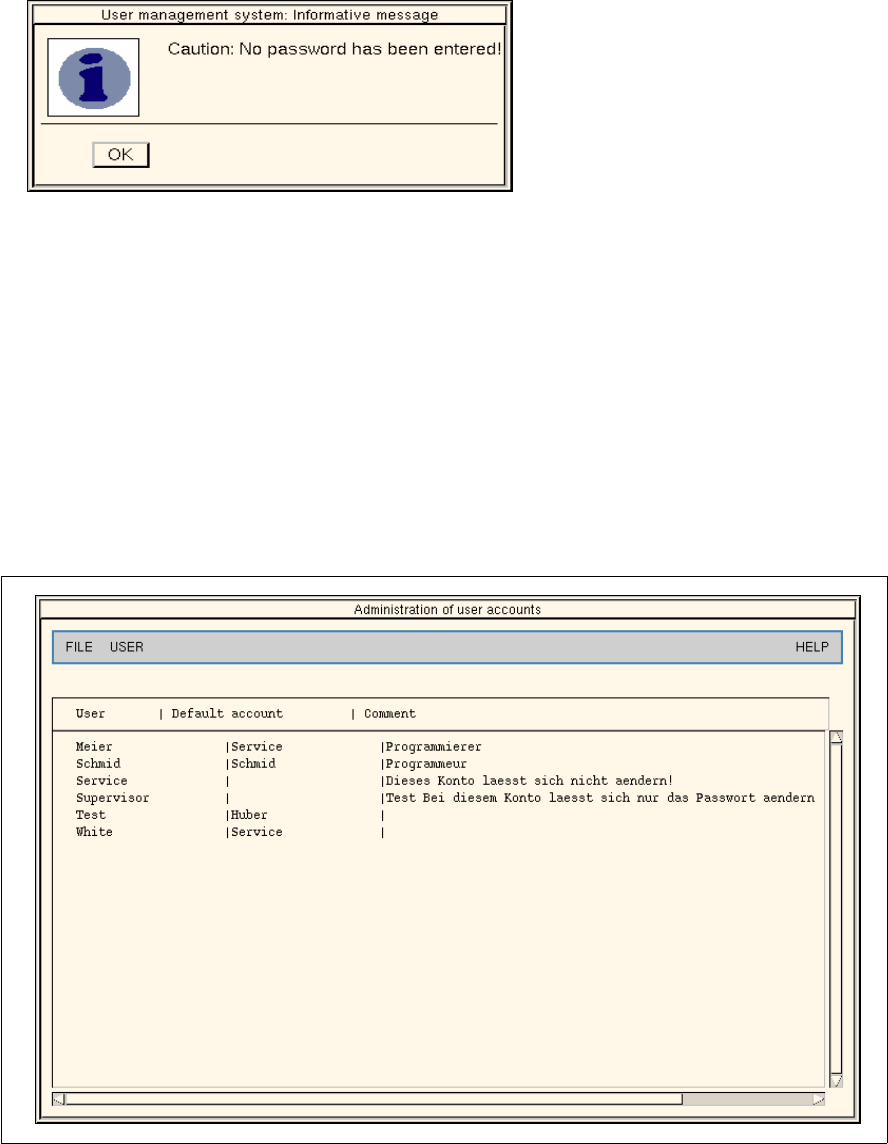
The following dialog box opens.
● Click on OK for confirmation.
The dialog box closes.
● Click on OK in the dialog window.
The dialog window closes as well. No password is now contained in the user account of the
current user.
- Administration of user accounts
This menu option enables user accounts to be edited. It is, however, prerequisite that the "Administra-
tion of user accounts" option is set to "Full access" for the current user (see page 3 - 31).
● Click on SERVICES --> User management --> Administration of user accounts.
The following dialog box opens.
Fig. 3.2.1 Administration of User Accounts
The menus "FILE", "USER" and "HELP" are contained on the menu bar. The menu functions of the
first two menus are briefly described in the following.
User Manual Line Computer UNIX 3 Desktop (Root Window)
Software Version 501.xx 01/99 Issue 3.2 Desktop User Interface
3 - 27
"FILE" Menu
- Save to diskette
This function is used to save the user account configuration file to diskette. The data of any existing
configuration file on the diskette will be overwritten.
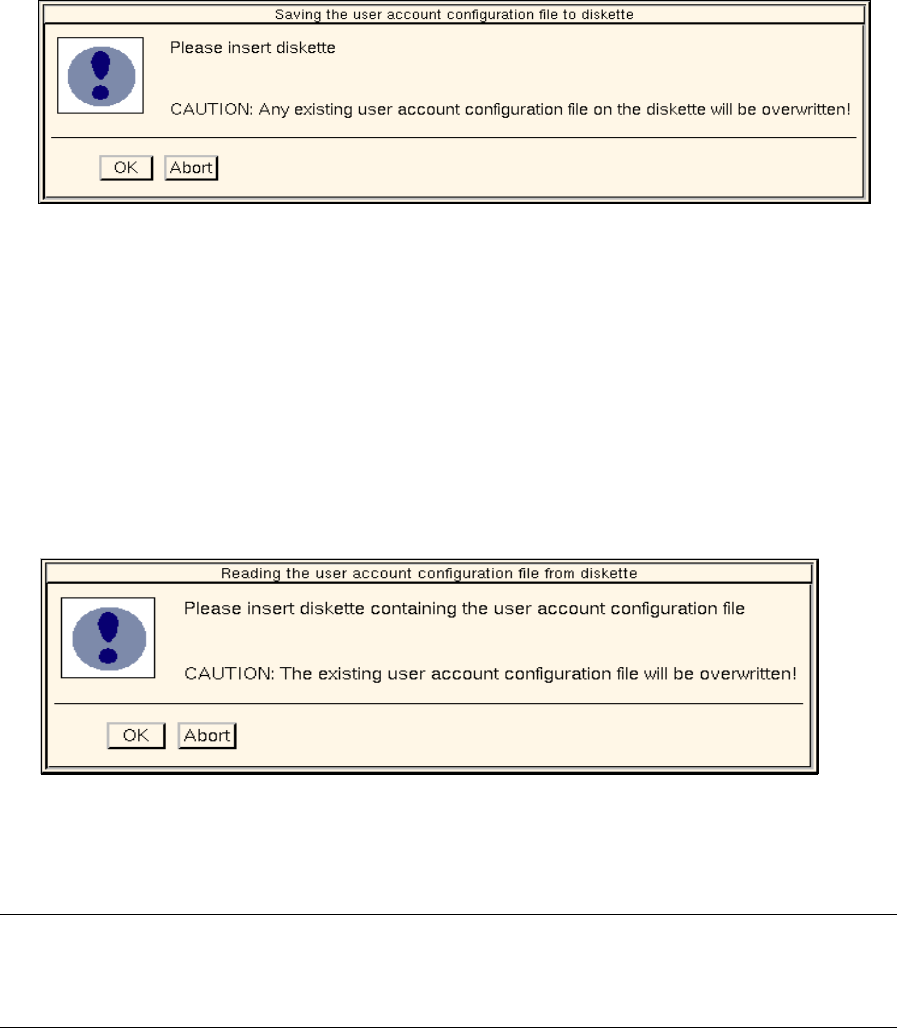
● Click on FILE --> Save to diskette.
The following dialog box opens.
● Insert the diskette into the floppy disk drive and close the dialog box by clicking on OK.
The configuration file is saved to the diskette.
- Read from diskette
This function is used to read a user account configuration file from diskette and to copy it to the hard
disk. The configuration file already existing on the hard disk will be overwritten.
From this point onward, only those user accounts (users including access rights) are valid that have
been read in from the configuration file.
● Click on FILE --> Read from diskette.
The following dialog box opens.
● Insert the diskette containing the desired configuration file into the floppy disk drive and close the
dialog box by clicking on OK.
The configuration file is now read in and copied to the hard disk.
NOTE
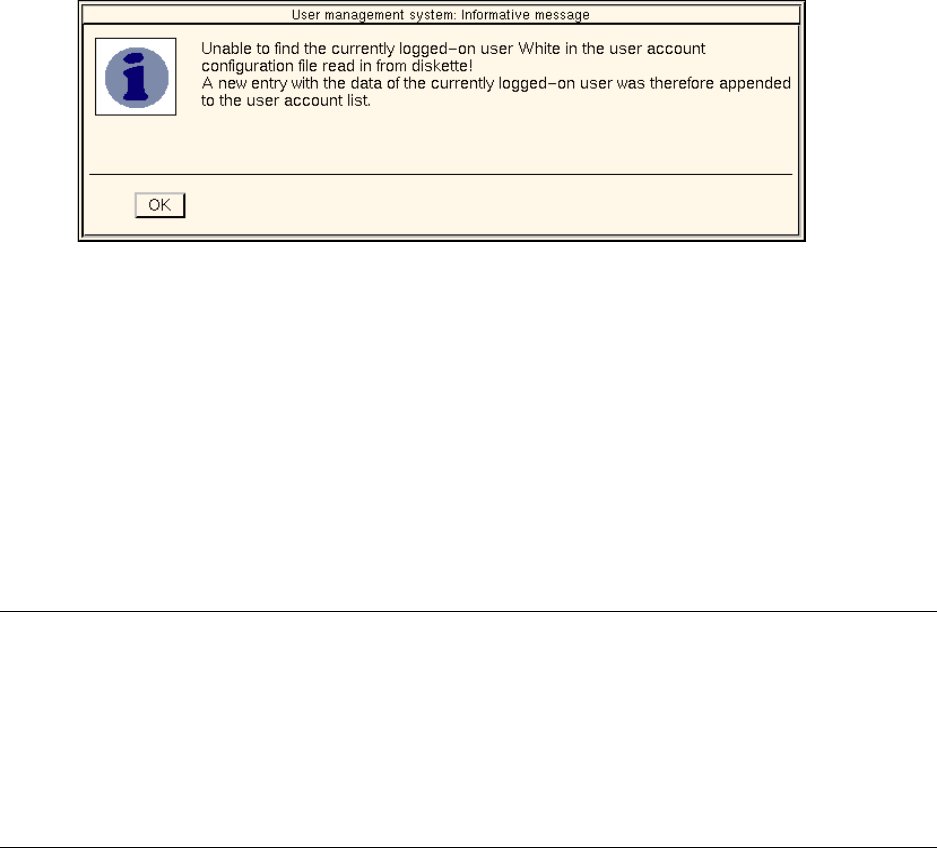
If the user account of the currently logged-on user is not contained in the configuration file to be
copied, the following dialog box is displayed.
3 Desktop (Root Window) User Manual Line Computer UNIX
3.2 Desktop User Interface Software Version 501.xx 01/99 Issue
3 - 28
● Close the dialog box by clicking on OK.
The account of the currently logged-on user is automatically added to the list of user accounts of
the new configuration file.
- Print
This function is used to output the data of the user account configuration file to the default printer.
- Close
The "Administration of user accounts" dialog window closes.
NOTE
Upon switchover of the data storage system (see chapt. 4, section 4.2.1.1) the user account configuration
file valid for the particular system will be read in.
If the account of the currently logged-on user is not contained in this configuration file, the above dialog
box will be displayed.
If no user account configuration file exists in the new data storage system, an error message is displayed
and the currently used configuration file will continue to be used.