00191413-01.pdf - 第540页
17.2 From the Placement Pro g ram to the Ass embly User Manual Line Computer UNIX 17.2.6 Flowchart Set-Up Generation Software Version 501.xx 01/99 Issue 17 - 8 17.2.6 Flowcha rt Set-Up Genera tion Open Optim ization Dia …
User Manual Line Computer UNIX 17.2 From the Placement Pro
g
ram to the Assembly
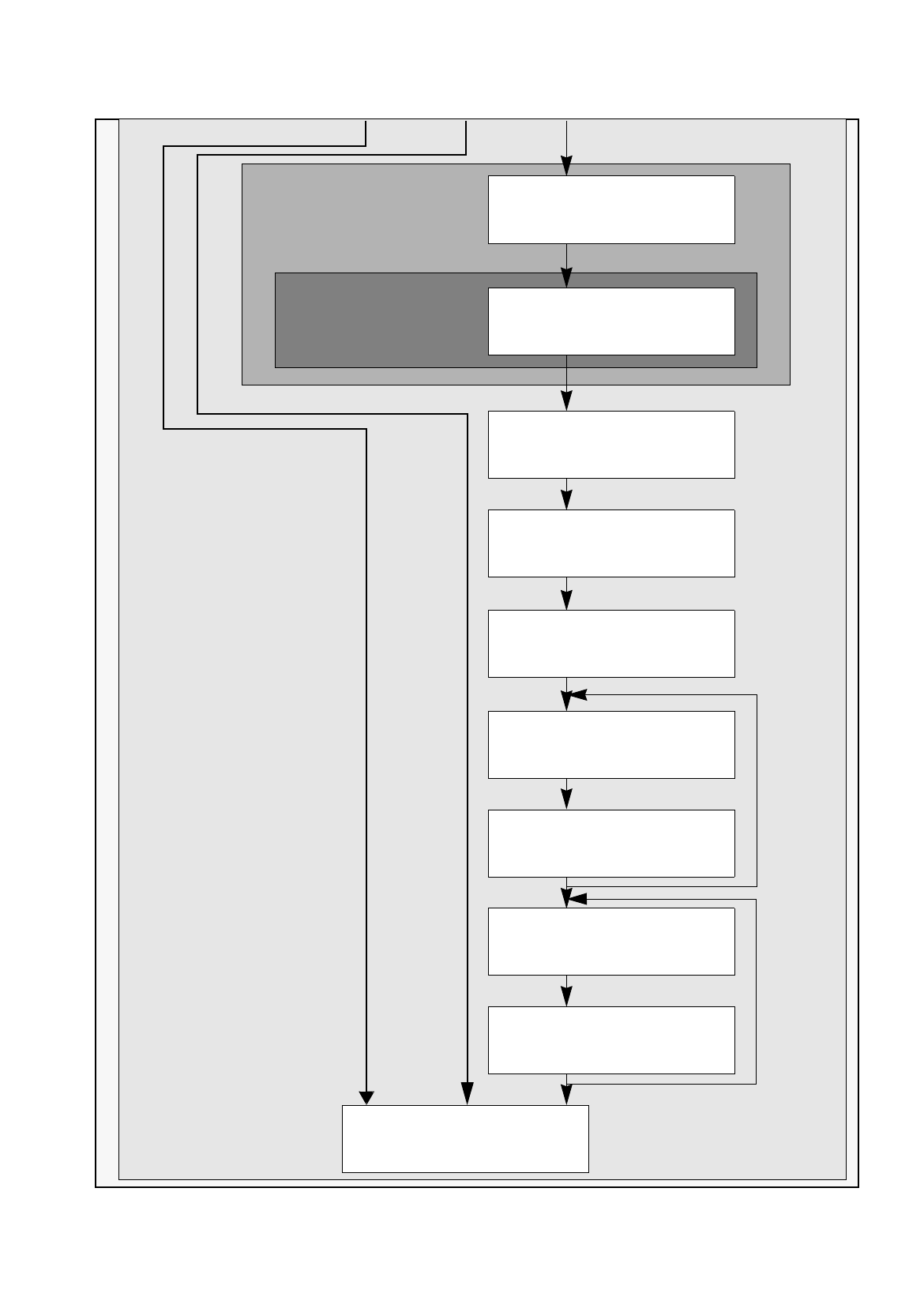
Software Version 501.xx 01/99 Issue 17.2.5 Flowchart PCB Description
17 - 7
Cluster Editor
Fiducial Editor
Load cluster data and placement
positions from other PCB
S.17-46
Duplicate single circuit
S.17-48
Enter offset values
for the single circuit
S.17-48
Duplicate cluster
S.17-48
Enter offset values
for the cluster
S.17-48
Save PCB data
S.17-18 17-38 17-50
Create a single circuit
in the cluster
S.17-46
Enter offset values
for the single circuit
S.17-46
repeat once
repeat 3x
Define fiducials
S.17-44
Enter
cluster dimensions
S.17-44
17.2 From the Placement Pro
g
ram to the Assembly User Manual Line Computer UNIX
17.2.6 Flowchart Set-Up Generation Software Version 501.xx 01/99 Issue
17 - 8
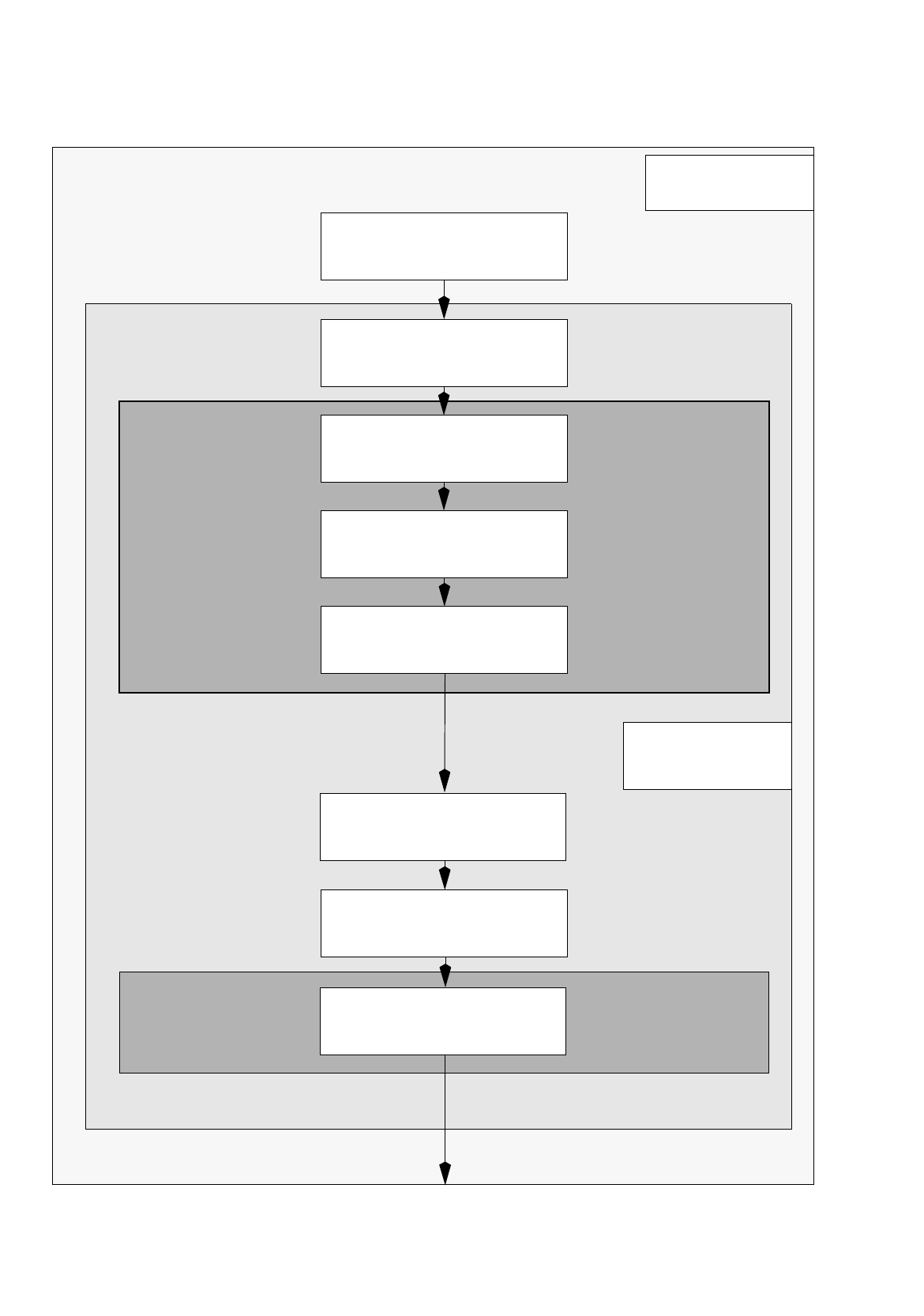
17.2.6 Flowchart Set-Up Generation
Open
Optimization Dialog
S.17-52
Create lot file
S.17-52
Desktop
Edit lot file
S.17-52
Save lot file
S.17-52
Generate
basic optimization data
S.17-52
Optimization Dialog
Start optimization
for lot file
S.17-54
Start producibility check
for lot file
S.17-54
Display and print
optimized set-up
S.17-54
Set-Up Modification
Job Control
Lot Handling
Section 17.4.1
Automatic
Set-Up Generation
Section 17.4.2
Generator
User Manual Line Computer UNIX 17.2 From the Placement Pro
g
ram to the Assembly
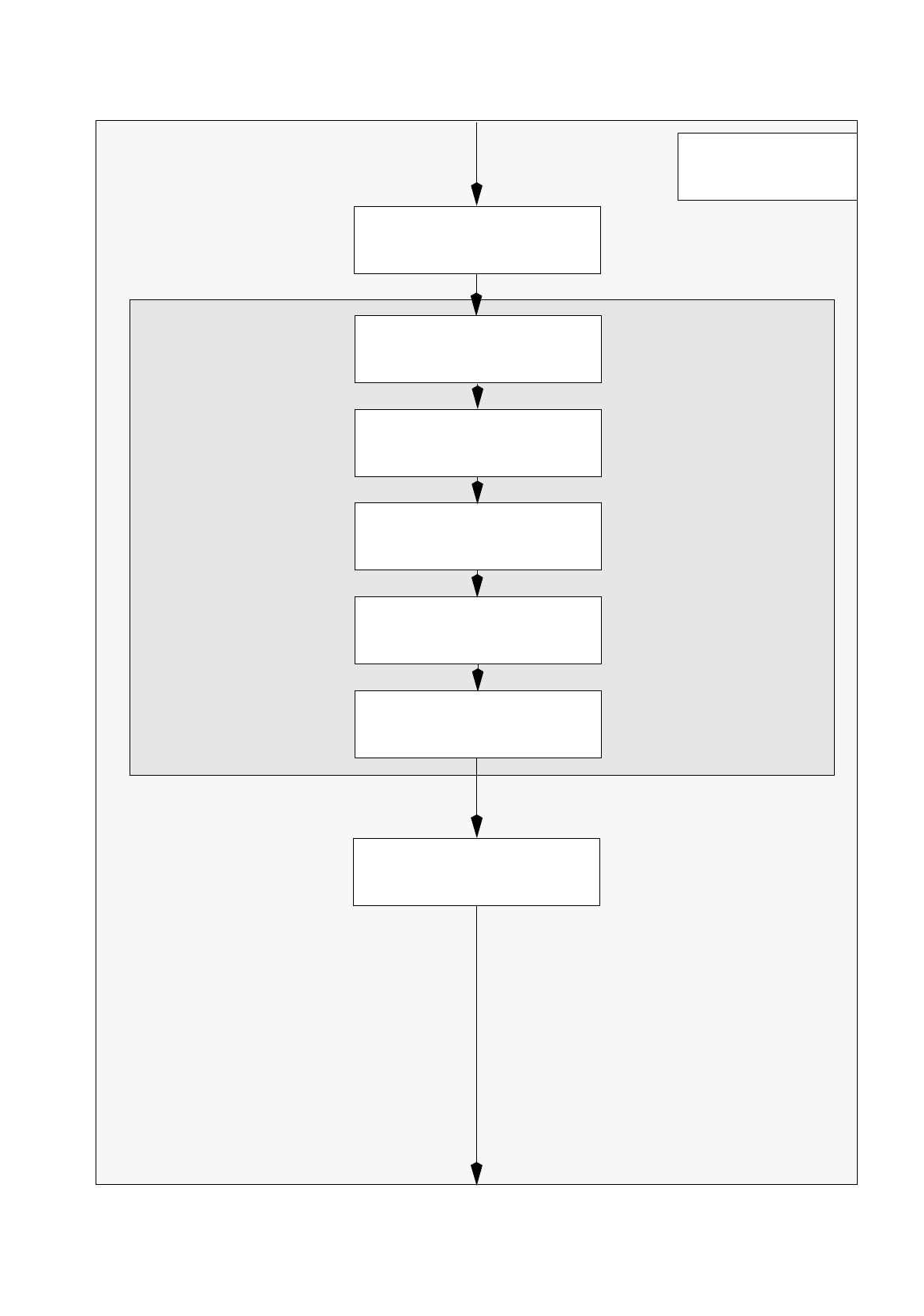
Software Version 501.xx 01/99 Issue 17.2.6 Flowchart Set-Up Generation
17 - 9
Open
Set-Up Editor/Feeder Part Editor
S.17-56
Delete feeders,
which are not required
S.17-56
Allocate new feeders
to the tracks
S.17-56
Desktop
Allocate components
to the feeders
S.17-56
Adjust vibration time
and pick-up angle
S.17-58
Save set-up
S.17-58
Set-Up Editor/
Manual
Set-Up Adjustment
Section 17.4.3
Feeder Part Editor
Open
Set-Up Editor/WPC Editor
S.17-58