00191413-01.pdf - 第536页
17.2 From the Placement Pro g ram to the Assembly User Manual Line Computer UNIX 17.2.2 Flowchart Packa g e Form Description Software Version 501.xx 01/99 Issue 17 - 4 17.2.2 Flowchart Package Form Des cription Open Pack…
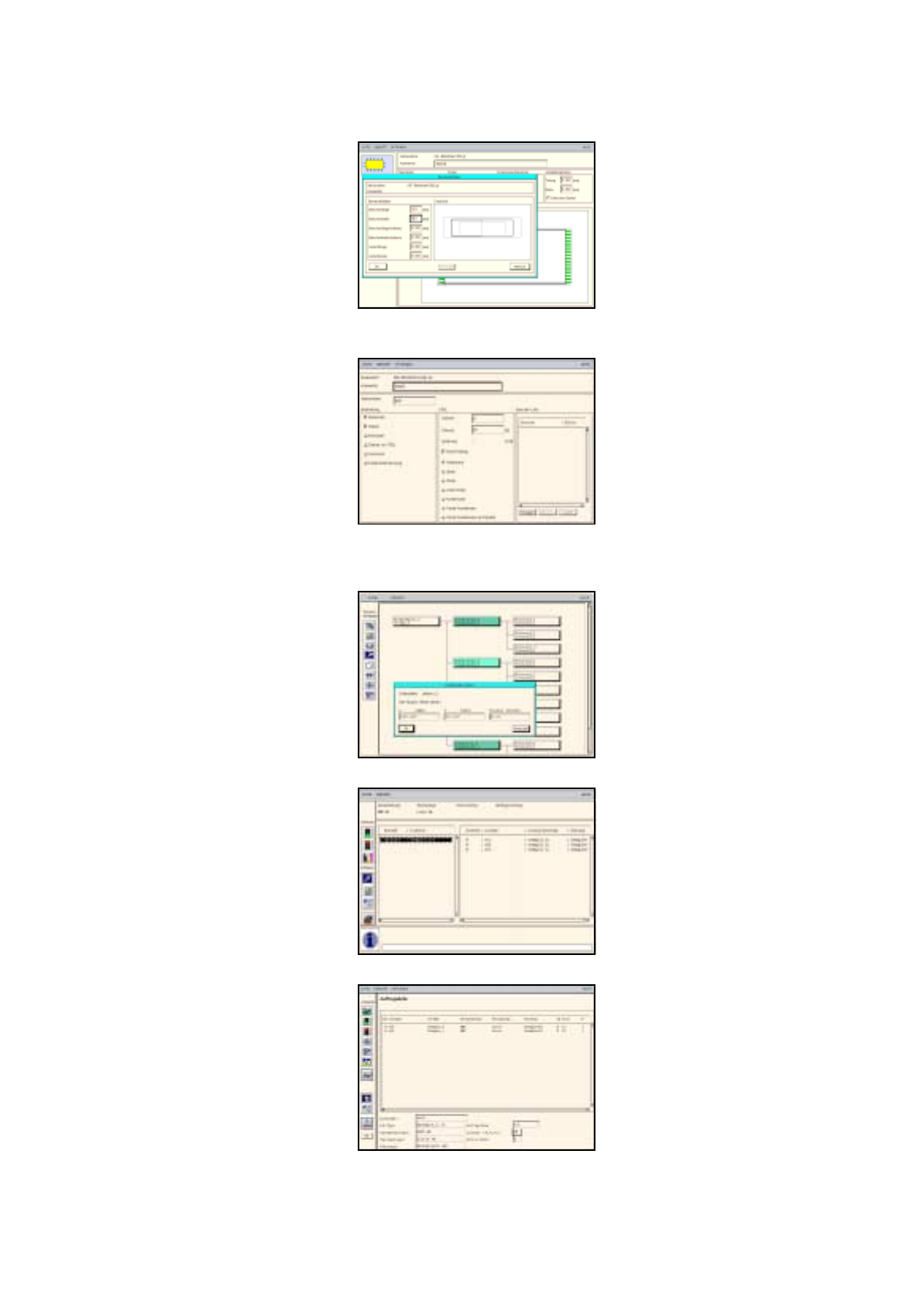
User Manual Line Computer UNIX 17.2 From the Placement Pro
g
ram to the Assembly
Software Version 501.xx 01/99 Issue 17.2.1 Overview
17 - 3
The adhesive pattern description is dispensed with.
Package Form Editor
Component Editor
PCB Editor
Optimization Dialog
Job Control
Adhesive Pattern Editor
17.2 From the Placement Pro
g
ram to the Assembly User Manual Line Computer UNIX
17.2.2 Flowchart Packa
g
e Form Description Software Version 501.xx 01/99 Issue
17 - 4
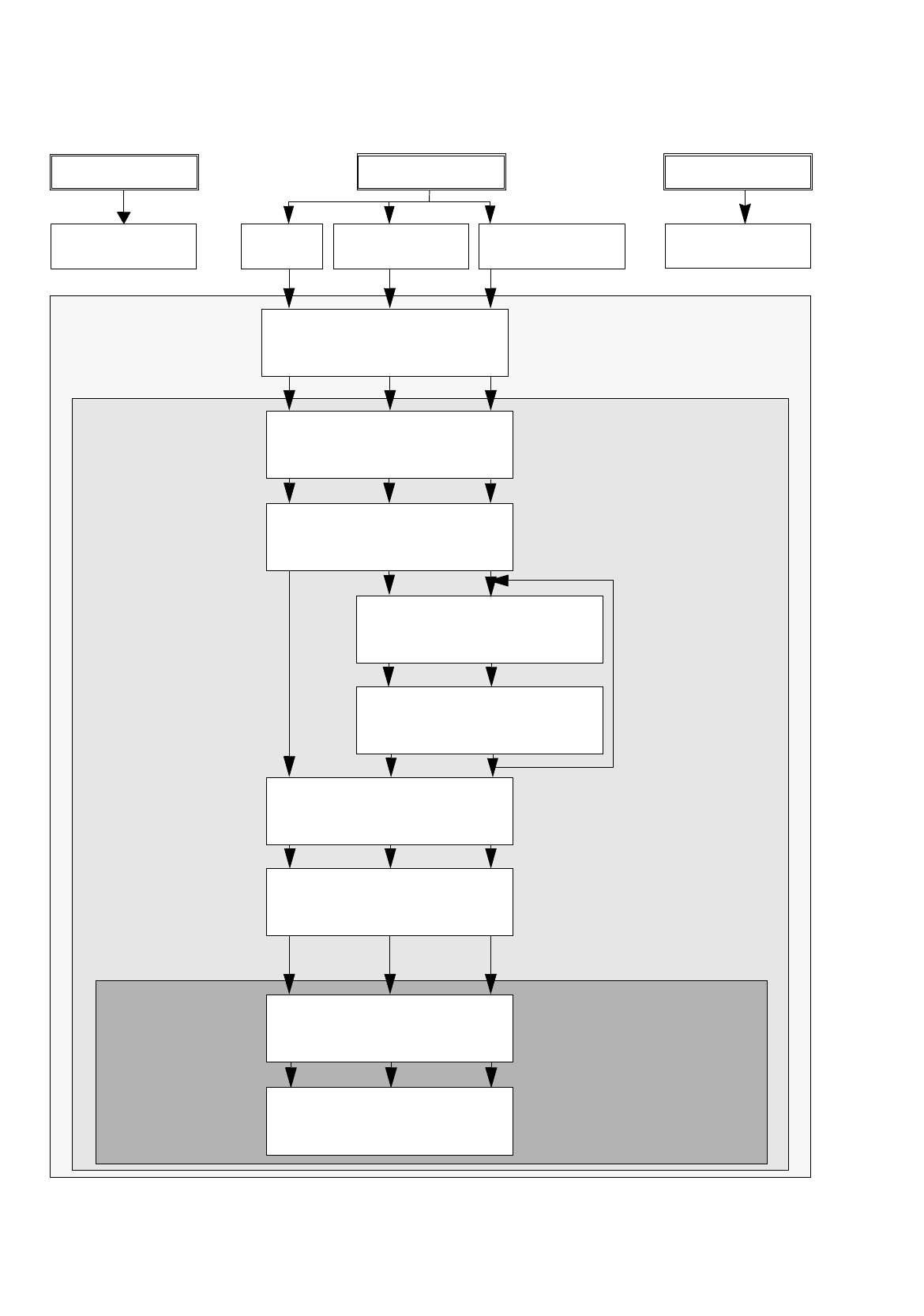
17.2.2 Flowchart Package Form Description
Open
Package Form Editor
S.17-22 17-24 17-28
PDC
GF 1501
FDC regular
GF 1502
FDC irregular
GF 1503
Define package form type
S.17-22 17-24 17-28
Enter package form
dimensions
S.17-22 17-24 17-28
Create pin group
S.17-24 17-28
Define pin model
S.17-26 17-28
Enter handling data
S.17-22 17-26 17-30
Save package form data
S.17-22 17-26 17-32
Allocate package form
to a feeder
S.17-22 17-26 17-32
Save allocation
S.17-24 17-26 17-32
repeat for each pin
g
roup, here: 2x
Package Form
Feeder Editor
Desktop
Editor
No Package form
PCB 1 PCB 2 PCB 3
description
No Package form
description
User Manual Line Computer UNIX 17.2 From the Placement Pro
g
ram to the Assembly
Software Version 501.xx 01/99 Issue 17.2.3 Flowchart Component Description
17 - 5
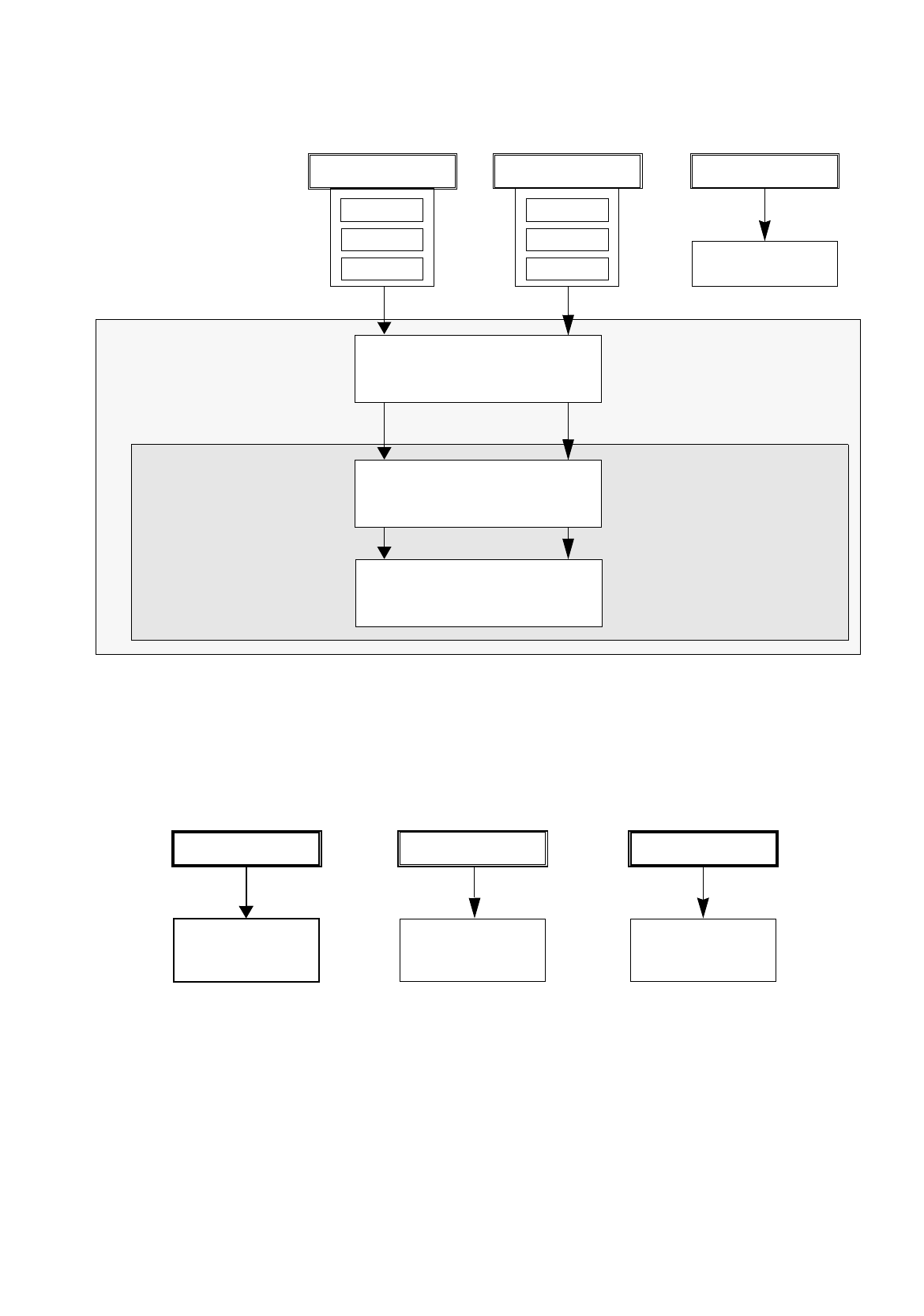
17.2.3 Flowchart Component Description
PCB 1 PCB 3
PCB 2
Open Component Editor
for a component
S.17-14 17-34
Save
component data
S.17-14 17-34
Enter
component data
S.17-14 17-34
Desktop
Component Editor
17.2.4 Flowchart Adhesive Pattern Description
Comp4
Comp5
Comp6
Comp1
Comp2
Comp3
PCB 1
PCB 3
No component
PCB 2
No adhesive
pattern description
section 17.2.1.3
No adhesive
pattern description
section 17.2.2.3
No adhesive
pattern description
section 17.2.3.3
description